AI Image Upscaler ✓
Enhance images with AI for free
From $9 / month
Verdict
A quick read before you dig into the full page.
- Best if
- You are photographers and need: Enhance low-resolution photos for printing
- Skip if
- Limited maximum resolution
- Pick this when
- Supports various image formats
Considering Deep Image instead? Compare side by side
Overview
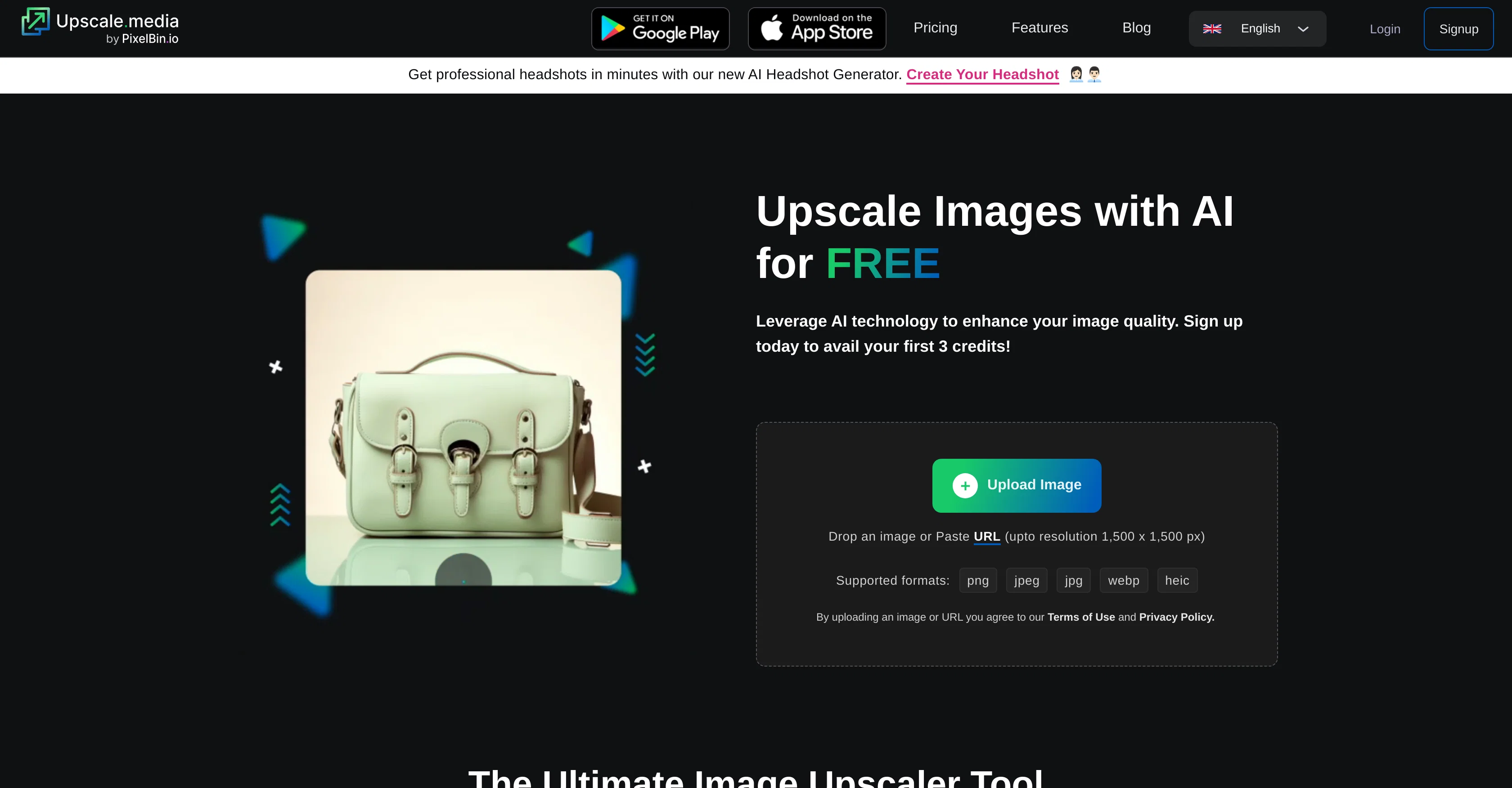
Upscale.media is an AI-powered tool designed for image enhancement and upscaling. This platform empowers users to enlarge images to 2x or 4x resolutions without losing integral textures or details, aiming to deliver superior visual output.
The tool accepts images in various formats including png, jpeg, jpg, webp, and heic. Beyond its core function of enlarging photos, Upscale.media offers additional services for professional and e-commerce users, including enterprise solutions.
Businesses can utilize the platform for bulk image transformation, uploading multiple images simultaneously for efficient, large-scale enhancement. Upscale.media also presents options for API integration to facilitate seamless assimilation into existing workflows and frameworks, further enhancing productivity in larger settings.
Users can explore blogs detailing tips and advances in image upscaling technology, gaining useful insights on topics such as enhancing AI-generated art and midjourney images.
The Upscale.media tool has user-friendly interface and is available for free with in-app purchases on Android and iOS platforms.
Best for
Short scenarios where AI Image Upscaler tends to shine.
-
Enhance low-resolution photos for printing
Best for Photographers
-
Improve image quality for online content
Best for Graphic designers
-
Upscale images for presentations and marketing materials
Best for Web developers
Example outputs 1
Sample generations and before/after results for AI Image Upscaler.
Access & connections
Where you can use AI Image Upscaler.
Capabilities
What this tool accepts, produces, and is strongest at.
Input
- API
- Image
Output
- API
- Image
Supported features
- Upscaling
Pros & cons
Pros
- Supports various image formats
- Increases resolution up to 4x
- Retains textures and details
- Available as a mobile app
- Supports Android and iOS
- Free for personal use
- Quick results
- Provides blog section
Show 38 more
- Can upscale images to 2x or 4x
- Accepts images in various formats
- Offers bulk image transformation
- Allows API integration
- Has user-friendly interface
- Offers in-app purchases
- Provides insights in image upscaling technology
- Multiple images upload for transformation
- Quality enhancement for midjourney images
- Free image upscaling
- Provides options for digital upscaling
- Superior upscaling for professional purposes
- Quality maintenance in image enlargement
- Opportunity for bulk processing images
- Platform facilitates real-time image transformations
- Offers storage for media library
- 3000 X 3000 PX maximum output resolution and size
- Supports heic image type
- Capable of working with large images
- Delivers high-definition images
- Ideally suited for businesses and individuals
- Upscale.media enhances image quality in seconds
- Serves as a transformative tool online
- Employs state-of-the-art technology for clarity
- Tool to refine and sharpen visuals
- Effortlessly upscale images
- Can improve resolution of images online
- Integral for bulk upscaling of photos
- Clarifies and sharpens image quality
- Supports bulk upscaling of photos
- Internet-based tool for widening photos
- Can increase image resolution by four times
- Uses artificial intelligence to remove JPEG artifacts
- Fulfills requirements of a professional-grade upscaled image
- Efficient process for enhancing images online
- Can upgrade low-quality image to high-quality
- Aids in increasing image resolution
- Able to get rid of JPEG artifacts
Cons
- Limited maximum resolution
- No RAW support
- In-app purchases required
- No option for more than 4x upscaling
- Dependent on internet connection
- Unsupported animated formats
- No batch processing for direct users
Compare alternatives
Similar tools in the catalog — with a clear reason to open each one.

Deep Image ✓
Free TrialEnhance photos with advanced editing features.
Free + from $9/mo
Full comparison
Upscayl ✓
Free TrialEnhance images with free, open-source AI upscaling.
Why look More privacy-focused
Full comparison
AI Upscaler ✓
FreemiumSmarter AI 4K Upscaler for Images & Videos
Why look Higher community rating
Full comparison
SciFig ✓
FreemiumTurn text into publication-ready scientific figures.
Free + from $12/mo
Full comparison
Neurohelper AI ✓
PaidEvery leading AI model. One workspace.
Why look Better for writing
Full comparisonPeople also view
Tools that often show up alongside AI Image Upscaler in collections and comparisons.
Upscayl ✓
Free TrialEnhance images with free, open-source AI upscaling.
Deep Image ✓
Free TrialEnhance photos with advanced editing features.
AI Upscaler ✓
FreemiumSmarter AI 4K Upscaler for Images & Videos
Neurohelper AI ✓
PaidEvery leading AI model. One workspace.

Monipix ✓
FreemiumUpscale blurry photos to 4K & 16K instantly.

MojoMake - AI Image to Video Generator ✓
FreemiumUse every top AI model and 100+ effects in one account.

Kyukoma ✓
Free TrialTurn your stories into manga pages with AI.

ClipBG - The Ultimate Bulk AI Background Remover ✓
Freemium100% private, browser-based bulk background removal with flawless AI precision.
Releases 1
In the news
Launch coverage and community mentions for AI Image Upscaler.
Imported reviews 4
suprisingly the only online upscaler that actually tries to not turns pixels into mush
website turns on my antivirus
No imprint with business location, owner or contact. Also no contact form or email for support. Trying the free version the test videos are showing onyl 'in progress' after several days. Scam?
I would not recommend. It enlarges the file size with no benefit to the image.
FAQ 12
What image formats does Upscale.media support?
How can I access Upscale.media on my mobile device?
Is there a limit on how much I can upscale my images with Upscale.media?
Does Upscale.media provide options for API integration?
Can I use Upscale.media for free?
What is Upscale.media's high-resolution feature for?
What are the professional applications of Upscale.media?
How is Upscale.media useful for e-commerce businesses?
What kind of automatic features does Upscale.media provide?
How can I increase the resolution of my images with Upscale.media?
What advantages does Upscale.media's AI technology offer?
Where can I find tutorials or guides about using Upscale.media?
Related tools
Recommended

AI Image Upscaler ✓
FreemiumUpscale and enhance images with 1-click.

ImageUpscalerAi ✓
PaidFree AI image upscaler for photos and more.

Img Upscaler ✓
FreemiumUpscale images by 400% without quality loss

LearningStudioAI ✓
Free TrialAI-powered authoring tool for effortless online course creation.

Photo AI ✓
PaidCreate beautiful AI photos and videos of real people

GPTExcel ✓
FreemiumGenerate spreadsheet formulas with AI