

Image-to-Video Maker ✓
Create AI videos from text, images, or clips instantly.
from $12.99/mo
Verdict
A quick read before you dig into the full page.
- Best if
- You are filmmakers and need: Film and advertising: Quickly generate high-resolution special effects shots or commercials at low cost
- Skip if
- Potential subscription plan inflexibility
- Pick this when
- Image animation
Considering freebeat AI instead? Compare side by side
Overview


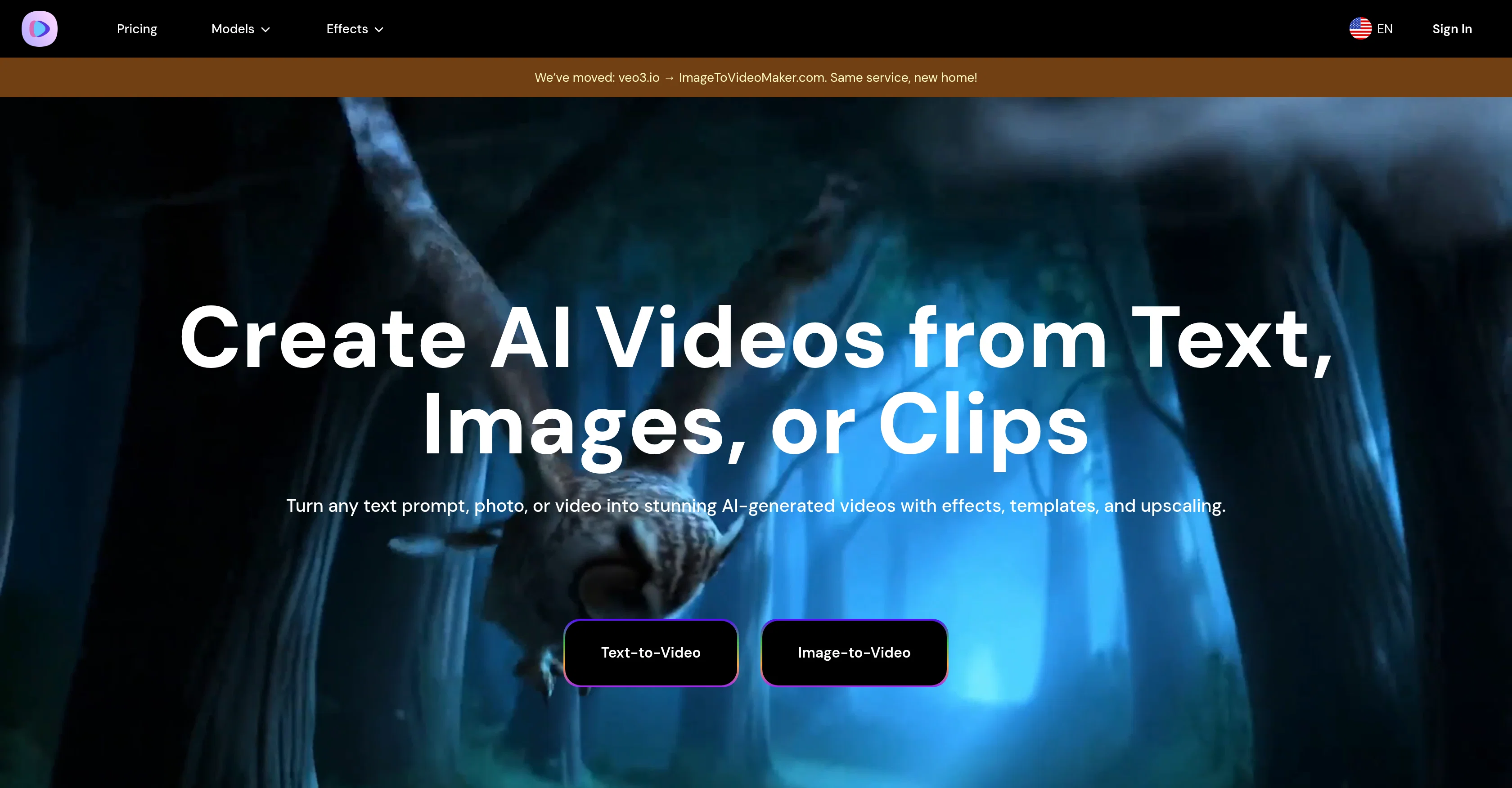
Image-to-Video Maker is an all-in-one AI video generation platform that materially simplifies your creative workflow. It offers an array of features, including the ability to create videos from vivid text descriptions, animate photos for video generation, and enhance video quality through AI-powered upscaling.
The platform supports a variety of AI models such as Veo3, Kling 2.1, and Hailuo 02 and is equipped to draft 4K videos inclusive of dialogue, effects, and ambient sounds.
The AI technology incorporated allows for an advanced level of semantic understanding capable of generating videos from any text prompt. There are also specialized features catered to creating specific animations like AI Kiss Video Maker for realistic kissing animations, AI Hug Video Maker for hugging animations, and AI Heart Gesture Video Maker for heart hand gesture animations.
A unique feature is an option to animate old photos which brings alive ancestors and memories. The platform is created with user experience in mind, offering a simple upload and generate process that needs no technical skills.
Best for
Short scenarios where Image-to-Video Maker tends to shine.
-
Film and advertising: Quickly generate high-resolution special effects shots or commercials at low cost.
Best for Filmmakers
-
Game development: Create in-game animations or promotional materials, supporting complex scenes and character motion consistency.
Best for Advertisers
-
Social media: Produce sound-enhanced short videos for platforms like YouTube Shorts to boost content appeal.
Best for Game developers
-
Creating marketing content
Best for Social media content creators
-
Generating engaging social media content quickly
Best for Marketing professionals
-
Personal use for animating photos (e.g., kissing, hugging, heart gestures, old photos)
Best for Businesses
Example outputs 1
Sample generations and before/after results for Image-to-Video Maker.
Access & connections
Where you can use Image-to-Video Maker.
Platforms
Capabilities
What this tool accepts, produces, and is strongest at.
Input
- Image
- Text
Output
- Video
Pros & cons
Pros
- Image animation
- Text to video
- 4K video creation
- Semantic Understanding
- Specialized animations
- Multiple animation options
- Animate old photos
- User-friendly
Show 34 more
- No technical skills required
- Supports Veo3, Kling 2.1, Hailuo 02 models
- Kissing animations
- Hugging animations
- Heart hand gesture animations
- Fast video generation
- High-resolution output
- Flexible subscription plans
- Multishot storytelling
- Realistic motion algorithms
- Creates videos from prompts
- Revitalizes old photos
- Cinematic 4K & smooth motion
- Generates in minutes
- Top-tier cinematic realism in videos
- Budget-friendly options
- Creates promotional material for games
- Ideal for social media content
- Ensure content safety with watermarks
- End-to-end audio-visual output
- Supports complex scenes and characters
- Multi-model support in one platform
- Meme-style video generation
- High-action scene generation
- Temporal consistency in videos
- Invisible SynthID watermarking
- Suitable for advertising uses
- Copyright compliance and safety checks
- Plans for performance optimization
- Potential for function expansion
- Possible integration into Google products
- Supports high-resolution special effects
- Safety checks for output content
- Anticipation of rendering efficiency optimization
Cons
- Limited animation options
- High access threshold
- Unimproved lip-syncing
- Potential quality drop with budget-friendly models
- No audio for some models
- Limited video length
- Limited to short audio clips
- Requires high-level subscription for all features
Show 1 more
- Potential subscription plan inflexibility
Compare alternatives
Similar tools in the catalog — with a clear reason to open each one.

freebeat AI ✓
FreemiumTurn Music & Ideas into Viral Videos In One Click
Why look Freemium alternative
Full comparison
MagicLight ✓
FreemiumTransform text into captivating videos instantly.
Why look Freemium alternative
Full comparison

HeyGen ✓
FreemiumCreate AI spokesperson videos from text
Why look Freemium alternative
Full comparison

Seedance ✓
FreemiumMulti-shot video generation from text and image.
Why look Stronger for image work
Full comparisonPeople also view
Tools that often show up alongside Image-to-Video Maker in collections and comparisons.

Marketing Assistant (Elsa AI) ✓
FreemiumDefine your ideal customers and craft a winning marketing strategy with Elsa.
Digibate ✓
Free TrialSmart marketing, done for you in minutes

Clipfly AI Video Generator ✓
FreemiumCreate AI-generated videos from text prompts effortlessly.
Cclarity ✓
Free TrialYour authentic LinkedIn voice meets intelligent lead generation

Aiter.io | Paste a URL. Ship a Campaign That Sounds L... ✓
FreemiumAI marketing that sounds like you, not everyone else.

AI Ads ✓
FreemiumGenerate winning video ads from just a store URL
Seedance ✓
FreemiumMulti-shot video generation from text and image.
MagicLight ✓
FreemiumTransform text into captivating videos instantly.
Releases 1
Imported reviews 9
This can help me create interesting short videos from existing or created photos.
It's simple and easy to use. There are multiple AI models to choose from. The veo3 model produces very good videos with natural sound and is attractive. There are also economical and affordable AI models that also produce good videos.
Integrated with multiple video models, it offers excellent usability.
It's very good.
This software is ideal for individuals and businesses looking to create engaging visual content without requiring advanced video editing skills.
This is an extremely useful tool that has helped me create many interesting short videos.
I really like this tool 👍👍👍👍👍👍👍.
A very useful AI video generation platform, worth recommending.
Incredible results! perfect app for creating engaging marketing videos.
FAQ 12
What is Image-to-Video Maker?
What are the main features of Image-to-Video Maker?
How does Image-to-Video Maker animate photos?
What AI models does Image-to-Video Maker support?
Can I generate 4K videos with Image-to-Video Maker?
What is the semantic understanding capability of Image-to-Video Maker?
What are the specialized features of Image-to-Video Maker like AI Kiss Video Maker and AI Hug Video Maker?
How can I animate old photos with Image-to-Video Maker?
Is there any technical skill needed to use Image-to-Video Maker?
How do I generate AI videos from text using Image-to-Video Maker?
How can I upscale video quality with Image-to-Video Maker?
Is it possible to create heart hand gesture animations with Image-to-Video Maker?
Related tools
Recommended

AI Video Generator by RenderFlow AI ✓
FreemiumAI Video Generator by RenderFlow AI - Wan, Sora 2, Kling etc.

Veo ✓
PaidGenerate high-quality, cinematic videos with AI.

BestPhotoAI ✓
FreemiumCreate amazing AI photos instantly

VidFlux - Image to Video AI ✓
PaidTransform any image into stunning videos.

AIVideoMaker - Free AI Video Maker ✓
FreemiumTransform static images into animated videos instantly.
VisImagine - AI VIdeo Creation Platform ✓
Free TrialBring Your Stories To Life in Minutes