

Images vv1.7.0 2026 Rank: #145
BestPhotoAI ✓
Create amazing AI photos instantly
Verdict
A quick read before you dig into the full page.
- Best if
- Create amazing AI photos instantly
- Skip if
- No watermark removal
- Pick this when
- Professional headshot creation
Considering Photo AI instead? Compare side by side
Overview
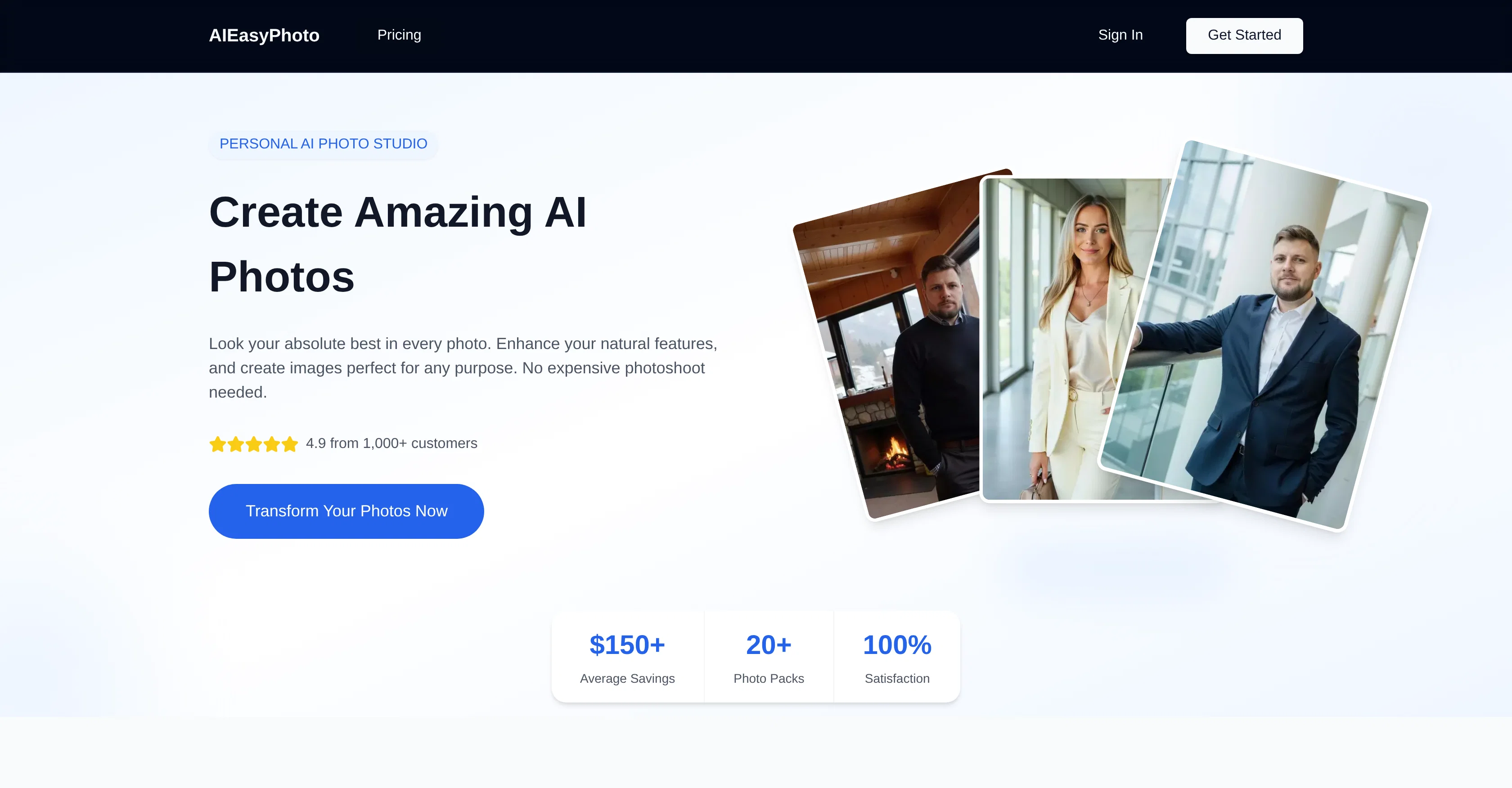
BestPhotoAI is an AI-powered tool that enhances ordinary photos, transforming them into professional-quality images. Its applications are versatile, allowing the creation of professional headshots, improving dating profile images, and curating eye-catching social media content.
The tool uses artificial intelligence to enhance natural features within images, often removing the need for expensive photoshoots. BestPhotoAI operates through a simple three-step process: users select a preferred style or theme from diverse photo packs, upload their photos, and then wait as the AI applies the chosen style, delivering transformed images ready for download typically within approximately 30 minutes.
The tool provides convenience and security, including multiple file support, safe image upload, and a straightforward drag-and-drop feature. BestPhotoAI can serve a variety of needs, from job hunting and dating to building a personal or business brand.
Transformed selfies can be LinkedIn-ready professional headshots, dating app photos can be enhanced for maximum appeal, and generic profile pictures and posts can be upgraded for any social media platform.
Users also have the option to strengthen their online visual identity across multiple platforms. Different service plan options are available depending on user needs, all of which includes the core AI photo creation technology.
Best for
Short scenarios where BestPhotoAI tends to shine.
-
Create amazing AI photos instantly
Example outputs 1
Sample generations and before/after results for BestPhotoAI.
Access & connections
Where you can use BestPhotoAI, and what it plugs into.
Platforms
Integrations
Capabilities
What this tool accepts, produces, and is strongest at.
Input
- Image
- Text
- Video
Output
- Video
- Image
Supported features
- Image Edit
- Image Generation
- Image Understanding
Pros & cons
Pros
- Professional headshot creation
- Dating profile image improvement
- Social media content enhancement
- Natural feature enhancement in images
- Cost-saving
- Secure image upload
- Drag and drop functionality
- Supports multiple file types
Show 35 more
- Useful for job hunting
- Can be used for dating
- Personal brand building
- Business brand building
- Online visual identity strengthening
- Compatible with multiple platforms
- Diverse service plan options
- LinkedIn photo optimization
- Dating app photo optimization
- Social media photo optimization
- Easy three-step process
- Delivers transformed images in ~30 minutes
- Selection from diverse photo packs
- Eliminates need for expensive photoshoots
- Multiple natural pose creation
- 100% satisfaction guarantee
- Fast image delivery
- Useable anywhere online
- Variety of styles and themes
- High-resolution image download
- Creates images perfect for any purpose
- Saves average of $150
- 20+ photo packs available
- Commercial usage allowed in plans
- No watermark in plans
- Pro, Starter, and Hobby plans
- Priority support in plans
- Train up to 20 models
- Queue up to 20 generations
- Faster generation of images
- Hi-Res generations
- Image upscaling
- Transformed images ready for download
- Simple and transparent pricing
- Pro Tools Image Generator availability
Cons
- Long image processing time
- Limited style packs
- No free trial
- Inconsistent photo enhancement results
- No face swap feature
- Not suitable for commercial usage
- No watermark removal
- Limited model trainings
Show 2 more
- High pricing plans
- No priority support in basic plan
Compare alternatives
Similar tools in the catalog — with a clear reason to open each one.


Stockimg AI ✓
PaidGenerated images and text for design ease.
Why look Stronger for image work
Full comparison
Midjourney ✓
PaidExpand human imagination through AI-powered visuals.
Why look Typically cheaper
Full comparison

People also view
Tools that often show up alongside BestPhotoAI in collections and comparisons.

Whacka ✓
Free TrialTurn ideas into real apps from your phone.

Video maker by AI Generator Hub ✓
Free TrialCreate stunning AI videos, images, and music effortlessly.

Vibeknow ✓
Free TrialTurn complex knowledge into clear video.

Shotra ✓
Free TrialMulti-model AI video generator for turning images and prompts into short videos.

SellShots ✓
Free TrialTurn one photo into high-converting product images

Pixwit AI ✓
FreemiumCreate cinematic AI videos from text or images.

Lets Enhance AI Image to Video ✓
FreemiumTurn any photo into realistic video.

Kimg AI Image Maker ✓
Free TrialTransform any photo with AI precision.
Releases 8
- LTX 2.3 pro model with full undistilled video model
- Add more free image editing tools
- Updated image editing tools prompts
- New video and image editing models
- Better video quality
- LTX 2.3 now the default free model
- Updated Z image and Flux Schnell free image generator limits
- Better video quality
- Self-hosted LTX 2.3 with better audio quality and faster speed
- Better handling for image editing and video generation pipeline with proper fallbacks
- More free image editing tools and AI video effects to try
- Better quality on LTX video models
- Improved restore photos and added templates to image editing tool for common usecases
- Added new image editing models: Qwen Image Edit Plus, Seedream 4.5, Nano Banana 2
- Added new video models: LTXV2.3, Kling 3, Sora, Veo 3.1
- More free tools to try
- Added new image editing models: Qwen Image Edit 2511, Seedream 4.5, Nano Banana Pro
- Added new video models: LTXV2, Kling 2.6 Pro, Seedance 1.5 Pro, Veo 3.1
- Changed default free image generator model to Z Image turbo
- New Guide Pages + Video Guides
- Videos with sound
- 40+ Free Image Editing Tools
- 40+ Free Video Generation presets
- New Video Models(Veo 3.1, Sora 2, LTX Video, OVI)
- AI Voice Cloning
- Talking AI avatars
- Virtual AI influencers without providing any photos yourself
- Video Packs
- 40+ Free Image Editing Tools
- 40+ Free Video Generation presets
- Free AI Image Generator(Flux + SDXL)
- Background Removal
- Image Upscale
- New Video Models(Seedance, Kling 2.1, Wan2.2, Wan2.2 SLV)
- AI Headshots
Imported reviews 3
Seems interesting! I'll try it
Okay good but could be so much better
Love how it offers stuff for both free and premium users. huge thanks to the devs and keep it up!
FAQ 12
How does AIEasyPhoto enhance photos with AI?
How can AIEasyPhoto improve my dating profile images?
What are the steps to use AIEasyPhoto?
How does the AIEasyPhoto theme selection work?
How long does AIEasyPhoto typically take to transform an image?
Is it safe to upload images to AIEasyPhoto?
Can more than one file be uploaded at a time to AIEasyPhoto?
How can AIEasyPhoto serve job hunting needs?
How does AIEasyPhoto enhance features in selfies for professional use?
What type of photo does AIEasyPhoto produce for social media?
Can AIEasyPhoto be used across multiple platforms?
What service plans does AIEasyPhoto offer?
Related tools
Recommended

Automateed ✓
Free TrialCreate eBooks effortlessly with Automateed, the AI-powered writing tool.

Younet ✓
Free TrialAI Agent Orchestration and Automation. Build your agentic business.

freebeat AI ✓
FreemiumTurn Music & Ideas into Viral Videos In One Click

remio: Your Personal ChatGPT ✓
FreemiumGet Tailored Answer with Your Personal ChatGPT
Whacka ✓
Free TrialTurn ideas into real apps from your phone.

X-Pilot AI ✓
FreemiumTurn Documents into Accurate Video Course Series
