GoPDF ✓
Chat with PDFs: Ask questions, get answers instantly.
Free + from $9.99/mo
Verdict
A quick read before you dig into the full page.
- Best if
- You are students and need: Editing PDF files directly by adding text, images, and annotations
- Skip if
- You need enterprise SLAs or a fully managed team plan right away
- Pick this when
- Freemium · Free + from $9.99/mo
Considering DocGPT.io instead? Compare side by side
Overview
Introduction of GoPDF AI Chat
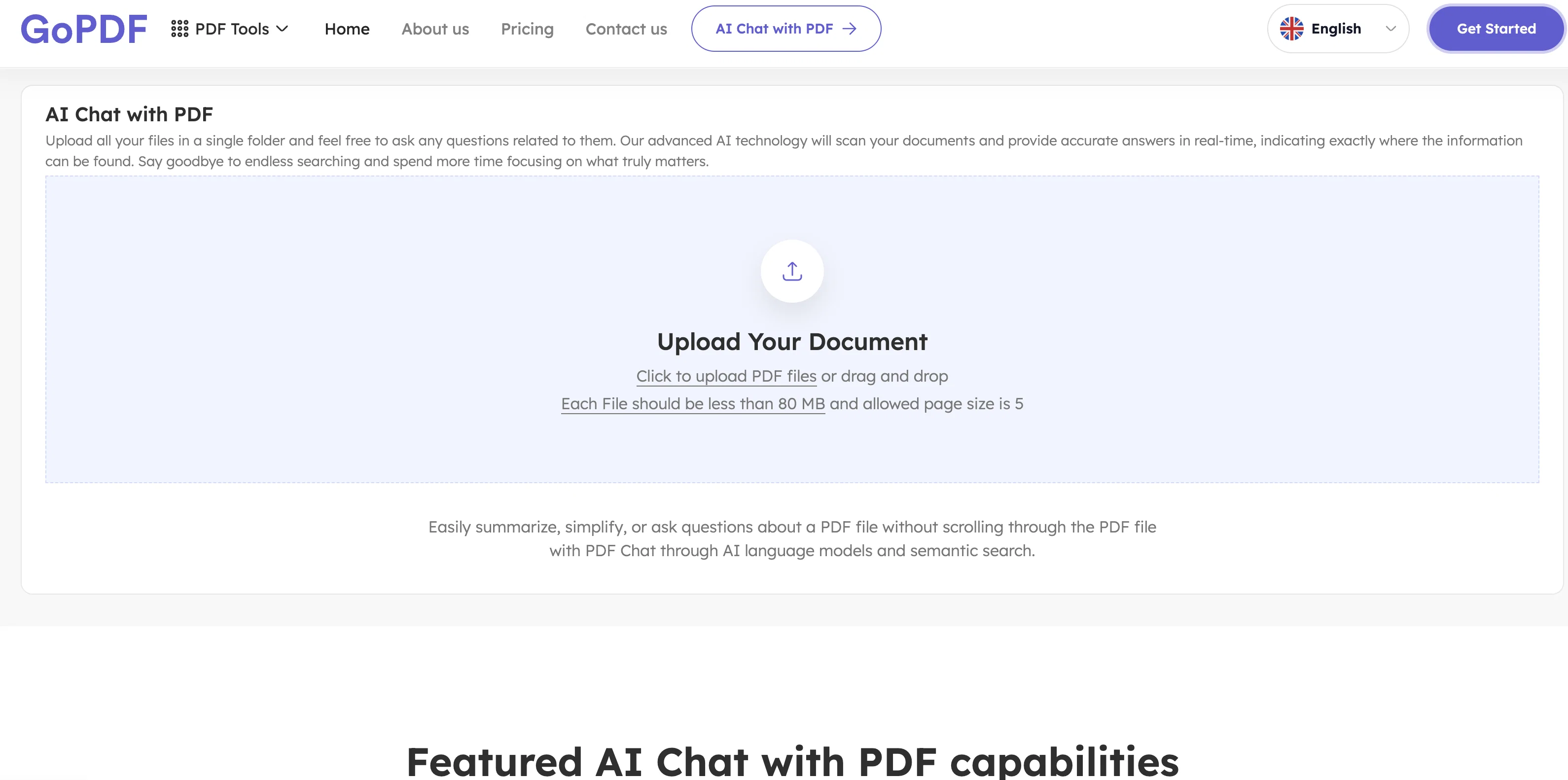
Engage with your PDFs like never before! GoPDF’s unique PDF Chat feature lets you communicate directly with your documents. The AI Chat with PDF tool scans the PDF file and provides information about the file content via the chat panel. GoPDF is the best way to engage with PDF, especially for large documents.
Let’s Chat with your PDFs!
All Features Offered by GoPDF:
Convert PDF into Word and JPG:
Quickly transform your PDF files into editable Word documents and high-quality JPEG images.
eSigning by adding an image or manually:
Incorporate your eSign to PDF document by uploading a signature image or manually adding it.
Merge PDF:
Combine your multiple PDF files into one organized document.
Compress PDF:
Optimize file size without compromising quality by compressing your PDF files, ensuring faster uploads.
Crop PDF:
Refine and customize your PDFs easily by cropping pages.
Protect PDF by encrypting:
Secure your PDFs and control access to ensure confidentiality and privacy.
AI Chat With PDF:
Experience the convenience of interacting with your PDF documents through an AI-powered chat interface.
Edit PDF:
Modify text, images, and other elements within your PDFs, empowering you to make quick and precise edits without the need for complex software or technical expertise.
Best for
Short scenarios where GoPDF tends to shine.
-
Editing PDF files directly by adding text, images, and annotations.
Best for Students
-
Creating and managing invoices with an easy-to-use invoicing tool.
Best for Academics
-
Generating tailored quizzes effortlessly with AI.
Best for Business professionals
-
Asking questions about PDF files using an AI-powered chat tool.
Best for Freelancers
Example outputs 1
Sample generations and before/after results for GoPDF.
Access & connections
Where you can use GoPDF, and what it plugs into.
Platforms
Integrations
Capabilities
What this tool accepts, produces, and is strongest at.
Input
- Tabular
- Text
Output
- Text
Compare alternatives
Similar tools in the catalog — with a clear reason to open each one.

DocGPT.io ✓
Free TrialOnline assistant for creating and analyzing documents.
Why look Typically cheaper
Full comparison
docAnalyzer ✓
FreemiumTurn document overload into work worth putting your name on
Why look Typically cheaper
Full comparison
Ask Your PDF ✓
FreemiumChat with your PDFs and extract valuable insights
Free + from $11.99/mo
Full comparison
Humata ✓
FreemiumChat your way through long documents instantly.
Why look Typically cheaper
Full comparisonPeople also view
Tools that often show up alongside GoPDF in collections and comparisons.
docAnalyzer ✓
FreemiumTurn document overload into work worth putting your name on
Humata ✓
FreemiumChat your way through long documents instantly.

DocsGPT ✓
FreemiumInstant answers from your documents.
DocGPT.io ✓
Free TrialOnline assistant for creating and analyzing documents.

ChatPDF ✓
FreemiumChat with any PDF instantly
Ask Your PDF ✓
FreemiumChat with your PDFs and extract valuable insights

Recall ✓
FreemiumSummarize Anything, Forget Nothing!

OpenParser AI ✓
Free TrialAsk questions. Get answers from your documents instantly.
Releases 1
Imported reviews 2
Highly recommended. It saves a lot of time.
Their PDF chat feature is very user-friendly.
Amazing Tool! I have been using their AI pdf chat feature. Its amazing.
Related tools
Recommended

Venturekit ✓
PaidGenerate comprehensive AI business plans instantly

Knowee AI - Chrome Extension ✓
UnknownYour AI sidekick for homework and essays.

VenturusAI ✓
FreemiumBusiness idea analysis and reporting.
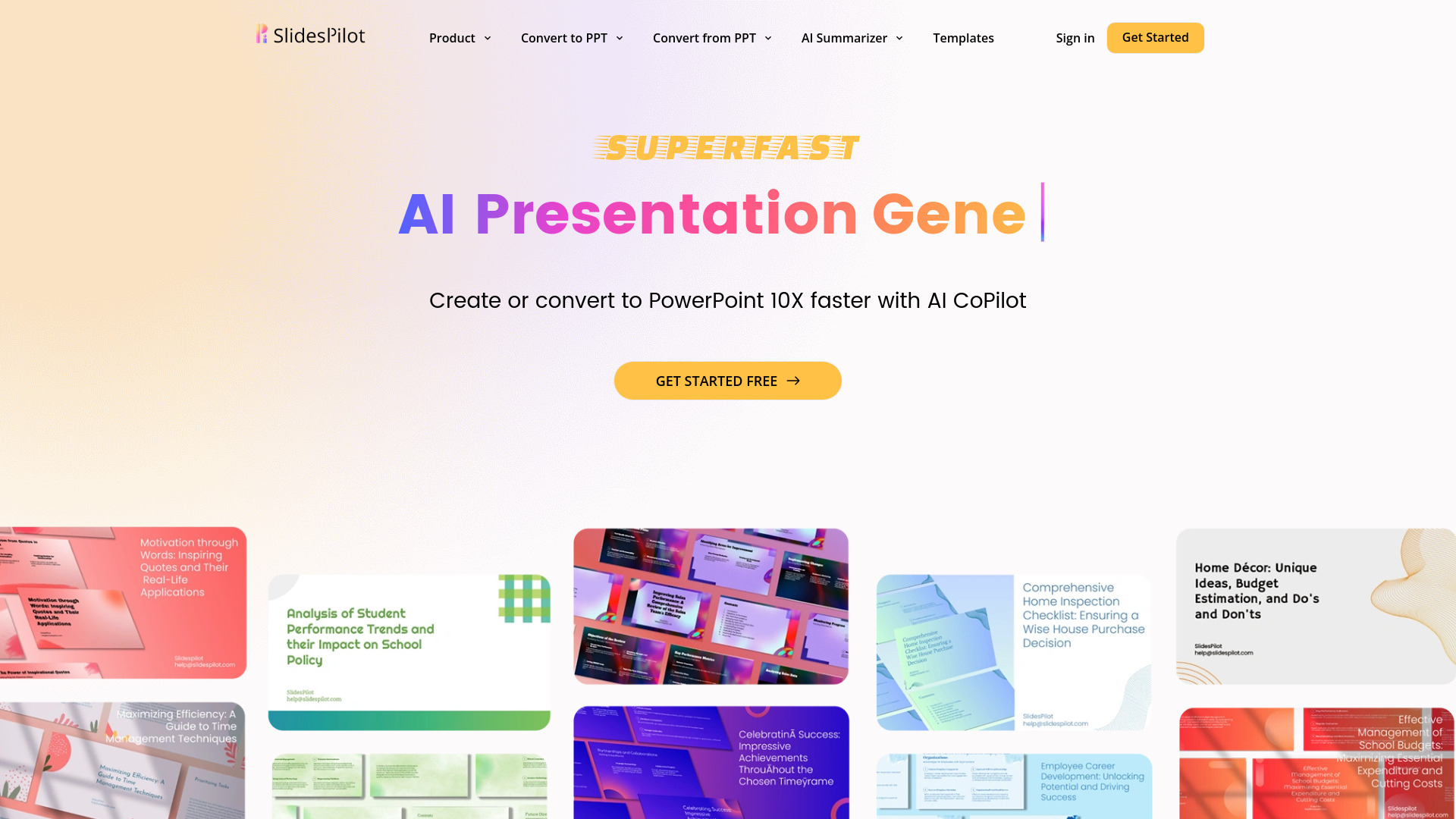
SlidesPilot
UnknownAI Presentation Suite for creating, converting, and enhancing presentations.

Otio ✓
FreemiumFastest Way To Read & Write - Your Research Focused AI Workspace

GPTExcel ✓
FreemiumGenerate spreadsheet formulas with AI