

Knowee AI - Chrome Extension ✓
Your AI sidekick for homework and essays.
Verdict
A quick read before you dig into the full page.
- Best if
- You are content creators and need: Saving educational videos from a restricted Telegram study group for offline viewing
- Skip if
- Limited language support - English
- Pick this when
- Chrome extension convenience
Considering Vertech Academy instead? Compare side by side
Overview
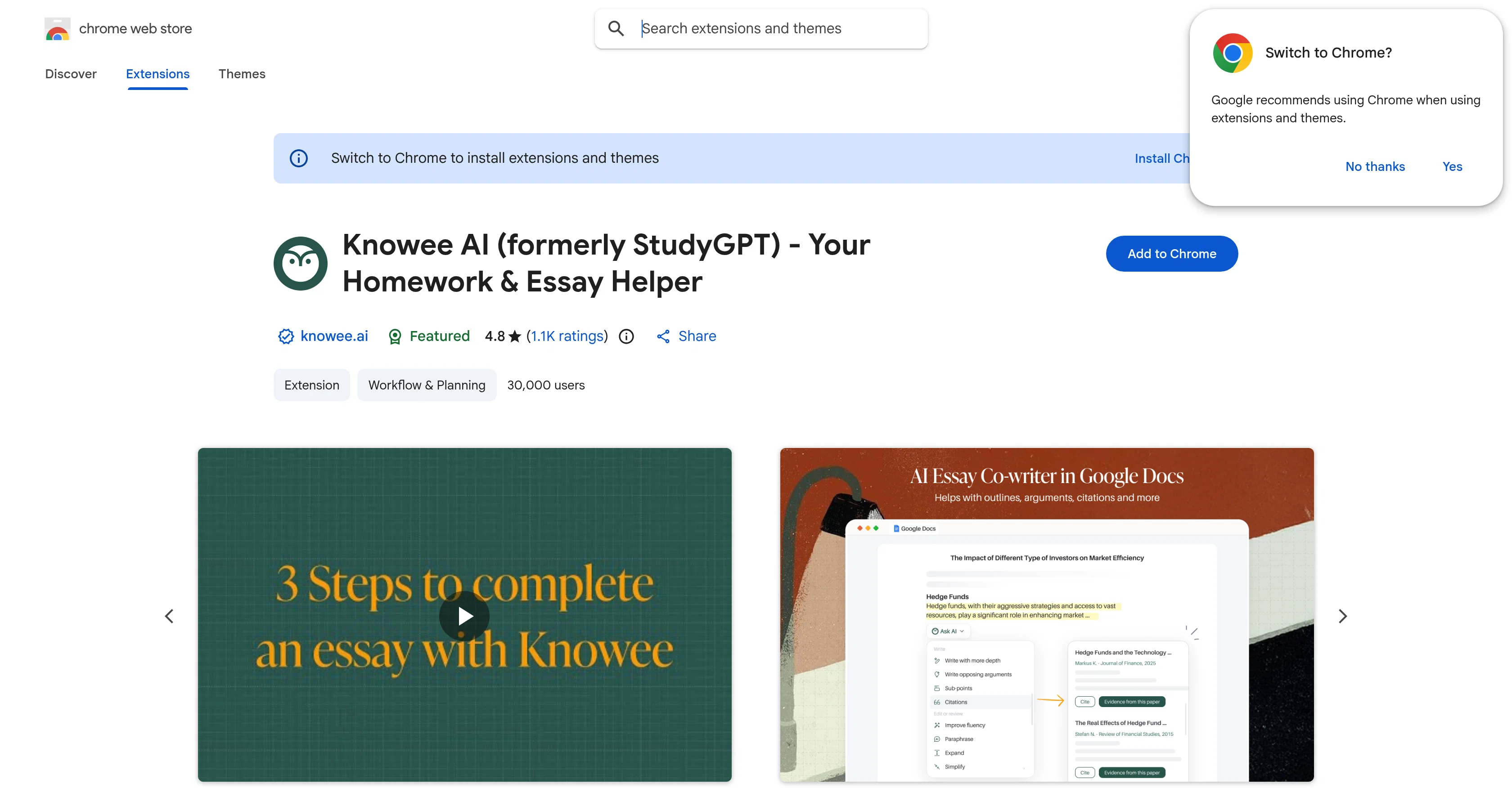
Knowee AI, formerly known as StudyGPT, is an Artificial Intelligence tool designed to function as a personal learning assistant. As a Chrome extension, it is easily accessible and conducive to a variety of academic and writing activities including answering academic questions, explaining complex concepts, generating exercises from course materials, creating writing guides and recommending references on paper topics.
The tool goes beyond academic support, it can help with a variety of textual tasks such as writing emails, text polishing, summarizing, and translating.
Accessible on any webpage, Knowee AI offers more convenience than standalone sites like ChatGPT or Claude. The use of Knowee AI spans several features: answering general and academic questions, generating exercises based on learning materials, creating writing guides with recommended references based on paper topics, summarizing the contents of YouTube videos and performing tasks such as rewriting, summarizing, correcting grammar.
This indeed makes the tool a beloved personal study assistant among students. Users can activate Knowee AI by pressing [Cmd+I] or [Ctrl+I] on any webpage and can select any text on any webpage for Knowee AI to explain, translate, rewrite, or summarize.
With an ambition to create an enhanced learning experience for users, Knowee AI is continuously improving, adding new features to its offering.
Best for
Short scenarios where Knowee AI - Chrome Extension tends to shine.
-
Saving educational videos from a restricted Telegram study group for offline viewing
Best for Content creators
-
Backing up a personal collection of photos and voice notes from a private chat
Best for Digital archivists
-
Batch downloading a series of audiobooks shared in a specialized Telegram channel
Best for Social media managers
Example outputs 1
Sample generations and before/after results for Knowee AI - Chrome Extension.
Access & connections
Where you can use Knowee AI - Chrome Extension, and what it plugs into.
Platforms
Capabilities
What this tool accepts, produces, and is strongest at.
Input
- Tabular
- Image
- Text
- Video
Output
- Video
- Tabular
- Text
- Image
Pros & cons
Pros
- Chrome extension convenience
- Answers academic questions
- Generates learning exercises
- Creates writing guides
- Recommends paper references
- Summarizes YouTube content
- Performs grammar correction
- Text translation feature
Show 16 more
- Access on any webpage
- Activates with simple commands
- Features continuously improving
- General and academic Q&A
- Text rewriting ability
- Good user reviews
- Usage tips provided
- Updates with new features
- Document upload for guidance
- Ability to analyze webpages
- Generates exercises based on content
- Compares favorably to competitors
- No standalone site needed
- Free to use
- Accessible in all countries
- Ensures data privacies
Cons
- Only Chrome extension
- Should refresh page after installing
- Inapplicable to blank or store pages
- Limited to 40 daily queries
- Non-trader developer
- Limited language support - English
- Requires internet for latest content
- Offers in-app purchases
Show 2 more
- Collects personal identifiable data
- Collects user activity data
Compare alternatives
Similar tools in the catalog — with a clear reason to open each one.

Vertech Academy ✓
Free TrialPre-built AI study workflows that outperform raw ChatGPT prompts.
Why look Higher community rating
Full comparison
PhotoSolve ✓
FreemiumScan, solve, and learn from any question.
Free + from $9.99/mo
Full comparisonPeople also view
Tools that often show up alongside Knowee AI - Chrome Extension in collections and comparisons.
Vertech Academy ✓
Free TrialPre-built AI study workflows that outperform raw ChatGPT prompts.
PhotoSolve ✓
FreemiumScan, solve, and learn from any question.

LearnGPT ✓
FreeLearn any topic with AI-powered guidance

Learn Earth ✓
FreemiumAI-First Adaptive Learning Platform

Justlearn ✓
UnknownAI-powered fluency at your fingertips.

Findsight ✓
FreeCompare non-fiction ideas from multiple sources.

Lingle ✓
Free TrialLanguage learning that listens, remembers, and adapts.

Knogra ✓
FreeChart the whole subject. One scene at a time.
Releases 1
Imported reviews 1
it's nice that you have a Summarize button on youtube when you go and have the extension installed. Im not getting sources on articles it gives me however..
FAQ 12
How is Knowee AI different from StudyGPT?
Does Knowee AI work only with academic material?
How does Knowee AI assist with writing emails and text polishing?
What makes Knowee AI more convenient than ChatGPT or Claude?
What commands are needed to activate Knowee AI on a web page?
Can I use Knowee AI to translate text on a webpage?
Are there limitations on the kind of text Knowee AI can summarize?
How can Knowee AI enhance my learning experience?
What new features is Knowee AI planning to include in the future?
Can Knowee AI be used to aid in essay writing?
Is Knowee AI only accessible on Chrome?
Can Knowee AI analyze and explain content on YouTube videos?
Related tools
Recommended

TutorAI ✓
FreemiumInstant knowledge on any topic

VenturusAI ✓
FreemiumBusiness idea analysis and reporting.

LearningStudioAI ✓
Free TrialAI-powered authoring tool for effortless online course creation.

Scisummary ✓
Free TrialCutting-edge scientific articles summarization.

IllumiChat ✓
FreemiumFrom Ticket Backlog to Instant Answers Powered by AI

AcademicGPT ✓
FreemiumAI-powered academic writing assistant.