

Dropbox Dash ✓
Search all apps and tabs in one place.
Trial; then from $9.99/mo
Verdict
A quick read before you dig into the full page.
- Best if
- Search all apps and tabs in one place
- Skip if
- In beta phase
- Pick this when
- Searches across all tabs
Considering Pocket LLM instead? Compare side by side
Overview
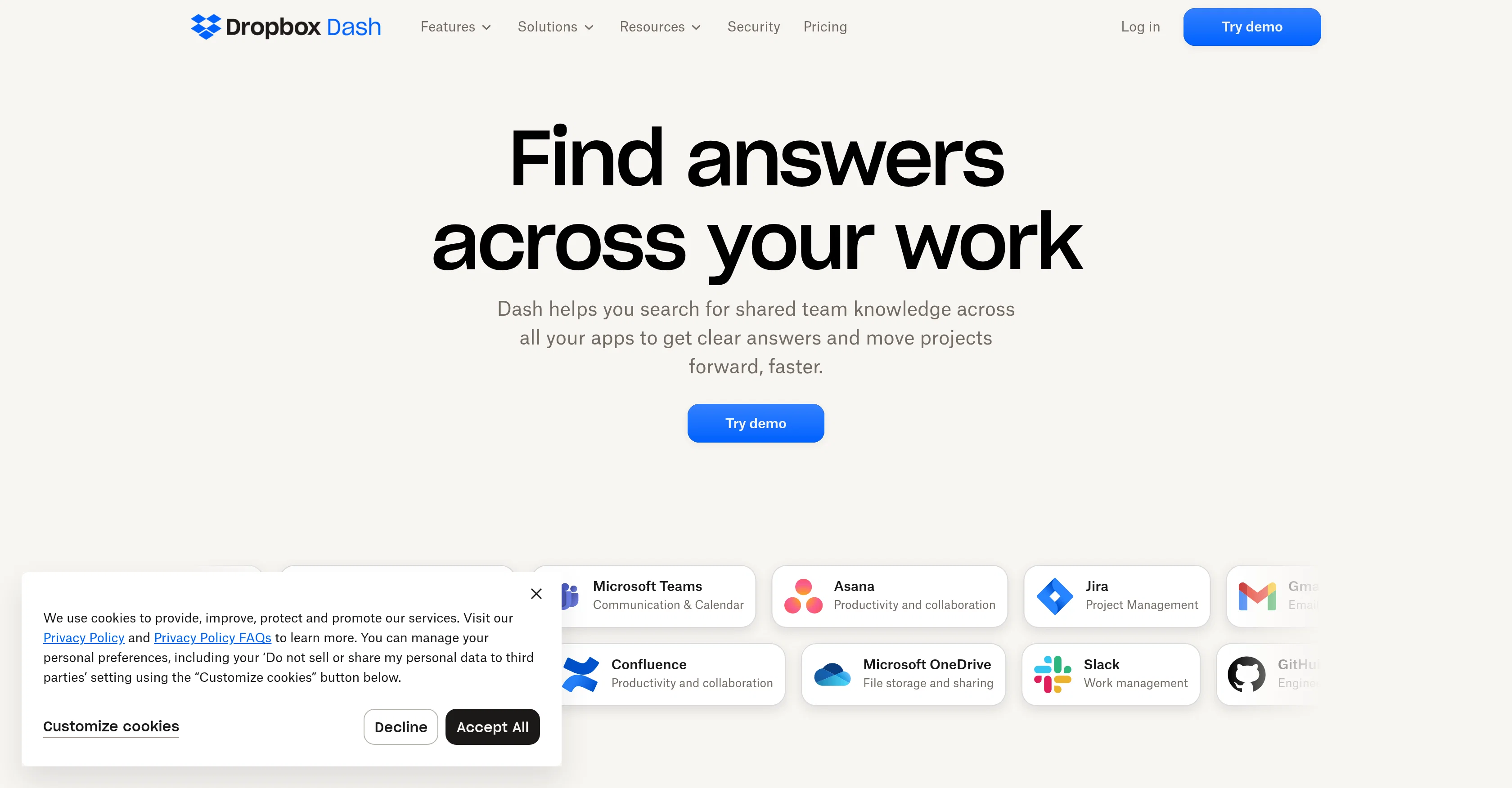
Dropbox Dash is an AI-powered universal search tool designed for efficient workflow management. This tool allows users to search across all their tabs, apps, and even more specific content areas such as emails.
It doesn't only help with content within Dropbox but also goes beyond by interacting with various other tools such as Google Workspace, Microsoft Outlook, Salesforce, and Notion among others, offering a cohesive search experience.
It's equipped to search the entire desktop including open browser tabs, calendar, emails and more in seconds. Besides its search functionality, Dropbox Dash further aids in organizing the workspace by providing features like 'Stacks' that enables superior organization beyond folders and bookmarks, allowing grouping of important information from files, apps, and browser links together which can be shared and updated within a team.
It provides a unique feature of displaying the entire workday in one central page, assisting users to stay on top of their important meetings, files, and prioritized projects.
The tool also includes a feature where users can ask questions and get summarized relevant information gathered from apps, files, and content. Currently, Dropbox Dash is in its beta phase and available in English only.
Access & connections
Where you can use Dropbox Dash, and what it plugs into.
Platforms
Integrations
Capabilities
What this tool accepts, produces, and is strongest at.
Input
- Text
Output
- Text
Supported features
- Instant file search
Pros & cons
Pros
- Searches across all tabs
- Searches across all apps
- Specific content search
- Integrates with Google Workspace
- Interacts with Microsoft Outlook
- Interacts with Salesforce
- Interacts with Notion
- Universal search experience
Show 41 more
- Searches entire desktop
- Searches open browser tabs
- Searches calendar
- Searches emails
- Features 'Stacks' for organization
- Allows grouping of information
- Grouping spans files, apps, browser links
- Sharing and updating grouped data
- Displays entire workday on page
- Assists with meeting prioritization
- Assists with file prioritization
- Assists with project prioritization
- Answers user queries
- Summarizes relevant information
- Multi-platform search
- In beta phase
- Available in English
- Dropbox extension
- Desktop search
- Workflow management
- User-centered UI design
- Increases search efficiency
- Reduces the need for multiple tools
- Available for variety of OS
- Secure data transfer
- Flexible and customizable
- Improves team collaboration
- Interprets user needs
- Quick search results
- Specific app integration
- Data organization features
- Question-answering feature
- Contextual search
- Content search outside Dropbox
- Helps in productive planning
- Smart collections with Stacks
- Workday visualization
- Interactive search tool
- Extensive app integration
- Fast search capabilities
- Real-time updating feature
Cons
- In beta phase
- Available in English only
- Dependent on third-party integrations
- Potential privacy concerns
- No standalone app mentioned
- Need Dropbox account
- May not support all platforms
- Possible integration complexities
Show 1 more
- Lack of advanced search options
Compare alternatives
Similar tools in the catalog — with a clear reason to open each one.


AI Finder ✓
FreemiumYour file Golden Retriever: Find documents instantly.
Why look Typically cheaper
Full comparison



Releases 1
FAQ 12
What exactly is Dropbox Dash?
How does Dropbox Dash work with Google Workspace and Microsoft Outlook?
What platforms can Dropbox Dash search across?
Does Dropbox Dash only search within Dropbox files?
How does the 'Stacks' feature in Dropbox Dash enhance workspace organization?
What is the role of Dropbox Dash in managing my workday?
Can I use Dropbox Dash to organize my browser tabs?
Does Dropbox Dash provide a search experience for my emails too?
Can Dropbox Dash integrate with Salesforce and Notion? How?
What is the advantage of having a universal search tool like Dropbox Dash?
Can I share and update my 'Stacks' with my team?
How can I use Dropbox Dash to stay on top of my meetings and projects?
Related tools
Recommended

Transcript LOL ✓
FreemiumUnlimited transcripts, summaries, 99.8% accuracy, speaker recognition, superfast

IllumiChat ✓
FreemiumFrom Ticket Backlog to Instant Answers Powered by AI

Otio ✓
FreemiumFastest Way To Read & Write - Your Research Focused AI Workspace

docAnalyzer ✓
FreemiumTurn document overload into work worth putting your name on

What-A-Prompt ✓
FreeSupercharge your ChatGPT prompts for better results.

GPTExcel ✓
FreemiumGenerate spreadsheet formulas with AI
