

AI Finder ✓
Your file Golden Retriever: Find documents instantly.
Free + from $2/mo
Verdict
A quick read before you dig into the full page.
- Best if
- Your file Golden Retriever: Find documents instantly
- Skip if
- Only supports macOS
- Pick this when
- Advanced search capabilities
Considering Pocket LLM instead? Compare side by side
Overview
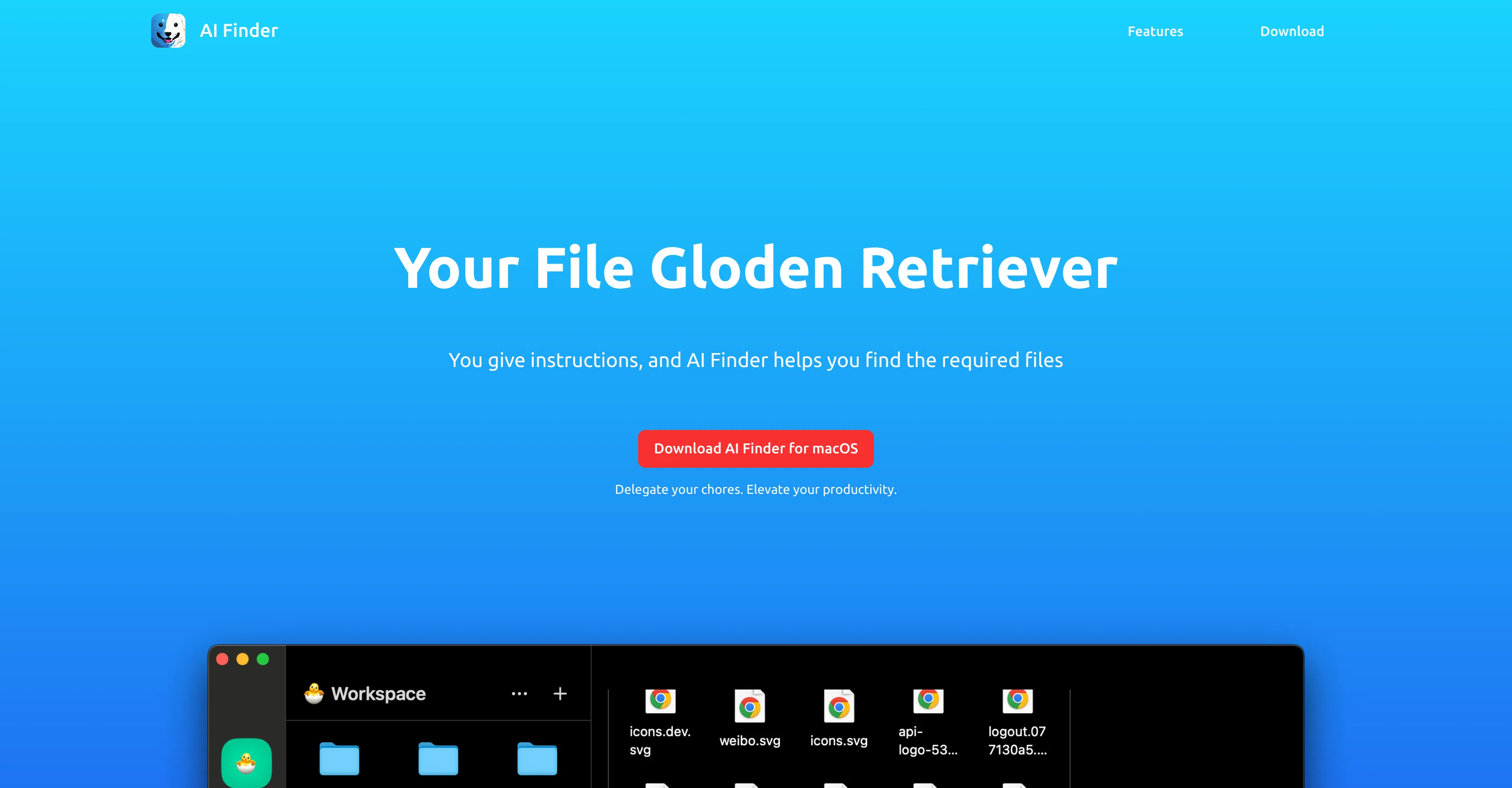
AI Finder acts as an advanced search tool that leverages artificial intelligence technology to assist in locating important files or folders. In an era where digital documents can accumulate and become disordered, AI Finder presents a solution by responding to user instructions to locate the needed files.
Its primary function is to enhance productivity by taking over the often time-consuming task of rummaging through a cluttered stack of documents. It is an ideal tool for individuals seeking to streamline their digital workflow by quickly finding their required files and folders.
Originally designed for macOS, AI Finder helps to delegate tasks, thus elevating productivity levels by allowing users to focus more on what truly matters instead of searching for misplaced files.
Access & connections
Where you can use AI Finder.
Platforms
Capabilities
What this tool accepts, produces, and is strongest at.
Input
- Text
Output
- Text
Supported features
- Instant file search
Pros & cons
Pros
- Advanced search capabilities
- Increases productivity
- Effective file finder
- Optimizes digital workflow
- Specialized for macOS
- Streamlines digital document organization
- Elevates task delegation
- Optimizes data management
Show 17 more
- Improves file tracking
- Fast document retrieval
- User instruction responsive
- Highly responsive to instructions
- Reduces time spent searching
- Reliable document retriever
- Productive task delegation
- Saves time on chores
- Ensures focus on essentials
- Reduces cluttered document stacks
- Streamlines file finding process
- Eases document organization
- Allows quick file access
- Enhances user's digital experience
- Alleviates misplaced file issues
- Boosts professional efficiency
- Automates file searching
Cons
- Only supports macOS
- No file content search
- Lacks advanced filters
- No mobile app
- No Windows support
- Cannot index network files
- Relies on user instructions
- Doesnt store search history
Show 1 more
- No multi-language support
Compare alternatives
Similar tools in the catalog — with a clear reason to open each one.


Dropbox Dash ✓
Free TrialSearch all apps and tabs in one place.
Why look Higher community rating
Full comparison

Linkly AI ✓
FreemiumFind Answers Across All Your Files
Why look Offers a public API
Full comparison

Releases 1
Imported reviews 2
Your Gloden Retriever.
Great platform
FAQ 12
What is the AI Finder?
How is AI technology implemented in AI Finder?
What is the primary function of AI Finder?
How can AI Finder enhance my productivity?
What devices is AI Finder compatible with?
What is the role of AI Finder in task delegation?
Is AI Finder only available for macOS software?
How does AI Finder assist in data management?
Can AI Finder optimize my workflow?
Does AI Finder track files?
How can AI Finder help with document retrieval?
Can I use AI Finder for advanced file search?
Related tools
Recommended

Otio ✓
FreemiumFastest Way To Read & Write - Your Research Focused AI Workspace

LearningStudioAI ✓
Free TrialAI-powered authoring tool for effortless online course creation.

Agentgpt ✓
FreemiumDeploy autonomous AI Agents effortlessly in your browser.

IllumiChat ✓
FreemiumFrom Ticket Backlog to Instant Answers Powered by AI

docAnalyzer ✓
FreemiumTurn document overload into work worth putting your name on

HitWit ✓
FreemiumBring an AI product expert to *every* customer interaction