

Document chat vv0.9.0 2026 Rank: #241
Linkly AI ✓
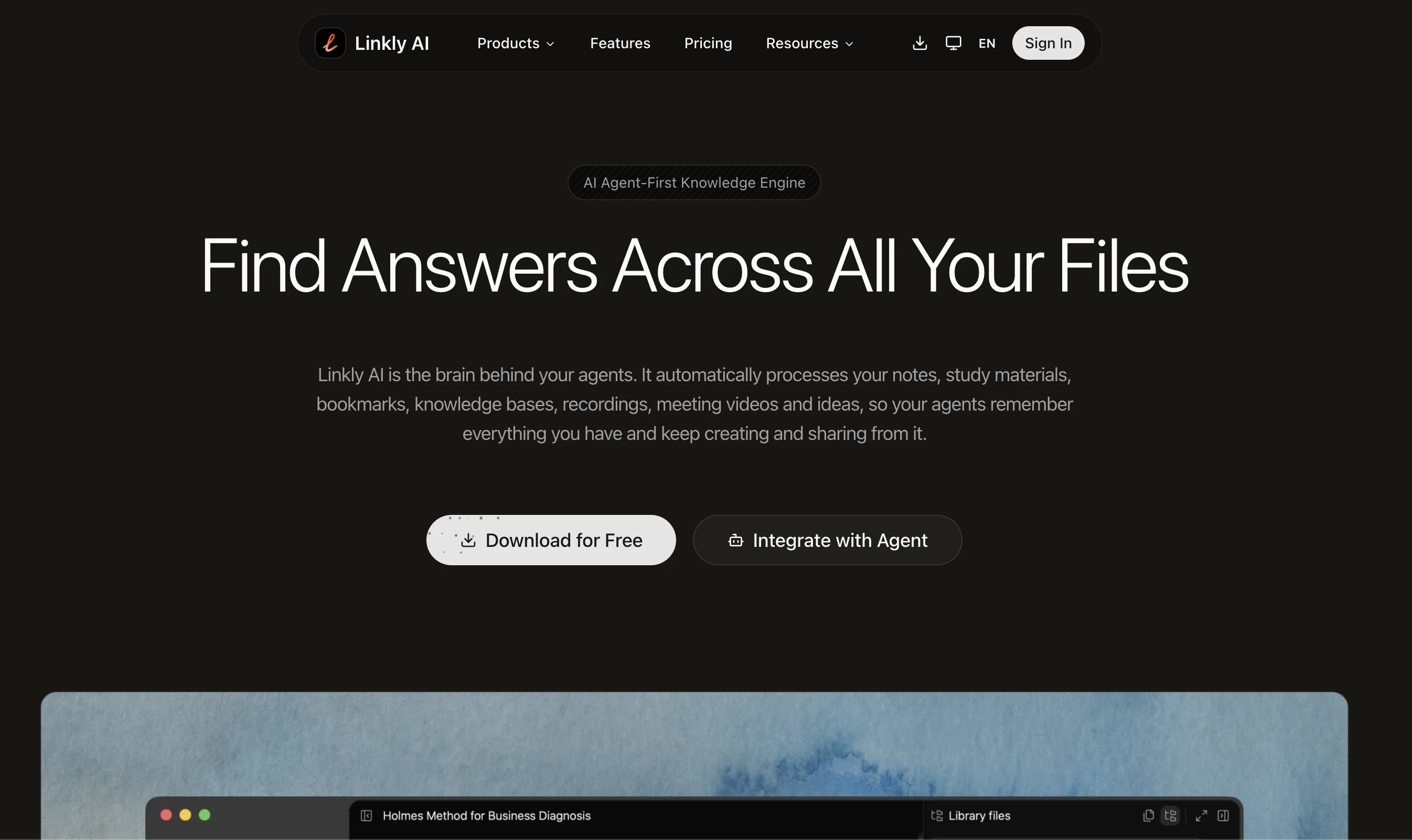
Find Answers Across All Your Files
Verdict
A quick read before you dig into the full page.
- Best if
- Find Answers Across All Your Files
- Skip if
- Limited accessibility features
- Pick this when
- Local document search engine
Considering DocGPT.io instead? Compare side by side
Overview



No more curating a knowledge base by hand. Linkly AI parses your local files on its own and maintains a live, private knowledge layer. Plug it into your agent and its built-in tools will search, compare, read and dig through your material at speed.
Linkly AI parses and reads the contents of everyday file formats. Add a local folder and it indexes automatically. Your computer is already the best knowledge base you have.
Organise your material into a library and share it with friends, teammates or followers through a single link — their agents can use it directly too. Pool your experience and data into a knowledge network worth reusing.
- Openclaw Friendly
- Bash & Cli Friendly
- Lightweight & Small
- Full-text Search Launcher
- Supports Win/mac/linux.
Access & connections
Where you can use Linkly AI, and what it plugs into.
Platforms
Integrations
Capabilities
What this tool accepts, produces, and is strongest at.
Input
- API
- Code
- Image
- Text
- Video
- Audio
Output
- Code
- Tabular
- API
- Text
Highlights
- API
- MCP
- Local
- Open Source
- No Signup
- Agents
Supported features
- API
- MCP
- Runs Locally
- Open Source
- No Signup
- Agents
Pros & cons
Pros
- Local document search engine
- Supports multiple file formats
- Keyword-highlighted previews
- Fuzzy search capabilities
- Semantic search capabilities
- Enables efficient retrieval
- Supports large-scale research
- Operates locally for privacy
Show 16 more
- Fast indexing feature
- Lightweight design
- Outline index building
- Cross-language search
- Easy integration
- Minimalist design
- Full keyboard support
- No third-party access
- Optimized resource usage
- Potential for knowledge assistant
- CLI integration
- MCP integration
- 100+ languages matching
- Purposed reading, not blind processing
- Global hotkey for instant search
- Multilingual local model
Cons
- Limited to local documents
- No cloud integration
- Doesn't support mobile devices
- Requires technical know-how for integration
- Limited accessibility features
- Installation may require a lot of storage
- Lacks robust security measures
- No file content editing capabilities
Compare alternatives
Similar tools in the catalog — with a clear reason to open each one.

DocGPT.io ✓
Free TrialOnline assistant for creating and analyzing documents.
Why look Typically cheaper
Full comparison
docAnalyzer ✓
FreemiumTurn document overload into work worth putting your name on
Free + from $6
Full comparison
Ask Your PDF ✓
FreemiumChat with your PDFs and extract valuable insights
Free + from $11.99/mo
Full comparison


Humata ✓
FreemiumChat your way through long documents instantly.
Why look Typically cheaper
Full comparisonReleases 2
- Added a built-in AI Chatbot: chat with your local files directly inside Linkly AI, use @ to scope an answer to a specific library, folder or file, and bring your own OpenAI / Anthropic / DeepSeek / Ollama keys — or use Linkly's curated models.
- Added Cloud Libraries: push any local library to the cloud in one click so it stays searchable 24/7 from the web and from external AI tools even when your computer is off, and can be shared or published publicly.
- Added on-device speech transcription and OCR text-recognition engine: audio, video, scanned PDFs and images are now transcribed/recognized locally and become fully searchable. Also added PPTX, EPUB and MDX support.
- Expanded MCP & CLI: new grep, find_paths, explore and list_libraries tools, library/path/time filters, remote and LAN access for cloud agents (ChatGPT, Claude, Cursor, OpenClaw), and one-click setup for popular MCP clients.
- Improved performance and polish: index size reduced by up to 80%, idle model sleep, power-saving mode, document preview, one-click account sign-in, a new onboarding flow, and Japanese / French / Spanish support.
FAQ 12
What file formats are compatible with Linkly AI?
How does Linkly AI's keyword-highlighted previews function work?
Can Linkly AI be used for semantic search?
Is Linkly AI fully keyboard-driven?
How does Linkly AI integrate with other AI agents?
What tasks is Linkly AI ideally used for?
How can I safely expose my document library to AI assistants using Linkly AI?
What functionalities do AI's powerful reasoning and analytical capabilities add to Linkly AI?
How can Linkly AI help build a personal knowledge assistant?
Does Linkly AI run locally on the users' system, and why is this beneficial?
Are documents uploaded to the Cloud or accessed by third parties when using Linkly AI?
What advantages are offered by Linkly AI's fast indexing feature?
Related tools
Recommended

Z.ai ✓
FreeFree AI that builds, creates, and writes professionally.

Kin - Personal AI Advisors ✓
FreePrivacy-first & designed your for mind, and life at work

Notis ✓
Free TrialThe first WhatsApp assistant that runs on your ChatGPT and Claude subscriptions

remio: Your Personal ChatGPT ✓
FreemiumGet Tailored Answer with Your Personal ChatGPT

Tendem ✓
PaidAI + Human Agent to get tasks done

freebeat AI ✓
FreemiumTurn Music & Ideas into Viral Videos In One Click