

Document management vv1.2.0
The Drive AI ✓
AI agents to organize files
Verdict
A quick read before you dig into the full page.
- Best if
- You are educators and need: Students can ask questions to books, papers, and presentations
- Skip if
- Limited version control
- Pick this when
- File management using natural language
Considering RenameClick instead? Compare side by side
Overview







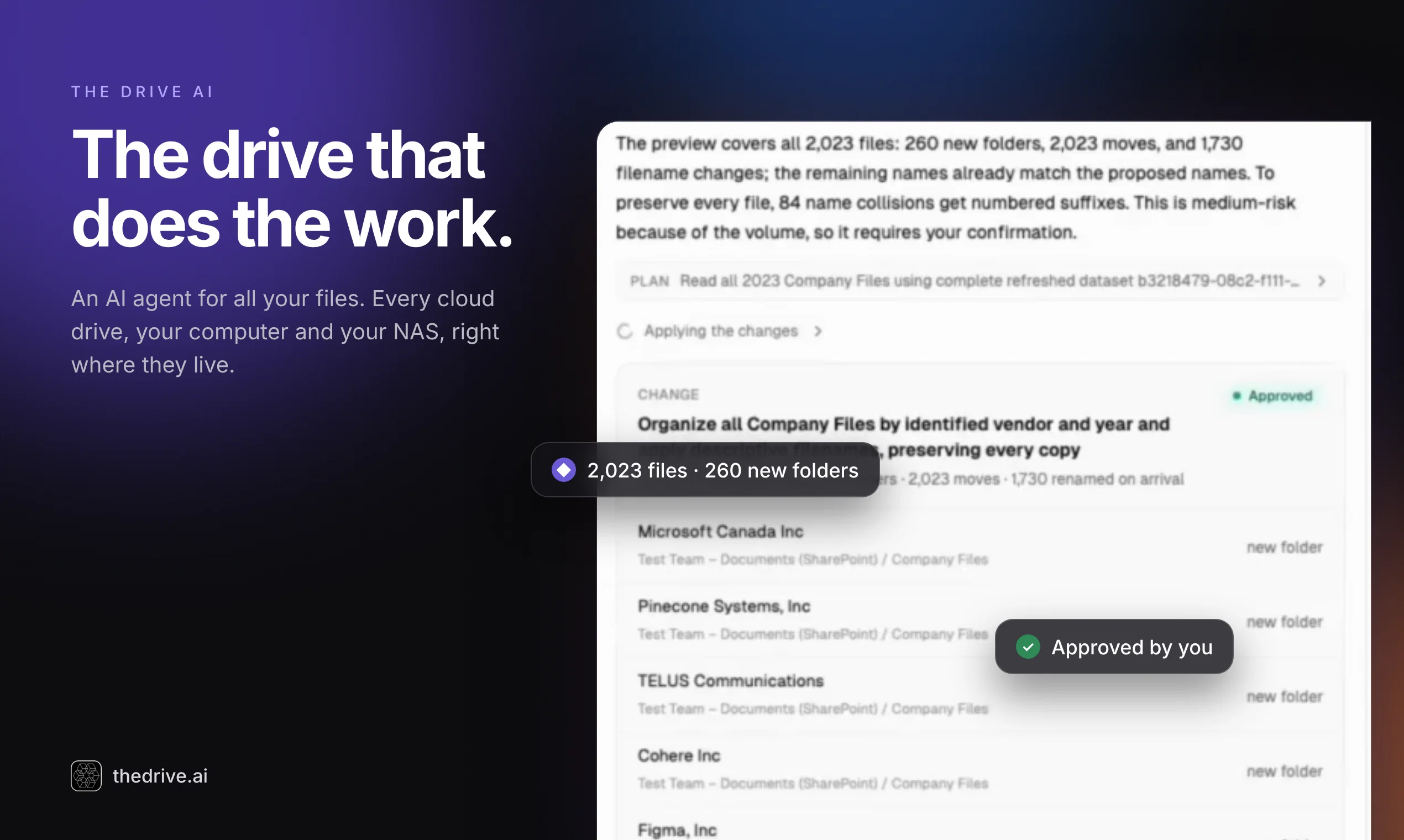
With internet access, deep file understanding, and real-time execution, The Drive AI transforms the way individuals and teams interact with their digital workspaces — automating the boring, accelerating the creative.
Welcome to the future of work. Just say it. We’ll do it.
- Auto Organize Files Using Shortcut Cmd+k
- With Gmail Integration, Every Email Attachment Gets Uploaded And Organized Automatically.
- Files Uploaded To Root Directory Gets Automatically Organized.
- Organize Outlook Email Attachments
Best for
Short scenarios where The Drive AI tends to shine.
-
Students can ask questions to books, papers, and presentations.
Best for Educators
-
Teachers can store and share notes, presentations, and teaching resources.
Best for Students
-
Researchers can understand difficult concepts, analyze graphs, and store references.
Best for Researchers
-
Writers can write 100x faster on niche topics with AI assistance.
Best for Writers
Example outputs 1
Sample generations and before/after results for The Drive AI.
Access & connections
Where you can use The Drive AI, and what it plugs into.
Platforms
Capabilities
What this tool accepts, produces, and is strongest at.
Input
- Code
- Tabular
- Image
- Text
- Video
- Audio
Output
- Code
- Audio
- Video
- Tabular
- Text
- Image
Highlights
- MCP
- Use code TAAFT
- 50% OFF
Supported features
- MCP
- Instant file search
Pros & cons
Pros
- File management using natural language
- Auto organizes files and folders
- Content generation from files
- Ability to ask questions to files
- Supports various file types (PDF, DOCX, TXT, website links, YouTube video)
- Folder-based grouping
- Contextual editor for generating content
- Useful applications in multiple fields (students, professionals, researchers, developers, fathers)
Show 32 more
- Free version available
- Option to upgrade for more features
- File storing capacity
- Efficient document search
- Allows asking questions to folders
- Gmail integration
- Google Drive Integration
- Can store and recognize image files
- Supports multiple media (Videos, Links)
- Assists in writing resumes and cover letters
- Ability to handle thousands of documents
- Assists in understanding complex concepts
- Manage code snippets for software developers
- Audio recording within the platform
- Tool is highly user-friendly
- Interactive user interface
- Indexed files for efficient search
- Suitable for family and personal productivity
- Learning aid for students
- Accessible online (web-based)
- Handles multiple types of text documents
- Useful for job seekers
- Content-specific file search
- Creates drafts based on contextual understanding
- Availability of premium plans
- Specific software development aids
- Assists in home management tasks
- Can handle academic resources
- Helps in personal document organization
- Supports storing music/audio files
- Auto organization of files
- Storing and tracking of website links
Cons
- No offline mode available
- No API for developers
- Limited version control
- No direct file import
- No automatic file syncing
Compare alternatives
Similar tools in the catalog — with a clear reason to open each one.

RenameClick ✓
FreemiumRename, organize, and search files by content with local AI
Why look Typically cheaper
Full comparison
Wellsent — Your forms, filled and filed. ✓
PaidAI fills out your PDF forms — then notarizes them by video
Why look Typically cheaper
Full comparison
Renamer.ai ✓
FreemiumAI-Powered Bulk File Renamer & Organizer
Why look Typically cheaper
Full comparison

AetheriumAI ✓
FreeUnlock hidden insights from your PDFs with AI.
Why look Fully free option
Full comparison
AODocs ✓
UnknownAI-powered cloud content services for agile business
Why look Better for writing
Full comparisonPeople also view
Tools that often show up alongside The Drive AI in collections and comparisons.
Renamer.ai ✓
FreemiumAI-Powered Bulk File Renamer & Organizer

Voicenotes ✓
FreemiumA place to dump your thoughts.

Tavily ✓
FreemiumAI researcher for rapid insights and comprehensive research.

Resea AI ✓
FreemiumDeep research reports with accurate citations in one minute

remio: Your Personal ChatGPT ✓
FreemiumGet Tailored Answer with Your Personal ChatGPT

OpenAdapt.AI ✓
UnknownAI-powered desktop automation without coding

Nouswise ✓
FreemiumYour personal search engine for trusted information.

Nebius Token Factory ✓
Free TrialEnterprise-grade open-source AI inference at unlimited scale.
Releases 2
Introducing Auto Organization.
We’ve all been there: a cluttered drive full of random files we swear we’ll organize “later.”
Now you don’t have to.
Every file you upload is automatically sorted into the right folder — or new ones are created for you. Just drag, drop, and watch your workspace organize itself.
FAQ 12
What is TheDrive?
How does TheDrive use AI technology?
Which types of files can TheDrive index?
How can I ask questions to files or folders in TheDrive?
Can TheDrive be used for drafting content such as paragraphs or lists?
Who can benefit from using TheDrive?
Are there premium plans available for TheDrive?
Which fields have applications on TheDrive?
Can TheDrive help in organizing my study notes?
Does TheDrive offer functionalities for professionals such as document search based on content?
How can researchers use TheDrive?
Can software developers use TheDrive to manage their projects and code?
Related tools
Recommended

LearningStudioAI ✓
Free TrialAI-powered authoring tool for effortless online course creation.

Hyperis ✓
FreemiumOrganized task prioritization.

Recall ✓
FreemiumSummarize Anything, Forget Nothing!

Scisummary ✓
Free TrialCutting-edge scientific articles summarization.

Agentgpt ✓
FreemiumDeploy autonomous AI Agents effortlessly in your browser.

Business Idea Generator AI ✓
FreeGenerate innovative business ideas with AI