Dropbox AI ✓
AI-powered tools to supercharge your content.
from $10.90/mo
Verdict
A quick read before you dig into the full page.
- Best if
- AI-powered tools to supercharge your content
- Skip if
- Reliance on machine learning
- Pick this when
- Universal search bar
Considering Futurwise instead? Compare side by side
Overview
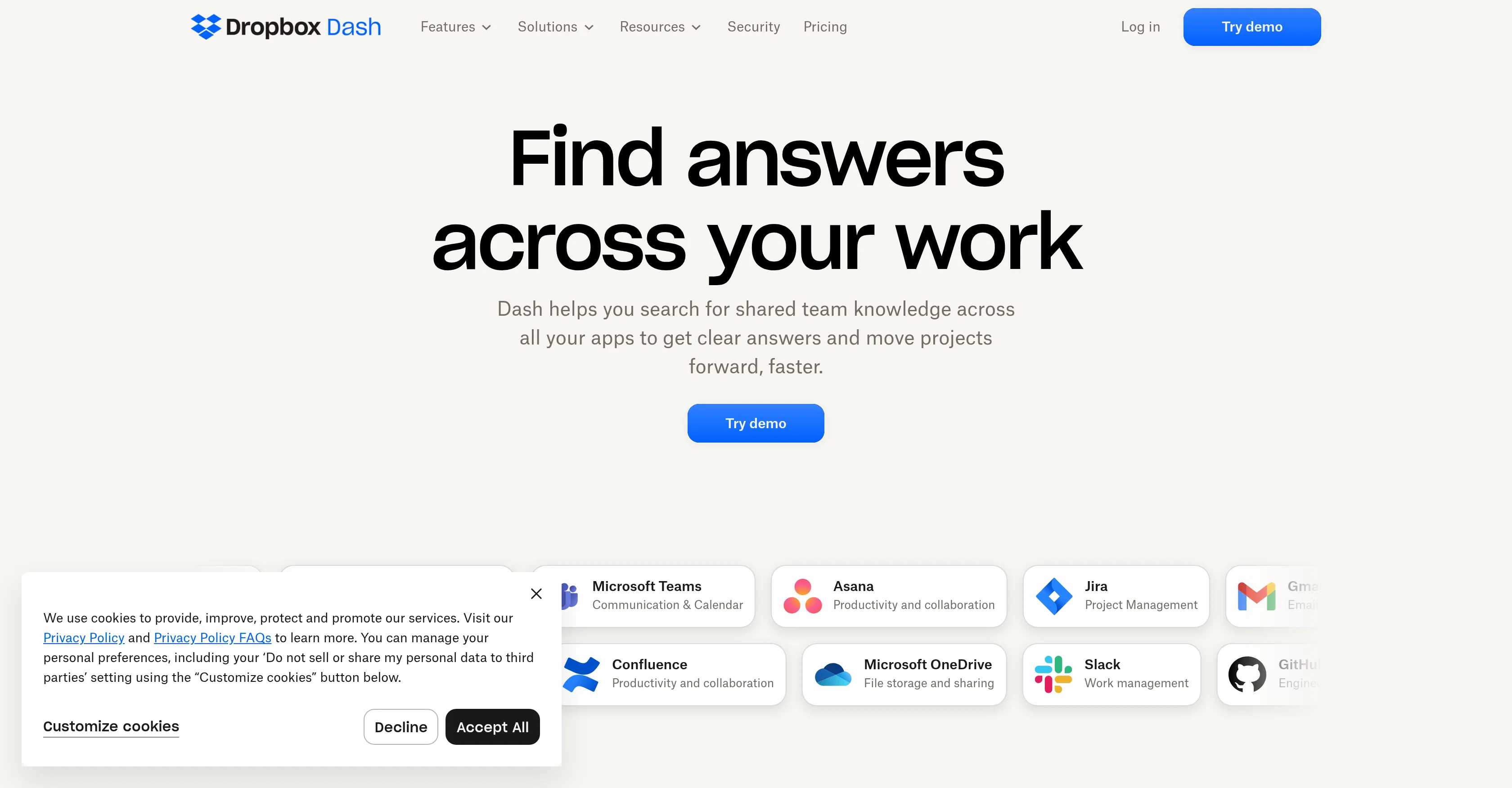
Dropbox Dash is an AI-powered universal search tool that connects all of your tools, content, and apps in a single search bar. It offers connectors to major platforms like Google Workspace, Microsoft Outlook, Salesforce, and more, helping users find everything they need in one place, fast.
Dropbox Dash is designed to help users spend less time searching and organizing all their content and more time efficiently doing their best work. The tool is powered by machine learning, which makes it more intuitive and improves the user experience the more it is used.
Aside from universal search, the Dropbox Dash browser extension has other features like "STACKS," which are smart collections of links that provide a quick way to save, organize, and retrieve URLs.
This tool was created to help users reduce the time they spend navigating between apps and finding files and content. Knowledge workers spend almost nine hours a week searching for files and content, and 69% spend up to an hour each day navigating between apps.
Dropbox Dash addresses these challenges by providing fast and intuitive search results with a smart interface and machine learning capabilities. Overall, the AI-powered tools from Dropbox are tailored to provide personalized assistance to customers, offering insights and answers to questions to help them get more out of their content and do their best work.
Access & connections
Where you can use Dropbox AI, and what it plugs into.
Platforms
Integrations
Capabilities
What this tool accepts, produces, and is strongest at.
Input
- Text
Output
- Video
- Text
Supported features
- Instant file search
Pros & cons
Pros
- Universal search bar
- Connects all tools
- Fast searching
- Connectors to major platforms
- Saves time
- Improves with use
- STACKS feature
- Smart interface
Show 7 more
- Reduced app navigating
- Smart URL collections
- Single dashboard access
- Quick content summaries
- Q&A feature
- Able to curate content
- Alpha version for selected customers
Cons
- Limited platform connectors
- Reliance on machine learning
- Requires browser extension
- No multilingual support
- Current English-only feature
- Stacks feature unproven
- Limited rollout - waitlist
- Only in BETA
Show 1 more
- Closed source tool
Compare alternatives
Similar tools in the catalog — with a clear reason to open each one.

Futurwise ✓
FreemiumThe fastest path to your next insight using super-fast personalized summaries.
Why look Freemium alternative
Full comparison
Summarify.me ✓
Free TrialDistill lengthy content into concise summaries instantly.
Why look Better for writing
Full comparison
Summate ✓
Free TrialTurn hours of consuming into one focused 10-minute digest.
Free + from $10/mo
Full comparison
pdf2gpt ✓
FreemiumSummarize PDFs with GPT: Full text to concise insights.
Why look Freemium alternative
Full comparison
Summate ✓
FreemiumQuickly summarize web articles with AI.
Why look Freemium alternative
Full comparisonReleases 1
FAQ 12
What is Dropbox Dash?
How does Dropbox Dash help with efficiency?
How does machine learning improve the user experience in Dropbox Dash?
What other features does Dropbox Dash have aside from universal search?
What are STACKS in Dropbox Dash?
What platforms does Dropbox Dash connect to?
What is the intended purpose of creating Dropbox Dash?
How does Dropbox Dash aim to reduce navigating time between apps?
How does Dropbox Dash use AI to provide personalized assistance to customers?
Will Dropbox Dash pull information from my company to answer my questions?
When will Dropbox Dash be able to answer questions using generative AI?
How does Dropbox AI improve upon the traditional file previews?
Related tools
Recommended

Fabric ✓
FreemiumYour self-organizing digital workspace.

Distillr ✓
FreemiumDistill content with AI precision.

Photo AI ✓
PaidCreate beautiful AI photos and videos of real people

Stratup.ai ✓
FreemiumInnovative idea generation for businesses.

Findsight ✓
FreeCompare non-fiction ideas from multiple sources.

LearningStudioAI ✓
Free TrialAI-powered authoring tool for effortless online course creation.