

Bestppt.ai ✓
Create stunning presentations in minutes with AI
from $12.5/mo
Verdict
A quick read before you dig into the full page.
- Best if
- Create stunning presentations in minutes with AI
- Skip if
- Limit on ChatGPT-4 questions
- Pick this when
- Generates beautiful presentations
Considering PPT.AI instead? Compare side by side
Overview
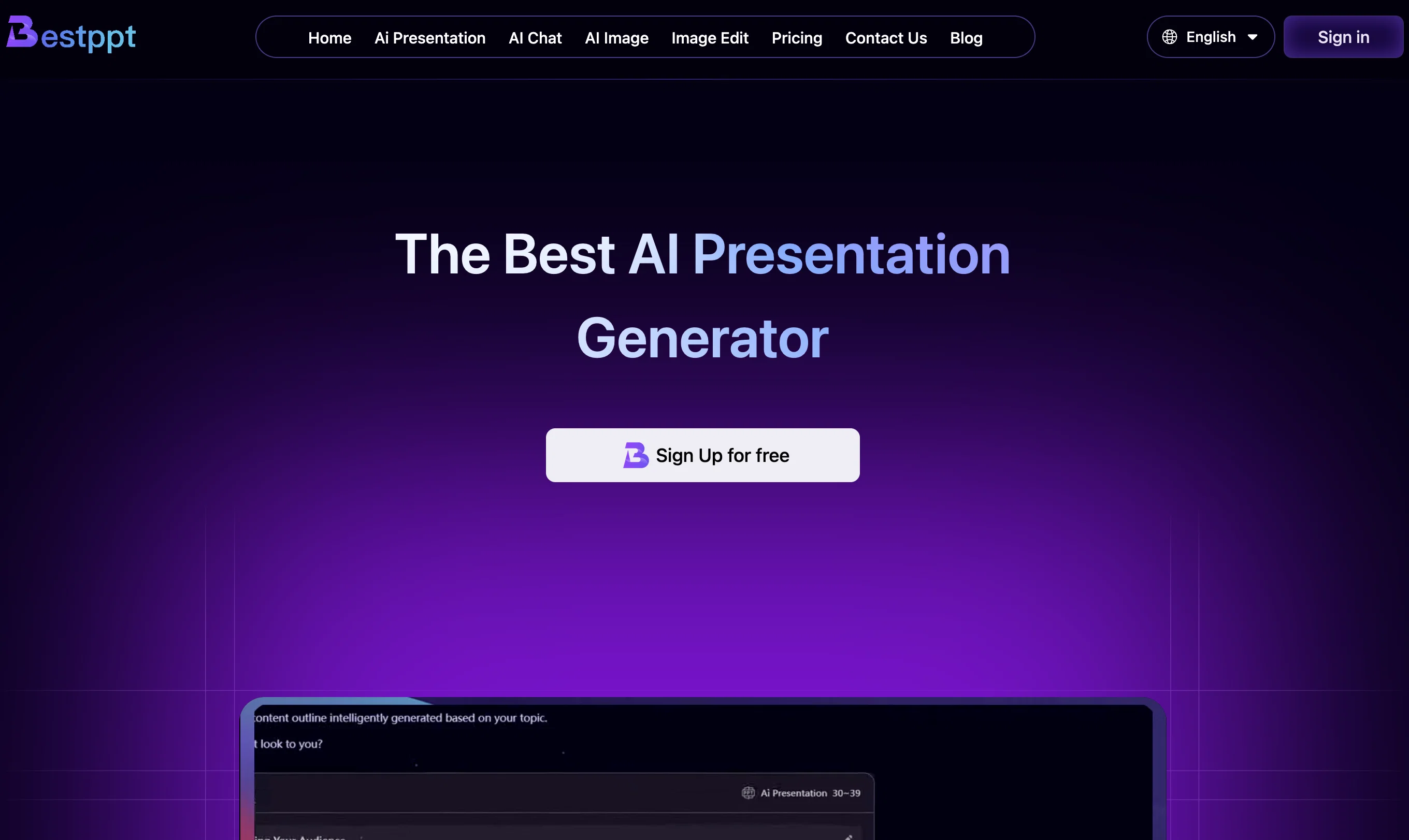
Bestppt.ai is an AI tool designed to help users generate beautiful and professional presentations quickly and efficiently. It offers a wide variety of smart slide templates to choose from, allowing users to turn their ideas into presentations in just a few minutes.
An integral feature of Bestppt.ai is its AI Chatbot. Powered by advanced GPT technology, the chatbot provides quick and personalized assistance to users for a wide range of tasks, including answering any queries they may have during the presentation creation process.
Additionally, Bestppt.ai supports more than 100 languages which enables a broad user base to utilize the tool in their preferred language. To ensure user satisfaction, the platform is regularly updated with new slide templates according to the presentation content.
Users can export their presentations as PPTX and edit them online. Bestppt.ai also provides image editing tools and can generate AI images, enhancing the overall presentation quality.
Various pricing plans are offered catering to different user needs from beginners to those who frequently need to create presentations.
Best for
Short scenarios where Bestppt.ai tends to shine.
-
Create stunning presentations in minutes with AI
Example outputs 1
Sample generations and before/after results for Bestppt.ai.
Access & connections
Where you can use Bestppt.ai.
Platforms
Capabilities
What this tool accepts, produces, and is strongest at.
Input
- Text
Pros & cons
Pros
- Generates beautiful presentations
- Efficient creation process
- Wide variety of templates
- Smart slide templates
- Powered by GPT technology
- Supports over 100 languages
- Regularly updated templates
- Editable PPTX export
Show 28 more
- Online editing support
- Provides image editing tools
- Several pricing plans
- Personalized assistance
- Improves overall presentation quality
- Language switch option
- Template updates according to content
- Single-click slide generation
- Business, education, marketing fields friendly
- Cost-effective presentation creation
- Beginner and professional friendly
- Instant team synchronization
- Client engagement enhancement
- Constant template updates
- Large capacity slide creation
- Monthly, quarterly, yearly plans
- Lifetime plan option
- Generates up to 33 pages
- Huge standard questions limit
- Chatbot with GPT-4 questions
- Lifetime slides in 9999+
- No limit on standard questions
- Unlimited image edit
- Effective customer support
- Benefits for frequent users
- Support for major languages
- Transforms text to presentation
- Highly translated application
Cons
- Restricted number of slides
- Limit on ChatGPT-4 questions
- Fee-based image editing
- Limited standard questions
- Online editing only
- No lifetime unlimited slides
Compare alternatives
Similar tools in the catalog — with a clear reason to open each one.
PPT.AI ✓
Free TrialTransform ideas into stunning presentations instantly
Why look Typically cheaper
Full comparison
AI PPT Maker ✓
FreemiumAI turns your ideas into PowerPoint presentations instantly.
Why look Freemium alternative
Full comparison
Slideteam - Presentation Maker ✓
FreemiumGenerate professional presentations in seconds with AI
Why look Freemium alternative
Full comparison
workppt ✓
Free TrialCreate unlimited presentations with AI in seconds.
Why look Typically cheaper
Full comparison
Xpptx ✓
Free TrialXpptx - Create Presentations with One Click
Why look Typically cheaper
Full comparison
AI Presentations App ✓
FreemiumTurn text into PowerPoint slides instantly.
Why look Freemium alternative
Full comparisonPeople also view
Tools that often show up alongside Bestppt.ai in collections and comparisons.
Xpptx ✓
Free TrialXpptx - Create Presentations with One Click
workppt ✓
Free TrialCreate unlimited presentations with AI in seconds.
Slideteam - Presentation Maker ✓
FreemiumGenerate professional presentations in seconds with AI
PPT.AI ✓
Free TrialTransform ideas into stunning presentations instantly
AI Presentations App ✓
FreemiumTurn text into PowerPoint slides instantly.
AI PPT Maker ✓
FreemiumAI turns your ideas into PowerPoint presentations instantly.

Zetane ✓
Free TrialCompress document work from days to minutes

Tome App AI ✓
FreemiumCreate professional presentations in minutes with AI.
Releases 1
FAQ 12
What is Bestppt.ai?
What is the functionality of the AI Chatbot in Bestppt.ai?
How does the GPT technology in Bestppt.ai work?
Can Bestppt.ai support languages other than English?
How often does Bestppt.ai get updated with new slide templates?
Can I export the presentations I create in Bestppt.ai to PPTX format?
How can I edit my presentation online with Bestppt.ai?
Does Bestppt.ai provide image editing tools?
What is AI image generation in Bestppt.ai?
What are the various pricing plans offered by Bestppt.ai?
Who can utilize Bestppt.ai?
What are the features of the premium plans in Bestppt.ai?
Related tools
Recommended

Scisummary ✓
Free TrialCutting-edge scientific articles summarization.

Mindsmith ✓
FreemiumPlatform for building and sharing eLearning content

Automateed ✓
Free TrialCreate eBooks effortlessly with Automateed, the AI-powered writing tool.

Recall ✓
FreemiumSummarize Anything, Forget Nothing!

PrometAI ✓
FreemiumTurn ideas into viable reality with AI business plan generator.

Perplexity ✓
FreemiumAI-powered answers to any question, instantly.