

Arting ✓
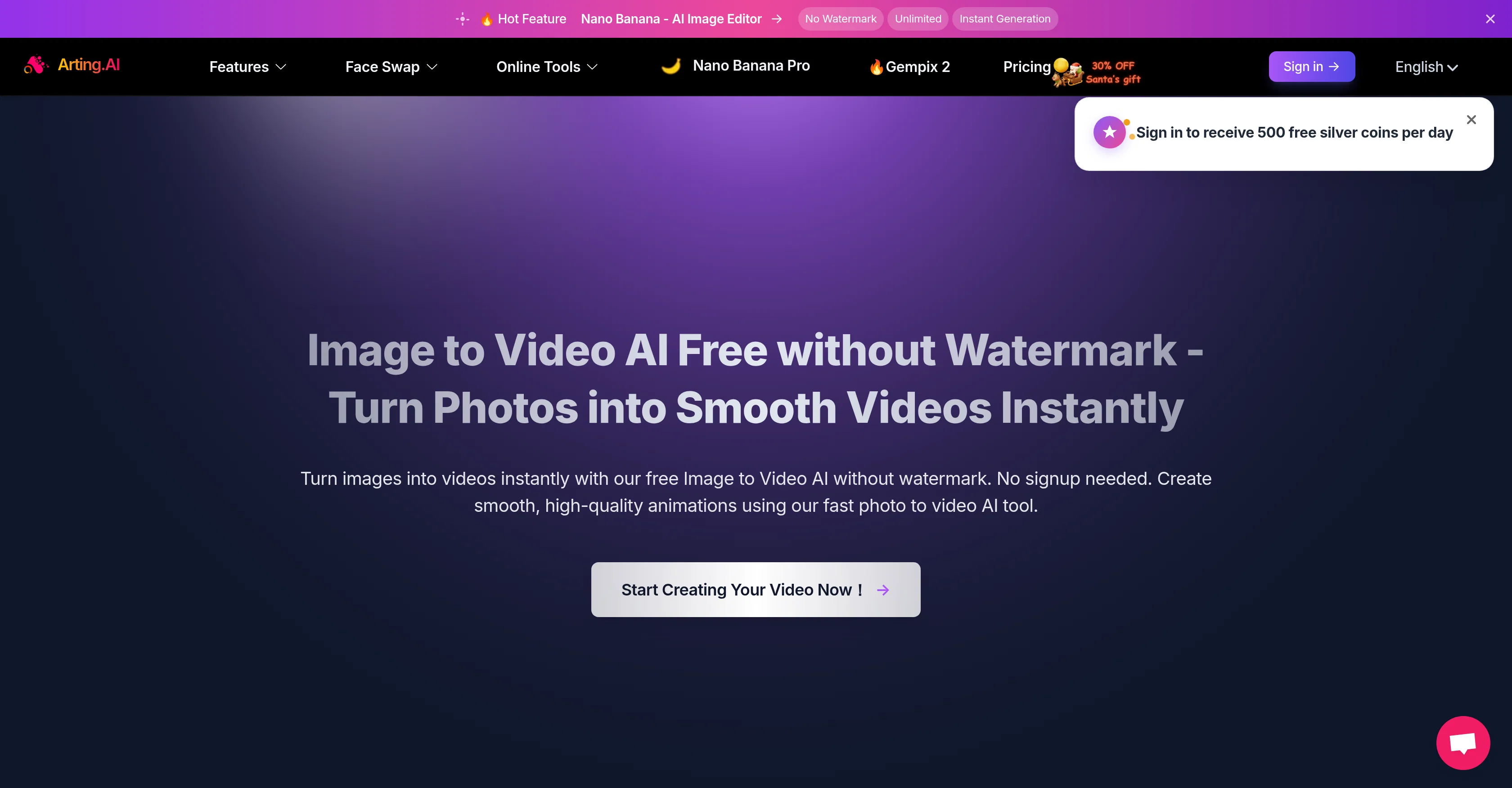
Create videos from images with free AI.
from $6.99
Verdict
A quick read before you dig into the full page.
- Best if
- Create videos from images with free AI
- Skip if
- Limited image file support
- Pick this when
- No watermark
Considering MojoMake - AI Image to Video Generator instead? Compare side by side
Overview
The platform leverages advanced image-to-video AI models that deliver stable motion, sharp details, and consistent results. Whether you’re creating short-form social media content, marketing visuals, educational materials, or personal projects, Arting.AI adapts to a wide range of use cases. Multiple aspect ratios, resolutions, durations, and movement styles ensure outputs are optimized for platforms like Instagram, TikTok, YouTube, presentations, or websites.
Arting.AI stands out by offering watermark-free exports, fast processing, and unlimited creative potential without forcing users through signups or complicated setups. Everything runs directly in the browser, making it accessible across devices and ideal for quick iterations. The tool also supports additional AI-powered features such as face swap, image enhancement, text-to-image, and image-to-image generation, expanding creative possibilities within a single ecosystem.
Designed for creators, marketers, educators, influencers, and small teams, Arting.AI helps save significant production time while maintaining a polished, professional look. By automating animation, transitions, and motion syncing, it enables users to transform ideas into engaging visual stories effortlessly. Whether you’re experimenting creatively or producing content at scale, Arting.AI offers a flexible, efficient way to bring images to life.
Best for
Short scenarios where Arting tends to shine.
-
Create videos from images with free AI.
Example outputs 1
Sample generations and before/after results for Arting.
Access & connections
Where you can use Arting, and what it plugs into.
Platforms
Integrations
Capabilities
What this tool accepts, produces, and is strongest at.
Input
- Image
Output
- Video
Supported features
- Image Generation
- Video Generation
Pros & cons
Pros
- No watermark
- No signup required
- Fast image to video
- High-quality outputs
- Supports text to image
- Supports image to image remixing
- Automatic video creation
- Supports Image to video
Show 31 more
- Batch face swapping
- Automatic multiple face swapping in images
- Video face swapping
- Image enhancer
- Open eyes in photo tool
- Background remover
- Image watermark remover
- GIF Watermark Remover
- Image resizer
- Video enhancer
- Video watermark remover
- Video background removal
- Add Christmas Hat tool
- 3D Model generator
- No beard filter
- Works with images, videos, GIFs
- Loads in browser, no plugins needed
- Various export resolutions (360P, 720P, 1080P)
- Multiple aspect ratios (16:9, 9:16, 1:1)
- HD exports without watermark
- Animations generator
- Video effects
- Fake date video
- 360 Rotation Video
- Online Image Editor
- Image to Video
- Image Effects
- Image Tools
- Video Tools
- Video Enhancer
- Image Duplication
Cons
- No API provided
- Limited image file support
- Requires coins for generation
- No Mobile App
Compare alternatives
Similar tools in the catalog — with a clear reason to open each one.

MojoMake - AI Image to Video Generator ✓
FreemiumUse every top AI model and 100+ effects in one account.
Why look Freemium alternative
Full comparison
VidFlux - Photo to Video Generator ✓
PaidTransform photos into cinematic videos with AI.
from $6.75/mo
Full comparison
Grok Imagine ✓
FreemiumUnleash Your Creativity with Grok Imagine
Why look Freemium alternative
Full comparison
VidFlux - Image to Video AI ✓
PaidTransform any image into stunning videos.
from $9/mo
Full comparison
MindVideo ✓
FreemiumCreate stunning videos from text or images.
Why look Freemium alternative
Full comparisonPeople also view
Tools that often show up alongside Arting in collections and comparisons.
VidFlux - Photo to Video Generator ✓
PaidTransform photos into cinematic videos with AI.
VidFlux - Image to Video AI ✓
PaidTransform any image into stunning videos.
MojoMake - AI Image to Video Generator ✓
FreemiumUse every top AI model and 100+ effects in one account.
MindVideo ✓
FreemiumCreate stunning videos from text or images.

Himedia AI Video Generator ✓
Free TrialCreate any AI Videos, Images and Music - No creative limits
Grok Imagine ✓
FreemiumUnleash Your Creativity with Grok Imagine

Motiofy ✓
Free TrialCreate Product and Social Videos Without Filming a Thing

MorphLogo ✓
Free TrialStatic logo in, cinematic motion out.
Releases 1
FAQ 12
What are the key features of Arting AI?
How does Arting AI create videos from images?
Can Arting AI remove watermarks from my videos?
Can I use Arting AI to edit photos?
Does Arting AI support multiple face swaps?
Can I use Arting AI to create videos from text prompts?
What AI models does Arting AI support?
What is the 'Nano Banana' feature in Arting AI?
Is Arting AI available in multiple languages?
What online tools does Arting AI offer?
Can Arting AI detect AI-generated content?
What is the image duplicator tool on Arting AI?
Related tools
Recommended

Noodle Tomato - Earn with YouTube ✓
PaidGenerate full-length faceless YouTube videos from text and earn

VoooAI ✓
FreemiumGenerate a Multimedia workflow with one sentence.Support OpenClaw

Paraspeech ✓
Free TrialPrivate dictation, cloud optional

AI Motion Transfer by The Influencer AI ✓
PaidTransfer motion from videos to photos with AI.
VideoAny Image to Video ✓
PaidTurn images into AI video with cinematic motion.

ResearchMonkey AI | YouTube Summarizer ✓
Free TrialSave Hours of Research in Seconds with 40+ AI Tools