

Animate Image AI ✓
Transform static photos into stunning 4K video animations.
from $7.9/mo
Verdict
A quick read before you dig into the full page.
- Best if
- Transform static photos into stunning 4K video animations
- Skip if
- No watermark option
- Pick this when
- Supports 4K resolution
Considering MojoMake - AI Image to Video Generator instead? Compare side by side
Overview
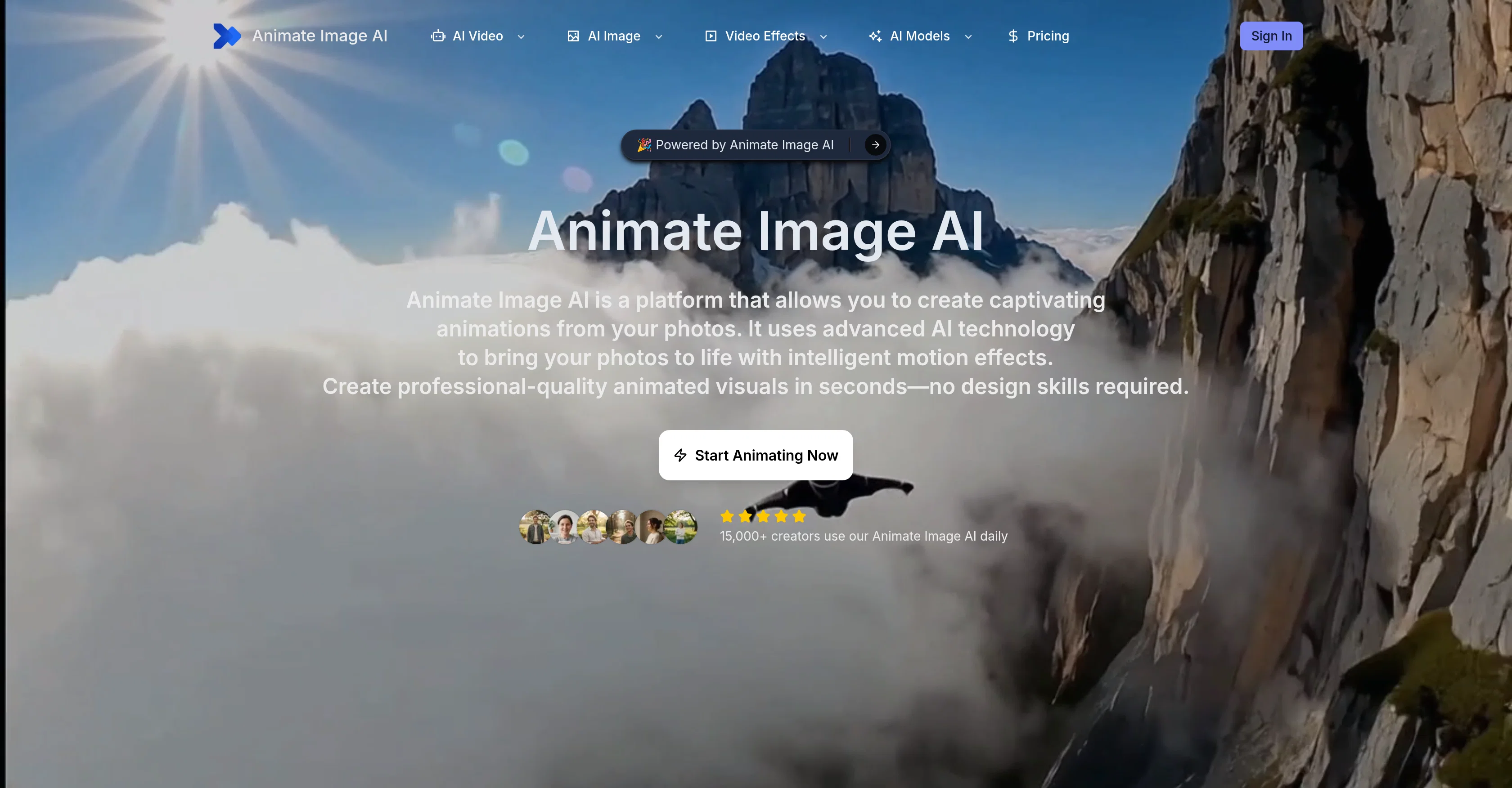
Animate Image AI is an AI-powered platform that allows users to transform static photos into dynamic 4K video animations. It employs advanced AI models such as Kling, Veo, Runway, and Sora, each contributing unique strengths for optimal animation results.
The platform is designed to be accessible by users of all skill levels, requiring no complex technical knowledge or design abilities. The process entails uploading an image, selecting a preferred style, and then letting the AI create the animation.
Users can also customize the video generation parameters by adjusting the resolution, duration, motion intensity, and animation speed. In addition, all produced animations are watermark-free, enabling their unrestricted usage in any context, including commercially.
The Animate Image AI platform promises a quick turn-around time, transforming an image into an animation in a few seconds. This speed of content creation is expected to greatly reduce the time spent on traditionally labor-intensive manual animation.
Its outputs are available in multiple formats such as MP4, GIF, or WebM to cater to different sharing and embedding needs. The platform also maintains high standards for privacy and security, assuring users that their content will not be shared with third parties and will be automatically deleted after processing.
Access & connections
Where you can use Animate Image AI.
Platforms
Capabilities
What this tool accepts, produces, and is strongest at.
Input
- Tabular
- Image
Output
- Video
Supported features
- Image Edit
- Image Generation
- Video Edit
- Video Generation
Pros & cons
Pros
- Supports 4K resolution
- User-friendly interface
- Produces watermark-free animations
- Customizable animation parameters
- Ensures privacy and security
- Fast processing speed
- Compatible with various animation styles
- No design skills required
Show 18 more
- Multi-format output
- Resolution and duration adjustment
- Supports commercial use
- Automatic deletion after processing
- No third-party sharing
- Can create realistic to artistic animations
- Saves times in content creation
- Boosts engagement with dynamic content
- Supports major image formats
- Instant generation with no queue
- Offers cinematic quality output
- Enterprise-grade encryption
- Variety of creative animation options
- Optimized for different animation styles
- Drag and drop functionality
- Supports quick generation and sharing
- Cinematic color grading
- Variable animation speed control
Cons
- Limited animation styles
- No API integration
- No offline usage
- Lack of collaboration features
- Time consuming customization
- Only supports up to 4K
- No multi-language support
- No watermark option
Show 2 more
- Fixed animation duration (5-10s)
- Dependent on internet connection
Compare alternatives
Similar tools in the catalog — with a clear reason to open each one.

MojoMake - AI Image to Video Generator ✓
FreemiumUse every top AI model and 100+ effects in one account.
Why look Freemium alternative
Full comparison
VidFlux - Photo to Video Generator ✓
PaidTransform photos into cinematic videos with AI.
from $6.75/mo
Full comparison
Grok Imagine ✓
FreemiumUnleash Your Creativity with Grok Imagine
Why look Freemium alternative
Full comparison
VidFlux - Image to Video AI ✓
PaidTransform any image into stunning videos.
from $9/mo
Full comparison
MindVideo ✓
FreemiumCreate stunning videos from text or images.
Why look Freemium alternative
Full comparison
Releases 1
FAQ 12
What is Animate Image AI?
How does Animate Image AI convert static images into dynamic animations?
Can Animate Image AI create animations of up to 4K resolution?
What are the different AI models like Kling, Veo, Runway, and Sora within Animate Image AI?
How does the user-friendly design of Animate Image AI work?
Can I generate watermark-free animations using Animate Image AI?
How does Animate Image AI ensure privacy and security?
How fast is the processing speed of Animate Image AI?
What features does Animate Image AI offer to cater for diverse creative visions?
Can Animate Image AI streamline the traditional animation process?
How does Animate Image AI uphold the professional quality of animations?
Who is the target audience of Animate Image AI?
Related tools
Recommended

Hocha AI ✓
Free TrialGenerate professional-quality images instantly with preset prompts.

VideoAny Image to Video ✓
PaidTurn images into AI video with cinematic motion.

BeautyPlus AI Video Enhancer ✓
Free TrialTurn blurry videos into 4K masterpieces instantly.

remio: Your Personal ChatGPT ✓
FreemiumGet Tailored Answer with Your Personal ChatGPT

PrompTessor ✓
FreemiumAI Prompt Workspace for Better AI Results

PDF to Video AI ✓
FreeTurn PDFs into professional explainer videos in minutes.