

Hocha AI ✓
Generate professional-quality images instantly with preset prompts.
Trial; then from $5
Verdict
A quick read before you dig into the full page.
- Best if
- Generate professional-quality images instantly with preset prompts
- Skip if
- No login could limit history
- Pick this when
- Generates professional-grade images
Considering Photo AI instead? Compare side by side
Overview
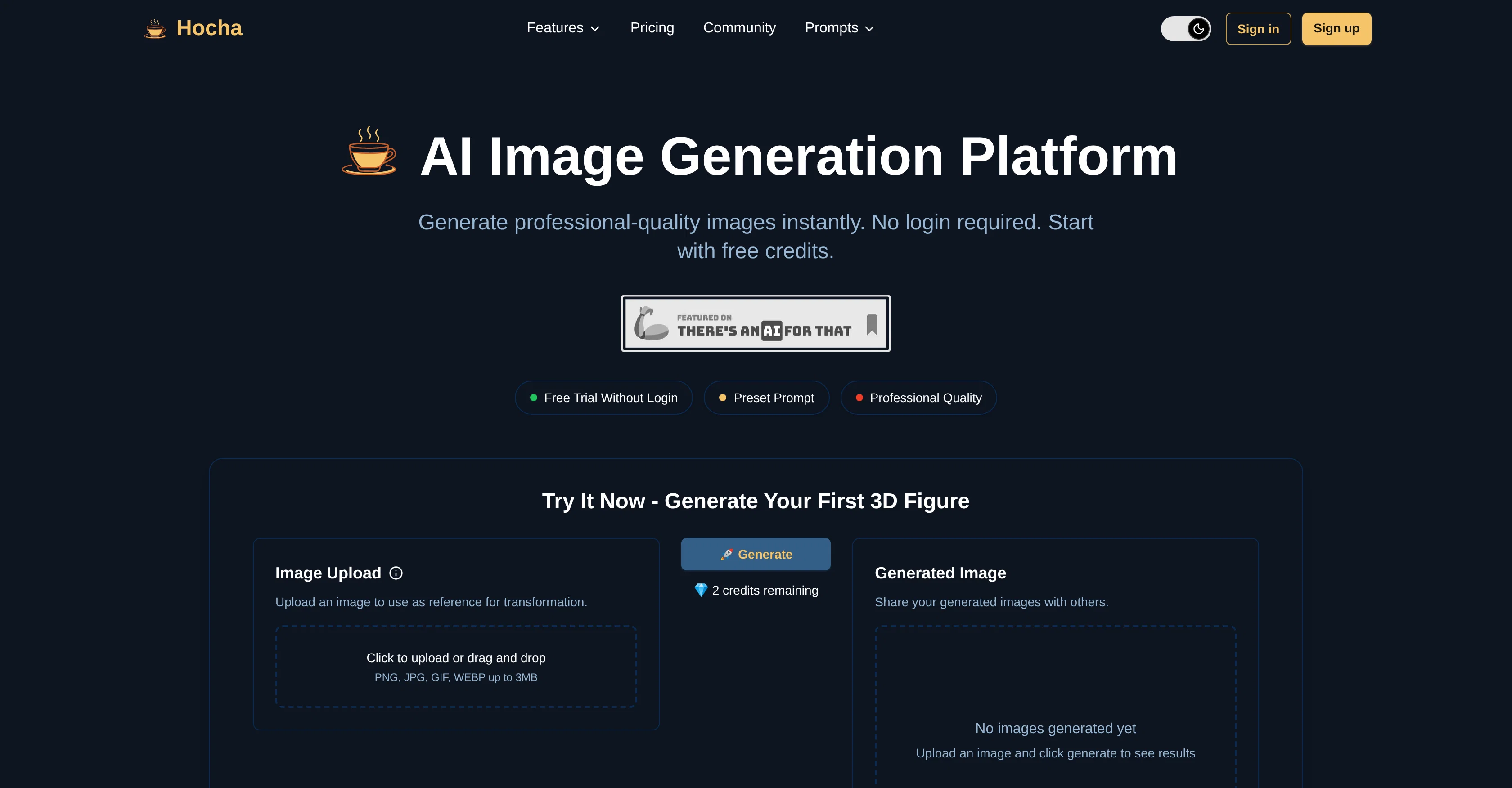
Hocha is an AI-powered platform that offers a variety of tools for image generation and editing. The primary tool allows users to upload an image and transform it into a professionally crafted 3D figure, within just moments without requiring login or registration, with support for various formats including JPEG, PNG, GIF, and WEBP.
Other tools include the AI Headshot Generator, suitable for the creation of professional headshots and portraits, the AI Illustration Generator for the generation of diverse character poses and illustrations, and the AI Image Editor that applies AI models to fine-tune and enhance an image.
Hocha also features an AI Background Removal tool that can accurately isolate subjects from their backgrounds, preserving fine details and natural images, an AI Vocabulary poster generator, and a product pure background generator, that creates professional product images on pure color backgrounds with realistic lighting and shadows.
The service provides fast, high-quality results, suitable for professional and commercial use. Prompt collections from the community supplement the existing toolsets with additional models of image transformation and editing.
Access & connections
Where you can use Hocha AI.
Platforms
Capabilities
What this tool accepts, produces, and is strongest at.
Input
- Image
Output
- 3D
Highlights
- SOTA
- No Signup
Supported features
- 3D Generation
- Image Edit
- Image Generation
- No Signup
- Styling
- Video Edit
- Video Generation
Models
Text
Image
Audio
Video
Pros & cons
Pros
- Generates professional-grade images
- Supports diverse image formats
- Risk-free sampling
- No registration or login
- Specialized tools
- Full licensing rights
- High-quality 3D images
- Applies a variety of effects
Show 33 more
- Instant image transformation
- Realistic Lighting Shadows
- Community prompt collections
- Prompt collections from community
- Professional headshots and portraits
- Dynamic character illustrations
- Accurate background removal
- Unique effects based on application
- Spanish Vocabulary Poster Generator
- Product Pure Background Generator
- Commercially viable
- Tailored results
- JPEG, PNG, GIF, WEBP support
- Preserves fine details
- Fast results
- Preset prompts
- Suited for professional use
- Advanced image enhancement
- Multiple pose variations
- Precise editing control
- Transparent background export
- Free trial credits
- Spanish and English labels
- Realistic shadows and lighting
- Creates 3D figures
- Lightning-fast results
- Commercial-ready quality
- Community supplement models
- Product imagery for ecommerce
- Clean, precise edge detection
- Educational poster creation
- 3D figure generation
- Generates headshots, illustrations, edits
Cons
- Limited to image transformations
- Specific tools lack customization
- Possibly slow generation process
- Free trial limits unclear
- No login could limit history
- Only supports up to 7MB
- No text to image tool mentioned
- Unspecified number of style variations
Show 2 more
- Commercial license only for paid
- Lack of user account security
Compare alternatives
Similar tools in the catalog — with a clear reason to open each one.


Stockimg AI ✓
PaidGenerated images and text for design ease.
Why look Stronger for image work
Full comparison


Releases 1
Imported reviews 1
I dont see eny progect! after promt saying "image" is done and.. thats it> nothing.
FAQ 12
What is Hocha?
What are the key features of Hocha?
How does the AI Headshot Generator of Hocha work?
Can I make illustrations with Hocha?
What is the AI Image Editor in Hocha used for?
How does Hocha's AI background Removal work?
What types of images can I upload to Hocha?
Can I generate 3D images using Hocha?
Can Hocha be used for commercial applications?
What is the quality of images generated by Hocha?
Do I need to register or login to use Hocha?
What are the tools provided by Hocha for image transformation?
Related tools
Recommended

Animate Image AI ✓
PaidTransform static photos into stunning 4K video animations.

Automateed ✓
Free TrialCreate eBooks effortlessly with Automateed, the AI-powered writing tool.

CodeRabbit ✓
Free TrialEnhanced code review for improved workflow and quality.

freebeat AI ✓
FreemiumTurn Music & Ideas into Viral Videos In One Click

remio: Your Personal ChatGPT ✓
FreemiumGet Tailored Answer with Your Personal ChatGPT

MarketAlerts.ai ✓
FreemiumInvest smarter with AI on your side