

AI Video Upscaler ✓
Upscale and enhance your videos with AI Magic
Trial; then from $20
Verdict
A quick read before you dig into the full page.
- Best if
- Upscale and enhance your videos with AI Magic
- Skip if
- No specified free tier
- Pick this when
- Supports various video formats
Considering Free AI Video Upscaler instead? Compare side by side
Overview
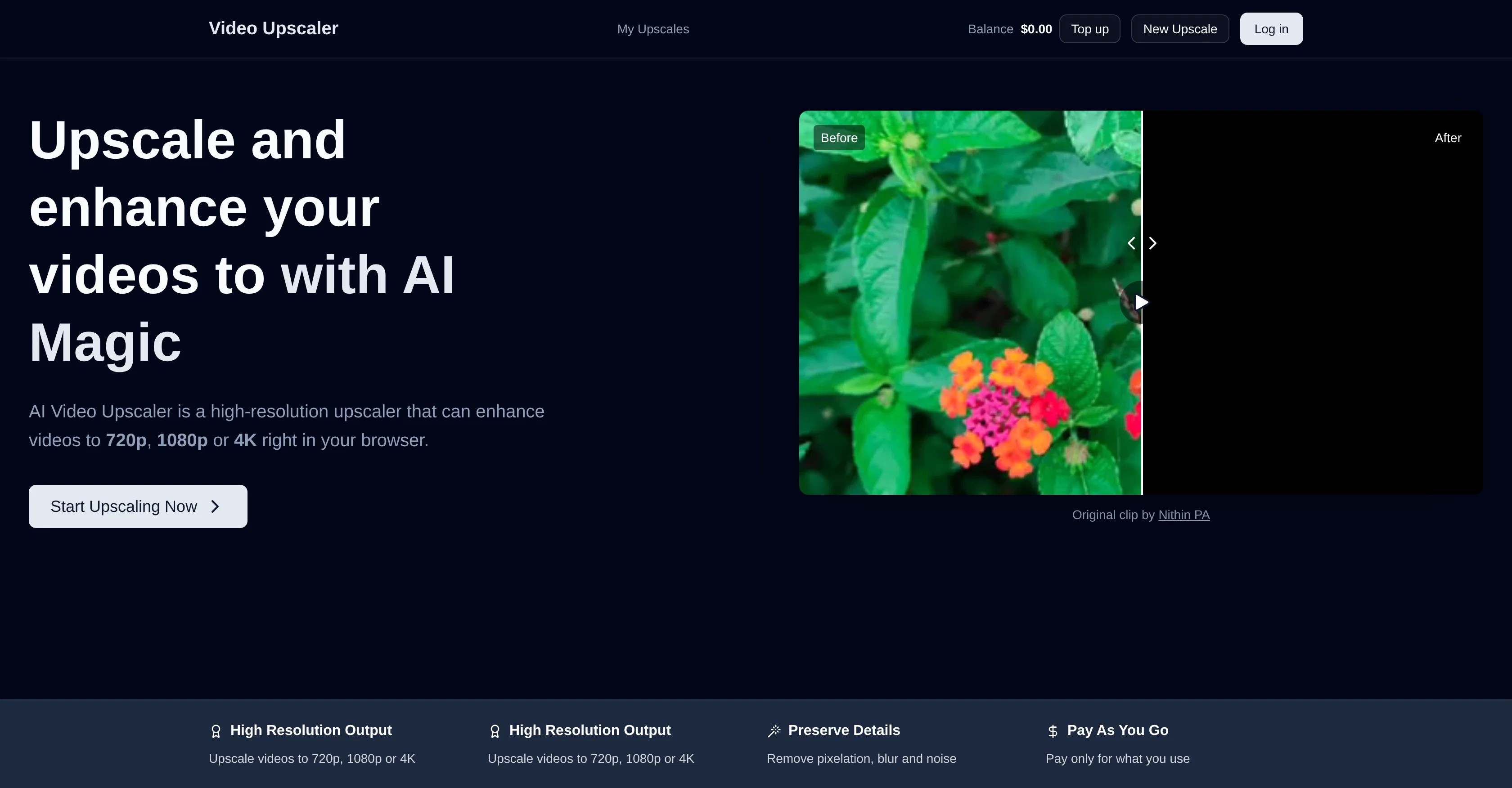
AI Video Upscaler is a high-resolution, browser-based tool designed to enhance the quality of videos. It utilizes an algorithm that scales up video resolution to 720p, 1080p, or even 4K, thus noticeably improving the picture clarity.
Additionally, the tool aids in minimizing pixelation, blur, and background noise. It supports the enhancement of almost any kind of video and retains the original video format and aspect ratio without distorting the details.
The tool supports all major video formats which include MP4, AVI, MOV, MKV, WMV and others. It functions on a pay-as-you-go model wherein the user pays only for the level of video quality used.
The processing time of the videos is generally proportional to the length and original resolution of the video. Despite its advanced features, this tool is user-friendly; making it an ideal choice for improving video quality for platforms like YouTube, TikTok and similar.
Please note, the costs are calculated per 5 seconds of video, and depend on the selected output resolution and frames per second.
Access & connections
Where you can use AI Video Upscaler.
Platforms
Capabilities
What this tool accepts, produces, and is strongest at.
Input
- Video
Output
- Video
Supported features
- Upscaling
- Denoise
- Video Edit
Pros & cons
Pros
- Supports various video formats
- Upscales to 4K resolution
- Preserves original video integrity
- Ideal for short and long videos
- User-friendly functionalities
- Time-efficient upscaling
- Pay-as-you-go pricing
- Processing time varies
Show 18 more
- 720p, 1080p and 4K enhancement
- Noise and blur reduction
- YouTube and TikTok video enhancement
- Pixelation reduction
- Maintains original video format
- Preserves aspect ratio
- Browser-based tool
- Improves picture clarity
- Ideal for various platforms
- Cost per output resolution
- Cost per frames per second
- Minimizes background noise
- Maintains razor-sharp edges
- Supports vertical video enhancement
- Detailed preservation in original video
- No subscription needed
- No limit on video size
- Ideal for business and personal use
Cons
- Pay-per-use pricing
- Processing time varies
- Costs increase with quality
- Resolution enhancement limited to 4K
- Possible distortions in detail
- No mention of offline version
- Charges per 5 seconds of video
- No specified free tier
Show 2 more
- Proprietary upscaling models
- Not open-source
Compare alternatives
Similar tools in the catalog — with a clear reason to open each one.

Free AI Video Upscaler ✓
FreeUpscale videos or images with AI for free, right in your browser
Why look Fully free option
Full comparison
UpscaleMy.Video ✓
FreemiumInstantly enhance blurry videos with AI.
Why look Typically cheaper
Full comparison

VideoUpscaler.net ✓
PaidTransform videos to 4K with AI upscaling.
Why look Typically cheaper
Full comparison
VideoUpscale.net ✓
PaidUpscale video to 4K in minutes.
Why look Higher community rating
Full comparison
Releases 1
FAQ 12
What exactly is AI Video Upscaler?
What's the maximum resolution AI Video Upscaler can upscale to?
What advanced upscaling models does AI Video Upscaler utilize?
What types of video formats does AI Video Upscaler support?
How does AI Video Upscaler enhance the detail in videos?
Does AI Video Upscaler work equally well for both short social media videos and longer formats?
How user-friendly is AI Video Upscaler's interface?
How long does it typically take to upscale a video using AI Video Upscaler?
What is the pay-as-you-go pricing policy in AI Video Upscaler?
How cost-effective is AI Video Upscaler compared to other video enhancement tools?
Is there a limit on the size of video that can be uploaded for upscaling in AI Video Upscaler?
How does the processing time in AI Video Upscaler vary according to the length and resolution of the video?
Related tools
Recommended

freebeat AI ✓
FreemiumTurn Music & Ideas into Viral Videos In One Click

Averi AI ✓
Free TrialThe AI Content Engine for Startups

ImageToClip.com ✓
PaidMake any photo move.

ChatGPT ✓
FreemiumAsk anything, create anything, and move from idea to action.

Automateed ✓
Free TrialCreate eBooks effortlessly with Automateed, the AI-powered writing tool.

Notis ✓
Free TrialThe first WhatsApp assistant that runs on your ChatGPT and Claude subscriptions

