

VideoUpscaler.net ✓
Transform videos to 4K with AI upscaling.
from $7.9/mo
Verdict
A quick read before you dig into the full page.
- Best if
- Transform videos to 4K with AI upscaling
- Skip if
- Video length limit
- Pick this when
- Upscale videos to 4K
Considering Free AI Video Upscaler instead? Compare side by side
Overview
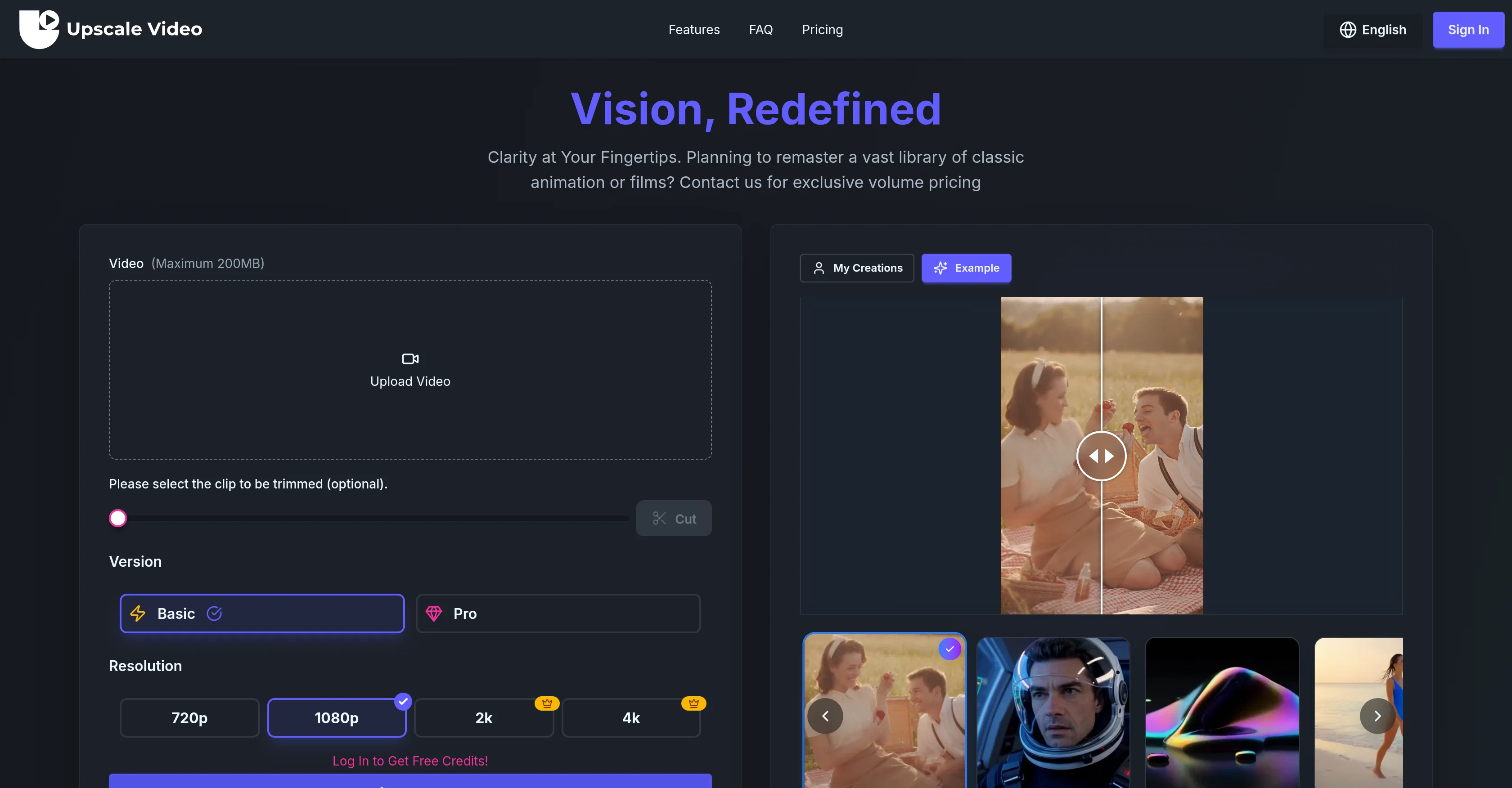
This tool uses advanced AI technology to enhance and upscale videos. It's capable of transforming video quality to different resolutions including 720p, 1080p, 2K, and 4K.
The AI Video Upscaler & Video Enhancer is especially suitable for professional use due to its exceptional temporal consistency, detail reconstruction, and motion-aware processing.
To ensure high-quality results, the tool maintains frame-to-frame stability and incorporates artifact cleanup. It allows users to upload videos of varying lengths, up to 10 minutes.
For individuals looking to remaster large libraries of classic animation or films, this tool offers an efficient solution. The tool is equipped with provisions for various additional features such as AI Image and Music Generation.
Notably, it provides services like fast priority queues, unlimited storage, unlimited downloads, and commercial usage rights, among others.
Access & connections
Where you can use VideoUpscaler.net.
Platforms
Capabilities
What this tool accepts, produces, and is strongest at.
Input
- Video
Output
- Video
Supported features
- Denoise
- Video Edit
- Upscaling
Pros & cons
Pros
- Upscale videos to 4K
- Exceptional temporal consistency
- Detailed reconstruction
- Motion-aware processing
- Artifact cleanup
- Frame-to-frame stability
- Capability for remastering animations
- Efficient film enhancement
Show 23 more
- Prioritizing processing queues
- Unlimited storage
- Unlimited downloads
- Commercial usage rights
- No watermark output
- Parallel task processing
- Supports professional use
- Smooth video playback
- Handles digital distortions
- Usable for varying video lengths
- Fast processing speed
- Tiered plans for varying needs
- Exclusive volume pricing
- Supports different languages
- Easy video upload process
- 200MB maximum video size
- Video trimming option
- Supports various video resolutions
- Dedicated user support
- Unsubscribe option available
- No rights limitation for paid plans
- Time-limited discount offers
- Secured credit allocation
Cons
- Video length limit
- Max upload size 200MB
- No free commercial rights
- Watermark for free version
- Limited tasks in free version
- Services bound to credits
- Plan dependent parallel tasks
- No individual video/audio upscaler
Show 2 more
- Exclusively online, no offline version
- No detailed pricing for volume
Compare alternatives
Similar tools in the catalog — with a clear reason to open each one.

Free AI Video Upscaler ✓
FreeUpscale videos or images with AI for free, right in your browser
Why look Fully free option
Full comparison
UpscaleMy.Video ✓
FreemiumInstantly enhance blurry videos with AI.
Why look Freemium alternative
Full comparison

AI Video Upscaler ✓
Free TrialUpscale and enhance your videos with AI Magic
Free + from $20
Full comparison
VideoUpscale.net ✓
PaidUpscale video to 4K in minutes.
Why look Higher community rating
Full comparison
Releases 1
FAQ 12
What is AI Video Upscaler & Video Enhancer?
How does AI Video Upscaler & Video Enhancer work?
What video resolutions can AI Video Upscaler & Video Enhancer upgrade to?
What is the temporal consistency feature in AI Video Upscaler & Video Enhancer?
How does the motion-aware processing feature improve video playback?
How does AI Video Upscaler & Video Enhancer address digital distortions during the upscaling process?
What's the maximum video duration I can upload on AI Video Upscaler & Video Enhancer?
What are the different plans offered by AI Video Upscaler & Video Enhancer?
What is multiple parallel task processing in AI Video Upscaler & Video Enhancer?
Are there any storage and download limits on AI Video Upscaler & Video Enhancer?
Does AI Video Upscaler & Video Enhancer leave a watermark on the upscaled videos?
What are the AI image and music generation services provided by AI Video Upscaler & Video Enhancer?
Related tools
Recommended

Syllaby ✓
PaidVideo script generator for social media marketing.

Video Transcriber AI ✓
FreeTranscribe video to text online free

Unscreen Pro ✓
PaidUnscreen Remove video background

yesTool | AI Music Video ✓
FreemiumCreate animated music videos with perfect lip-sync.

AI Music Video Generator ✓
Paidphoto singing, ai music video

SAM 3D by Meta ✓
UnknownBring any 2D image to life.