

Video upscaling 2026 Rank: #3025
VideoUpscale.net ✓
Upscale video to 4K in minutes.
Verdict
A quick read before you dig into the full page.
- Best if
- Upscale video to 4K in minutes
- Skip if
- No free tier available
- Pick this when
- Upscales video resolution to 4K
Considering Free AI Video Upscaler instead? Compare side by side
Overview
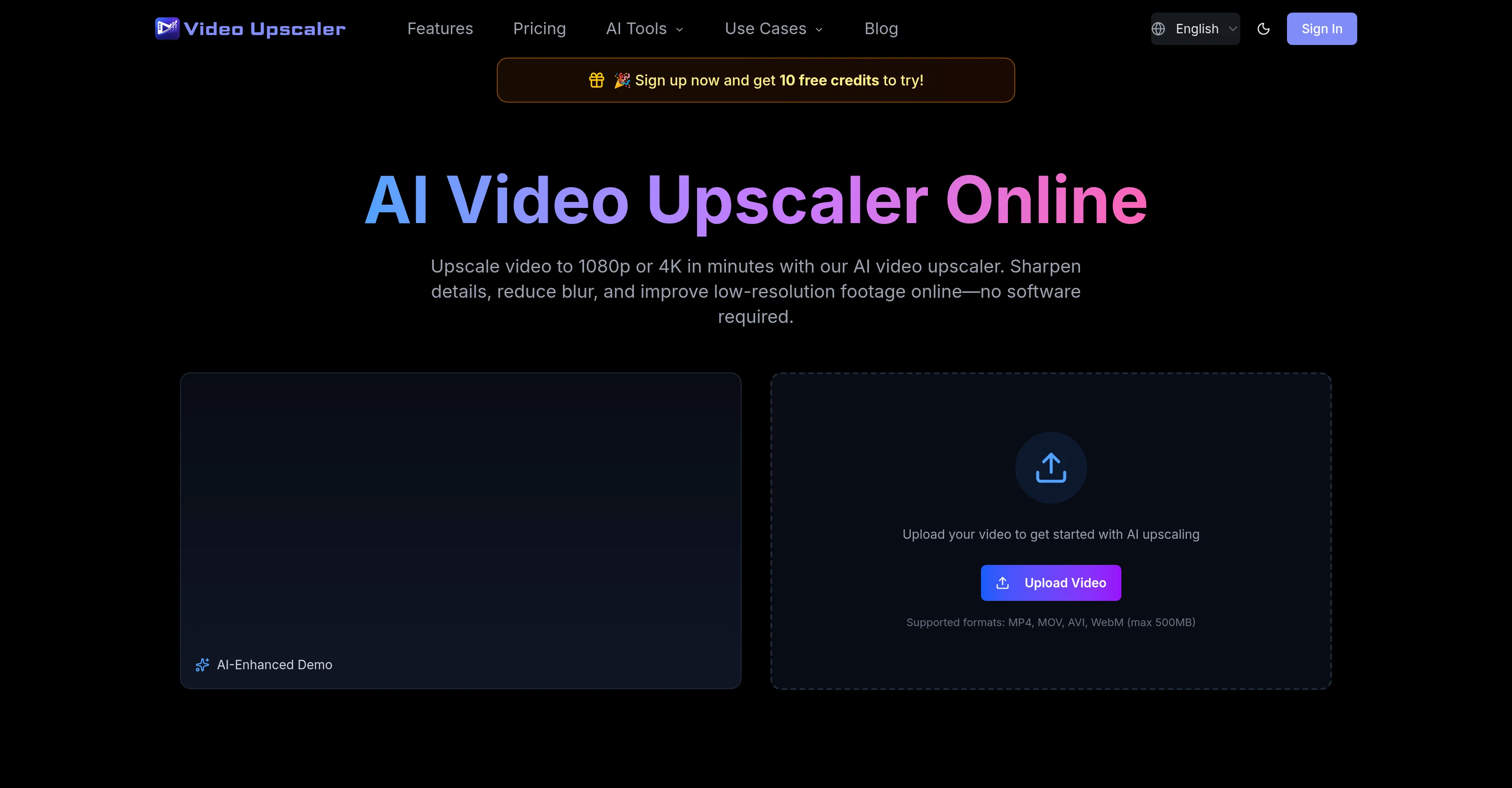
AI Video Upscaler Online is a tool that enhances the quality of digital video content using artificial intelligence technology. Through AI-powered upscaling, it can enhance video resolution to 1080p or 4K, depending on user needs, improving visible detail, reducing blur, and cleaning compression noise while preserving the natural motion of the footage.
The tool is designed to work on a range of video types, from old videos needing restoration to social media clips, product demos, and screen recordings.
This online platform supports multiple video formats including MP4, MOV, AVI, WebM, with a maximum supported size of 500MB. The tool is built with an user-friendly interface, making the process of video upscaling smooth and straightforward.
Users first upload their videos, then select the desired output quality, before downloading the upscaled video. There are several featured AI video tools available, each fine-tuned for different use cases, including Anime Upscaler, AI Video Enhancer, YouTube Video Upscaler, and a tool for upscaling video to 4K.
This platform also offers various subscription plans designed to suit different needs, ranging from basic upscaling and enhancement services to a more comprehensive offering for commercial use, which includes priority support.
Access & connections
Where you can use VideoUpscale.net.
Platforms
Capabilities
What this tool accepts, produces, and is strongest at.
Input
- Video
Output
- Video
Supported features
- Video Edit
- Upscaling
- Denoise
Pros & cons
Pros
- Upscales video resolution to 4K
- 1080p video upscaling
- Reduces blur in videos
- Enhances video clarity
- Sharpens video details
- Improves quality of old videos
- Enhances social media clips
- Enhances product demonstration videos
Show 20 more
- Upscales screen recording videos
- Transforms low-quality footage
- Analyzes details for upscaling
- Prevents video pixelation
- High-quality detail maintenance
- Noise reduction in videos
- Online use, no installation needed
- Reduces video compression effects
- Various pricing plans
- Supports MP4, MOV, AVI, WebM
- Maximum supported size: 500MB
- User-friendly interface
- Anime video upscaling
- YouTube video upscaling
- Commercial use license
- Priority support offered
- Preserves natural video motion
- Restoration for old videos
- Improves compressed videos
- Can improve low-bitrate videos
Cons
- Limited to 500MB uploads
- Web-platform limits offline access
- High resource-intensive process
- Subscription required for download
- Dependent on internet speed
- Potential privacy concerns
- Not all video formats supported
- No free tier available
Show 1 more
- Potential overuse of credits
Compare alternatives
Similar tools in the catalog — with a clear reason to open each one.

Free AI Video Upscaler ✓
FreeUpscale videos or images with AI for free, right in your browser
Why look Fully free option
Full comparison
UpscaleMy.Video ✓
FreemiumInstantly enhance blurry videos with AI.
Why look Freemium alternative
Full comparison

AI Video Upscaler ✓
Free TrialUpscale and enhance your videos with AI Magic
Free + from $20
Full comparison
VideoUpscaler.net ✓
PaidTransform videos to 4K with AI upscaling.
Why look Typically cheaper
Full comparison
Releases 1
FAQ 12
What is AI Video Upscaler Online capable of?
How can AI Video Upscaler Online enhance video quality?
Can AI Video Upscaler Online be used to upscale social media video clips?
Does AI Video Upscaler Online require any software installation?
Can AI Video Upscaler Online be used for professional product demonstrations?
How does AI Video Upscaler Online preserve high level of details during upscaling?
How does AI Video Upscaler Online handle video blur and compression noise issues?
Is AI Video Upscaler Online effective on low bitrate videos?
What are the different AI-powered tools available on AI Video Upscaler Online?
How to upscale a video to 4K using AI Video Upscaler Online?
Can I enhance video resolution to 1080p with AI Video Upscaler Online?
What are the different video formats supported by AI Video Upscaler Online?
Related tools
Recommended

VideoSwap.app ✓
Free TrialAll-in-one AI video swap for creators.

InfiniteTalk AI ✓
Free TrialTurn images into talking videos with perfect lip-sync.

MagicSlides.app AI PPT Maker ✓
FreemiumCreate Stunning PPTs in Seconds with the AI PPT Maker

B12 AI Website Builder ✓
FreemiumAI-powered website builder

GetLogit ✓
FreemiumArtificial intelligence, available for everyone.

Thea ✓
FreemiumAI study tools to master material, not just memorize it.