

Reminders 2026 Rank: #2162
Please Remind ✓
Setup reminders for anything using natural language.
Trial; then from $5/mo
Verdict
A quick read before you dig into the full page.
- Best if
- Setup reminders for anything using natural language
- Skip if
- Limit on free reminders
- Pick this when
- Natural language processing
Considering WishDay: AI Birthday Reminder instead? Compare side by side
Overview
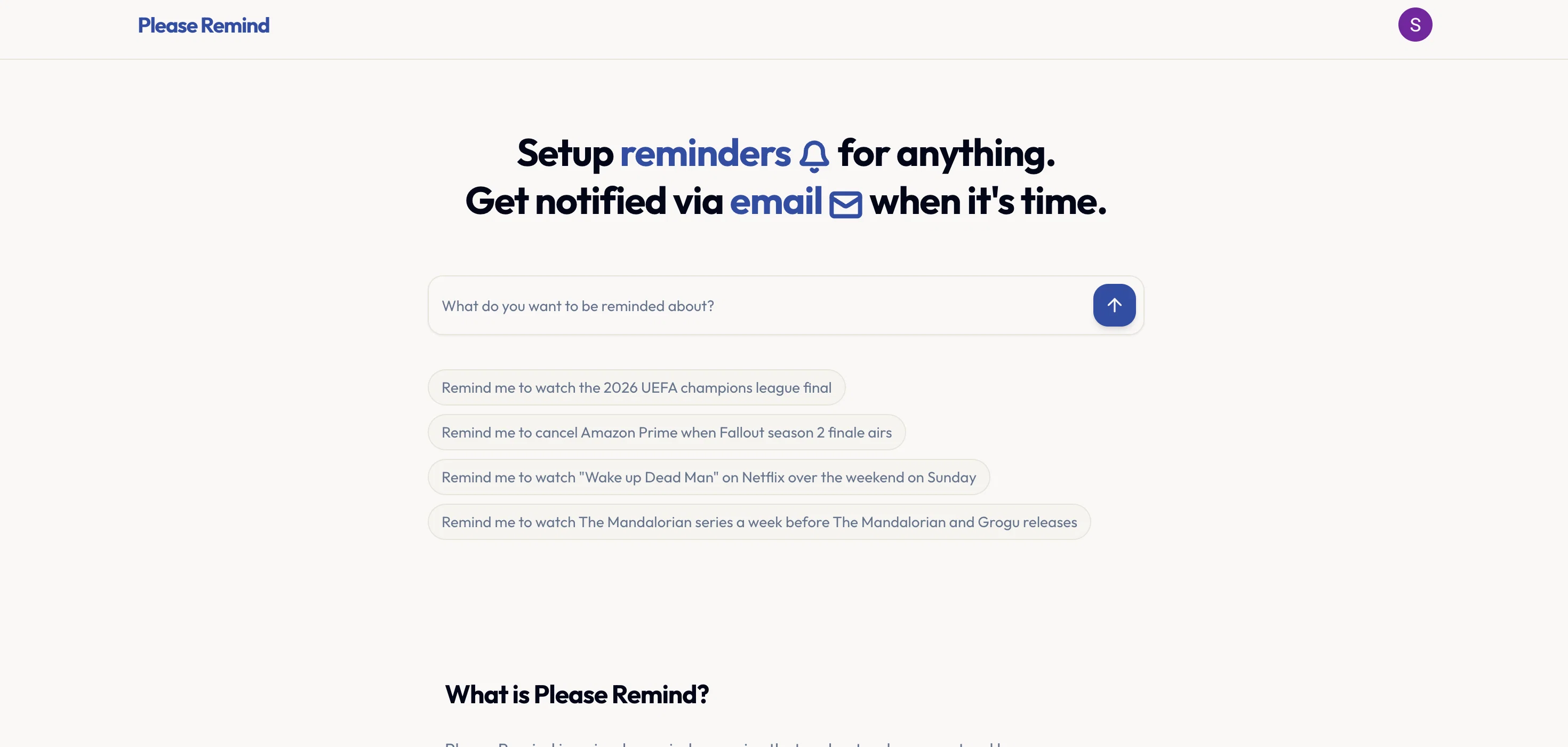
Please Remind is a tool designed to provide reminders for any given event or task. Built with a natural language understanding system, it allows users to set reminders in a conversational manner.
The tool parses these requests, identifying the relevant dates and times for the reminders to be triggered. This utility applies to a diverse range of needs, from watching a particular event, cancelling a subscription, remembering birthdays, to keeping up with time-sensitive tasks.
Notifications are dispatched via email to the user's account when the reminder is due, providing a convenient and timely alert system. The tool operates on a freemium model, offering a limited number of reminders at no cost with an option to access an unlimited number of reminders for a monthly fee.
Users have the flexibility to edit their reminders before confirmation, enabling a certain degree of customization and control over their reminders. In addition, users can cancel their subscription at any point, ensuring the option for flexibility and adaptability to changing needs.
Access & connections
Where you can use Please Remind, and what it plugs into.
Platforms
Integrations
Capabilities
What this tool accepts, produces, and is strongest at.
Input
- Text
Output
- API
- Text
Highlights
- API
- MCP
Supported features
- Automation
- Integrations
- API
- MCP
Pros & cons
Pros
- Natural language processing
- Flexible reminder editing
- Email notifications
- Conversational UI
- Freemium model
- Subscription cancellations reminders
- Task management
- Time management
Show 8 more
- Birthdays and events tracking
- Notifications customization
- Adaptable usage
- Control over reminders
- No surprise pricing
- Ease of cancellation
- Active after billing period
- Unlimited reminders subscription
Cons
- No mobile app
- Limit on free reminders
- Proprietary natural language processing
- No multi-language support
- Email-only notifications
- No integration with task management apps
- No SMS or push notifications
- No shared reminders feature
Show 2 more
- No priority level for reminders
- Limited customization options
Compare alternatives
Similar tools in the catalog — with a clear reason to open each one.

WishDay: AI Birthday Reminder ✓
FreemiumThe only birthday app you need with reminders, calendar & AI greetings.
Why look Typically cheaper
Full comparison
SuperIntern ✓
FreemiumYour always-on AI assistant that runs your admin so you can focus.
Free + from $30/mo
Full comparison
Agentic Mail | Hostinger ✓
PaidEmail infrastructure built for AI agents.
Why look Typically cheaper
Full comparison

NoteitHub ✓
Free TrialTurn GPT chats into to-dos, journals, and reminders
Why look Typically cheaper
Full comparison
Bracket ✓
Free TrialManage tasks directly in Slack & email
Why look Better for writing
Full comparisonReleases 1
FAQ 12
How does Please Remind process natural language requests?
What kind of reminders can I set with Please Remind?
How will I receive reminders from Please Remind?
Can I edit my reminders on Please Remind after setting them?
What's the cost for using Please Remind service?
How many reminders can I set in the Free tier of Please Remind?
What does the unlimited reminders subscription of Please Remind offer?
How do I cancel my subscription on Please Remind?
What happens to my reminders when I cancel my subscription?
Does Please Remind send notifications for approaching deadlines?
Can Please Remind help me track my deadlines?
How does Please Remind aid in task and time management?
Related tools
Recommended

remio: Your Personal ChatGPT ✓
FreemiumGet Tailored Answer with Your Personal ChatGPT

Swap Me In ✓
FreemiumSwap any face into any video in seconds.

WhisperAPI ✓
FreemiumTransform audio to text without limits

AI Video Upscaler ✓
Free TrialUpscale and enhance your videos with AI Magic

RepurposingBot ✓
Free TrialTurn one article into dozens of posts.

ImageToClip.com ✓
PaidMake any photo move.