

Animations 2026 Rank: #1278
ImageToClip.com ✓
Make any photo move.
Verdict
A quick read before you dig into the full page.
- Best if
- Make any photo move
- Skip if
- Limited to JPEG, PNG, BMP, WebP
- Pick this when
- Converts photos to videos
Considering Anijam instead? Compare side by side
Overview
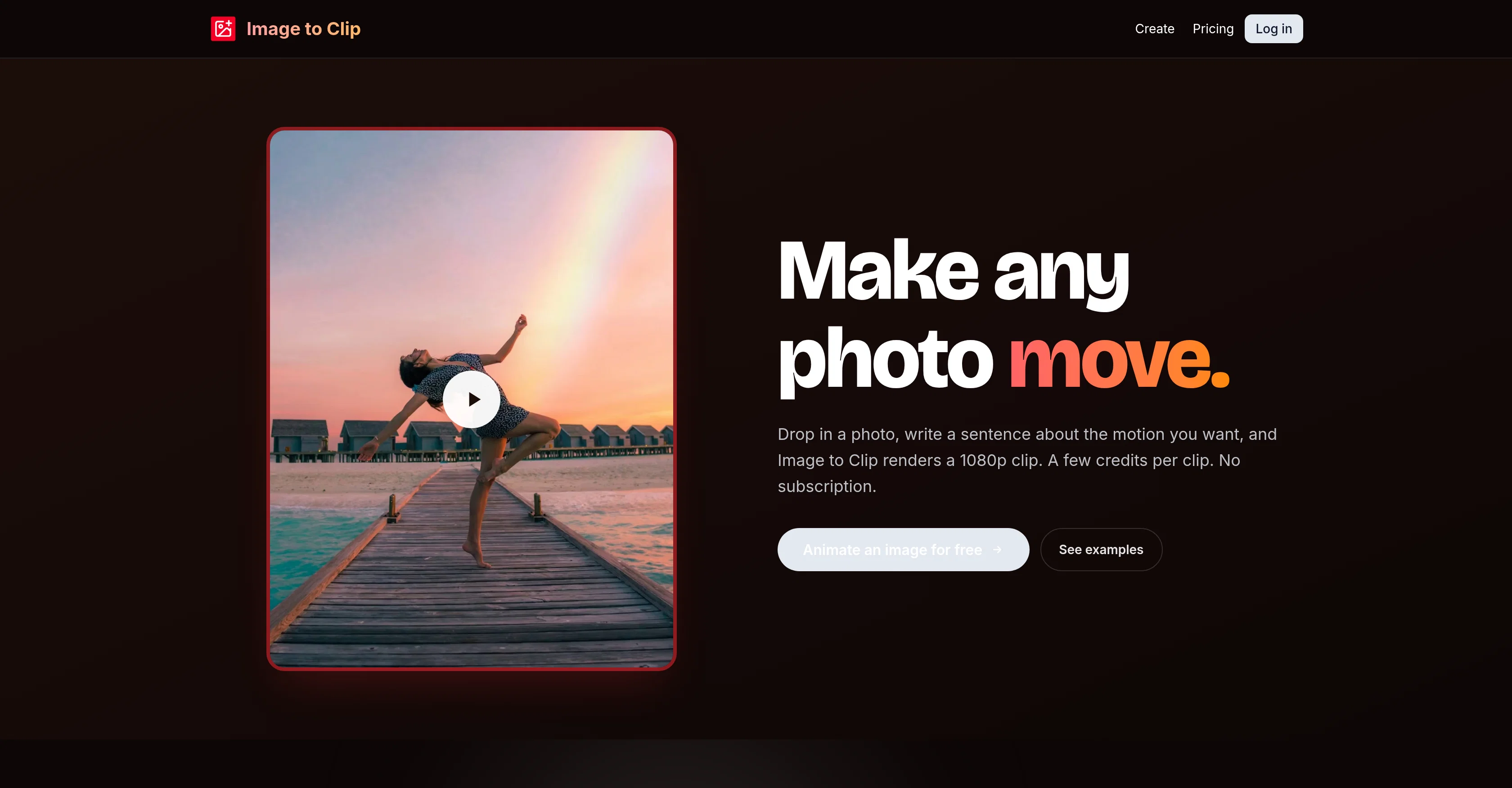
Image to Clip is an AI-powered tool that converts static images into short cinematic clips. The user can create a moving video from any image, by simply providing a description of the desired motion.
The AI interprets this and transforms the still picture into a dynamic video. Users can choose to start from a template or drop in their own JPEG, PNG, BMP, or WebP files with a maximum size of 10MB.
They also have a choice regarding the length of the video, which can range between 3 to 15 seconds, and the resolution, which can be either 720p or 1080p.
Processed videos can be saved directly to the user's account for easy access and sharing. The tool ensures privacy, storing uploads and finished clips within individual accounts with no public gallery.
The tool operates on a pay-as-you-go basis, offering credit packs for purchases without requiring a subscription. In case of a processing failure, the spent credits are automatically refunded.
Image to Clip is ideal for creating unique animations without prior knowledge or expertise in animation or video editing.
Best for
Short scenarios where ImageToClip.com tends to shine.
-
Make any photo move.
Example outputs 1
Sample generations and before/after results for ImageToClip.com.
Access & connections
Where you can use ImageToClip.com, and what it plugs into.
Platforms
Integrations
Capabilities
What this tool accepts, produces, and is strongest at.
Input
- Image
- Text
Output
- Video
Supported features
- Video Generation
- Image Edit
- Visual Creation
Pros & cons
Pros
- Converts photos to videos
- High output resolution
- Supports JPEG, PNG, BMP, WebP
- Max upload size 10MB
- Supports various aspect ratios
- MP4 file download
- Quick generation time
- Operates on pay-as-you-go
Show 20 more
- Automatic refund on failure
- Private user content
- Built-in templates available
- Resolution Choice 720p, 1080p
- Video Length Customization
- No monthly subscription
- Direct save to user's account
- User-friendly interfaces
- No prior video-editing knowledge required
- Customizable motion description
- Template or own image use
- Credit packs available
- High privacy standards
- Starts free with 12 starter credits
- 720p or 1080p output choice
- Minimum 300px image requirement
- Supports 3 to 15 second videos
- Custom animation creation
- Automated Refunds
- Secure content storage
Cons
- Maximum 10MB file size
- No free usage
- Pay-as-you-go only
- Not for longer videos
- No video editing features
- Limited to JPEG, PNG, BMP, WebP
- Outputs only in MP4
- No public gallery
Show 2 more
- No real-time preview
- Only up to 1080p resolution
Compare alternatives
Similar tools in the catalog — with a clear reason to open each one.
Ebsynth
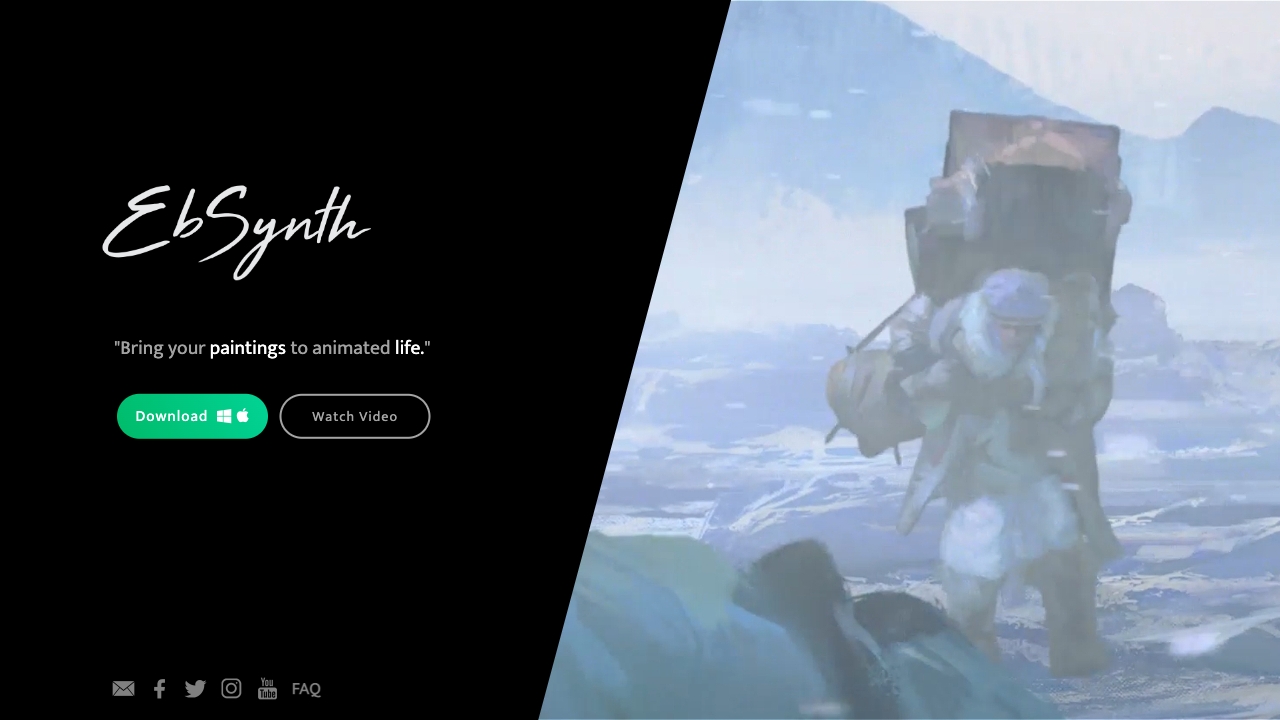
UnknownEbSynth animates footage using styled keyframes, ideal for hand-drawn animations.
No pricing
Full comparison
DreamFace ✓
FreemiumAnimate photos with AI face editing magic.
Why look Freemium alternative
Full comparison
Animagic ✓
FreemiumTurn drawings into animations in seconds.
Why look Freemium alternative
Full comparisonPeople also view
Tools that often show up alongside ImageToClip.com in collections and comparisons.
Ebsynth
UnknownEbSynth animates footage using styled keyframes, ideal for hand-drawn animations.
DreamFace ✓
FreemiumAnimate photos with AI face editing magic.

MyHeritage Deep Nostalgia ✓
UnknownAnimate faces in old family photos.

Animatable ✓
PaidCreate animated characters and environments in minutes
Animagic ✓
FreemiumTurn drawings into animations in seconds.

Anijam ✓
Free TrialAI handles your entire animation pipeline.

Vibe Motion ✓
Free TrialAI motion graphics generator - VibeMotionAI

Spatius ✓
FreemiumReal-time AI avatars at a fraction of the cost.
Releases 1
FAQ 12
What is Image to Clip?
What are the key features of Image to Clip?
What image formats does Image to Clip support?
How does the AI in Image to Clip work?
What is the maximum size for photo uploads in Image to Clip?
What are the video resolution options in Image to Clip?
How long does it typically take for a video to be generated by Image to Clip?
What is the length range of videos that can be created in Image to Clip?
What does 'pay as you go' mean in the context of Image to Clip?
How does the credit system in Image to Clip work?
What happens if a video generation fails in Image to Clip?
How does Image to Clip ensure user privacy?
Related tools
Recommended

AI Video Upscaler ✓
Free TrialUpscale and enhance your videos with AI Magic

MagicLight ✓
FreemiumTransform text into captivating videos instantly.

Movie Maker Gemini ✓
FreeGenerate watermark-free AI videos with your Gemini key

AirMusic ✓
Free TrialAI music generator and music video creator in one platform.

Voice-Generator.com ✓
FreeGenerate AI voice for anything you want.
Lyric Remix Studio ✓
FreeAI-powered music generation, transcription, and album art

