

Video upscaling 2026 Rank: #1083
Video to Frames | AI Video Upscaler ✓
Upscale your videos locally with AI free, private, no sign-up.
Verdict
A quick read before you dig into the full page.
- Best if
- Upscale your videos locally with AI free, private, no sign-up
- Skip if
- 720p resolution limit
- Pick this when
- Free of charge
Considering Free AI Video Upscaler instead? Compare side by side
Overview
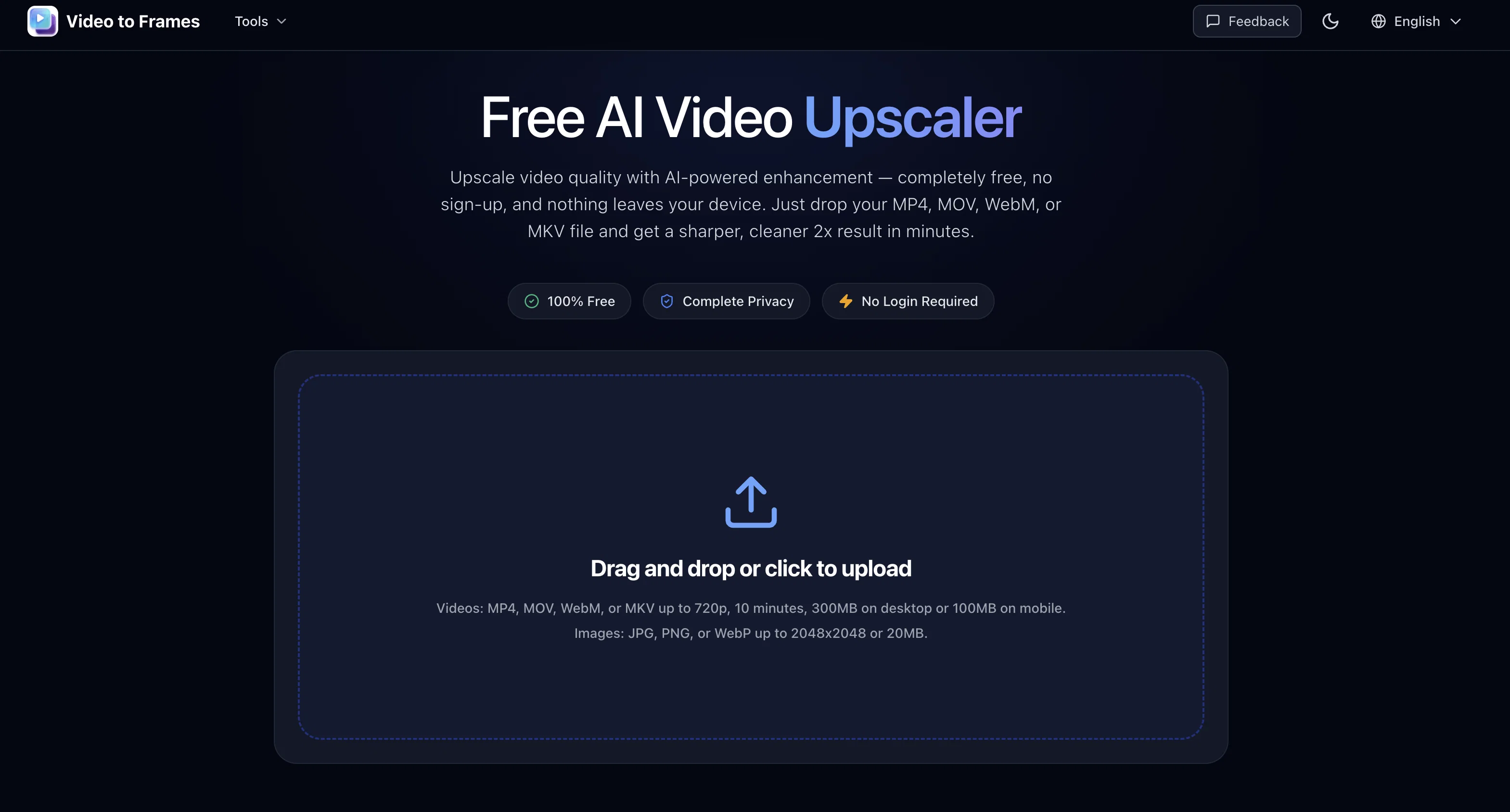
Free AI Video Upscaler is an online tool that allows users to enhance the quality of their video files instantly and privately. The tool uses AI power to upscale video resolution by 2X, sharpening edges, restoring details, and reducing noise.
It's compatible with various video formats such as MP4, MOV, WebM, or MKV with an emphasis on privacy as it operates entirely on the user's browser, ensuring that no data is uploaded to a server.
Apart from upscaling videos, this tool also provides a preview feature where users can visually compare the original and enhanced result side by side before proceeding to export the video.
This tool is ideal for video enhancement prior to social media sharing, product demonstrations, tutorials, animation enhancements, and quick quality checks.
Filmmakers and visual artists might find this tool especially useful for its ability to isolate frames and remove vocals from videos as well. Additionally, a parallel function for image uploads is also provided, compatible with JPG, PNG, and WebP formats.
This tool is web-based and requires no download or account sign-up.
Access & connections
Where you can use Video to Frames | AI Video Upscaler.
Platforms
Capabilities
What this tool accepts, produces, and is strongest at.
Input
- Video
Output
- Video
Pros & cons
Pros
- Free of charge
- No sign-up required
- No data upload
- Works on browser
- Upscale 2X video resolution
- Restores video details
- Reduces video noise
- Sharpens video edges
Show 32 more
- Supports MP4, MOV, WebM, MKV
- Preview feature available
- Isolate frames ability
- Remove vocals from videos
- Supports JPG, PNG, WebP
- Web-based app
- No download required
- Image upload compatible
- Ideal for social media sharing
- Great for product demonstrations
- Useful for animation enhancements
- Quick quality checks
- Comparative video preview
- Privacy emphasis
- Preserves original video format
- Export in MP4 format
- No watermark on final video
- Ideal for short clips
- Ideal for anime, illustrations
- Ideal for video tutorials
- Ample video upload limits
- Operates entirely in-browser
- Ideal for filmmakers, visual artists
- Easy Drag and Drop interface
- Advanced features support on Chrome, Edge
- Saves large files directly to disk
- Resolution, format, size checks
- Unlimited usage, no limits
- Smooth local processing
- No account or subscription
- Completely private, no server uploads
- Mobile friendly
Cons
- Limited 2X upscaling
- No multi-file processing
- Browser-dependent performance
- 720p resolution limit
- 10 minutes video limit
- 300MB file size limit
- No advanced editing features
- No audio upscaling
Show 2 more
- No offline usage
- 100MB limit on mobile
Compare alternatives
Similar tools in the catalog.






Releases 1
FAQ 12
What differentiates Free AI Video Upscaler from other video upscalers?
How does Free AI Video Upscaler work?
How does Free AI Video Upscaler ensure privacy of my videos?
Does Free AI Video Upscaler support all video formats?
Can I preview the quality of my enhanced video before exporting it with Free AI Video Upscaler?
Can Free AI Video Upscaler be used for social media sharing?
What types of details does Free AI Video Upscaler restore in videos?
Is it possible to remove vocals from a video with Free AI Video Upscaler?
Can I upload and enhance images using Free AI Video Upscaler?
Is there any download needed for using Free AI Video Upscaler?
Do I need to create an account to use Free AI Video Upscaler?
Can I use Free AI Video Upscaler for animation enhancements?
Related tools
Recommended

SVG Maker AI ✓
Free TrialPrompt in. Clean, editable SVG out.

Kvorum ✓
Free TrialFive AI advisors who disagree with each other and with you

Roomagine ✓
FreemiumRedesign any room from a single photo.

ChatGPT ✓
FreemiumAsk anything, create anything, and move from idea to action.

Kick ✓
FreemiumAccounting software that does the work for you

ThumbnailCreator.com ✓
Free TrialCreate eye-catching YouTube thumbnails in seconds.