
AI Image Enhancer by Media.io ✓
Revive blurry portraits with AI-powered clarity.
Free + from $9.99/mo
Verdict
A quick read before you dig into the full page.
- Best if
- You are singer-songwriters and need: Turning a portrait and story idea into a music video
- Skip if
- Sharpening adjustment limited
- Pick this when
- Supports multiple image formats
Considering Deep Image instead? Compare side by side
Overview
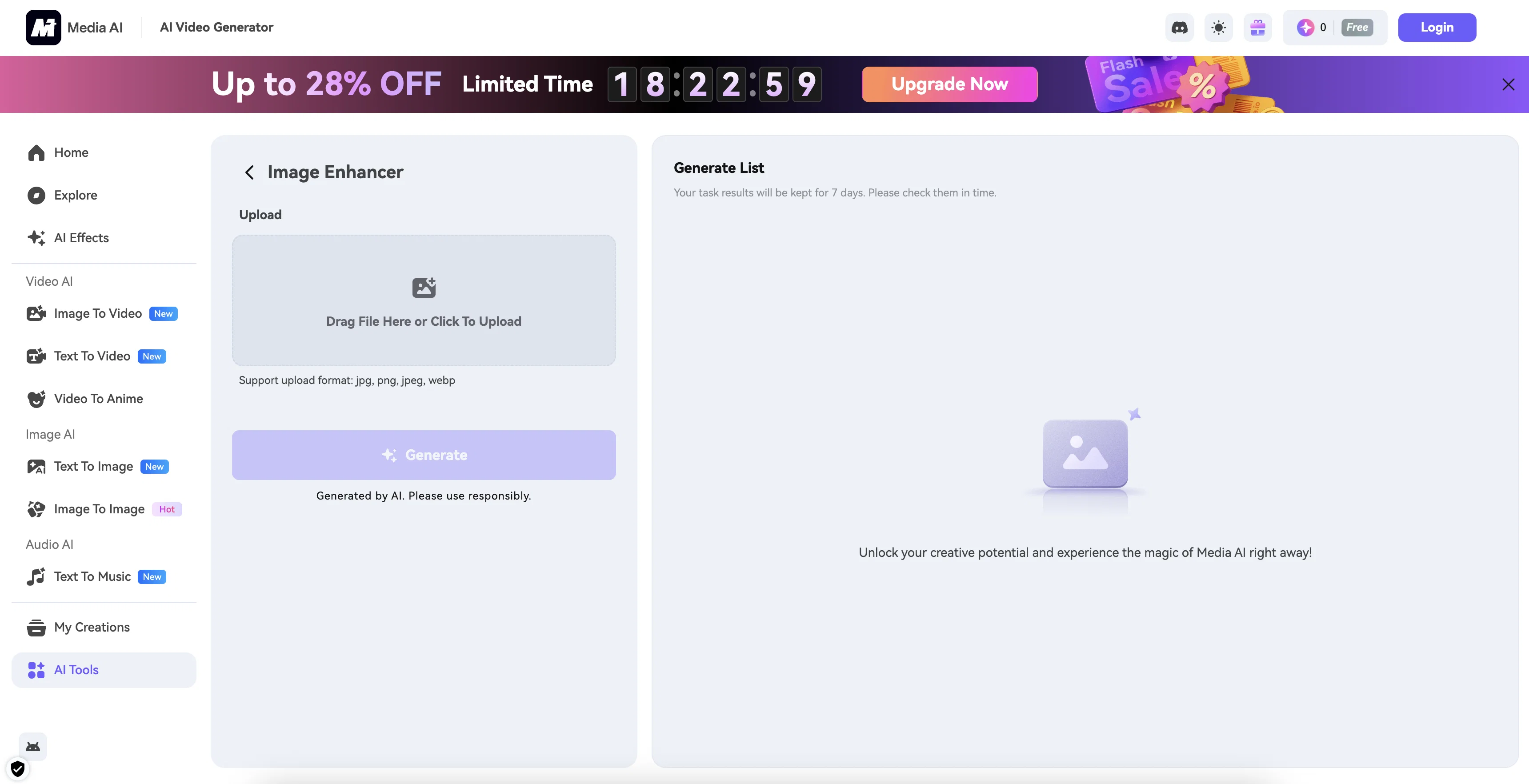
Media.io AI Img Sharpen is an Artificial Intelligence-powered tool designed to automatically improve the clarity of portrait images. It targets issues like blurriness, noise, underexposure, and pixelation which often compromise the quality of images.
This AI tool works to refine these imperfections, providing crisper and clearer outputs. Users can conveniently utilize this tool via any web browser, which enhances accessibility and ease-of-use.
The process of image enhancement is carried out automatically, reducing the need for manual intervention or expertise in image editing. Regardless of the source or quality of the original image, the Media.io AI Img Sharpen tool strives to deliver well-enhanced, quality portraits.
Best for
Short scenarios where AI Image Enhancer by Media.io tends to shine.
-
Turning a portrait and story idea into a music video
Best for Singer-songwriters
-
Creating story-based MVs for original songs
Best for Music producers
-
Producing cinematic social media video content
Best for Indie artists
-
Making promotional videos with a single cover image and prompt
Best for Content creators
-
Visualizing fictional characters and emotional narratives
Best for Social media managers
-
Creating music videos without filming live footage
Best for Video producers
Example outputs 1
Sample generations and before/after results for AI Image Enhancer by Media.io.
Access & connections
Where you can use AI Image Enhancer by Media.io.
Platforms
Capabilities
What this tool accepts, produces, and is strongest at.
Input
- Image
Output
- Image
Supported features
- Outpainting
- Background Removal
- Inpainting
- Viral baseball trend
- Denoise
Pros & cons
Pros
- Supports multiple image formats
- 50MB file size limit
- Supports resolution up to 6000x6000
- Adjustable sharpness level
- Image preview feature
- No account registration needed
- Free to use
- Premium account benefits
Show 12 more
- Improves image clarity
- Removes blurriness
- Fixes pixelation
- Corrects underexposure
- Automated editing
- Includes noise reduction feature
- Web-based accessibility
- Can enhance portrait images
- Targets image quality issues
- Requires no image editing skills
- Delivers crisp outputs
- Works with any image quality
Cons
- Limited to 50MB file size
- Resolution cap at 6000x6000
- No local software option
- No free batch processing
- Premium account required for extras
- Lacks package feature for businesses
- Mainly for portraits
- Doesn't support all image formats
Show 2 more
- Sharpening adjustment limited
- Overdependence on network connection
Compare alternatives
Similar tools in the catalog — with a clear reason to open each one.

Deep Image ✓
Free TrialEnhance photos with advanced editing features.
Free + from $9/mo
Full comparison
Upscayl ✓
Free TrialEnhance images with free, open-source AI upscaling.
Why look More privacy-focused
Full comparison
AI Upscaler ✓
FreemiumSmarter AI 4K Upscaler for Images & Videos
Why look Typically cheaper
Full comparison
SciFig ✓
FreemiumTurn text into publication-ready scientific figures.
Free + from $12/mo
Full comparison
Neurohelper AI ✓
PaidEvery leading AI model. One workspace.
Why look Better for writing
Full comparisonPeople also view
Tools that often show up alongside AI Image Enhancer by Media.io in collections and comparisons.
Upscayl ✓
Free TrialEnhance images with free, open-source AI upscaling.
Deep Image ✓
Free TrialEnhance photos with advanced editing features.
AI Upscaler ✓
FreemiumSmarter AI 4K Upscaler for Images & Videos
Neurohelper AI ✓
PaidEvery leading AI model. One workspace.

Monipix ✓
FreemiumUpscale blurry photos to 4K & 16K instantly.

MojoMake - AI Image to Video Generator ✓
FreemiumUse every top AI model and 100+ effects in one account.

Kyukoma ✓
Free TrialTurn your stories into manga pages with AI.

ClipBG - The Ultimate Bulk AI Background Remover ✓
Freemium100% private, browser-based bulk background removal with flawless AI precision.
Releases 1
Imported reviews 1
A huge loss of detail after AI editing, because photos are only blurred (making it look sharper) and not really sharpened! Post-processing or correction is not possible.
FAQ 12
What is Media.io AI Image Sharpener?
How does the Media.io AI Image Sharpener work?
What file formats are supported by the Media.io AI Image Sharpener?
Is there a file size limit for images to be sharpened by Media.io AI Image Sharpener?
Is there a resolution limit for images to be processed through Media.io AI Image Sharpener?
How do I use the Media.io AI Image Sharpener?
Can I adjust the level of sharpening in Media.io AI Image Sharpener?
How do I preview the results of the image sharpening in Media.io AI Image Sharpener?
How do I download the processed image from Media.io AI Image Sharpener?
Do I need to register an account to use Media.io AI Image Sharpener?
What are the benefits of a premium account in Media.io AI Image Sharpener?
Is Media.io AI Image Sharpener free to use?
Related tools
Recommended

Photo AI ✓
PaidCreate beautiful AI photos and videos of real people

Hyperis ✓
FreemiumOrganized task prioritization.

D-ID ✓
FreemiumCreate AI-generated videos with ease

VenturusAI ✓
FreemiumBusiness idea analysis and reporting.

Stratup.ai ✓
FreemiumInnovative idea generation for businesses.

Stockimg AI ✓
PaidGenerated images and text for design ease.