
Vocal Remover by Media.io ✓
Extract, isolate or remove vocals and instrumentals instantly.
Free + from $9.99/mo
Verdict
A quick read before you dig into the full page.
- Best if
- Extract, isolate or remove vocals and instrumentals instantly
- Skip if
- Can't process multiple files simultaneously
- Pick this when
- High-quality 44KHz output
Considering Singify AI Vocal Remover instead? Compare side by side
Overview
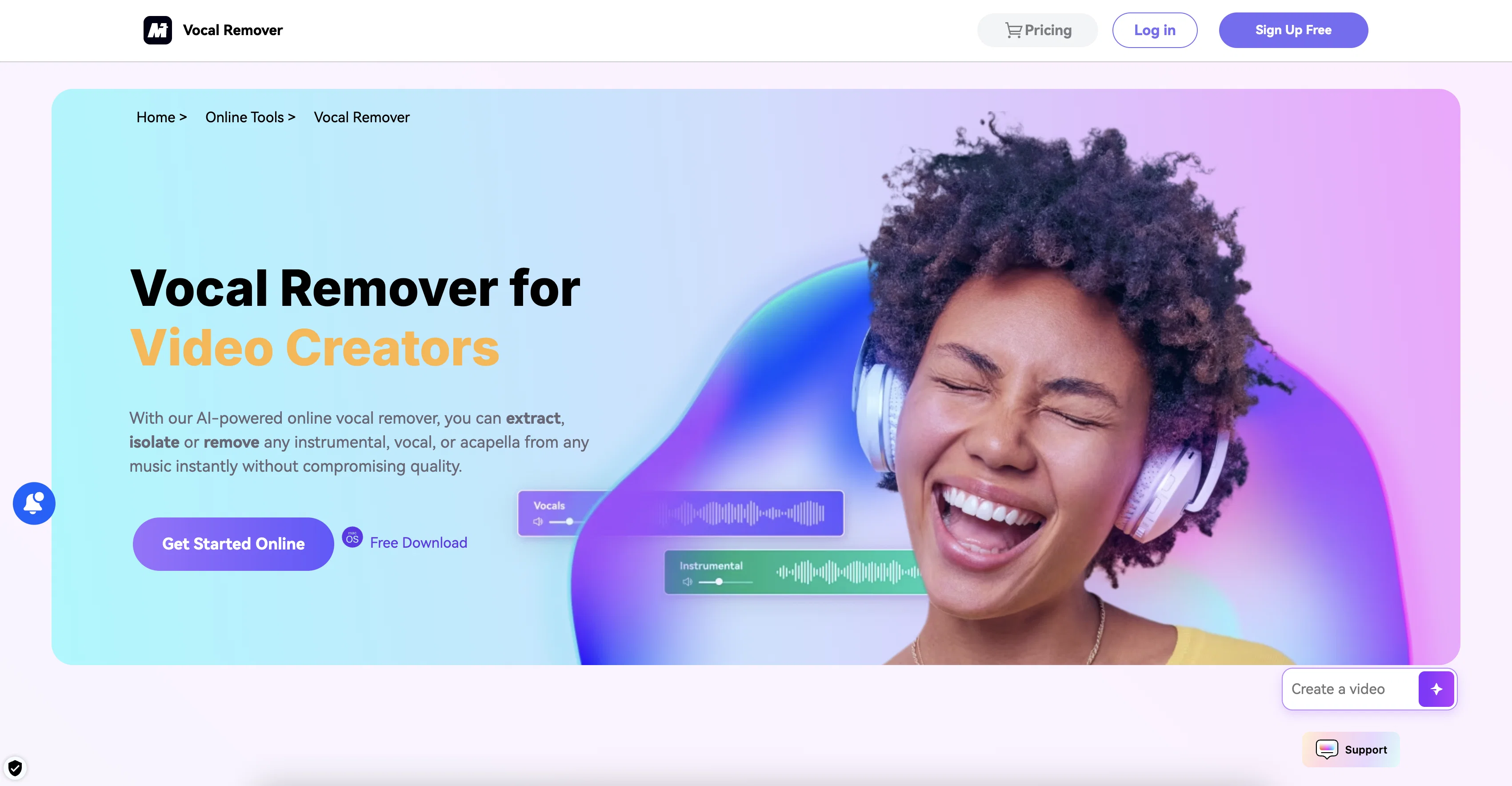
Online Vocal Remover by Media.io is an AI-powered tool used for separating and removing vocals and background music (BGM) from any song. It allows users to isolate, extract, or remove instrumentals, vocals, or an acapella portion of a song, effectively outputting the different elements without compromising audio quality.
The tool can recognize several languages such as English, Spanish, Japanese, French, Chinese, German, Korean, Indian, and Russian. This separation enables the creation of new compositions using the separated music components.
It is especially useful for music producers, music enthusiasts, arrangers, and video creators. Furthermore, the Online Vocal Remover can be used to produce karaoke tracks, create new mixes by remixing vocals or instrumental tracks, extract instrumental music for practice or work/study background music and even convert songs into acapella.
The tool can handle most major audio and video formats, including MP3, MP4, and WMV. Users can upload their audio or video files and the tool will automatically separate the vocals and instrumentals in high-quality 44KHz sound.
There is also a desktop version offering enhanced performance, fast file uploads, and greater resilience against network fluctuations.
Access & connections
Where you can use Vocal Remover by Media.io.
Platforms
Capabilities
What this tool accepts, produces, and is strongest at.
Input
- Audio
Output
- Audio
Pros & cons
Pros
- High-quality 44KHz output
- Supports various languages
- Enables creation of compositions
- Ideal for music producers
- Beneficial for music enthusiasts
- Useful for arrangers
- Great for video creators
- Produces karaoke tracks
Show 42 more
- Creates new mixes
- Extracts instrumental music
- Converts songs into acapella
- Accepts major audio formats
- Accepts major video formats
- Includes desktop version
- Desktop version improves performance
- Fast file uploads
- Resilience against network fluctuations
- Vocal and BGM removal
- Automatic separation
- Supports MP3, MP4, WMV
- One-click operation
- Clear 44KHz output
- HiFi lossless sound
- Quick, automatic track separation
- Supports multiple languages
- Enhances bass and drum quality
- Allows remix of vocals
- Can add instrumental music to videos
- Extracted music aids study or work
- Creates acapella from songs
- Support for different formats
- Enables practice with instrumental tracks
- Helps create professional videos/podcasts
- Produces fresh and unique tracks
- Audio enhancement for videos, meetings, movies, games
- Voice changing special effects
- Free audio cutter
- Free audio joiner
- Allows noise reduction
- Creates engaging visuals for music
- Enhances online learning experience
- Useful for DJs and creators
- Ideal tool for aspiring singers
- Caters to personal audio project needs
- Supports extraction from Youtube videos
- Capable of handling thick texture and tuning effects
- Provides swift and efficient uploading on desktop version
- Allows local processing
- Minimises impact from network factors
- Exports all tracks in MP3 by default
Cons
- Can't process multiple files simultaneously
- Exports in MP3 format only
- Needs file conversion for unsupported formats
- No indication of offline usage
- May require network for online tool
- Requires file upload for processing
- No foreign language translation
- Doesn't provide remixing tools
Compare alternatives
Similar tools in the catalog — with a clear reason to open each one.

Singify AI Vocal Remover ✓
FreemiumSplit any song into vocals and instrumentals instantly.
Free + from $8.99/mo
Full comparison

Vocal Remover by Remusic ✓
FreemiumUnleash instrumentals with AI vocal removal.
Why look Typically cheaper
Full comparison
Coolo.ai ✓
Free TrialAI tools for music separation and enhancement.
Why look Higher community rating
Full comparison
Kingshiper ✓
PaidUnleash your multimedia magic with powerful editing tools.
Why look Typically cheaper
Full comparisonReleases 1
FAQ 12
What is the Vocal Remover by Media.io?
How does Vocal Remover by Media.io work?
Can Vocal Remover by Media.io remove vocals from any song?
In what languages does the Vocal Remover by Media.io tool work?
Is it possible to remix vocals or instrumental tracks using Vocal Remover by Media.io?
Can I use Vocal Remover by Media.io to create karaoke tracks?
What audio and video formats are supported by Vocal Remover by Media.io?
How is the quality of the audio after using Vocal Remover by Media.io?
Is there a desktop version of Vocal Remover by Media.io?
What are the benefits of the desktop version of Vocal Remover by Media.io?
Can I convert songs into acapella using Vocal Remover by Media.io?
Is it possible to extract instrumental music for practice or as work/study background music with Vocal Remover by Media.io?
Related tools
Recommended

Suno ✓
FreemiumMake music at the speed of your ideas.

Search Alkemy ✓
FreemiumClient-Ready Keyword Research in Minutes

MusicStar.ai ✓
Free TrialPersonalized music with automated genre and lyrics.

ObjectRemover ✓
FreeAI-powered magic to remove unwanted objects from photos.

Guidejar ✓
FreemiumThe smartest way to create shareable how-to guides

SOUNDRAW ✓
FreemiumAI-generated music in just a few clicks.