

Image to video 2026 Rank: #937
AI Image 2 Video ✓
Turn images into cinematic AI videos instantly.
Verdict
A quick read before you dig into the full page.
- Best if
- Turn images into cinematic AI videos instantly
- Skip if
- Predefined templates limit creativity
- Pick this when
- Creates short video clips
Considering MojoMake - AI Image to Video Generator instead? Compare side by side
Overview
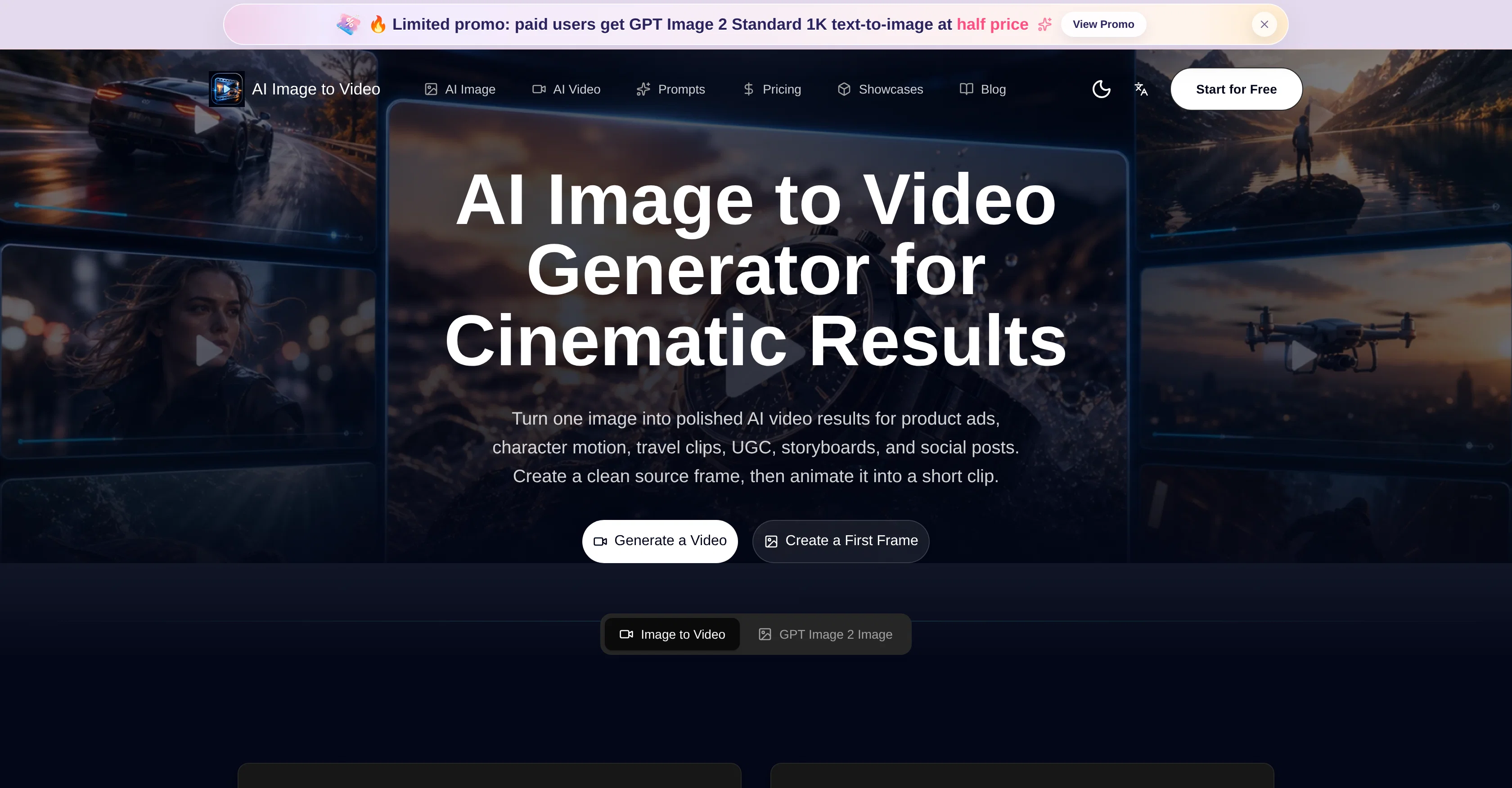
The Free AI Image to Video Generator is an online tool that leverages AI to turn images or photos into short videos. This tool is designed to create captivating results for various uses such as product ads, storyboards, user-generated content (UGC), social posts, and even travel clips.
The process begins by creating a clean source frame which is then animated into a short video clip. Several template prompts are available to aid creators, covering areas such as product advertisements, character realization, complex infographic production, style fusion and recomposition, amongst others.
The tool offers flexibility to meet diverse creative needs, including photo restoration and the generation of character reference images. It also supports the creation of UI demo frames and facilitates the transformation of posters into storyboards.
The tool encourages a workflow where the key visual elements are made visible first, allowing creators to determine the direction of their product, scene, or campaign.
It puts an emphasis on preparing the frames before they are animated, focusing on fixing any visual ambiguities and clarifying the subject's focus. Multiple image-to-video continuation options are available, and the tool supports various output formats to cater to different video requirements.
From creating product and campaign visuals to providing prompt ideas for motion, the Free AI Image to Video Generator is a comprehensive tool for image-to-video content creation.
Access & connections
Where you can use AI Image 2 Video.
Platforms
Capabilities
What this tool accepts, produces, and is strongest at.
Input
- Image
- Video
Output
- Video
- Image
Supported features
- Video Generation
- Image Edit
- Image Generation
- Styling
Pros & cons
Pros
- Creates short video clips
- Template customizations available
- Generates product visuals
- Creates diverse interface designs
- Ensures consistent style across frames
- Aspects ratio variability
- Allows user control over output
- Used for content generation
Show 42 more
- Designed for social posts creation
- Generates complex infographics
- Creates storyboard visuals
- Produces character motion videos
- Transforms static images to video
- Supports multiple output formats
- Automates video creation process
- Offers creative workflow
- Assists photo restoration
- Generates campaign visuals
- Travel clips creation
- Character reference image creation
- Supports character realization
- Produces packaging references
- Front-end frames preparation
- Reduced animation errors
- Creative and customizable templates
- Supports diverse creative needs
- Develops key visual elements
- Clarifies subject focus
- Assists UI demo frames development
- Produces campaign-ready advertisements
- Storyboard continuation options available
- Creates brand concept frames
- Streamlines creative rhythm
- Assists in image refinement
- Supports reference-based edits
- Offers square, vertical, widescreen frames
- Specifies prompt ideas for motion
- Creates ecommerce product videos
- Features ad storyboard creation
- Supports UI demo videos creation
- Supports character and avatar motion
- Promotes posing testing
- Supports video-friendly ratios
- Enables photo to storyboard transformation
- Supports product and campaign visuals
- Supports GPT Image 2 generation
- Supports frame to video animation
- Allows polish before motion
- Creates wide variety of assets
- Supports character sheets generation
Cons
- Limited to short clips
- Predefined templates limit creativity
- Not suitable for long-duration videos
- No multi-image support
- May lose details in animation
- Potentially high learning curve
- Not specified if supports 3D
- No mention of performance speed
Show 2 more
- No offline mode mentioned
- Potential quality inconsistency across frames
Compare alternatives
Similar tools in the catalog — with a clear reason to open each one.

MojoMake - AI Image to Video Generator ✓
FreemiumUse every top AI model and 100+ effects in one account.
Why look Typically cheaper
Full comparison
VidFlux - Photo to Video Generator ✓
PaidTransform photos into cinematic videos with AI.
Why look Typically cheaper
Full comparison
Grok Imagine ✓
FreemiumUnleash Your Creativity with Grok Imagine
Why look Offers a public API
Full comparison
VidFlux - Image to Video AI ✓
PaidTransform any image into stunning videos.
Why look Typically cheaper
Full comparison
MindVideo ✓
FreemiumCreate stunning videos from text or images.
Why look Typically cheaper
Full comparison
Releases 1
Imported reviews 2
Useless. Every photo gives an error. No matter how "safe."
it is so good
FAQ 12
What is 'AI Image to Video Generator & Photo to Video Maker' capable of doing?
How does this AI software convert images into animated video clips?
What are the potential uses of the AI-generated video clips?
What predefined templates does the AI tool offer for creating end products?
How can I customize the predefined templates to create specific results?
What does the workflow of this AI tool look like?
In what ways does this tool ensure consistent style and quality across different frames?
How does the tool accommodate different aspect ratios for social media and other platforms?
How does 'AI Image to Video Generator & Photo to Video Maker' encourage users to refine the source frame?
What does the image-to-video conversion process in this tool involve?
Can I start making videos using my own images directly?
How do I generate polished images to animate into short video sequences?
Related tools
Recommended

ImageToVideoAI.net ✓
FreemiumAI Image to Video Generator | Free to Start, 14 AI Models

Zanta AI | Image Generator ✓
Free TrialFree AI image generator, editor and enhancer studio.

freebeat AI ✓
FreemiumTurn Music & Ideas into Viral Videos In One Click

Movie Maker Gemini ✓
FreeGenerate watermark-free AI videos with your Gemini key

MotionGen | Make Continues Video with Top Models ✓
Free TrialStart from real examples. Turn one good clip into a full video.

Sea Imagine | Motion Control ✓
FreemiumTransform text into stunning AI videos and images.