

Image upscaling 2026 Rank: #1057
AI Enhance Image.com ✓
Transform blurry photos into crystal-clear images instantly.
Verdict
A quick read before you dig into the full page.
- Best if
- Transform blurry photos into crystal-clear images instantly
- Skip if
- Subscription needed for watermark-free downloads
- Pick this when
- Free first enhancement
Considering Deep Image instead? Compare side by side
Overview
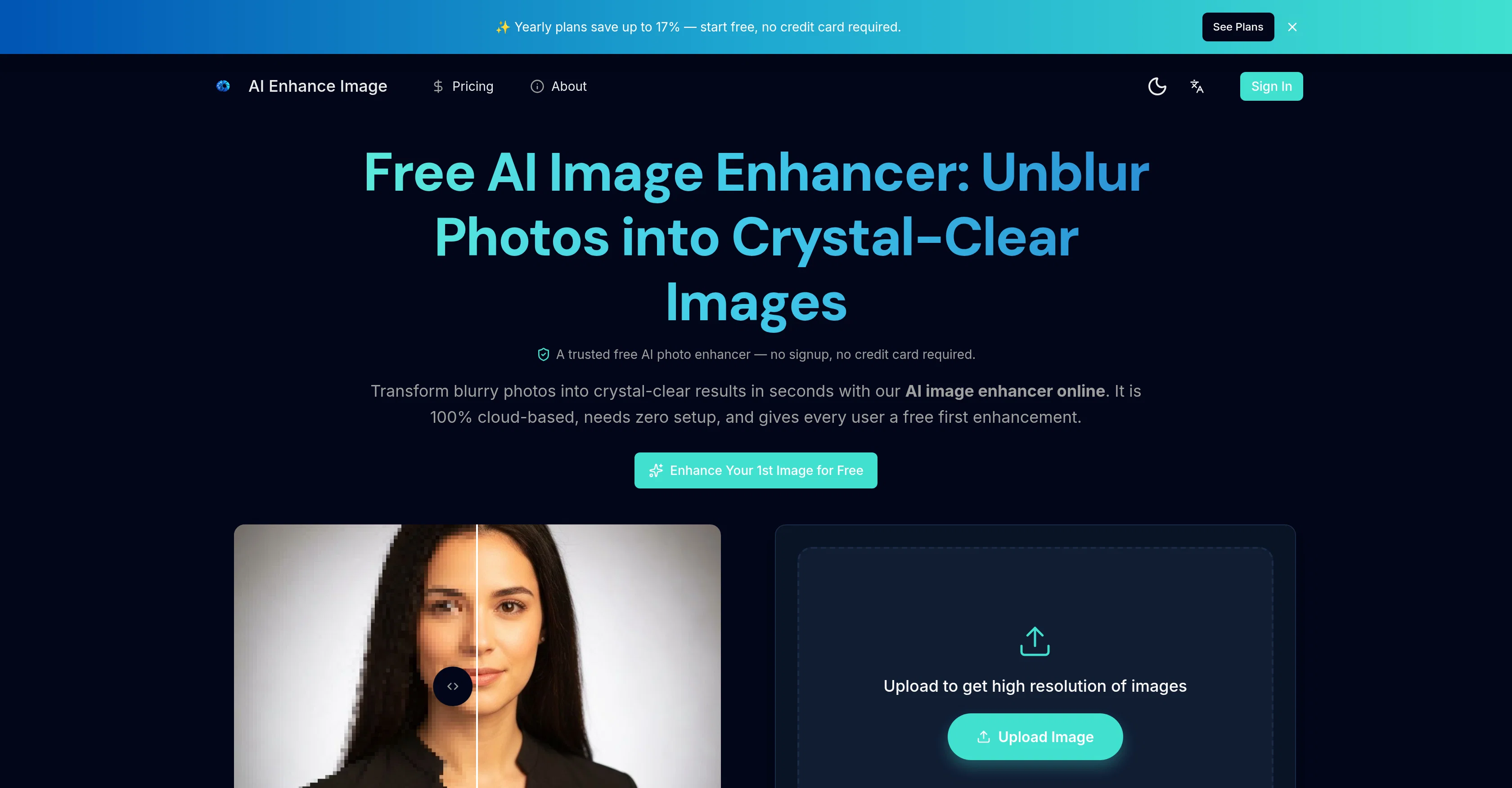
Free AI Image Enhancer is an online tool that employs artificial intelligence to enhance the quality of images. It has the ability to transform blurry photos into high-resolution images up to 4K, recover intricate details, and remove blur.
It is 100% cloud-based and does not require any form of setup. This tool offers various advanced features such as improving overall image quality, color contrast, sharpness, and noise reduction.
Users can upscale any image to a stunning 4K Ultra HD and recover the clarity of out-of-focus photos, screenshots, and scanned documents. The software also enables the removal of noise and grain from photos taken in low light or high ISO while preserving the details.
It allows users to restore old, faded, and damaged photos by fixing scratches, repairing tears, revitalizing colors, and automatically recovering facial details.
Additionally, it improves the quality of images embedded in PDF documents without affecting the text or layout. Unlike traditional resizing methods, the AI upscales images by predicting genuine texture, edge detail, and fine patterns.
It supports various file formats like JPG, PNG, or HEIC and allows users to upscale images up to 8K. Using this tool, the system analyzes the entire image to the pixel level and applies necessary corrections independently.
It is built with cutting-edge AI models trained on millions of images producing professional-quality enhancements. The interface enables drag and drop for image uploading, AI analysis and enhancement, optional settings adjustments, and full-resolution download of results.
Access & connections
Where you can use AI Enhance Image.com.
Platforms
Capabilities
What this tool accepts, produces, and is strongest at.
Input
- Image
Output
- Image
Highlights
- No Signup
Supported features
- Image Edit
- Realism
- No Signup
- Denoise
Pros & cons
Pros
- Free first enhancement
- 100% cloud-based
- No setup required
- Improves color, contrast, sharpness
- Noise reduction capability
- Upscales photos to 4K
- Restores blurry/out-of-focus texts/images
- Removes noise from low-light photos
Show 22 more
- Restores old/damaged photos
- Fixes scratches, repairs tears
- Revives colors
- Recovers facial details
- Improves image quality in PDFs
- Enhances photos, charts, graphics
- Supports JPG, PNG, HEIC
- Offers 8K upscaling
- Provides full resolution download
- Supports drag and drop
- Predicts texture, details
- Predicts edge details, fine patterns
- Can unblur photos
- Improves quality of image generations
- Supports WebP, BMP, TIFF
- Optional settings adjustments
- Automatically corrects photo issues
- Supports up to 8x Upscaling
- Compatible with all devices
- Processes most enhancements in seconds
- Privacy focused
- Delivers natural results
Cons
- Limited format support
- Requires internet connection
- Delayed rendering on mobile
- Non-customizable user settings
- Dependent on quality of original image
- Only one free enhancement
- Subscription needed for watermark-free downloads
- Potential privacy concerns
Show 2 more
- Doesn't repair severely damaged photos
- Over-processing risks
Compare alternatives
Similar tools in the catalog — with a clear reason to open each one.

Deep Image ✓
Free TrialEnhance photos with advanced editing features.
Free + from $9/mo
Full comparison
Upscayl ✓
Free TrialEnhance images with free, open-source AI upscaling.
Why look More privacy-focused
Full comparison
AI Upscaler ✓
FreemiumSmarter AI 4K Upscaler for Images & Videos
Why look Typically cheaper
Full comparison
SciFig ✓
FreemiumTurn text into publication-ready scientific figures.
Free + from $12/mo
Full comparison

Neurohelper AI ✓
PaidEvery leading AI model. One workspace.
Why look Better for writing
Full comparisonReleases 1
FAQ 12
What image formats does the Free AI Image Enhancer support?
Does the Free AI Image Enhancer require an account sign up?
Can I use the Free AI Image Enhancer on my mobile device?
How does the Free AI Image Enhancer improve the quality of images in PDF documents?
What is the maximum resolution I can upscale my photos to with the Free AI Image Enhancer?
How long does it take for the Free AI Image Enhancer to process an image?
How does the AI restoration feature work to restore old or damaged photos?
Can the Free AI Image Enhancer enhance blurry or out-of-focus text in images?
How many enhancements does the Free AI Image Enhancer offer for free?
Does the Free AI Image Enhancer tool store my uploaded images?
Can I use the Free AI Image Enhancer to enhance images in low light or high ISO?
Can I adjust the enhancement level and output resolution of my photos in the Free AI Image Enhancer?
Related tools
Recommended

SnapTo3D ✓
Free TrialOne photo becomes a custom 3D character.

CodeRabbit ✓
Free TrialEnhanced code review for improved workflow and quality.

Paintit.ai ✓
FreemiumPro Workflow: AI Visualization for Designers and Real Estate Teams

ImageUpscaling.net ✓
FreeUpscale images by 400% with AI, for free.

Viyou AI Image Generator ✓
FreemiumTransform text and images into stunning videos and visuals.

Flowova AI ✓
FreemiumTurn text, images & docs into professional flowcharts in seconds