
Flowcharts vv2.0 2026 Rank: #257
Flowova AI ✓
Turn text, images & docs into professional flowcharts in seconds
Verdict
A quick read before you dig into the full page.
- Best if
- Turn text, images & docs into professional flowcharts in seconds
- Skip if
- Limited to flowchart diagrams currently
- Pick this when
- Generates from text inputs
Considering DiagramMatic instead? Compare side by side
Overview
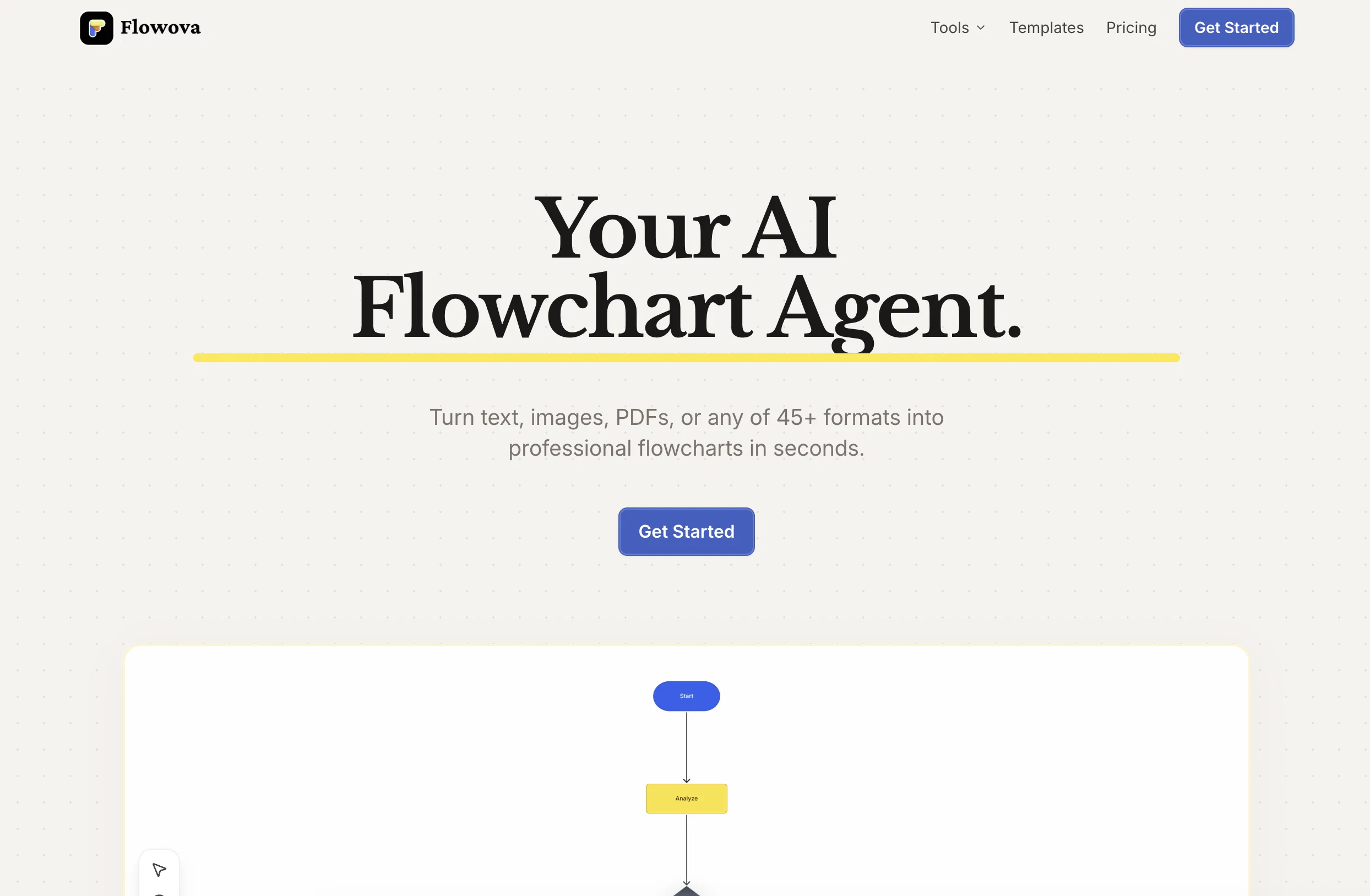
Flowova turns your words into professional flowcharts — instantly. Just type what you need in plain language, and watch your flowchart appear in real-time. No design skills. No learning curve. No wasted time.
Throw anything at it — text descriptions, screenshots, PDFs, Word docs, PowerPoints, even messy hand-drawn diagrams. Flowova understands them all and generates clean, structured flowcharts with smart shapes and logical connections.
⚡ Instant AI Generation — Real-time preview as your flowchart builds itself
📁 Any Input Works — Text, images, PDF, Word, PPT, Markdown, JSON, CSV, Excel
🎨 40+ Themes — Presentation-ready in one click, from vibrant to monochrome
📤 Flexible Export — PNG for slides, SVG for scaling, Mermaid code for Notion & GitHub
☁️ Always Synced — Cloud save, access anywhere, never lose your work
40+ free templates for business, tech, HR, marketing, healthcare, and more.
Built for developers, product managers, business analysts, UX designers, and anyone who thinks in workflows.
Describe it. Done.
Best for
Short scenarios where Flowova AI tends to shine.
-
Turn text, images & docs into professional flowcharts in seconds
Example outputs 1
Sample generations and before/after results for Flowova AI.
Access & connections
Where you can use Flowova AI, and what it plugs into.
Platforms
Capabilities
What this tool accepts, produces, and is strongest at.
Input
- Code
- Tabular
- Image
- Text
Output
- Code
- Image
Highlights
- Agents
Supported features
- Visual Creation
- Agents
- Image Understanding
Pros & cons
Pros
- Generates from text inputs
- Interprets uploaded images
- Interprets PDFs
- Interprets documents
- Smart shape selection
- Automatic connections and flow logic
- Real-time flowchart preview
- 40+ color themes
Show 30 more
- Exports in PNG
- Exports in SVG
- Exports in Mermaid code
- One-Click Auto Layout
- Cloud Sync
- Auto Save
- Keyboard shortcuts
- Frames and grouping
- Full Mermaid code support
- Different format support
- Drag-and-drop node editing
- Fine-tuning flowchart details
- 18+ shapes
- 5 edge styles
- Unlimited undo/redo
- Work continuity
- Optimal diagram organization
- Enhanced usability
- Organized presentations
- Vibrant & monochrome themes
- Instant theme preview
- Supports multiple file uploads
- Mixes different input formats
- PNG for presentations
- SVG for infinite scaling
- Mermaid for docs
- Efficient features
- 40+ Free Templates
- Multiple flowchart roles
- Professionally designed templates
Cons
- Requires internet connection
- No real-time collaboration (coming soon)
- Limited to flowchart diagrams currently
- No desktop app yet
- No dark mode
Compare alternatives
Similar tools in the catalog — with a clear reason to open each one.

DiagramMatic ✓
FreeConvierte descripciones en diagramas Mermaid con precisin lingstica.
Why look Fully free option
Full comparison
Flowsage ✓
FreemiumEffortless AI-powered flowcharting for your ideas.
Why look Higher community rating
Full comparison
Dezyn ✓
PaidTurn architectural diagrams into interactive experiences.
From $9.99 / month
Full comparison
Flowchart AI ✓
FreemiumTurn text or images into editable flowcharts instantly.
Free + from $8/mo
Full comparison
ChatFlowchart ✓
FreemiumTurn text, images & PDFs into editable diagrams.
Free + from $9.99/mo
Full comparisonPeople also view
Tools that often show up alongside Flowova AI in collections and comparisons.
Flowsage ✓
FreemiumEffortless AI-powered flowcharting for your ideas.
Flowchart AI ✓
FreemiumTurn text or images into editable flowcharts instantly.
DiagramMatic ✓
FreeConvierte descripciones en diagramas Mermaid con precisin lingstica.
Dezyn ✓
PaidTurn architectural diagrams into interactive experiences.
ChatFlowchart ✓
FreemiumTurn text, images & PDFs into editable diagrams.

VizText ✓
FreeAI Diagram Generator — from Prompt or Chat

PatentFig AI ✓
FreemiumGenerate USPTO-compliant patent figures from photos or sketches with AI.

MySpec ✓
UnknownTurn vague ideas into robust technical specifications.
Releases 2
Imported reviews 1
👋 Hey, I'm the founder of Flowova!
We built this because we were tired of spending hours dragging boxes in traditional flowchart tools.
A few things you might not know:
- Works with anything — text, images, PDFs, Word, PPT, Excel, even photos of whiteboard sketches
- 40+ themes designed for presentations
- Full Mermaid code support for developers
Happy to answer any questions! 🚀
FAQ 12
What is Flowova AI Flowchart Generator?
How does Flowova interpret text inputs?
Can I upload images or documents in Flowova?
Does Flowova require any specific technical skills?
What features are included in Flowova's Smart Shape Selection?
Can I preview my flowchart in real-time during its creation on Flowova?
What customization options are available once the flowchart is ready in Flowova?
How does the One-Click Auto Layout feature work in Flowova?
What happens to my work on Flowova if I lose internet connection?
What keyboard shortcuts are available in Flowova?
Can I import and export Mermaid code in Flowova?
Who are the target users of Flowova?
Related tools
Recommended

Notis ✓
Free TrialThe first WhatsApp assistant that runs on your ChatGPT and Claude subscriptions

Thea ✓
FreemiumAI study tools to master material, not just memorize it.

ChatGPT ✓
FreemiumAsk anything, create anything, and move from idea to action.

PrompTessor ✓
FreemiumAI Prompt Workspace for Better AI Results

leania.ai ✓
Free TrialMRI scan for Businesses: Find What to Cut, Replace, Automate with AI

Vertech Academy ✓
Free TrialPre-built AI study workflows that outperform raw ChatGPT prompts.