

Voice AI ✓
Transform your voice instantly with AI.
Free + from $12.50/mo
Verdict
A quick read before you dig into the full page.
- Best if
- Transform your voice instantly with AI
- Skip if
- Limited to PC and Mac
- Pick this when
- Real-time voice alteration
Considering freebeat AI instead? Compare side by side
Overview
Make-A-Video is an advanced AI system designed to generate high-quality videos based on text prompts. It utilizes text-to-image generation technology to enable text-to-video generation.
The system learns about the world by analyzing images with descriptions and unlabeled videos to understand visual representations and motion. With this knowledge, Make-A-Video can bring imagination to life by creating unique videos with just a few words or lines of text.The tool offers a wide range of creative possibilities, allowing users to generate videos that are surreal, realistic, or stylized.
Examples include a dog wearing a superhero outfit flying through the sky, a teddy bear painting a portrait, a robot dancing in Times Square, and a cat watching TV with a remote in hand.
Users can also add motion to single images or fill in the in-between motion between a pair of images.Make-A-Video aims to enhance video generation by providing better representation of text input and higher quality output.
To ensure responsible AI usage, Meta AI has implemented measures to reduce the creation of harmful, biased, or misleading content. The tool's generated videos are marked with a watermark to identify them as AI-generated.While Make-A-Video is currently in development and not accessible to the public, Meta AI continues to analyze, test, and trial the tool to ensure its safety and intentional release.
This tool holds promise for creative video production and expands possibilities for bringing stories to life.

Access & connections
Where you can use Voice AI, and what it plugs into.
Platforms
Integrations
Capabilities
What this tool accepts, produces, and is strongest at.
Input
- Audio
Output
- Audio
Supported features
- Denoise
Pros & cons
Pros
- Real-time voice alteration
- Voice cloning capability
- Works with phone calls
- Compatible with video applications
- Supports streaming apps
- Multiple voice choices
- Various effects and filters
- Offers voice uniqueness
Show 4 more
- Works on PC and Mac
- Voice filter capabilities
- Imitate any voice
- Easy to download
Cons
- Limited to PC and Mac
- Potential voice synthesis inaccuracies
- Lacks verifiable voice authenticity
- High CPU usage
- No mobile version
- Might need permission for cloning
- No multilingual support
- No option to revert changes
Show 2 more
- Dependent on Internet connection
- Possible voice delay issues
Compare alternatives
Similar tools in the catalog — with a clear reason to open each one.

freebeat AI ✓
FreemiumTurn Music & Ideas into Viral Videos In One Click
Why look Typically cheaper
Full comparison
MagicLight ✓
FreemiumTransform text into captivating videos instantly.
Why look Typically cheaper
Full comparison



Seedance ✓
FreemiumMulti-shot video generation from text and image.
Why look Stronger for image work
Full comparisonReleases 1
Imported reviews 2
NOT FREE NOT 1 single voice can be tested neither a demo nore testversion so why is the website acting as if its free to use , every single voice listed in their entire voice universe is unable of usage reason being not enough rating STARS funny when no voices listed have a star to build a voice you need 5000 coins atleast and thats technically a demo purchased for further coins be aware having TO spend 50-60 $ for what other alternative apps do entirely for free
paid and stuff and not that good
FAQ 12
What is Make-A-Video?
How does Make-A-Video work?
Can Make-A-Video add motion to single images?
Can I create variations of an initial video with Make-A-Video?
What steps are Meta AI taking to prevent the generation of harmful content with Make-A-Video?
Is Make-A-Video better than other video generation tools?
Is there a way to distinguish content created using Make-A-Video?
When can I expect to use Make-A-Video?
Can I generate multiple versions of the same video using Make-A-Video?
Can Make-A-Video fill in the motion between two images?
How realistic can the videos generated by Make-A-Video be?
Does Make-A-Video create videos directly from text prompts?
Related tools
Recommended
Voicemaker
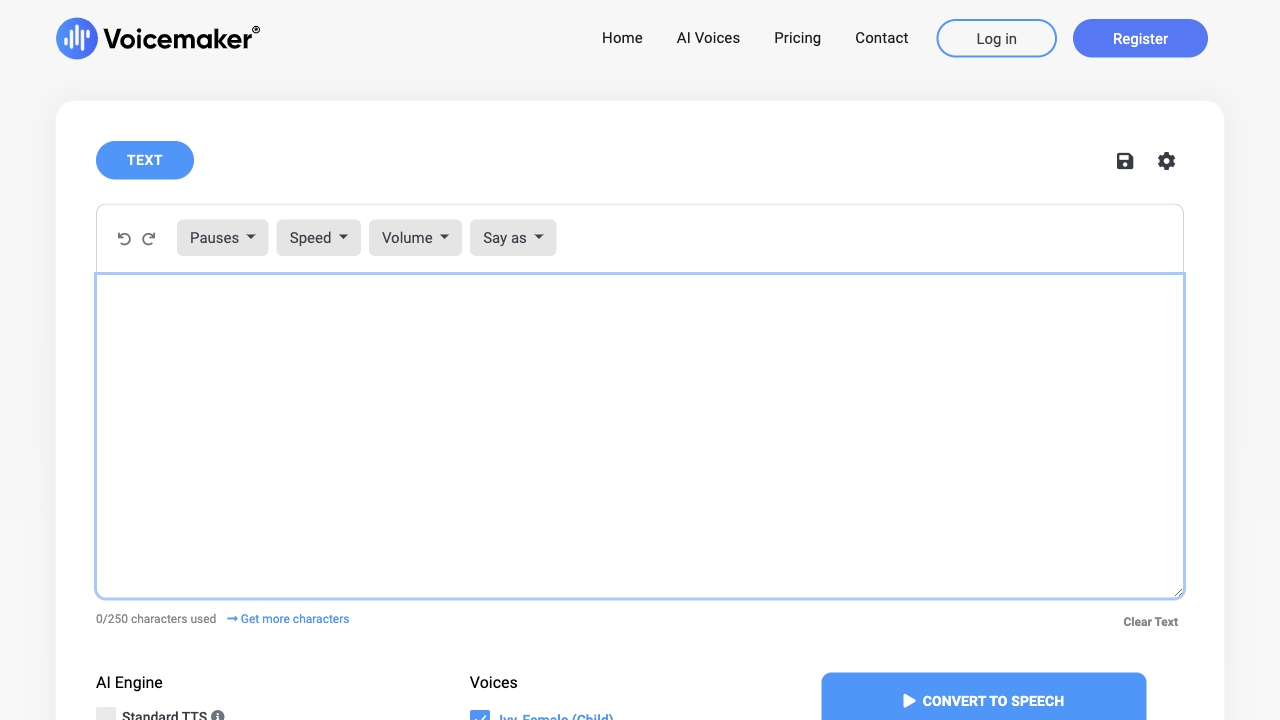
PaidAI-powered text-to-speech converter with human-like voiceovers and advanced customization options.

Voicemod ✓
See siteTransform your voice with fun effects in real-time.

Wonder - AI Art Generator ✓
FreemiumAn app allowing unique artwork creation on mobile.

TutorAI ✓
FreemiumInstant knowledge on any topic

VenturusAI ✓
FreemiumBusiness idea analysis and reporting.

Vidboard AI ✓
PaidCreate AI presenter-led videos instantly