
English lessons 2026 Rank: #1747
TubeVocab ✓
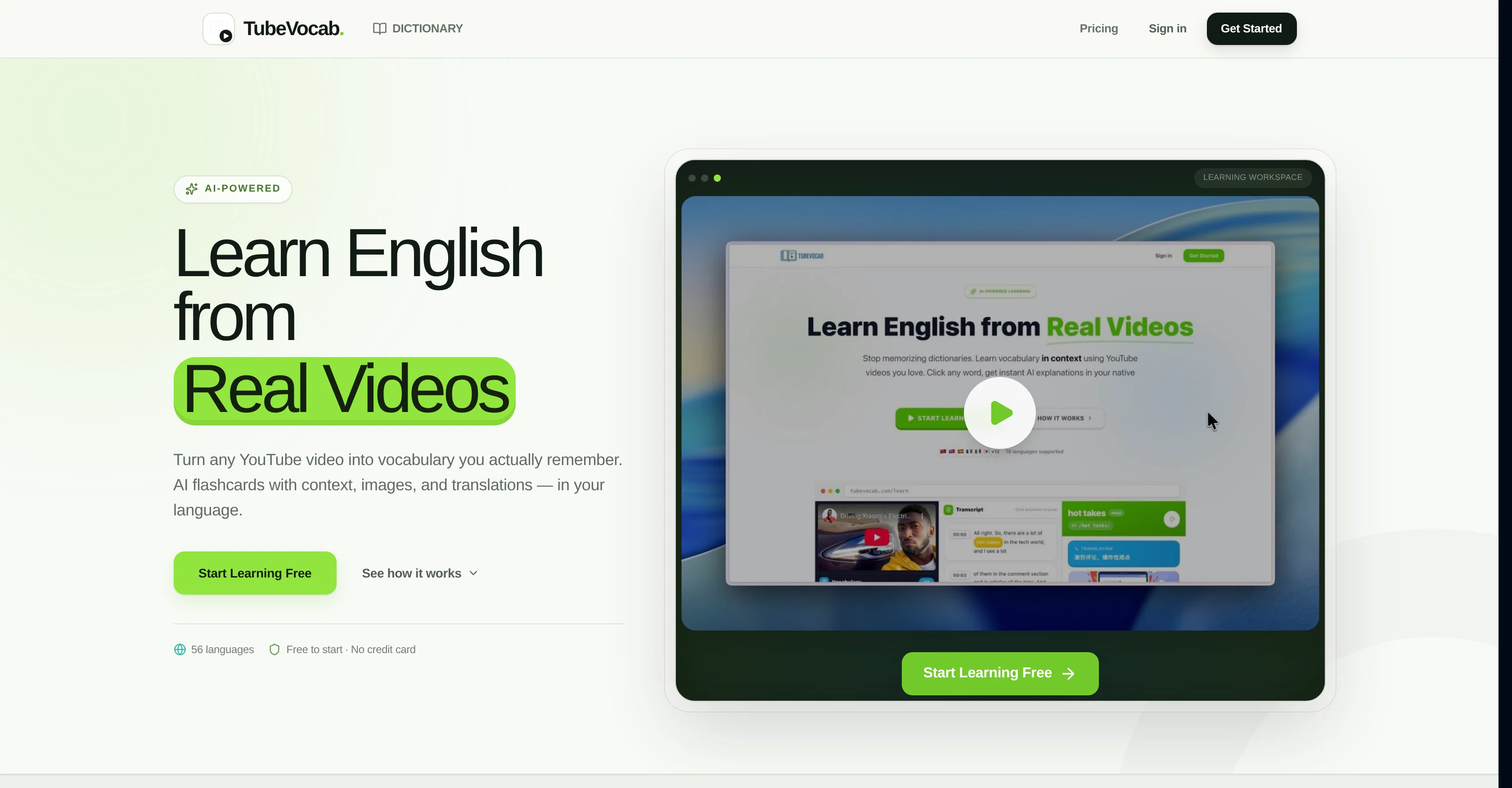
Turn any YouTube video into AI flashcards you actually remember.
Verdict
A quick read before you dig into the full page.
- Best if
- Turn any YouTube video into AI flashcards you actually remember
- Skip if
- Lacks comprehensive language learning
- Pick this when
- Word linked to its video timestamp
Considering LingUp AI instead? Compare side by side
Overview
Saved words go into a spaced-repetition queue and a growing personal dictionary. Review them as classic flashcards, or through dictation, cloze, word-match, speed review and mixed practice. Progress is tracked with streaks, stats and an achievement map, and cards sync to Anki or print to PDF when you'd rather study elsewhere.
Translations are available in 57 native languages and the whole interface is localised, so learners from Brazil to Vietnam study English in a UI they already read. A free tier covers your first videos and words; paid plans add credits for heavier use.
- Clickable Synced Youtube Subtitles
- Ai Flashcards With Phonetics And Examples
- Word Linked To Its Exact Video Timestamp
- Spaced Repetition Review Queue
- Dictation, Cloze And Word-match Practice
- Speed Review And Mixed Practice Modes
- Personal Dictionary And Word History
- Anki Sync And Export
- Printable Pdf Flashcards
- Translations In 57 Native Languages
- Fully Localised Interface (57 Languages)
- Streaks, Stats And Achievement Map
- Reading Mode With Ai-formatted Transcript
- Ai Transcript Summary And Highlights
- Shareable Lessons
- Ai Pronunciation Audio (tts)
Access & connections
Where you can use TubeVocab.
Platforms
Capabilities
What this tool accepts, produces, and is strongest at.
Input
- Video
Output
- Audio
- Text
- Image
Highlights
- SOTA
Supported features
- Teaching Humans
Models
Text
Image
Audio
Video
Coding
Pros & cons
Pros
- Word linked to its video timestamp
- Printable PDF flashcards
- Translations in 57 languages
- Progress tracking with streaks
- Dictation, cloze and match practice
- Syncs and exports to Anki
- Spaced repetition review
- Interactive learning
Show 11 more
- Context-driven vocabulary learning
- Uses YouTube videos
- Provides translations
- Accurate pronunciation guide
- Aids language fluency
- User-friendly interface
- Promotes language retention
- Individualized learning content
- Real-world learning context
- Designed for ESL learners
- Free tier to get started
Cons
- Usage is credit-metered on paid plans
- Requires videos to have subtitles
- Dependent on YouTube videos
- Only for English vocabulary
- Lacks comprehensive language learning
- Tailored primarily for ESL learners
- No native mobile app
- Doesn't support other media platforms
Show 1 more
- Lack of formal structure
Compare alternatives
Similar tools in the catalog — with a clear reason to open each one.

LingUp AI ✓
Free TrialYour personalized AI English speaking partner.
Why look Typically cheaper
Full comparison
Taboo AI ✓
FreeChallenge game for language learning and socializing.
Why look Fully free option
Full comparison


Releases 1
FAQ 12
What is TubeVocab?
What makes TubeVocab different from other language learning tools?
Can I click on any word within the video to generate a flashcard in TubeVocab?
🛠️ 2
tools
wrote:
Yes. TubeVocab displays the video’s subtitles as a synced, clickable transcript alongside the player.
Simply click any word in the transcript to generate an AI flashcard in seconds. Each card is automatically linked to the exact timestamp where the word appeared.
When you review a saved word later, a single click jumps the video back to that exact moment, letting you revisit the word in its original context.
What information is provided in the AI-powered flashcards of TubeVocab?
🛠️ 2
tools
wrote:
Each card is generated from the exact sentence where the word appeared, so it explains that specific usage instead of providing a generic dictionary definition.
Each card includes:
* 📖 IPA pronunciation
* 🏷️ Part of speech
* 💡 The meaning of the word in that sentence, with a translation into your native language
* 🌍 A translation of the word itself
* ✍️ Example sentences
* 🔗 Common collocations
* 🔄 Synonyms and antonyms
* ⚠️ A note on a common mistake learners make with the word
* 🎬 The original video timestamp, so you can replay the exact moment you heard it with a single click
How does TubeVocab use AI to automate the creation of individualized learning content?
How does TubeVocab support improved language retention and understanding?
🛠️ 2
tools
wrote:
Saved words are added to a spaced repetition system that brings each one back just before you’re likely to forget it.
You can review them using:
* 🗂️ Flashcards
* ✍️ Dictation
* 🧩 Cloze (fill-in-the-blank)
* 🔤 Word matching
* ⚡ Speed review
Every card keeps its original sentence and video timestamp, so you can replay the exact moment you first encountered the word instead of reviewing it from an isolated word list.
What video content does TubeVocab use for teaching?
🛠️ 2
tools
wrote:
Any YouTube video with subtitles works. Just paste the video URL, and TubeVocab automatically imports the transcript.
If you’d rather not choose a video yourself, you can also browse curated collections of content, including:
* 🎤 Talks
* 🎙️ Interviews
* 🎬 Documentaries
* 💻 Tech channels
* 📰 News channels
It’s easy to get started whether you want to learn from your own favorite videos or explore a ready-made collection.
Does TubeVocab help in improving pronunciation?
🛠️ 2
tools
wrote:
Yes. Every flashcard includes both IPA pronunciation and AI generated audio that you can replay anytime.
You can also listen to the word as it’s spoken by the original speaker in the video at the exact timestamp where it appears.
This gives you more than just pronunciation. You hear the word with its natural rhythm, stress, and connected speech in a real conversation, making it much easier to understand and remember.
Is TubeVocab free for ESL learners?
Does the video need subtitles?
🛠️ 2
tools
wrote:
Yes — TubeVocab reads the video’s existing subtitles, so a video with no captions cannot be used. Auto-generated YouTube captions work fine.
Can I export my words to Anki?
🛠️ 2
tools
wrote:
Yes. Cards sync to Anki through AnkiConnect, or export for import later. You can also print them as PDF flashcards if you prefer paper.
What native languages are supported?
🛠️ 2
tools
wrote:
Translations are generated in 57 native languages, and the interface itself is localized into 57 languages, so explanations are presented in the language you naturally think in, not just English.
Related tools
Recommended

HappySeeds ✓
FreemiumTurn ideas into AI-powered apps instantly.

Comicory ✓
FreemiumTurn stories into comic panels.

Notis ✓
Free TrialThe first WhatsApp assistant that runs on your ChatGPT and Claude subscriptions

ThumbnailCreator.com ✓
Free TrialCreate eye-catching YouTube thumbnails in seconds.

Supernormal App ✓
FreemiumThe AI assistant app that turns meetings into completed work

AppDeploy ✓
FreeDeploy real apps directly from ChatGPT or Claude