

Streamlabs Podcast Editor ✓
Transform videos into text with one click
Free + from $12.00/mo
Verdict
A quick read before you dig into the full page.
- Best if
- Transform videos into text with one click
- Skip if
- Limited editing features
- Pick this when
- Web-based tool
Considering AI Transcriptions by Riverside instead? Compare side by side
Overview
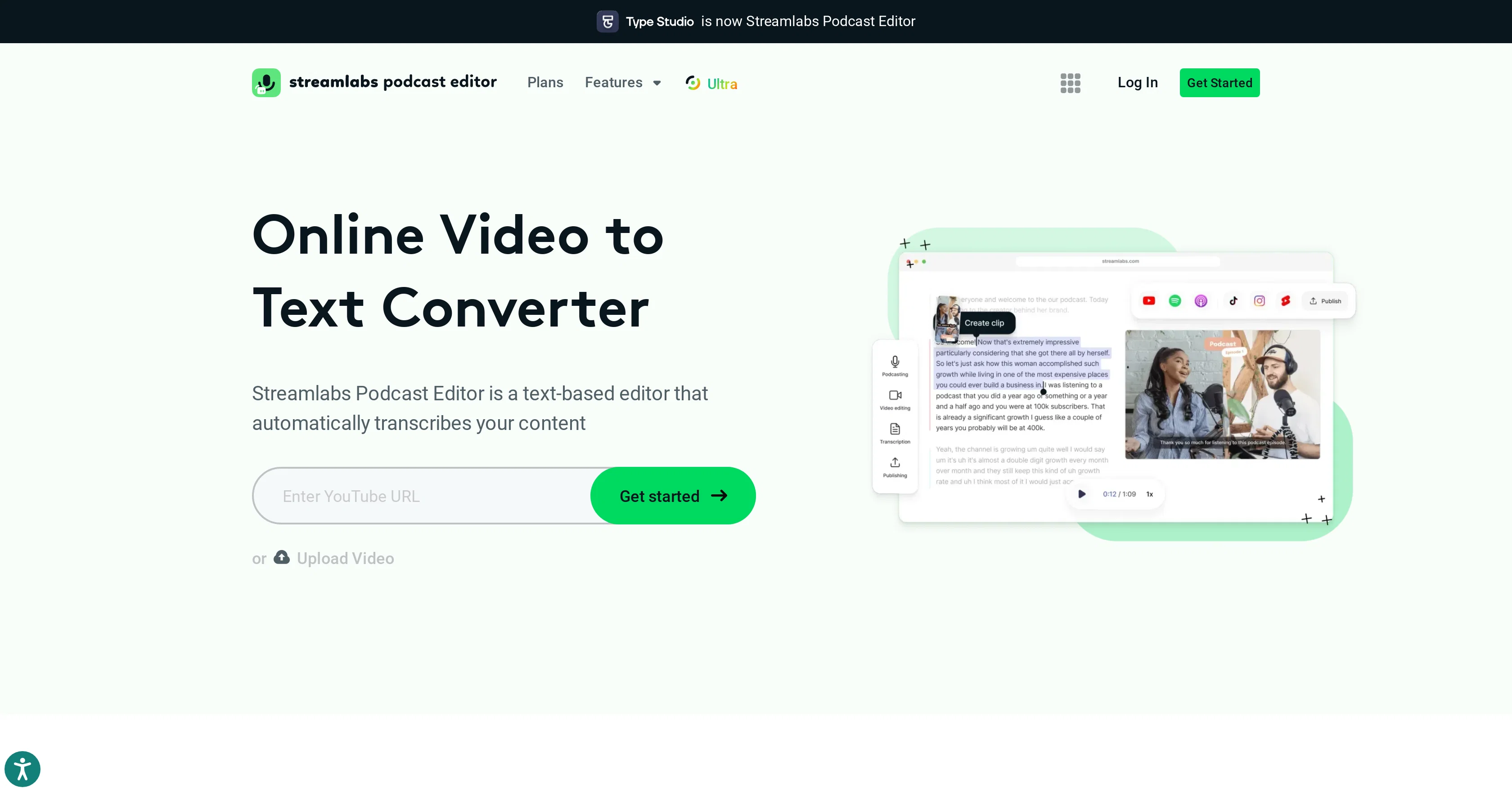
Streamlabs Podcast Editor is an advanced tool designed specifically for the transformation of video content into written text. It makes use of automated transcription techniques to convert your video files swiftly into a written format, making it easier for content creators to repurpose video or audio content into blogs, scripts, articles, or other text-based material.
For podcasters and video makers, this tool may prove beneficial in deriving written content from their spoken word, offering efficient means of interaction for audience preferring text over video or audio.
With a one-click mechanism, this tool promises convenience, time-saving and a user-friendly experience, with all operations online. However, the exact speed and quality may vary and it's always advisable to manually check the generated texts for any errors.
Ultimately, Streamlabs Podcast Editor allows users to maximize content utilization while saving considerable time and effort that would have been expended in manual transcription.
Access & connections
Where you can use Streamlabs Podcast Editor.
Platforms
Capabilities
What this tool accepts, produces, and is strongest at.
Input
- Video
Output
- Text
Supported features
- Podcast
Pros & cons
Pros
- Web-based tool
- Uses Revvoice recognition
- Supports 30+ languages
- Multiple export formats
- Optional timestamps
- Text-based video editor
- Content repurposing capability
- Translation into different languages
Show 30 more
- Embeddable videos
- Used by leading companies
- SEO performance improvement
- Automatic saving of progress
- Shareable via email
- Ability to embed in blog
- Increases content accessibility
- Content discoverability improvement
- Video repurposing options
- Supports all video formats
- Auto language translation
- Ability to correct translations
- Offers a free plan
- Optimized video editor interface
- Enables subtitle addition
- Webcam recording feature
- Screen recording editing
- Automatic transcript generation
- Supports transcription of various languages
- Exports transcripts with subtitles
- Automatic transcription accuracy
- No software installation required
- Preview feature before export
- Suitable for multilingual content
- Video to article feature
- Automated content repurposing
- Search inside video functionality
- Text addition to video
- Image addition to video
- Video rotation capability
Cons
- Web-based only
- Relies on RevVoice technology
- Limited file support (.mp4, .mov)
- No offline option
- Shared content privacy risks
- Limited language assistance
- Transcription inaccuracies possible
- Limited export formats (.srt, .vtt, .txt)
Show 2 more
- Limited editing features
- No mention of versioning
Compare alternatives
Similar tools in the catalog — with a clear reason to open each one.

AI Transcriptions by Riverside ✓
FreemiumTranscribe audio and video in 100+ languages effortlessly
Free + from $15/mo
Full comparison
Exemplary AI ✓
FreemiumTranscribes 120+ languages' audio/video.
Free + from S$12 / month
Full comparison
YouTube Transcript Optimizer ✓
PaidTransform YouTube videos into polished documents and quizzes.
Why look Typically cheaper
Full comparison
Taption ✓
FreemiumConvert audio and video to text in 40+ languages.
Free + from $12.00/mo
Full comparison
ScriptMe ✓
Free TrialTranscribe and subtitle media faster than realtime.
Free + from $45/mo
Full comparison
Vid2txt ✓
PaidDrag, drop, done: Effortless video transcription.
Why look Typically cheaper
Full comparisonReleases 1
FAQ 12
What languages does Type Studio support for transcriptions?
How does Type Studio use Revvoice recognition technology?
In what formats can I export my transcript with Type Studio?
What is the text-based video editor feature in Type Studio?
How can I share my videos via email or on my website with Type Studio?
How does Type Studio assist in repurposing videos?
What does it mean to repurpose videos into different content pieces with Type Studio?
How does Type Studio help in translating my videos?
Can I embed my videos into my blog using Type Studio?
How user-friendly is the interface of Type Studio?
What companies and professionals use Type Studio?
Does Type Studio offer solutions for mobile subtitles?
Related tools
Recommended

TutorAI ✓
FreemiumInstant knowledge on any topic

Twelve Labs ✓
FreemiumEmpower developers with contextual video understanding.

TranslateVideo ✓
FreemiumTranslate videos with just 1-Click

Voice AI ✓
FreemiumTransform your voice instantly with AI.
Wisecut
PaidAI-powered video editing software that automatically creates engaging clips from long videos.

Uberduck ✓
FreemiumCreate AI voiceovers and build audio apps with 5000+ voices