

TranslateVideo ✓
Translate videos with just 1-Click
Free + from $29.00/mo
Verdict
A quick read before you dig into the full page.
- Best if
- You are influencers and need: Translating video courses to multiple languages
- Skip if
- Limited voiceover file formats
- Pick this when
- Multilingual video content creation
Considering VideoDubber instead? Compare side by side
Overview
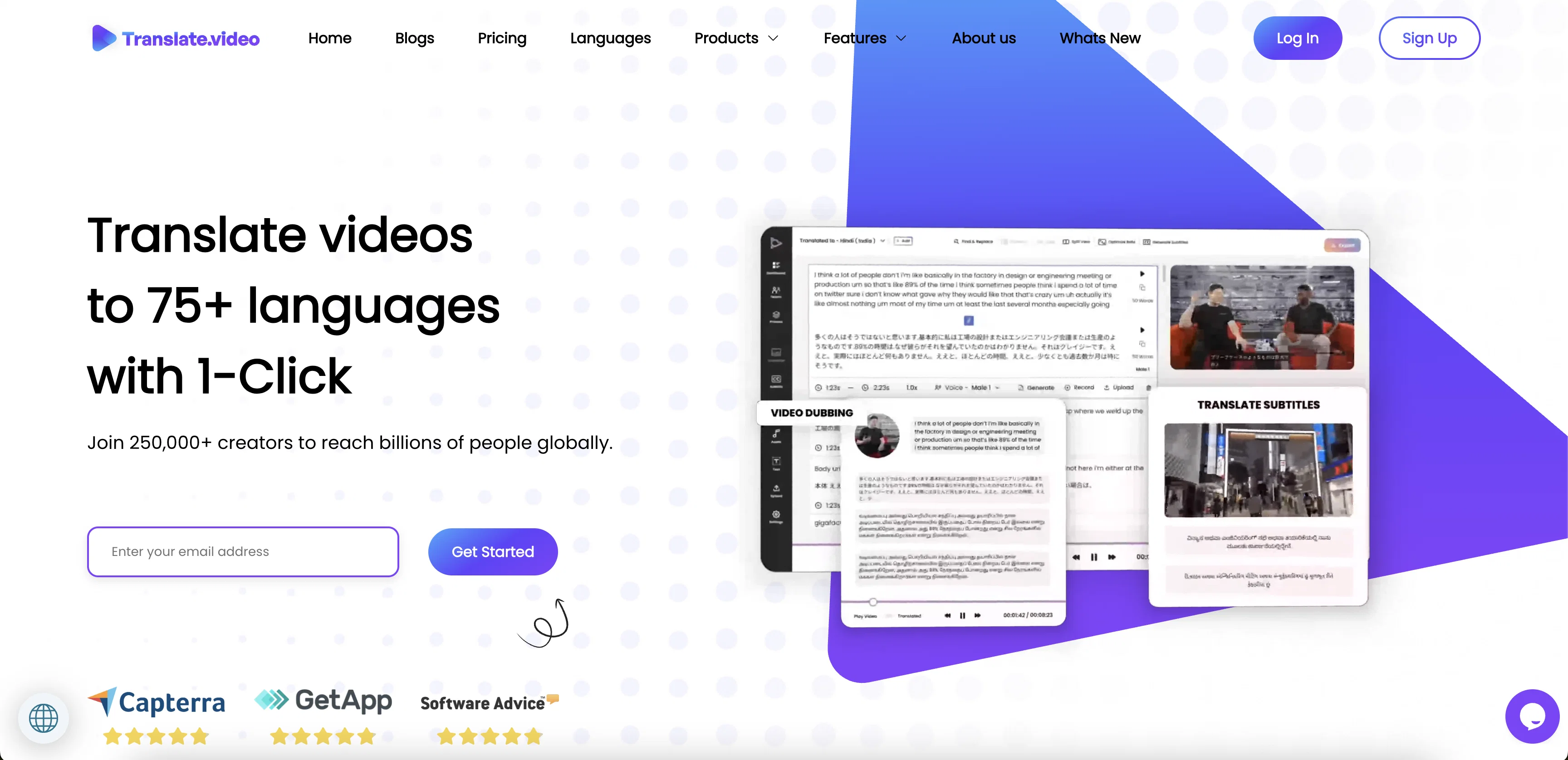
Translate.Video (Vitra.ai) is a tool designed to help users quickly and easily translate video content into multiple languages. The tool provides automated tools such as captions, transcripts, subtitles and dubbing, as well as the ability to record and upload a voiceover.
All of these features are accessible through a single app, allowing users to easily manage and customize their video content. Translate.Video also offers features such as editing styles and elements to further customize the video.
The tool is suitable for both influencers and enterprises, allowing them to quickly and easily reach a global audience.
Best for
Short scenarios where TranslateVideo tends to shine.
-
Translating video courses to multiple languages
Best for Influencers
-
Creating multilingual content for global audiences
Best for Enterprises
-
Generating captions and subtitles for accessibility
Best for Content creators
-
Dubbing videos for international markets
Best for Educators
-
Cloning voices for personalized voice-overs
Best for Marketing professionals
Example outputs 1
Sample generations and before/after results for TranslateVideo.
Access & connections
Where you can use TranslateVideo.
Platforms
Capabilities
What this tool accepts, produces, and is strongest at.
Input
- Text
- Video
- Audio
Output
- Audio
- Video
- Text
Supported features
- Translation
Pros & cons
Pros
- Multilingual video content creation
- Automated captions feature
- Transcription capabilities
- Subtitling feature
- Video dubbing ability
- Voiceover recording capability
- Single app for all functions
- Video editing options
Show 10 more
- Customizable styles and elements
- Suitable for influencers and enterprises
- Generates captions
- Translate subtitles
- User voice recording option
- Various output formats (SRT, VTT, MP4)
- 1-click seamless voice-over stitching
- Accelerates video translation and subtitling
- Multiple language support
- All features in one app
Cons
- No desktop version
- No multilingual interface
- No API functionality
- No offline capabilities
- No plug-in for video platforms
- Lacks advanced editing features
- Limited voiceover file formats
- Allows only one user
Show 2 more
- No collaborative features
- Not open-source
Compare alternatives
Similar tools in the catalog — with a clear reason to open each one.

VideoDubber ✓
FreemiumTranslate and dub videos, audios and subtitles with voice cloning and lipsync
Why look Typically cheaper
Full comparison
CAMB.AI ✓
Free TrialAI voice translation and dubbing for videos in 150+ languages.
Why look Typically cheaper
Full comparison
VoiceCheap ✓
FreemiumTranslate, dub and publish any video in any language.
Why look Typically cheaper
Full comparison
UnMarkAI - Remove subtitles first. Translate video, d... ✓
Free TrialAI video translation with dubbing and lip-sync.
Why look Typically cheaper
Full comparison
VMEG Video Translation ✓
FreemiumBreak Down Language Barriers with Video Translation
Why look Typically cheaper
Full comparisonPeople also view
Tools that often show up alongside TranslateVideo in collections and comparisons.
UnMarkAI - Remove subtitles first. Translate video, d... ✓
Free TrialAI video translation with dubbing and lip-sync.
CAMB.AI ✓
Free TrialAI voice translation and dubbing for videos in 150+ languages.
VoiceCheap ✓
FreemiumTranslate, dub and publish any video in any language.
VMEG Video Translation ✓
FreemiumBreak Down Language Barriers with Video Translation
VideoDubber ✓
FreemiumTranslate and dub videos, audios and subtitles with voice cloning and lipsync

Vidby ✓
FreemiumFast translation and dubbing of videos with AI.

Vocova ✓
Free TrialTranscribe audio, video, or links into text. 1,000+ platforms, 100+ languages.

TranslaBuddy - Voice Real Time Translator ✓
FreeReal-time voice translation for meetings, calls, and videos
Releases 1
Imported reviews 1
Too expensive.
FAQ 12
What is Translate.Video?
How does Translate.Video work?
What languages can Translate.Video translate into?
What types of video content can Translate.Video be used on?
Can I use Translate.Video to add subtitles to my video?
Can Translate.Video be used for dubbing?
Can I record and upload a voiceover with Translate.Video?
What editing tools does Translate.Video offer?
Is Translate.Video suitable for influencers?
Is Translate.Video suitable for enterprises?
What does it mean to translate videos with just one click?
Can Translate.Video generate captions for videos?
Related tools
Recommended

TutorAI ✓
FreemiumInstant knowledge on any topic

Voice AI ✓
FreemiumTransform your voice instantly with AI.

Topaz Video AI ✓
PaidCinematic superpowers: Ultra smooth, sharp, and steady.

LearningStudioAI ✓
Free TrialAI-powered authoring tool for effortless online course creation.

Vidboard AI ✓
PaidCreate AI presenter-led videos instantly

Wonder - AI Art Generator ✓
FreemiumAn app allowing unique artwork creation on mobile.