Image upscaling 2026 Rank: #2781
TotalMedia | Photo Enhancer ✓
Restore and enhance any photo instantly with AI.
Verdict
A quick read before you dig into the full page.
- Best if
- Restore and enhance any photo instantly with AI
- Skip if
- Limited upscaling capacity
- Pick this when
- Web-based accessibility
Considering Deep Image instead? Compare side by side
Overview
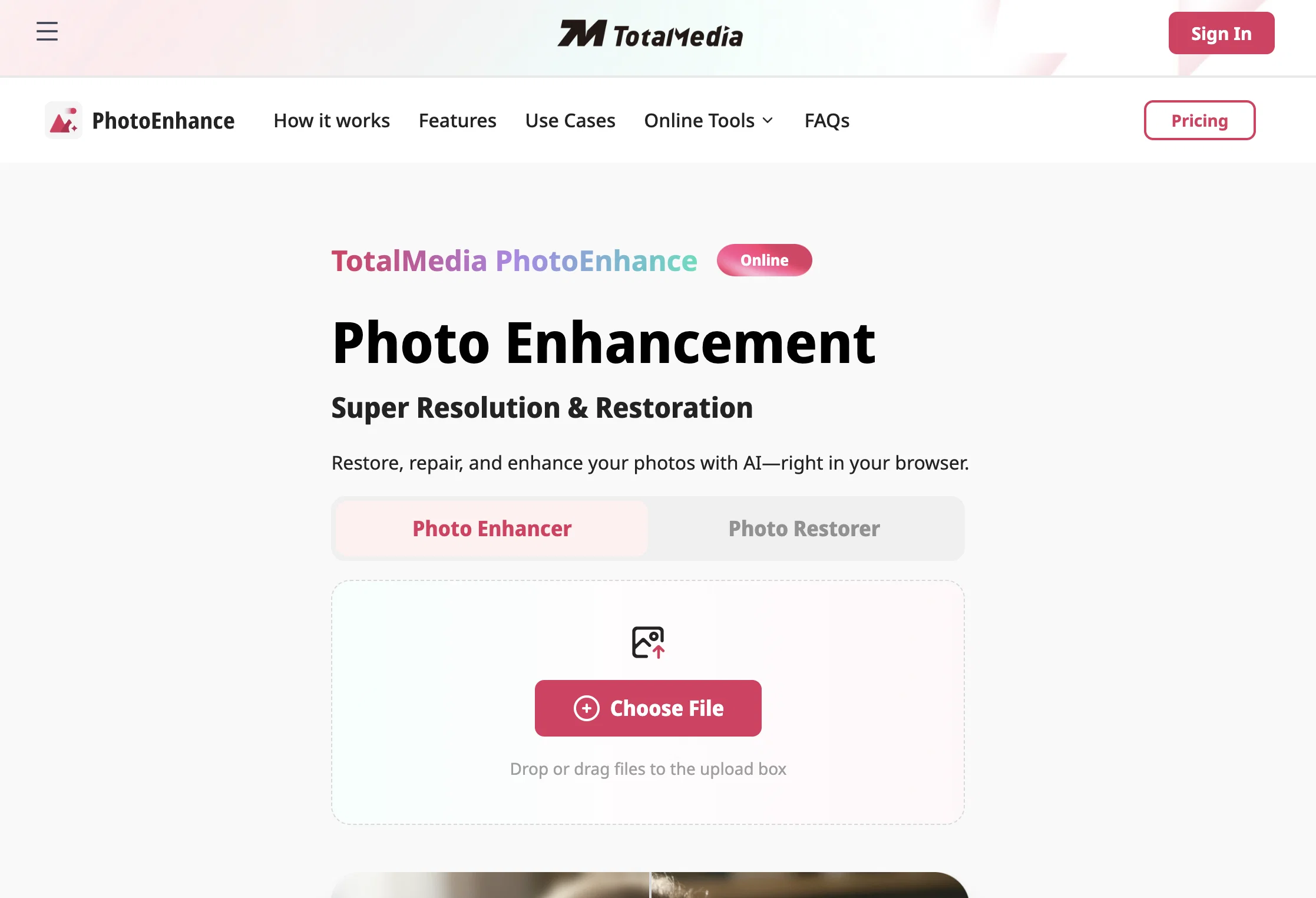
TotalMedia PhotoEnhance is an online tool designed to restore, repair, and enhance photos using AI technology. Users can access the tool directly from their web browser, without the need for software installation.
It provides features such as fixing blurriness, restoring clarity, increasing resolution, and unveiling hidden image details. Its functionalities extend to the restoration of old and damaged photos, removing unwanted noise and scratches, restoring faded colors and recovering lost details to revive vintage images.
It's equally useful for professional photography, where it sharpens details, restores texture and optimizes color to deliver high-quality edited images.
For e-commerce businesses, it enables the enhancement of product images to stand out in online marketplaces by increasing clarity, repairing minor defects, and upscaling resolution.
Social media creators can utilize it for creating visually appealing content and designers can upscale low-resolution assets to high-definition graphics.
Lastly, it allows fans of anime and manga to enhance and upscale their favorite screenshot and panels. TotalMedia PhotoEnhance aims at providing efficient and quality results powered by AI technology.
Access & connections
Where you can use TotalMedia | Photo Enhancer.
Platforms
Capabilities
What this tool accepts, produces, and is strongest at.
Input
- Tabular
- Image
Output
- Image
Pros & cons
Pros
- Web-based accessibility
- Restores old photos
- Removes unwanted noise
- Fixes image blurriness
- Increases photo resolution
- Unveils hidden details
- Optimizes color
- Restores faded colors
Show 39 more
- Restores texture
- Useful for professional photography
- Enhances e-commerce product images
- Useful for social media content
- Upscales low-resolution design assets
- Enhances anime and manga images
- Restores vintage photos
- Variety of output formats
- Supports common image formats
- Image processing in seconds
- Recovers lost details
- No need for software installation
- Great for reviving memories
- Portable across devices
- Relevant for businesses and individuals
- High-quality image results
- Preserves sharpness during upscaling
- Reduces image noise
- Easy parameter adjustment
- Perfect for image printing
- Allows conversion rate improvement
- Helps create eye-catching content
- Boosts visual appeal of designs
- Anime and Manga enhancement
- Fixes distorted image details
- Generates high-definition output
- Edits without quality loss
- User-friendly interface
- Efficient workflow integration
- Suitable for marketing materials
- Quick and easy operation
- Effortless old photo repair
- Intelligently enhances resolution
- Improves social media engagement
- Rejuvenates faded photos
- Preserves family history
- Supports flexible upscaling
- Reconstructs details naturally
- Secures fast processing
Cons
- No offline mode
- No multi-language support
- Limited free tier
- Long processing for large images
- Limited upscaling capacity
- No support for lesser-known image formats
- No mobile application
- Unclear resolution output criteria
Show 2 more
- No batch processing
- Potential privacy concerns
Compare alternatives
Similar tools in the catalog — with a clear reason to open each one.

Deep Image ✓
Free TrialEnhance photos with advanced editing features.
Free + from $9/mo
Full comparison
Upscayl ✓
Free TrialEnhance images with free, open-source AI upscaling.
Why look More privacy-focused
Full comparison
AI Upscaler ✓
FreemiumSmarter AI 4K Upscaler for Images & Videos
Why look Typically cheaper
Full comparison
SciFig ✓
FreemiumTurn text into publication-ready scientific figures.
Free + from $12/mo
Full comparison

Neurohelper AI ✓
PaidEvery leading AI model. One workspace.
Why look Better for writing
Full comparisonReleases 1
FAQ 12
How does TotalMedia PhotoEnhance work?
Is TotalMedia PhotoEnhance free to use?
What is the maximum resolution that TotalMedia PhotoEnhance can upscale to?
Are there any image formats that TotalMedia PhotoEnhance doesn't support?
How long does the image enhancement process take on TotalMedia PhotoEnhance?
Can TotalMedia PhotoEnhance restore old and damaged photos?
How useful is TotalMedia PhotoEnhance for e-commerce businesses?
Does TotalMedia PhotoEnhance remove unwanted noise and scratches from photos?
Can TotalMedia PhotoEnhance be used to upscale low-resolution design assets to high-resolution graphics?
Is there any software installation required to use TotalMedia PhotoEnhance?
How efficient is TotalMedia PhotoEnhance in sharpening image details?
How does TotalMedia PhotoEnhance enhance and upscale anime and manga screenshots and panels?
Related tools
Recommended

GetLogit ✓
FreemiumArtificial intelligence, available for everyone.

TheLibrarian.io ✓
Free TrialYour WhatsApp AI assistant for instant productivity.

NSFW JS
FreeIdentify NSFW images in the browser

CodeRabbit ✓
Free TrialEnhanced code review for improved workflow and quality.

ElevenLabs ✓
FreemiumCreate lifelike AI voices for compelling storytelling.

Perplexity ✓
FreemiumAI-powered answers to any question, instantly.