
Snapfiddle ✓
AI-powered image editor for seamless modifications
Trial; then from $10
Verdict
A quick read before you dig into the full page.
- Best if
- You are photographers and need: Remove unwanted objects or people from photos
- Skip if
- Limited image format support
- Pick this when
- Simplistic image editor
Considering Photo AI instead? Compare side by side
Overview

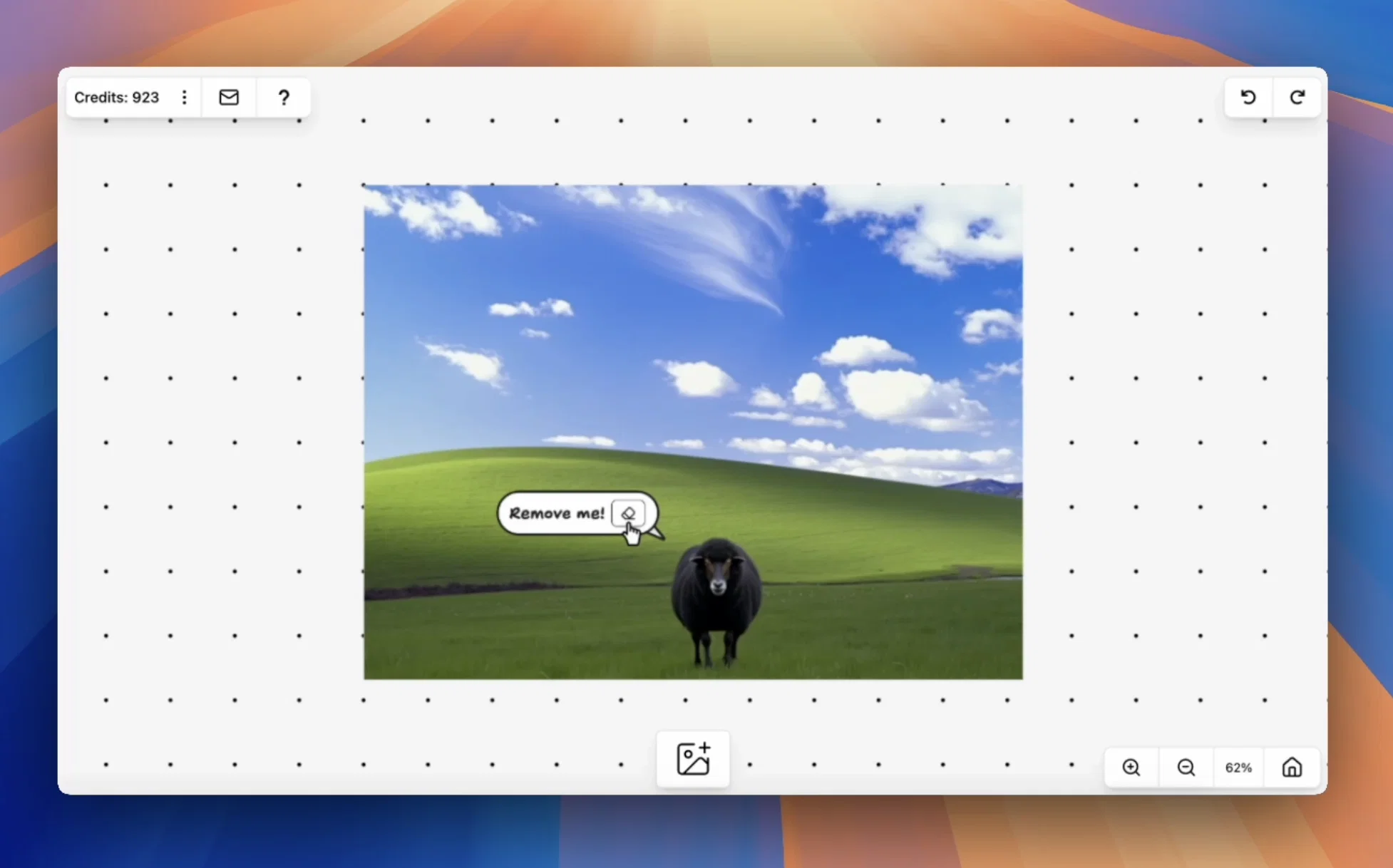
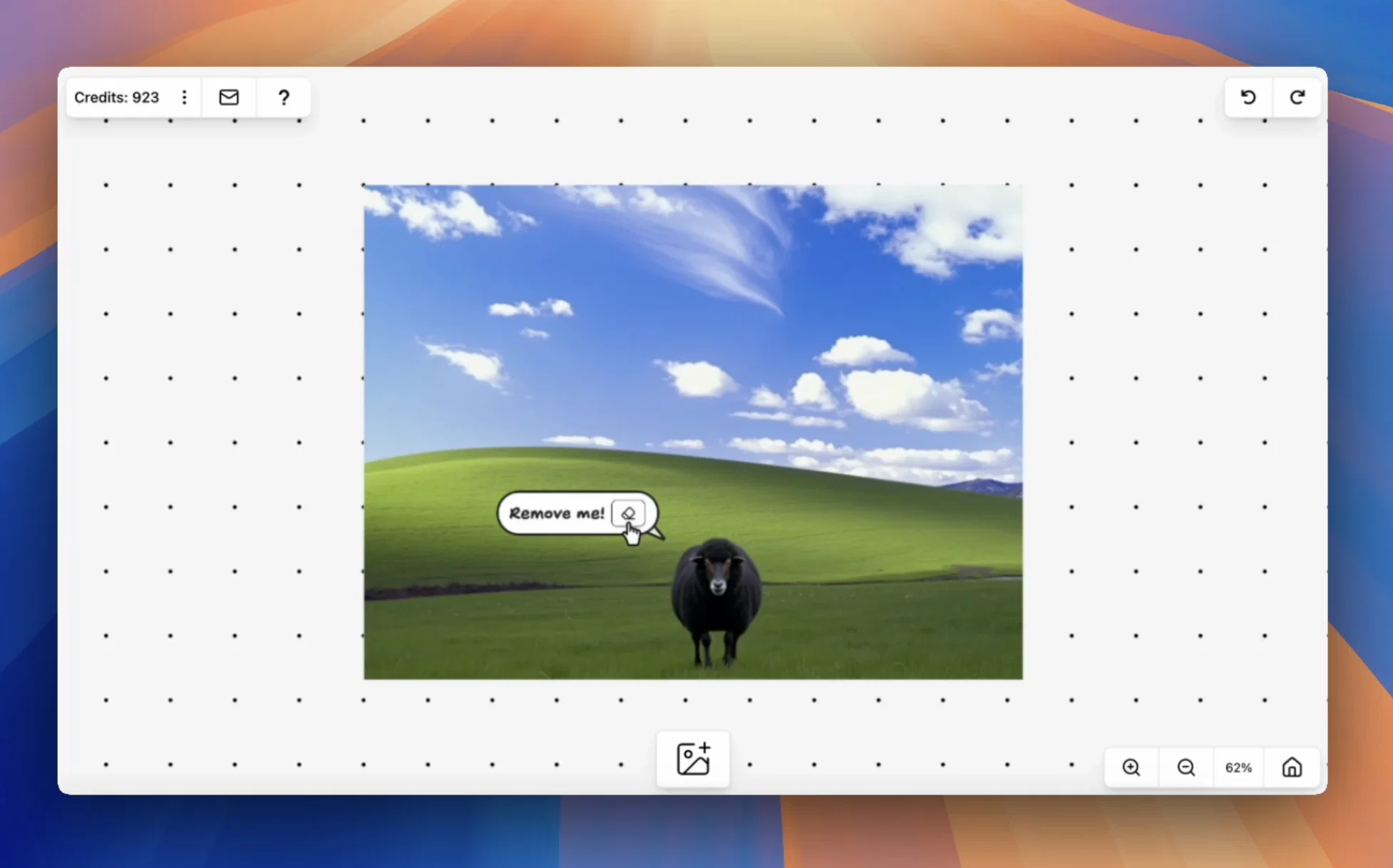
snapfiddle.ai is an artificial intelligence-powered image editor designed with simplicity in mind. It provides various image manipulation capabilities allowing users to modify images seamlessly.
Users have the facility to remove and replace people and objects in the images, thus enabling flexibility and personalization. This tool also enables images to be merged intelligently and aesthetically, utilizing smart cropping features.
In addition to these, snapfiddle.ai also possesses image repair capabilities, which are capable of restoring and enhancing the quality and details in damaged or low-quality images.
As it utilizes intelligent algorithms, the tool aims to make image editing more accurate, simplified, and intuitive for users. Overall, snapfiddle.ai can be a handy addition to the toolkit of digital artists, graphic designers, and photographers or any casual user seeking to enhance and personalize their images.
Please note that to access the full capabilities of snapfiddle.ai and enjoy a seamless and unrestricted experience, users may need to create an account and login.
Best for
Short scenarios where Snapfiddle tends to shine.
-
Remove unwanted objects or people from photos.
Best for Photographers
-
Replace backgrounds or objects in images.
Best for Graphic designers
-
Generate images from text descriptions.
Best for Social media managers
-
Repair damaged or incomplete images.
Best for Content creators
Example outputs 1
Sample generations and before/after results for Snapfiddle.
Access & connections
Where you can use Snapfiddle, and what it plugs into.
Platforms
Integrations
Capabilities
What this tool accepts, produces, and is strongest at.
Input
- Text
- Image
Output
- Image
Pros & cons
Pros
- Simplistic image editor
- Seamless image modifications
- Facility to remove/replace objects
- Enables flexibility and personalization
- Intelligent image merging
- Smart cropping features
- Image repair capabilities
- Restores image quality
Show 10 more
- Enhances low-quality images
- User-friendly interface
- Ideal for digital artists
- Ideal for graphic designers
- Ideal for photographers
- Ideal for casual users
- Account creation for full access
- Accurate image editing
- Simplified image editing
- Intuitive image editing
Cons
- Requires account creation
- May lack advanced features
- Possible lower quality restoration
- Potential inaccurate object replacement
- Limited image manipulation tools
- Limited image format support
- Potential user interface simplicity
- Might require more intelligent algorithms
Compare alternatives
Similar tools in the catalog — with a clear reason to open each one.

Stockimg AI ✓
PaidGenerated images and text for design ease.
Why look Stronger for image work
Full comparison

Midjourney ✓
PaidExpand human imagination through AI-powered visuals.
Why look Typically cheaper
Full comparison
People also view
Tools that often show up alongside Snapfiddle in collections and comparisons.
Stockimg AI ✓
PaidGenerated images and text for design ease.

Photo AI ✓
PaidCreate beautiful AI photos and videos of real people

Roll ✓
FreeEnhanced mobile video editing with advanced technology.

Mindmap ✓
FreemiumVisualize ideas effortlessly with free mindmaps.

Infographic Ninja ✓
Free TrialGenerate infographics from keywords instantly.

GoEnhance ✓
FreemiumTransform videos into different anime styles, enhance and upscale images.

ExtendImage ✓
Free TrialExtend images seamlessly with AI magic.

DreamFace ✓
FreemiumAnimate photos with AI face editing magic.
Releases 1
Imported reviews 1
Not free must pay for credits
FAQ 12
What is Snapfiddle?
What are the image manipulation capabilities of Snapfiddle?
How can I remove and replace objects in the images with Snapfiddle?
Does Snapfiddle allow merging of images?
What does it mean when Snapfiddle speaks about 'smart cropping'?
Does Snapfiddle provide image repair features?
How does Snapfiddle restore the quality of an image?
How does Snapfiddle enhance image quality?
Can anyone use Snapfiddle or is it only for professionals?
Why is Snapfiddle AI-powered?
How are Snapfiddle's algorithms making image editing more accurate?
How does Snapfiddle aim to simplify image editing?
Related tools
Recommended

SellerPic ✓
FreemiumSupercharge photos with AI, boost sales in minutes.

Free AI Video Upscaler ✓
FreeUpscale videos or images with AI for free, right in your browser

Free Text-To-Speech ✓
FreeText transformed into customizable spoken output.

PicLumen ✓
FreemiumPic the future: Free AI images in one click.

OnlyPrompts ✓
Free TrialAutomate 37,000+ tasks with 150,000+ prompts

AI Ease: AI Headshot Generator ✓
FreemiumCreate professional AI headshots instantly for free