

ExtendImage ✓
Extend images seamlessly with AI magic.
Trial; then from $9.99/mo
Verdict
A quick read before you dig into the full page.
- Best if
- Extend images seamlessly with AI magic
- Skip if
- Subscription model is expensive
- Pick this when
- Generative image extension
Considering Viyou AI Image Generator instead? Compare side by side
Overview
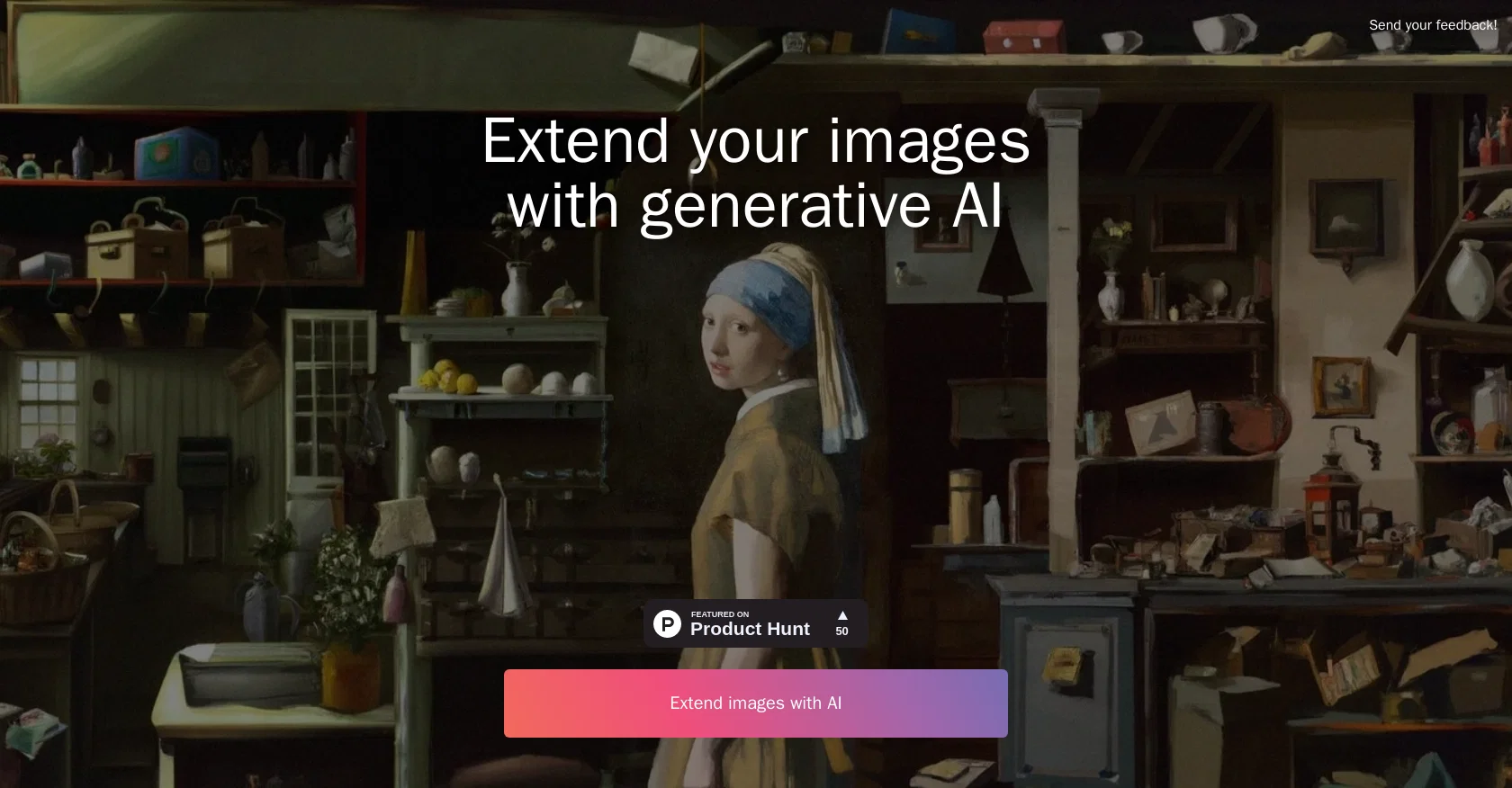
ExtendImageAI is a tool that utilizes generative artificial intelligence (AI) to extend images. This tool allows users to apply a variety of AI techniques to their images, such as adding new elements, blending styles, and creating color palettes.
It is designed to be user-friendly and easy to use, with a few simple steps to get started. Users can upload their image and select the desired AI technique, such as adding a foreground or background, blending two images, or creating a color palette.
The tool also offers a range of advanced features, such as adjusting the intensity of the AI effect and editing the output image. ExtendImageAI can be used to create new and unique images, as well as to extend existing images.
It is a great tool for graphic designers, digital artists, and anyone else looking to create interesting visuals.
Best for
Short scenarios where ExtendImage tends to shine.
-
Extend images seamlessly with AI magic.
Example outputs 1
Sample generations and before/after results for ExtendImage.
Access & connections
Where you can use ExtendImage.
Platforms
Capabilities
What this tool accepts, produces, and is strongest at.
Input
- Image
Output
- Image
Supported features
- Outpainting
Pros & cons
Pros
- Generative image extension
- User-friendly design
- Simple steps to start
- Upload image function
- Selection of desired technique
- Foreground/background addition
- Image blending feature
- Color palette creation
Show 10 more
- Range of advanced features
- Intensity adjustment of effect
- Output image editing
- New and unique images
- Existing image extension
- Useful for graphic designers
- Useful for digital artists
- Interesting visual creation
- Featured on ProductHunt
- Editable input/result examples
Cons
- No offline mode
- Limited customization options
- No batch processing
- No collaborative features
- Limited file format support
- Might compromise image quality
- No library for image archives
- No mobile app
Show 2 more
- Subscription model is expensive
- Small adjustment controls
Compare alternatives
Similar tools in the catalog — with a clear reason to open each one.

Viyou AI Image Generator ✓
FreemiumTransform text and images into stunning videos and visuals.
Free + from $39.99/yr
Full comparison
Img2Img AI ✓
FreemiumTransform any image with AI in seconds.
Why look Typically cheaper
Full comparison

Photoeditor ✓
PaidEnhanced image editing with object and text removal.
from $9.99/mo
Full comparison
Cleanup pictures ✓
FreemiumRemove unwanted elements from photos instantly.
Why look Typically cheaper
Full comparisonPeople also view
Tools that often show up alongside ExtendImage in collections and comparisons.

Mindmap ✓
FreemiumVisualize ideas effortlessly with free mindmaps.

Infographic Ninja ✓
Free TrialGenerate infographics from keywords instantly.

Photo AI ✓
PaidCreate beautiful AI photos and videos of real people

LearningStudioAI ✓
Free TrialAI-powered authoring tool for effortless online course creation.

Artificial Art ✓
FreeCreate AI art with Stable Diffusion

Agentgpt ✓
FreemiumDeploy autonomous AI Agents effortlessly in your browser.

Scholarcy ✓
FreemiumConvert long articles into summary flashcards.

PrometAI ✓
FreemiumTurn ideas into viable reality with AI business plan generator.
Releases 1
Imported reviews 3
I give it a suck my ass/10. They act like its free, then when you do buy credits the results are an absolute mess. Multi limbs, disfigurements, seams, colours not matching, lazy Ai (suddenly a wall appears in the middle of an empty field just so it doesn't have to draw limbs, eveyone is suddenly sitting at a tablenor hiding in a door frame.) You can do a better job yourself with paper and crayons.
I CAN'T USE ANY FUN THING WITHOUT PAYING IN 2 SECONDS CMON
It's not free. Once it makes you log in with your gmail account and upload your picture, it tells you that you need to buy credits to proceed.
FAQ 12
What is ExtendImageAI?
How does ExtendImageAI use AI to enhance images?
What kind of images can I edit using ExtendImageAI?
Can I blend two images using ExtendImageAI?
How can I adjust the intensity of AI effects in ExtendImageAI?
What key features does ExtendImageAI offer?
I'm not a designer, is ExtendImageAI still useful for me?
Can ExtendImageAI add new elements to my photos?
How to create a color palette using ExtendImageAI?
Can I extend an existing image with ExtendImageAI?
Is ExtendImageAI user-friendly for beginners?
What is the process to get started with ExtendImageAI?
Related tools
Recommended

Summarist ✓
FreeAI-powered book summaries in seconds

Free Text-To-Speech ✓
FreeText transformed into customizable spoken output.

Business Idea Generator AI ✓
FreeGenerate innovative business ideas with AI

KnowledgeGraph GPT ✓
FreeTransform unstructured text into knowledge graphs with AI.

Upscayl ✓
Free TrialEnhance images with free, open-source AI upscaling.
LearningStudioAI ✓
Free TrialAI-powered authoring tool for effortless online course creation.