

Roll ✓
Enhanced mobile video editing with advanced technology.
Verdict
A quick read before you dig into the full page.
- Best if
- You are content creators and need: Creating professional-looking marketing videos from CEO-recorded webinars
- Skip if
- Limited language support (only English)
- Pick this when
- Anamorphic view
Considering freebeat AI instead? Compare side by side
Overview
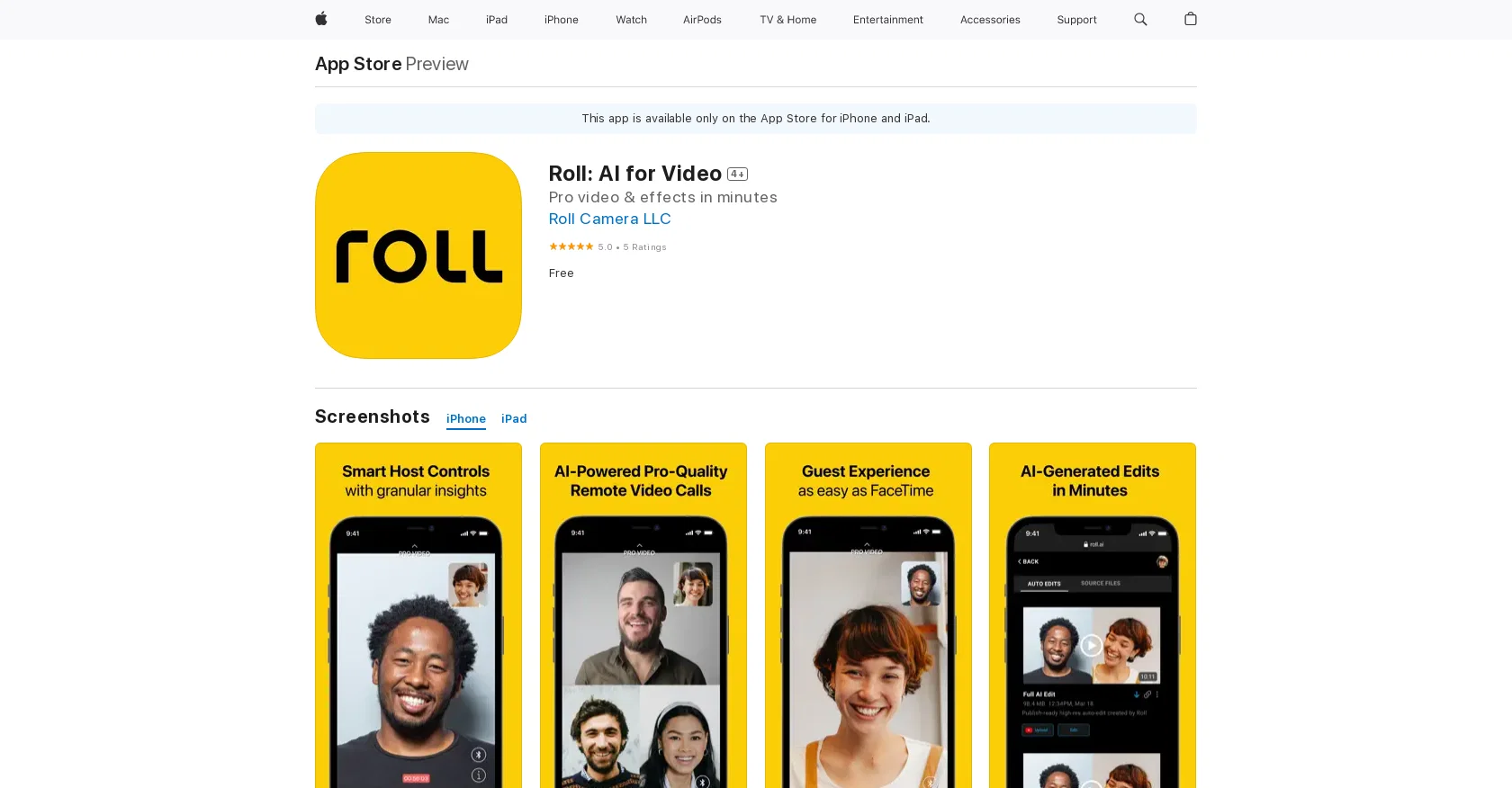
Roll: AI for Video is a mobile application available on the App Store for iPhone, iPad, and iPod touch. The app specializes in enhancing video content using artificial intelligence (AI) technology.
Users have the ability to edit and modify their videos using AI-powered features to enhance the overall quality and aesthetics of their content.With Roll: AI for Video, users can access various features such as video stabilization, noise reduction, color correction, and automatic editing.
These features leverage AI algorithms to analyze and improve the video quality by reducing shakiness, removing background noise, and enhancing colors, resulting in professional-looking videos.Additionally, the app offers an intuitive and user-friendly interface that allows users to easily navigate through the editing tools and apply enhancements to their videos.
Users have the ability to preview the changes in real-time, enabling them to make informed decisions on the adjustments they want to apply.Roll: AI for Video is designed to cater to both casual users looking to enhance their personal videos and content creators seeking to improve the quality of their professional videos.
The app provides an accessible and efficient solution for enhancing videos without the need for complex and time-consuming manual editing processes.Overall, Roll: AI for Video is a valuable tool for individuals who want to elevate the quality of their videos through the use of AI-powered enhancements, resulting in visually appealing and engaging content.
Best for
Short scenarios where Roll tends to shine.
-
Creating professional-looking marketing videos from CEO-recorded webinars
Best for Content creators
-
Producing podcasts, webinars, and virtual conferences
Best for Marketing professionals
-
Conducting remote interviews, fireside chats, and customer testimonials
Best for Podcasters
Example outputs 1
Sample generations and before/after results for Roll.
Access & connections
Where you can use Roll, and what it plugs into.
Platforms
Integrations
Capabilities
What this tool accepts, produces, and is strongest at.
Input
- Video
Output
- Video
Pros & cons
Pros
- Anamorphic view
- High Dynamic Range (HDR)
- 3-Microphone capture
- Intelligent noise cancellation
- Multicam Effects
- Professional bokeh finishes
- Visual Effects like introductions
- Automatic professional editing
Show 5 more
- Real-time team collaboration
- Direct publishing to social media
- Automatic video reformatting
- Text-based video editor
- Phone's studio camera effects
Cons
- Available only on iOS
- No Android version
- Possible privacy concerns
- Requires iOS 15.0 or later
- Requires large storage space (174.5 MB)
- Not open-source
- No real-time collaboration for team editing
- No detailed manual editing options
Show 1 more
- Limited language support (only English)
Compare alternatives
Similar tools in the catalog — with a clear reason to open each one.

freebeat AI ✓
FreemiumTurn Music & Ideas into Viral Videos In One Click
Why look Offers a public API
Full comparison
MagicLight ✓
FreemiumTransform text into captivating videos instantly.
Free + from $8.4/mo
Full comparison


Seedance ✓
FreemiumMulti-shot video generation from text and image.
Why look Stronger for image work
Full comparisonPeople also view
Tools that often show up alongside Roll in collections and comparisons.

GoEnhance ✓
FreemiumTransform videos into different anime styles, enhance and upscale images.

DreamFace ✓
FreemiumAnimate photos with AI face editing magic.

Diffusion Art ✓
FreemiumFree, web-based Midjourney alternative - no Discord, no signup.

D-ID ✓
FreemiumCreate AI-generated videos with ease

Supercreator ✓
FreemiumCreate short videos 10x faster with AI

Photo AI ✓
PaidCreate beautiful AI photos and videos of real people

Clipfly AI Video Generator ✓
FreemiumCreate AI-generated videos from text prompts effortlessly.

Stockimg AI ✓
PaidGenerated images and text for design ease.
Releases 1
FAQ 12
What is Roll: AI for Video?
How does Roll: AI for Video use AI to enhance video quality?
What are the key features of Roll: AI for Video?
Is Roll: AI for Video available on the Apple Store?
How does the video stabilization feature work in Roll: AI for Video?
Can I preview changes in real-time on Roll: AI for Video?
Is Roll: AI for Video designed for both casual and professional users?
What are the AI-powered features of Roll: AI for Video?
Is Roll: AI suitable for improving video quality without manual editing?
Are there any automatic editing options in Roll: AI for Video?
How does the color correction feature enhance video quality in Roll: AI for Video?
How user-friendly is the interface of Roll: AI for Video?
Related tools
Recommended
Supercreator ✓
FreemiumCreate short videos 10x faster with AI

Voice AI ✓
FreemiumTransform your voice instantly with AI.

Genmo ✓
FreemiumCreate videos from text with AI.
Clipfly AI Video Generator ✓
FreemiumCreate AI-generated videos from text prompts effortlessly.

Wonder - AI Art Generator ✓
FreemiumAn app allowing unique artwork creation on mobile.

VenturusAI ✓
FreemiumBusiness idea analysis and reporting.