

Text extraction 2026 Rank: #1011
ScanRead ✓
Extract copyable text from any image instantly.
Verdict
A quick read before you dig into the full page.
- Best if
- Extract copyable text from any image instantly
- Skip if
- Limited options for error correction
- Pick this when
- Extracts text from images
Considering HandOCR instead? Compare side by side
Overview
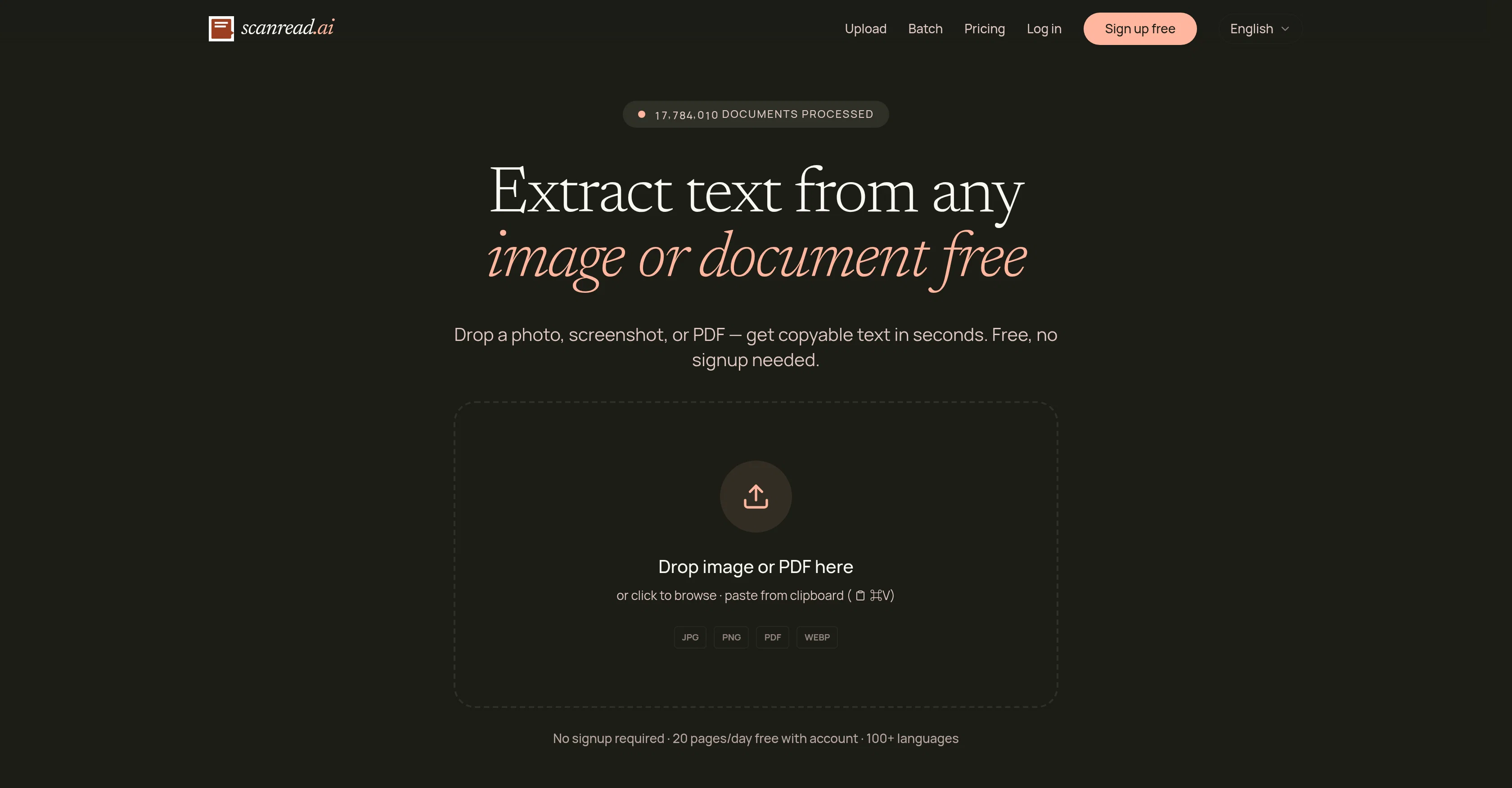
ScanRead.ai is a tool that extracts text from images and documents for ease of editing and use. The tool is compatible with various formats like photos, screenshots, PDFs, and even includes support for handwriting recognition.
The functionality extends to converting handwritten notes into typed text, making scanned PDF documents searchable and copyable, pulling text from screenshots, and working with different kinds of documents including receipts, contracts, textbooks, and notes.
Notably, it supports over 100 languages, broadening its accessibility and user base. ScanRead.ai is equipped with different features tailored for specific tasks such as Image to Text, PDF to Word, and Handwriting to Text, among others.
Text lifted using the tool can be immediately copied, downloaded, or shared via a link. This simplifies the process of digitising print materials and converting them into editable content.
The tool aims to provide valuable assistance to users who handle documents in various formats and need to convert them into text data. Privacy and data security are assured according to their policy, and the tool is freely accessible without the need for signup, although account creation allows greater daily use.
Access & connections
Where you can use ScanRead.
Platforms
Capabilities
What this tool accepts, produces, and is strongest at.
Input
- Text
- Image
Output
- Text
Supported features
- Docs
Pros & cons
Pros
- Extracts text from images
- Supports various document types
- Extracts text from PDFs
- Recognizes handwriting
- Multilingual support (100+ languages)
- Makes scanned PDFs searchable
- Processes multi-page documents
- Works with smartphone snapshots
Show 42 more
- No separate scanner needed
- Aids in expense tracking
- User-friendly drop-and-drag interface
- Instantly copyable and editable text
- Option to download extracted text
- Option to share extracted text
- Free access with no signup
- Supports batch processing
- Specific utilities offered
- Image to text conversion
- PDF to Word conversion
- Handwriting to text conversion
- No signup required for use
- Textbook conversion utility
- Receipt scan utility
- Supports contract conversion
- Note conversion feature
- Supports expense tracking
- Enhances data security
- Supports education sector applications
- Supports business sector applications
- Supports research sector applications
- Supports legal sector applications
- Allows for immediate results sharing
- High performance in benchmark tests
- Fast local inference capability
- Recognizes mathematical expressions
- Processes document snapshots
- Processes screen captures
- Supports Arabic OCR
- Supports Japanese OCR
- Supports Chinese OCR
- Supports receipt OCR
- Process multilingual scene documents
- Pulls text from screenshots
- Allows copy from clipboard
- Capable of digitizing printed pages
- Converts math to LaTeX
- Processes dense CJK documents
- Assures privacy and data security
- Proven accuracy across industry-standard datasets
- Free access with enhanced features for account holders
Cons
- Accuracy varies between languages
- Account needed for more usage
- Inconsistent handwriting recognition
- No setup for batch processing
- Limited file upload formats
- Lack of collaboration features
- No OCR performance for all tools
- Limited options for error correction
Show 1 more
- No options for customized utilities
Compare alternatives
Similar tools in the catalog — with a clear reason to open each one.

HandOCR ✓
Free TrialConvert images to editable text instantly with AI.
Why look Higher community rating
Full comparison


Rosey ✓
UnknownRosey finds & fixes errors in your most important documents
AI quality assurance
Full comparison
DescribeThat ✓
FreeAI extracts detailed reports from photos and PDFs.
Why look Fully free option
Full comparison
Voila ✓
Free TrialSeamless AI assistant to help you create, write, brainstorm, and research.
Why look Typically cheaper
Full comparisonReleases 1
FAQ 12
What is ScanRead.ai?
How does ScanRead.ai extract text from images and documents?
Which types of documents can ScanRead.ai digitize?
Can ScanRead.ai convert images to text?
Does ScanRead.ai support PDF to Word conversion?
Can ScanRead.ai handle handwriting extraction?
How many languages does ScanRead.ai support?
Can ScanRead.ai make scanned PDFs searchable?
Is ScanRead.ai capable of processing multi-page documents?
Can ScanRead.ai extract text from phone snapshots?
How does ScanRead.ai assist in expense tracking?
Is ScanRead.ai user-friendly?
Related tools
Recommended

ClothesChange.ai ✓
FreemiumTransform your photos into any outfit instantly.

Hatchable ✓
FreemiumHosting for your coding agent. Free.

Document Transcribe ✓
Free TrialTurn handwritten history into searchable digital text.

audien.to ✓
FreemiumDrop audio. Get exactly what you need.

MagicSlides.app AI PPT Maker ✓
FreemiumCreate Stunning PPTs in Seconds with the AI PPT Maker

Thea ✓
FreemiumAI study tools to master material, not just memorize it.