Deep OCR ✓
Free AI OCR tool with 97% accuracy.
Verdict
A quick read before you dig into the full page.
- Best if
- Free AI OCR tool with 97% accuracy
- Skip if
- Limited support for rare scripts
- Pick this when
- Free OCR tool
Considering ScanRead instead? Compare side by side
Overview
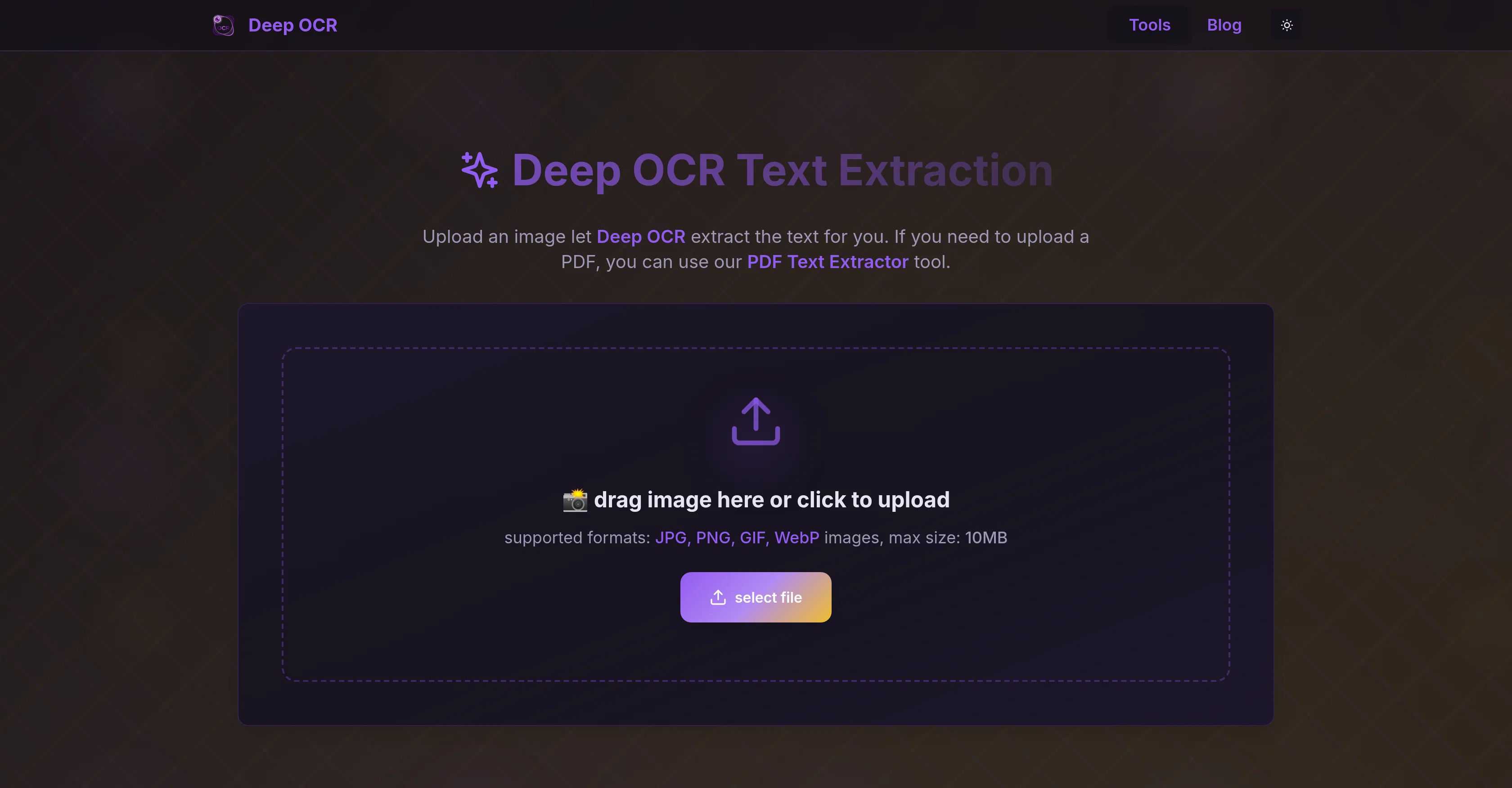
Deep OCR is a free artificial intelligence OCR (optical character recognition) tool that leverages DeepSeek OCR technology to provide exceptional accuracy levels in text extraction.
The tool is designed to efficiently process text from various sources such as images, PDFs, and handwritten notes, with the convenience of unlimited usage and no login requirement.
It has practical applications for researchers, analysts, and teams working with intricate documents, scanned files, and multilingual content. From converting handwritten notes into clean editable text to parsing financial charts into structured data, Deep OCR boasts a diverse range of functions.
It is capable of handling complex document layouts, enabling not just text extraction but also recognition and parsing of tables, formulas, and charts.
Added to this, it offers high accuracy in handling multilingual and mixed-language content. On the technical side, an outstanding feature of Deep OCR is its open-source flexibility, allowing users to modify and self-host the DeepSeek OCR for specific use cases without incurring API costs.
Also, it accommodates unique modes of operation for varying levels of detail in extraction, thus catering to a wide range of OCR workflows.
Access & connections
Where you can use Deep OCR.
Platforms
Capabilities
What this tool accepts, produces, and is strongest at.
Input
- Image
Output
- Text
Highlights
- Open Source
- Local
- No Signup
Supported features
- Image Understanding
- Data Analysis
- Open Source
- Runs Locally
- No Signup
Pros & cons
Pros
- Free OCR tool
- High extraction accuracy
- Processes images and PDFs
- Converts handwritten notes
- Operates on multilingual content
- Recognizes complex document layouts
- Recognizes tables, formulas, charts
- Open-source flexibility
Show 34 more
- Unlimited usage
- No login required
- Various modes of operation
- Accommodates intricate documents
- Processes scanned files
- Handles mixed-language content
- Modify and self-host DeepSeek
- Incur no API costs
- Ultra-fast invoice extraction
- Excels at structured data
- Supports financial chart parsing
- Formula recognition capability
- Efficiently processes long PDFs
- Handwritten note conversion
- High speed and accuracy
- Handles charts and formulas
- Scalable modes for details
- Processes financial reports
- Batch image processing
- Preserves barcodes perfectly
- Fine-tuning for rare scripts
- Supports batch processing
- Outperforms traditional OCR tools
- Consistency across edits
- Extracts from blurry scans
- Minimal cleanup required
- Reduces workflow coding
- Suitable for various users
- Handles faded text accurately
- Handles complex tables
- Outputs to Markdown
- Detail adjustment for extraction
- Supports batch processing
- Allow fine-tuning for scripts
Cons
- Inconsistent on low-resolution scans
- Struggles with faded text
- Difficult prompt interface
- Lacks detailed tutorials
- No support for AWS
- Poor performance on low-end systems
- Limited support for rare scripts
- No precision info for different languages
Show 2 more
- No data safety details
- Handwritten accuracy lower (90-95%)
Compare alternatives
Similar tools in the catalog — with a clear reason to open each one.

ScanRead ✓
FreemiumExtract copyable text from any image instantly.
Why look Stronger for image work
Full comparison
HandOCR ✓
Free TrialConvert images to editable text instantly with AI.
Why look Higher community rating
Full comparison

Rosey ✓
UnknownRosey finds & fixes errors in your most important documents
AI quality assurance
Full comparison
DescribeThat ✓
FreeAI extracts detailed reports from photos and PDFs.
Why look Offers a public API
Full comparison
Voila ✓
Free TrialSeamless AI assistant to help you create, write, brainstorm, and research.
Why look Better for writing
Full comparison