

Document management 2026 Rank: #1263
Document Transcribe ✓
Turn handwritten history into searchable digital text.
Verdict
A quick read before you dig into the full page.
- Best if
- Turn handwritten history into searchable digital text
- Skip if
- Limited exhibit creation tools
- Pick this when
- Adapts to various historical work
Considering The Drive AI instead? Compare side by side
Overview



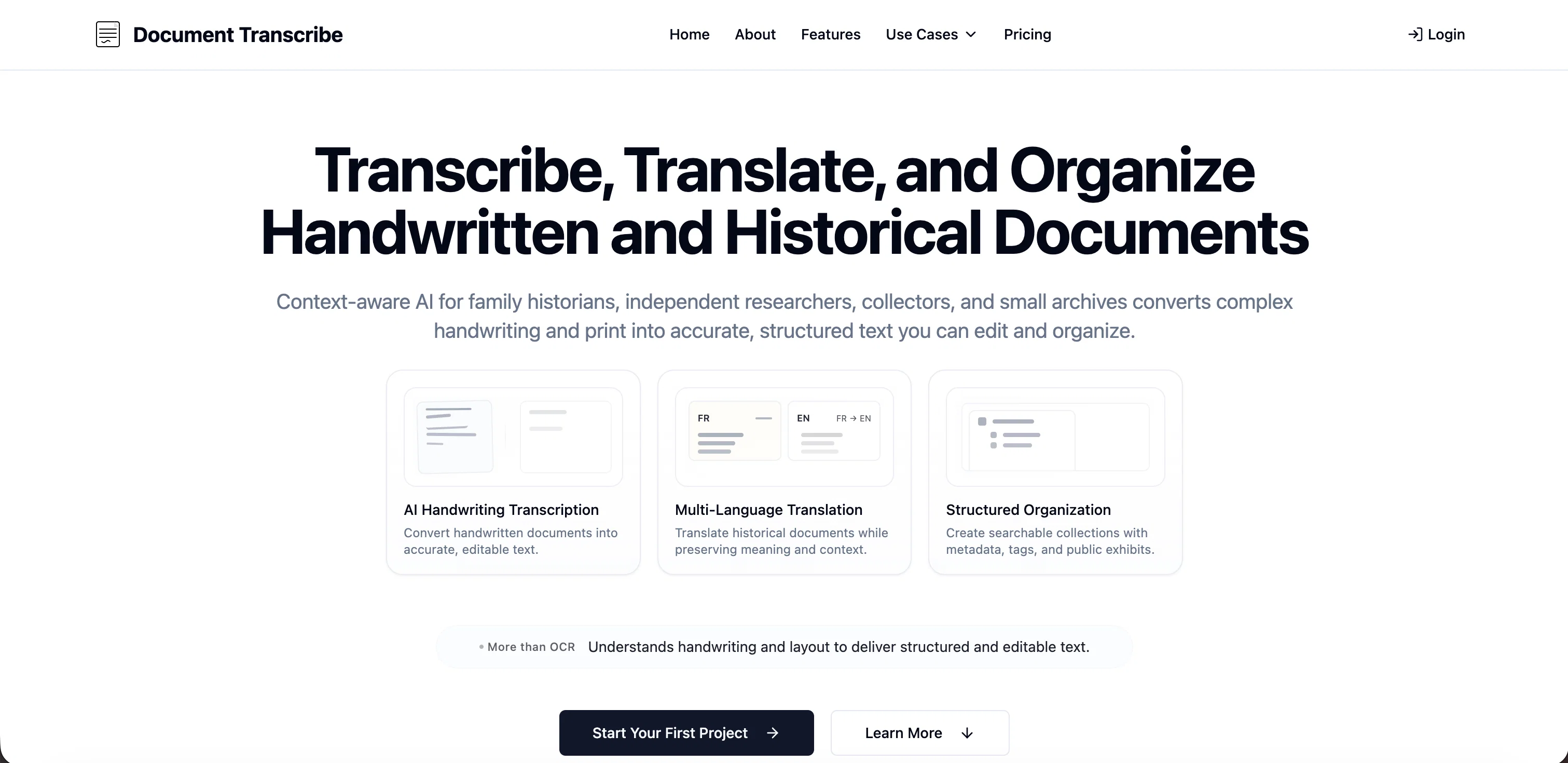
Document Transcribe is an AI-powered tool primarily designed for family historians, independent researchers, collectors, and small archives. The software has the ability to transform handwritten manuscripts, historical records, and foreign language documents into organized, searchable, and editable digital collections.
It leverages context-aware AI technology to convert complex handwriting and print into accurate and structured text. Additional features include multi-language translation and preservation of the meaning and context of historical documents.
It also creates searchable collections with metadata, tags, public exhibits and understands the document layout to deliver structured, editable text. Moreover, users can add metadata, tags, and contextual information automatically.
The platform is designed to adapt to various types of historical work including family history, research projects, private collections, and small archives.
Its structured and searchable outputs make it a valuable tool in the transition of historical artifacts into digital archives.
- Handwritten Document Ocr
- Historical Document Transcription
- Genealogy Records Support
- Archive Project Organization
- Secure Document Sharing
Access & connections
Where you can use Document Transcribe, and what it plugs into.
Platforms
Integrations
Capabilities
What this tool accepts, produces, and is strongest at.
Input
- Image
- Text
Output
- Tabular
- Text
Supported features
- Transcription
Pros & cons
Pros
- Adapts to various historical work
- Preserves context of documents
- Understands document layout
- Generates metadata
- Handwriting to editable text
- Print to editable text
- Multi-language translation
- Organized, searchable collections
Show 34 more
- Can add contextual information
- Secure sharing of transcriptions
- Turns foreign language documents into searchable data
- Batch processing for multi-page records
- Project organization features
- Facilitates local history preservation
- Facilitates collaborative work
- Handles manuscripts and historical records
- Does not require a large technical team
- Generates tags
- Public exhibit creation
- Confidence level of 92%
- Historical document preservation
- Suitable for various use cases
- Facilitates Metadata generation
- Allows for shareable research
- Automates addition of metadata, tags, and context
- Offers structured and searchable outputs
- Publishes documents for research or public access
- Offers pay-as-you-go or subscription pricing plans
- Includes trial for testing the service
- Offers a team plan for collaborative projects
- Suitable for small archives
- Adapts to family history, research projects, private collections
- Can turn scanned manuscripts into searchable, organized materials
- Converts scanned pages into searchable, organized materials
- Facilitates Historical collection organization
- Offers credits for service actions
- Exhibit tools adapt to different historical work
- Provides workflow options for different types of historical work
- Includes unlimited metadata, article generation, and exhibits for subscriptions
- Covers transcription, translation, metadata, article generation, and exhibits with credits
- Includes multi-user workspace for team subscription
- Offers priority support for team subscription
Cons
- Limited to historical documents
- Possible errors in transcription
- Translation may lose nuances
- Charges for transcription, translation
- Does not support video/audio
- Limited project organization options
- Might require manual data correction
- Lacks real-time collaboration features
Show 2 more
- Doesn't support bulk metadata edits
- Limited exhibit creation tools
Compare alternatives
Similar tools in the catalog — with a clear reason to open each one.


RenameClick ✓
FreemiumRename, organize, and search files by content with local AI
Why look More privacy-focused
Full comparison
Wellsent — Your forms, filled and filed. ✓
PaidAI fills out your PDF forms — then notarizes them by video
from $12
Full comparison
Renamer.ai ✓
FreemiumAI-Powered Bulk File Renamer & Organizer
Why look Offers a public API
Full comparison

AetheriumAI ✓
FreeUnlock hidden insights from your PDFs with AI.
Why look Fully free option
Full comparisonReleases 1
FAQ 12
What is Document Transcribe?
How does Document Transcribe use AI?
What types of documents can Document Transcribe handle?
Can Document Transcribe translate foreign language documents?
How accurate is Document Transcribe in transcribing handwritten text?
Can Document Transcribe organize digitalized documents efficiently?
What exactly is Document Transcribe's 'more than OCR' feature?
How can Document Transcribe aid in historical document processing?
Can Document Transcribe handle archive digitization?
How can Document Transcribe assist in manuscript digitization?
What are the pricing plans for Document Transcribe?
Is it possible to generate a searchable digital collection using Document Transcribe?
Related tools
Recommended

Claude ✓
FreemiumBuilding reliable, interpretable AI systems

TapEdit ✓
Free TrialEdit photos with AI online for free.

ClothesChange.ai ✓
FreemiumTransform your photos into any outfit instantly.

Axey ✓
FreemiumYour all-in-one AI partner

Edge Arena ✓
Free TrialPut business decisions on trial with competing AI agents.

PodcastorAI ✓
FreemiumTurn any content into engaging podcasts instantly.