

Text extraction 2026 Rank: #2052
HandOCR ✓
Convert images to editable text instantly with AI.
Verdict
A quick read before you dig into the full page.
- Best if
- Convert images to editable text instantly with AI
- Skip if
- Limited file format support
- Pick this when
- Supports multiple file formats
Considering ScanRead instead? Compare side by side
Overview
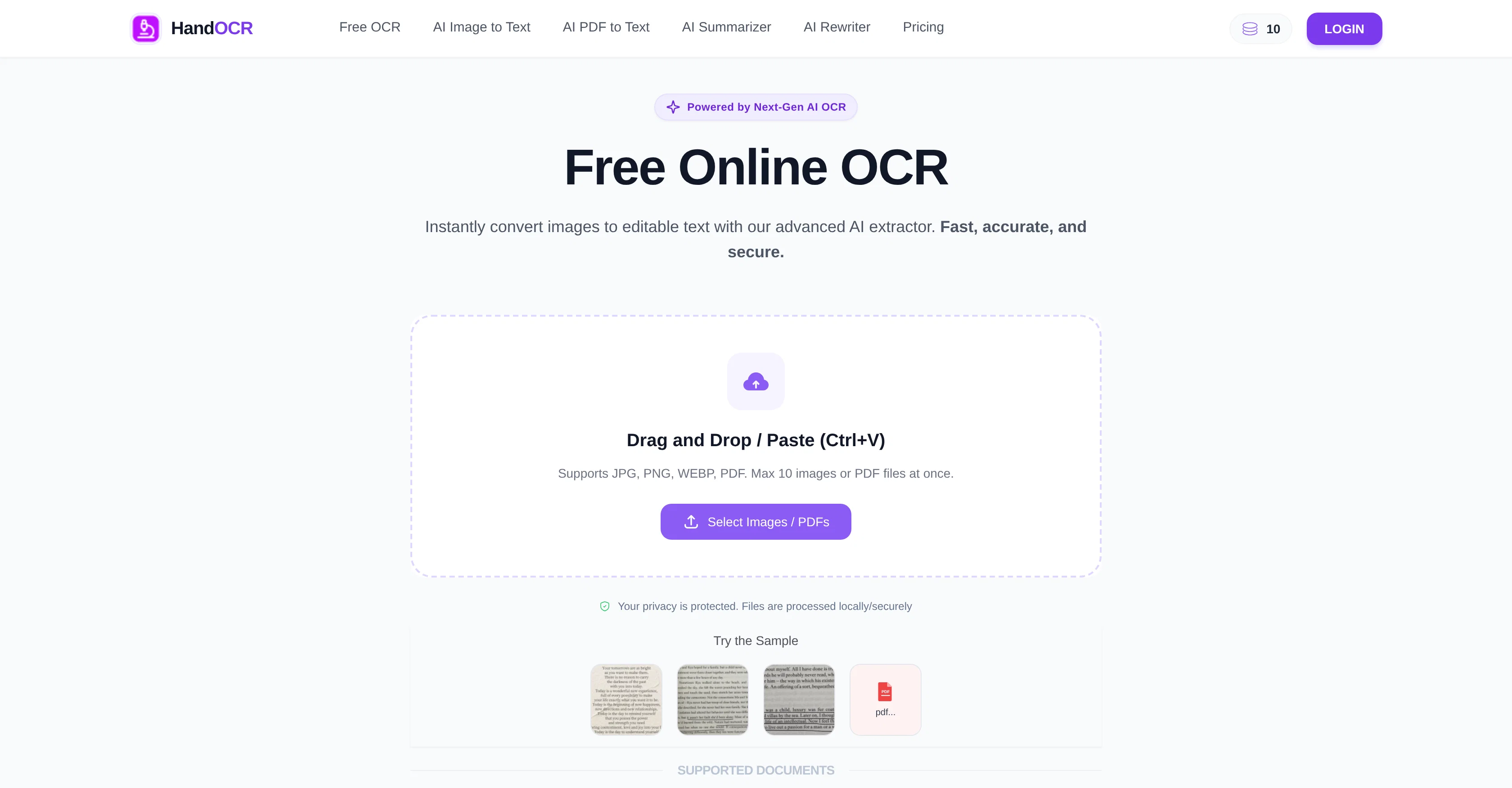
HandOCR is an AI-powered online tool that extracts and converts text from images swiftly and accurately. It supports various file formats including JPG, PNG, WEBP, and PDF, and is capable of processing ten images or PDF files at once.
The AI model behind HandOCR enables the digitization of screenshots, invoices, physical documents and more in seconds, significantly streamlining workflows for students and professionals.
Advanced AI and algorithms ensure accurate, consistent, and error-free text extraction, even with complex layouts or diverse font styles. Users can operate this tool directly in their browser without needing to install any software.
The OCR process is simple to use - upload or drag and drop the image or PDF, initiate OCR conversion for character recognition and data extraction, then preview, copy, or download the output.
HandOCR also offers features such as multi-language support and fast, efficient processing of multiple files with an estimated completion time. It places a strong emphasis on privacy and security, with assurances that user data and files will not be logged or shared, and are regularly removed from the server.
This tool can have wide-ranging benefits for professionals, students, researchers, and e-commerce businesses: it can be used for document digitization, citation and thesis writing, and processing large volumes of transactional documents respectively.
Access & connections
Where you can use HandOCR.
Platforms
Capabilities
What this tool accepts, produces, and is strongest at.
Input
- Image
- Tabular
Output
- Text
Highlights
- No Signup
Supported features
- No Signup
Pros & cons
Pros
- Supports multiple file formats
- Processes multiple files simultaneously
- Supports complex layouts
- Can recognize diverse fonts
- Browser-interface
- No installation required
- Easy to use
- Multi-language support
Show 25 more
- Fast, efficient processing
- Estimated completion time
- Strong emphasis on privacy
- Automated data removal
- Multi-purpose: Professionals, students, e-commerce
- Instant text extraction
- Supports batch processing
- Advanced accuracy and consistency
- User-friendly
- Accessible from any device
- Secure data processing
- Supports handwritten notes
- Can convert own image files
- OCR conversion for character recognition
- Can preview output
- Allows copy and download
- Supports document digitization
- Facilitates citation and thesis writing
- Can process transactional documents
- Secure user data, not shared
- Automated ID verification
- Automated form automation
- Automated business card organization
- Processes screenshots
- Flexible input: paste or drag-drop
Cons
- Limited to 10 files at once
- Lacks API for integration
- No mobile app
- Unknown extraction speed
- Limited file format support
- Unknown character limits
- No offline functionality
- No handwriting support mention
Show 1 more
- Potential accuracy issues unclear
Compare alternatives
Similar tools in the catalog — with a clear reason to open each one.

ScanRead ✓
FreemiumExtract copyable text from any image instantly.
Why look Stronger for image work
Full comparison


Rosey ✓
UnknownRosey finds & fixes errors in your most important documents
AI quality assurance
Full comparison
DescribeThat ✓
FreeAI extracts detailed reports from photos and PDFs.
Why look Fully free option
Full comparison
Voila ✓
Free TrialSeamless AI assistant to help you create, write, brainstorm, and research.
Why look Typically cheaper
Full comparisonReleases 1
FAQ 12
What is HandOCR?
How does HandOCR extract text from images?
What file formats does HandOCR support?
How many images or PDF files can HandOCR process at once?
Can HandOCR digitize physical documents?
Does HandOCR work directly in the browser?
How easy is HandOCR to use?
Does HandOCR support multiple languages?
How secure is HandOCR?
Does HandOCR store any user data or files?
Can HandOCR be used for document digitization?
Can HandOCR be used for thesis and citation writing?
Related tools
Recommended

biela.dev ✓
Free TrialIf you can imagine it, Biela can code it!

freebeat AI ✓
FreemiumTurn Music & Ideas into Viral Videos In One Click

MagicLight ✓
FreemiumTransform text into captivating videos instantly.

AI Image to Image.io ✓
FreemiumTransform images with simple text commands.

X-Pilot AI ✓
FreemiumTurn Documents into Accurate Video Course Series

AI Builder | Hostinger Horizons ✓
Free TrialBuild web apps and websites without writing any code.