

Data extraction vv5.2 2026 Rank: #588
DescribeThat ✓
AI extracts detailed reports from photos and PDFs.
Verdict
A quick read before you dig into the full page.
- Best if
- AI extracts detailed reports from photos and PDFs
- Skip if
- Report saving limited formats
- Pick this when
- Extracts reports from photos
Considering Chat4Data instead? Compare side by side
Overview
REQUIRES YOUR OWN API KEY. An Anthropic key is required, and generation is billed by Anthropic directly to your account.

Best for
Short scenarios where DescribeThat tends to shine.
-
AI extracts detailed reports from photos and PDFs.
Example outputs 1
Sample generations and before/after results for DescribeThat.
Access & connections
Where you can use DescribeThat.
Platforms
Capabilities
What this tool accepts, produces, and is strongest at.
Input
- Tabular
- Image
Output
- API
- Text
Supported features
- Image Understanding
- Docs
- Text Generation
Pros & cons
Pros
- Extracts reports from photos
- Extracts reports from PDFs
- Recognizes people
- Identifies objects
- Detects vehicles
- Text recognition
- Environment data interpretation
- Anthropic API key integration
Show 16 more
- BYOK Architecture
- Data encrypted in transit
- Privacy Focused
- Intelligence Dashboard
- Data privacy
- Generates textual reports
- Generates PDF reports
- User-friendly manual
- Clear Staged Evidence function
- Can import files directly
- Flexible file upload options
- End User License Agreement
- Terms of Service adherence
- Privacy Policy adherence
- No API credential storage
- No transmission of user data
Cons
- No mobile app version
- Limited file upload options
- User manual necessary
- Requires API key setup
- No multi-file analysis
- Report saving limited formats
- No real-time analysis
- No native cloud storage
Show 2 more
- No automatic file clearance
- No offline functionality
Compare alternatives
Similar tools in the catalog — with a clear reason to open each one.

Airparser ✓
FreemiumExtract structured data from emails and docs with AI
Why look Higher community rating
Full comparison
Extend ✓
PaidAutomate workflows with AI-powered data extraction
Why look Higher community rating
Full comparison
Snippai ✓
FreeAI-powered snipping tool for smarter image analysis
Why look Stronger for image work
Full comparisonPeople also view
Tools that often show up alongside DescribeThat in collections and comparisons.
Snippai ✓
FreeAI-powered snipping tool for smarter image analysis

Midship ✓
UnknownExtract docs straight into your spreadsheets
Extend ✓
PaidAutomate workflows with AI-powered data extraction

Chat4Data ✓
FreemiumGet Any Web Data You Like. Just Chat.
Airparser ✓
FreemiumExtract structured data from emails and docs with AI

ScrapeOps | Scraper Builder ✓
FreemiumGenerate scraper code from URLs with AI.

ScanRead ✓
FreemiumExtract copyable text from any image instantly.

HandOCR ✓
Free TrialConvert images to editable text instantly with AI.
Releases 2
Describe That Claude v5.2 turns one photo, screenshot, or PDF into a full structured report, not a caption. Free with your Anthropic API key. Every person is profiled in depth, and every object, vehicle, animal, structure, and sign is catalogued with its own attributes, position, and condition. Version 5.2 rebuilds the report around what a reader actually needs: the image you submitted now sits at the top, so every conclusion can be checked against the evidence it came from, and the tokens used and the cost of the analysis are set out as large figures instead of buried in the app header where they never reached the exported PDF. Where a picture holds more subjects than one report can cover, people, vehicles, and signage come first, and the report says how many it found and how many it profiled. Now with full multilingual support: run Describe That in English, German, or any language your browser displays, with a smooth, stable experience from start to finish. The underlying models read text in 100+ languages, so a document or screenshot in any of them can be analyzed, and the report itself can be read in your own language. Analysis runs on Claude Sonnet 5, and a typical image costs about 10 cents in API usage with no subscription required. It runs entirely in your browser with no install needed, one of the free AI tools from Iacoletti Software alongside Movie Maker Edit.
FAQ 12
What is DescribeThat 1.0?
What is the core functionality of DescribeThat?
How does DescribeThat identify people, objects, vehicles, and environmental data?
How do I sign up for an account to use DescribeThat?
What is the process for setting up an API key for DescribeThat?
How do I upload photos or PDF files for analysis in DescribeThat?
What does the extraction process in DescribeThat consist of?
How can I review the report generated by DescribeThat?
In what formats can I save DescribeThat's generated report?
What should I do if I want to scan a different file with DescribeThat?
Does DescribeThat come with a User Manual for instructions?
How does DescribeThat adhere to End User License Agreement, Terms of service, and Privacy Policy?
Related tools
Recommended
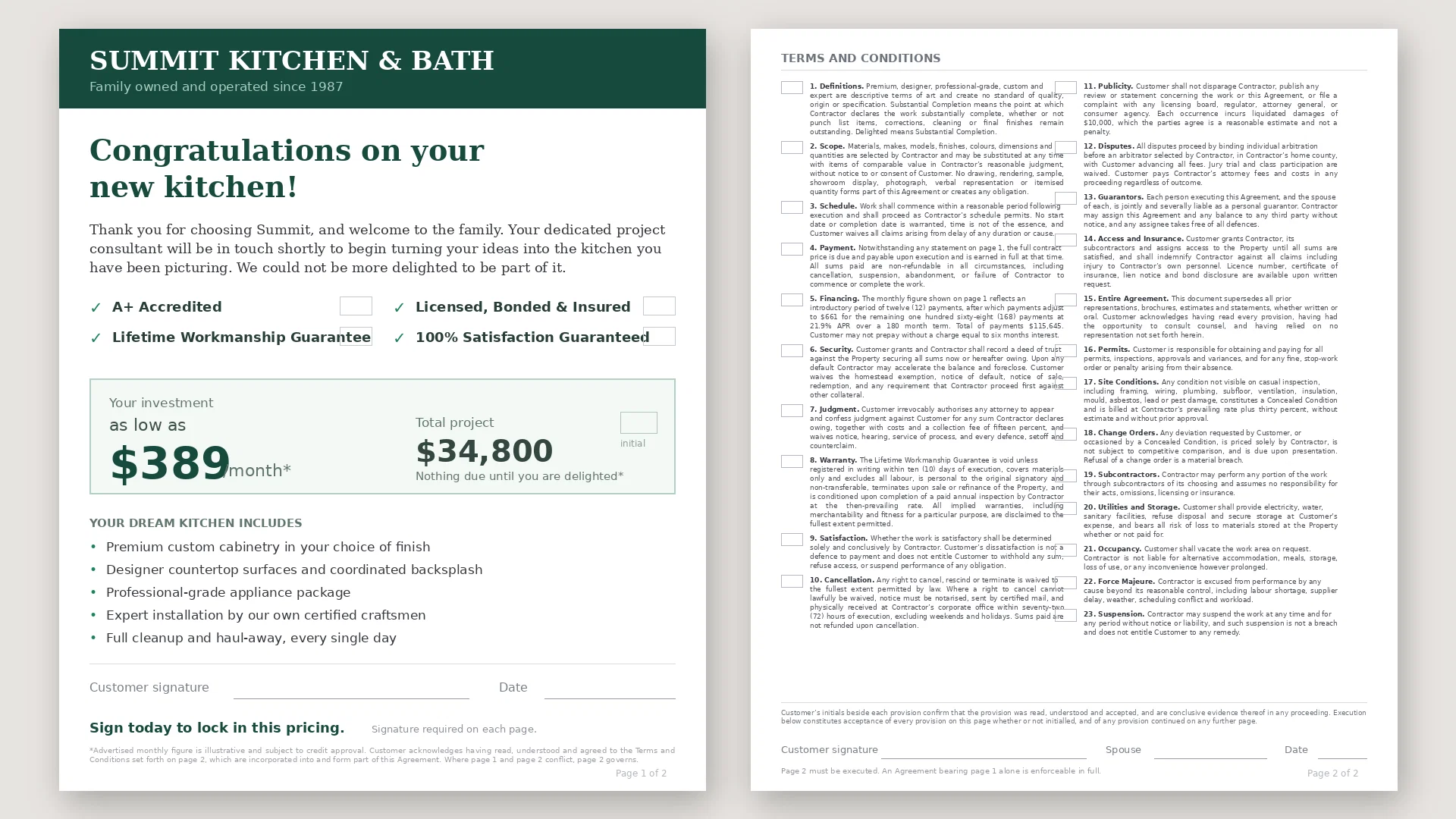
WhatsTheCatch ✓
FreeAI that spots risks before you sign.

Neon Worlds ✓
Free TrialPersonalized AI tarot readings, original deck worlds, journals, and tarot card games.

TarotGuide ✓
Free TrialAI-powered tarot readings for instant life guidance.

Saveto AI | Instagram Transcript Generator ✓
FreeConvert IG Reels into text with 99.9% accuracy.

Recall ✓
FreemiumSummarize Anything, Forget Nothing!

Claude ✓
FreemiumBuilding reliable, interpretable AI systems
More from this creator
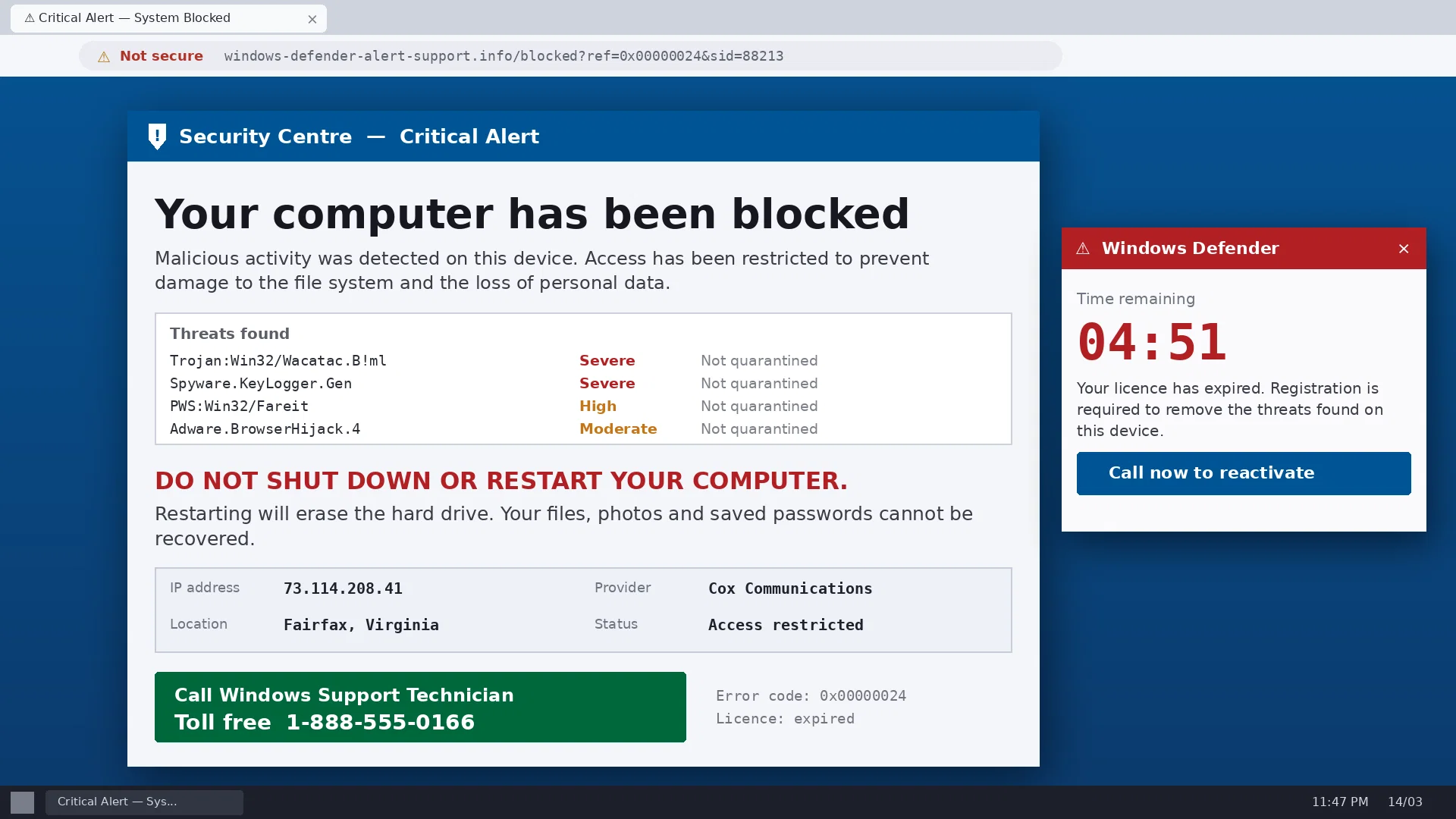
ScamCheck Claude ✓
FreeAI-powered scam detection for photos and documents.
WhatsTheCatch ✓
FreeAI that spots risks before you sign.
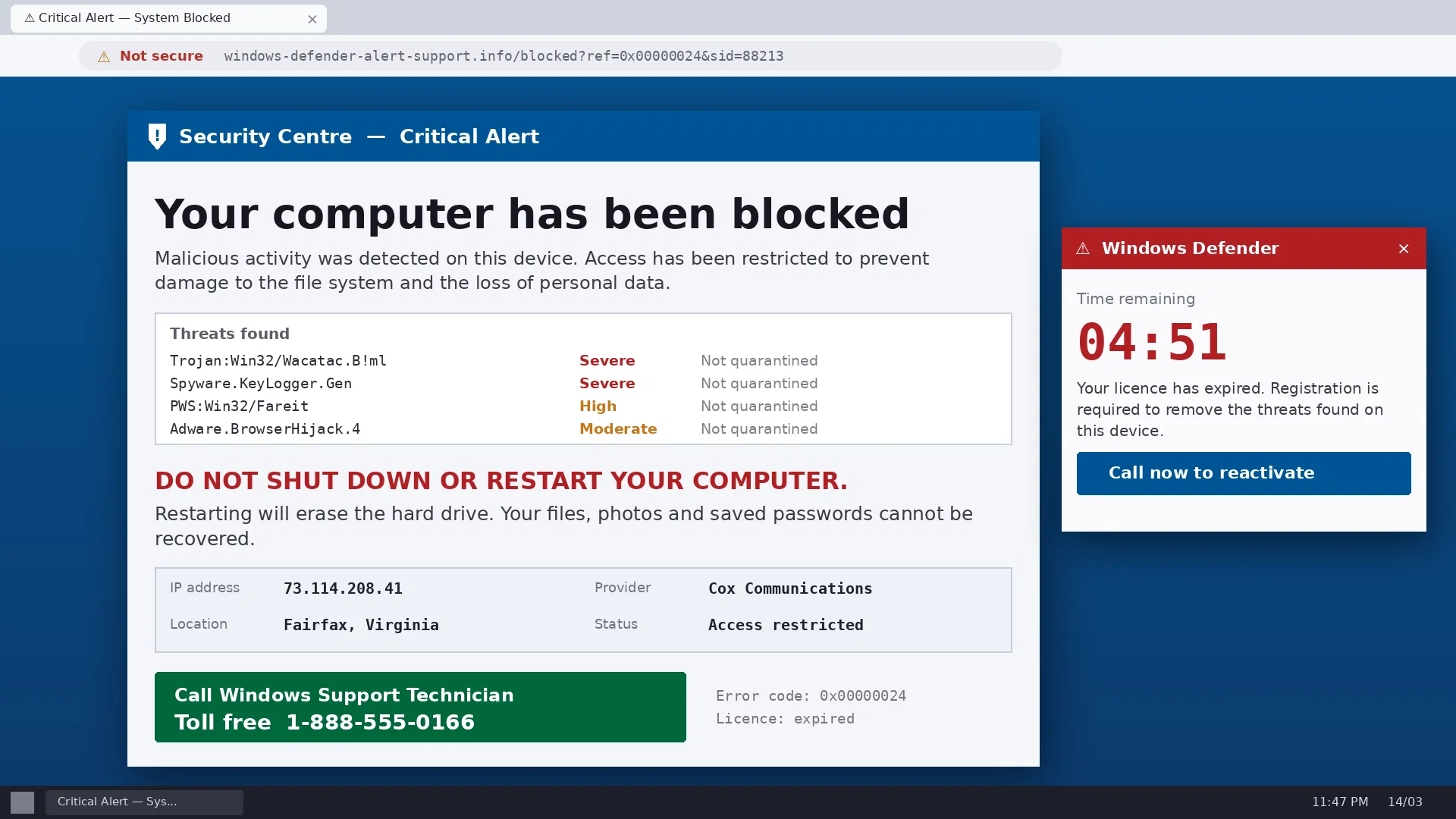
ScamCheck Grok ✓
FreeAI-powered scam detection for photos and documents.

Movie Maker Gemini ✓
FreeGenerate watermark-free AI videos with your Gemini key

Wiki 2066 ✓
FreeYour Wikipedia entry from the year 2066.