

Image upscaling 2026 Rank: #2191
PixResolve ✓
Turn blurry photos into sharp, high-res images in one click.
Verdict
A quick read before you dig into the full page.
- Best if
- Turn blurry photos into sharp, high-res images in one click
- Skip if
- 10 images upload limit
- Pick this when
- Enhances picture resolution
Considering Deep Image instead? Compare side by side
Overview
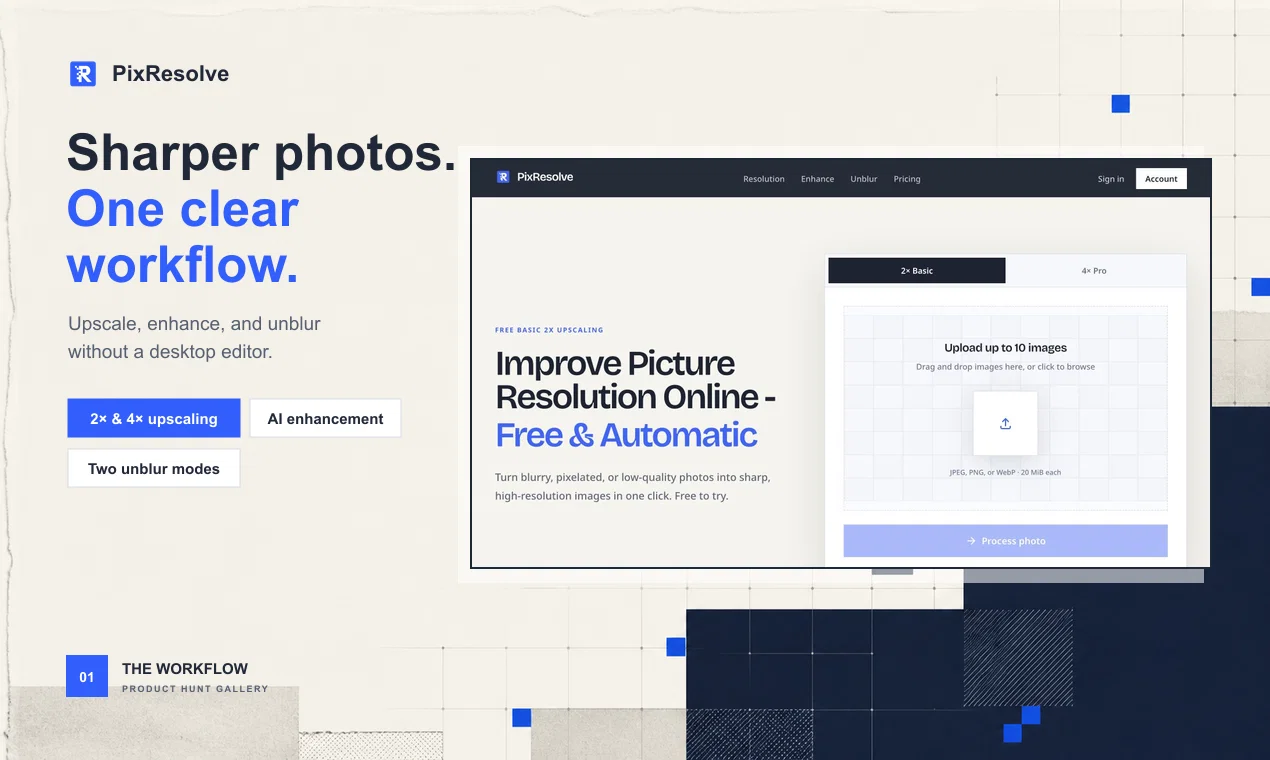
PixResolve is an online AI tool that enhances picture resolution by converting blurry, pixel-stretched, or low-quality photos into sharper, high-resolution images.
It provides 2x and 4x upscaling options that output high-quality images with remarkable clarity. The user-friendly interface allows users to upload up to 10 images in JPEG, PNG, or WebP formats for processing.
PixResolve uses a fixed AI model to upscale the photos, which result in a ready-to-download image without any complicated editing. Apart from the automatic enhancements, PixResolve also offers suggestions for users to improve images using online image editors or professional desktop software, based on their specific use case.
To maintain user privacy, uploaded images are sent directly to private and secured storage where PixResolve validates the image before starting the upscaling process.
The optimized images can then be compared with the original source and downloaded within a 24-hour access window. Despite its categorization as a restoration tool, PixResolve does not reconstruct identity details but emphasizes boosting overall image quality.
- Unblur Image
Access & connections
Where you can use PixResolve.
Platforms
Capabilities
What this tool accepts, produces, and is strongest at.
Input
- Image
Output
- Image
Highlights
- No Signup
Supported features
- No Signup
Pros & cons
Pros
- Enhances picture resolution
- Converts low-quality photos
- Provides 2x and 4x upscaling
- User-friendly interface
- Supports JPEG, PNG, WebP
- Offers image editing suggestions
- Secured storage for privacy
- Image comparison feature
Show 24 more
- Does not reconstruct identity
- Boosts overall image quality
- Automated upscaling process
- Automatic image enhancement
- Detailed before-after comparison
- Supports batch processing
- Does not require manual editing
- Access to optimized images for 24 hours
- Removes source metadata for privacy
- Operates entirely online
- Drag and drop functionality
- Preview image before downloading
- Does not watermark images
- Supports image up to 20 MiB
- Responsive customer service
- Process images in one click
- Instruction guide on website
- Downloadable enhanced images
- Processes multiple images simultaneously
- Ensures edges and texture detail
- Restores softened edges
- Prevents unnecessary enlargement
- Decodes image before processing
- Runs selected fixed-version upscaling model
Cons
- Limited to JPEG, PNG, WebP
- 10 images upload limit
- 24-hour access window only
- No identity detail reconstruction
- Limited upscaling options (2x, 4x)
- Doesn't support bulk processing
- No API
- No offline mode
Show 1 more
- Unclear pricing structure
Compare alternatives
Similar tools in the catalog — with a clear reason to open each one.

Deep Image ✓
Free TrialEnhance photos with advanced editing features.
Free + from $9/mo
Full comparison
Upscayl ✓
Free TrialEnhance images with free, open-source AI upscaling.
Why look More privacy-focused
Full comparison
AI Upscaler ✓
FreemiumSmarter AI 4K Upscaler for Images & Videos
Why look Typically cheaper
Full comparison
SciFig ✓
FreemiumTurn text into publication-ready scientific figures.
Free + from $12/mo
Full comparison

Neurohelper AI ✓
PaidEvery leading AI model. One workspace.
Why look Better for writing
Full comparisonReleases 1
FAQ 12
What is PixResolve?
How does PixResolve work?
Which image formats does PixResolve support?
How does PixResolve maintain user privacy?
What is the maximum number of images I can upload on PixResolve?
Does PixResolve reconstruct identity details in photos?
What are the upscaling options provided by PixResolve?
Does PixResolve provide image editing suggestions?
How long can I access the enhanced images on PixResolve?
What is the upscaling process of PixResolve?
How does PixResolve change the quality of low-res pictures?
Can I compare the optimized image with the original source on PixResolve?
Related tools
Recommended

Video to Frames | AI Video Upscaler ✓
FreeUpscale your videos locally with AI free, private, no sign-up.

Kvorum ✓
Free TrialFive AI advisors who disagree with each other and with you

GetLogit ✓
FreemiumArtificial intelligence, available for everyone.

ChatGPT ✓
FreemiumAsk anything, create anything, and move from idea to action.

Notis ✓
Free TrialThe first WhatsApp assistant that runs on your ChatGPT and Claude subscriptions

freebeat AI ✓
FreemiumTurn Music & Ideas into Viral Videos In One Click