

PixArmory ✓
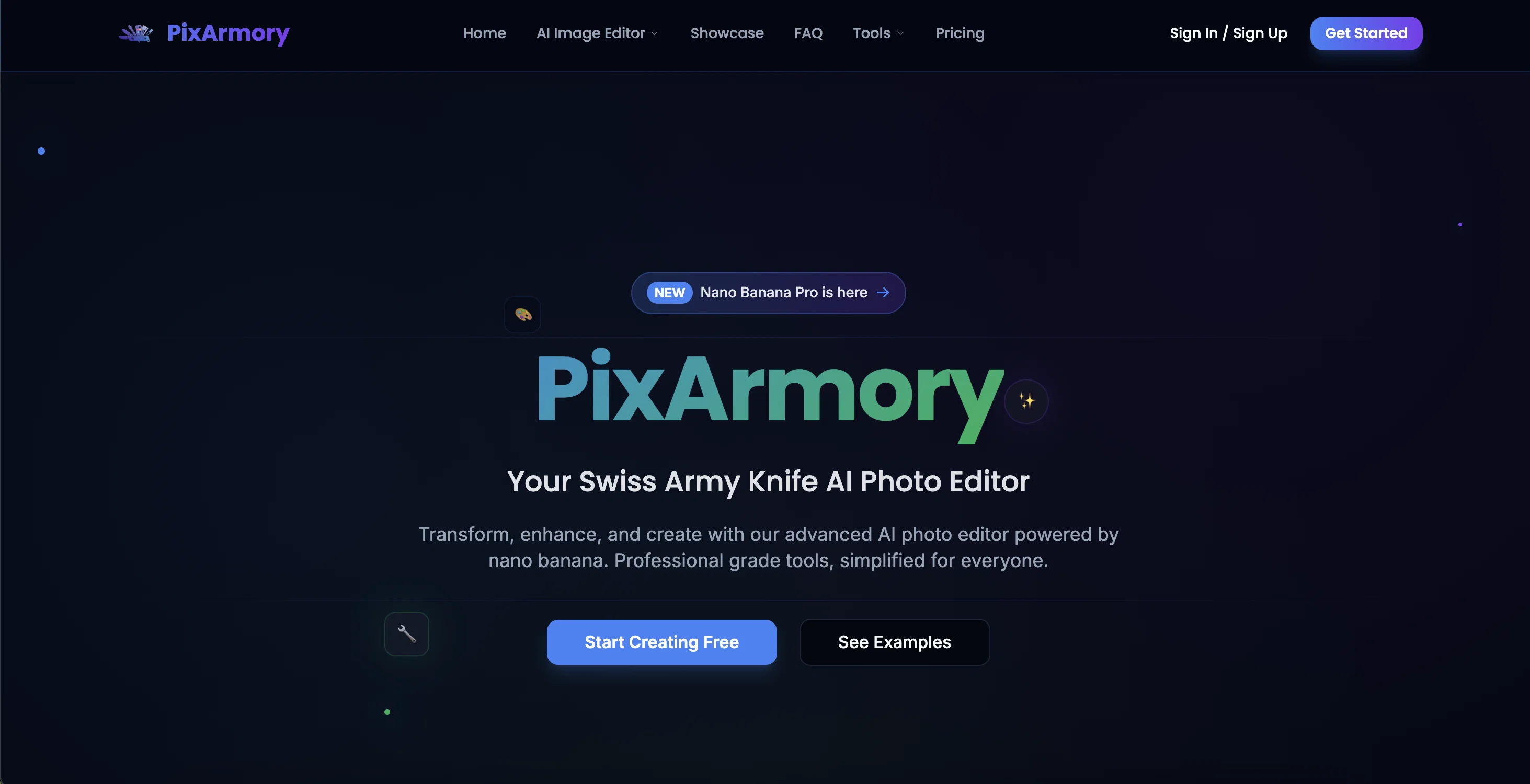
Your Swiss Army Knife AI Photo Editor
Trial; then from $7.99/mo
Verdict
A quick read before you dig into the full page.
- Best if
- Your Swiss Army Knife AI Photo Editor
- Skip if
- May require subscription
- Pick this when
- Natural-language prompts
Considering Viyou AI Image Generator instead? Compare side by side
Overview
PixArmory is an AI-driven image editor that uses advanced AI model, referred to as 'nano banana' and 'nano banana pro', offering a wide array of editing features and tools.
Like a Swiss Army Knife, it provides multiple functionalities at your fingertips. Users can upload an image and specify what needs to be done, enabling the AI to handle the tasks with precision.
The key features include background replacement, artistic style transfer, virtual try-on, and 3D figurine generation. Other tools offered by PixArmory are an image generator, photo enhancer, image upscaler, and background remover.
PixArmory's interface uses natural language prompts for ease of use users can simply dictate what they want to do in plain English and the system handles the rest.
It is designed to ensure consistency, enabling the blending of multiple images, and offering the ability to apply artistic style transfers. Furthermore, all edited or generated images are owned by the user.
PixArmory offers a free tier where users can explore basic functionalities and paid subscriptions for more advanced features.
Access & connections
Where you can use PixArmory.
Platforms
Capabilities
What this tool accepts, produces, and is strongest at.
Input
- Image
- Text
Output
- Image
Highlights
- SOTA
- Local
Supported features
- 3D Generation
- Background Removal
- Denoise
- E-Commerce
- Image Edit
- Image Generation
- Image Understanding
- Outpainting
- Runs Locally
Show 2 more
- Styling
- Upscaling
Pros & cons
Pros
- Natural-language prompts
- Consistent Likeness function
- Detailed image blending
- Advanced background removal
- Artistic style transfer
- Proficient image upscaling
- 3D Figurine generation
- Image Generation capability
Show 13 more
- Flexible step by step editing
- Supports common image formats
- Ownership rights over content
- Free and Paid subscriptions
- Commercial use prepared
- Swift performance
- Image ownership for user
- Ease of Use
- Virtual try-on feature
- Swift processing times
- Attractive free tier
- Multiple image consistency
- Multi-turn editing
Cons
- Lacks PSD file support
- Limited free tier
- Processing time varies
- Uses credit system
- Reliant on 'Nano Banana'
- Data stored in cloud
- No API mentioned
- May require subscription
Show 2 more
- Requires registration for bonuses
- No batch processing specified
Compare alternatives
Similar tools in the catalog — with a clear reason to open each one.

Viyou AI Image Generator ✓
FreemiumTransform text and images into stunning videos and visuals.
Free + from $39.99/yr
Full comparison
Img2Img AI ✓
FreemiumTransform any image with AI in seconds.
Why look Typically cheaper
Full comparison

Photoeditor ✓
PaidEnhanced image editing with object and text removal.
from $9.99/mo
Full comparison
Cleanup pictures ✓
FreemiumRemove unwanted elements from photos instantly.
Why look Typically cheaper
Full comparisonReleases 1
Imported reviews 1
This is absolutely a great image editing tool for everyday use. The UX is great and the price is affordable!
FAQ 12
What is PixArmory?
What is the nano banana technology used in PixArmory?
How does natural language processing work in PixArmory?
What are the advanced features of PixArmory?
How does PixArmory maintain ‘Consistent Likeness’ in images?
How do I guide the editing process in PixArmory using natural-language prompts?
How does PixArmory blend multiple images into a seamless composition?
Can PixArmory be used for commercial purposes?
What image formats does PixArmory support?
Does PixArmory have image upscaling capabilities?
How does PixArmory's artistic style transfer work?
Does PixArmory have a background removal feature?
Related tools
Recommended

Image Editor Online ✓
FreeTransform images with AI prompts instantly online.

AIVideoMaker - Free AI Video Maker ✓
FreemiumTransform static images into animated videos instantly.

Laike.AI ✓
FreemiumUpload images and describe how to edit or restyle them.

freebeat AI ✓
FreemiumTurn Music & Ideas into Viral Videos In One Click

Claude ✓
FreemiumBuilding reliable, interpretable AI systems

remio: Your Personal ChatGPT ✓
FreemiumGet Tailored Answer with Your Personal ChatGPT