

Cleanup pictures ✓
Remove unwanted elements from photos instantly.
Free + from $3
Verdict
A quick read before you dig into the full page.
- Best if
- You are photographers and need: Photographers removing tourists or timestamps from photos
- Skip if
- Not best for complex edits
- Pick this when
- Removes unwanted objects, text, people
Considering Viyou AI Image Generator instead? Compare side by side
Overview
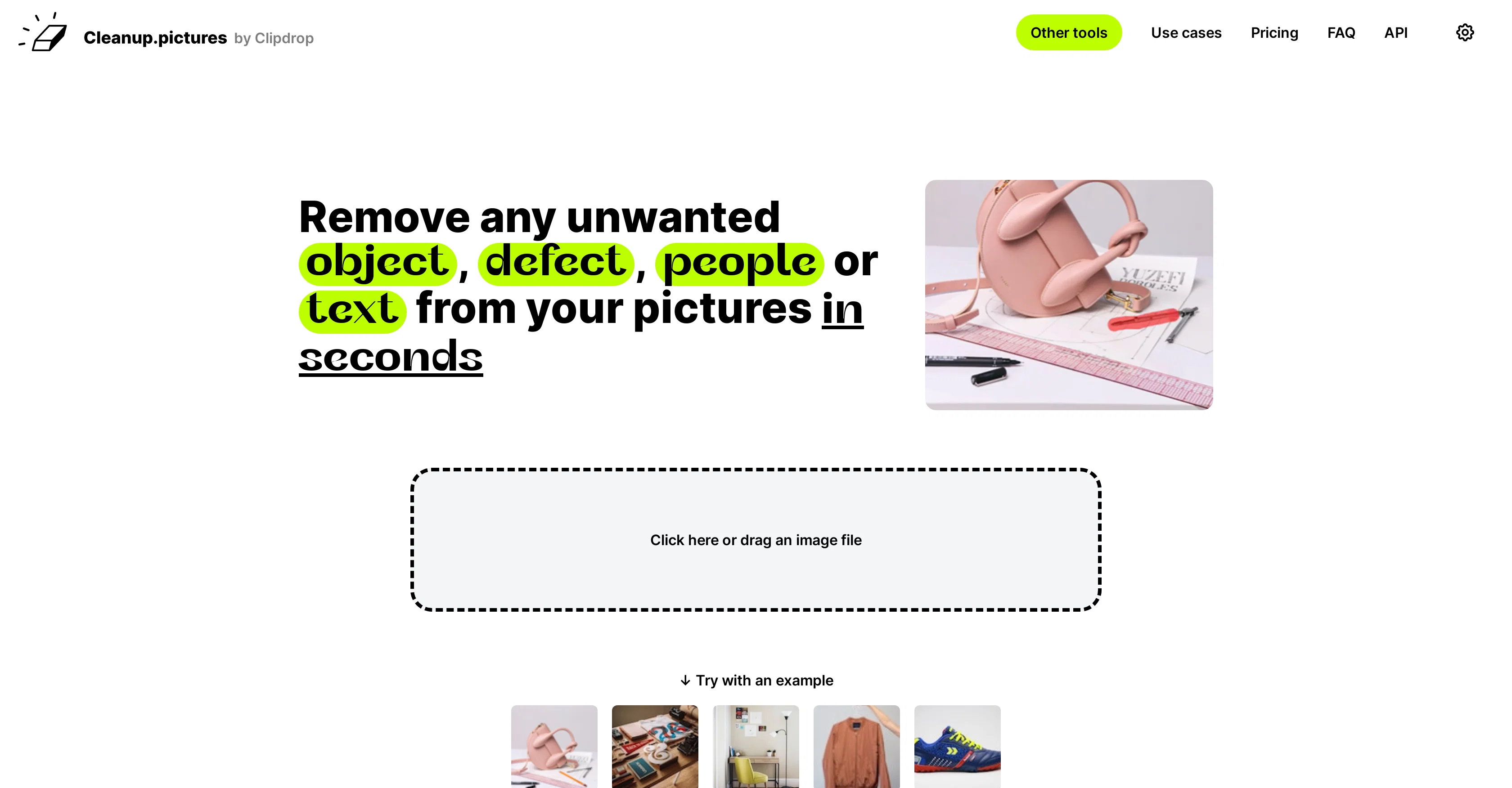
Cleanup.pictures is a tool that uses artificial intelligence to remove unwanted objects, people, text, and defects from any image. This tool is useful for a variety of use-cases and industries.
Photographers can use it to remove time stamps or unwanted elements from images before printing them. Creative agencies can leverage this tool to create stunning visuals and remix existing photos.
Real estate agents can remove unwanted objects or personal items from property photos to help them portray a home or apartment in the best light possible.
E-commerce businesses can use it to create perfect product shots by removing any undesired aspects. There is also functionality to remove text, logo, watermarks, or date stamps.
The tool also offers API for product integration. Cleanup.pictures is free to use, but paid packages are available for handling high-resolution images or for when higher quality processing is needed.
The tool's inpainting technology makes it stand out from other clone stamp tools as it is able to estimate what was originally present behind unwanted text or objects.
Best for
Short scenarios where Cleanup pictures tends to shine.
-
Photographers removing tourists or timestamps from photos
Best for Photographers
-
Real estate agents depersonalizing property photos
Best for Creative agencies
-
E-commerce businesses creating stunning product images
Best for Real estate agents
-
Creatives remixing photos and creating visuals
Best for E-commerce businesses
Example outputs 1
Sample generations and before/after results for Cleanup pictures.
Access & connections
Where you can use Cleanup pictures.
Platforms
Capabilities
What this tool accepts, produces, and is strongest at.
Input
- API
- Image
Output
- API
- Image
Supported features
- Inpainting
Pros & cons
Pros
- Removes unwanted objects, text, people
- Advanced inpainting capabilities
- Fast and high-quality retouching
- Useful tool for multiple industries
- Includes free version
- Pro version for high-resolution images
- Mobile and desktop compatible
- API for product integration
Show 37 more
- Allows any image size import
- Pro version offers unlimited resolution
- Live demo and numerous samples
- Excellent for social media visuals
- Watermark, logo, and text removal
- Affordable paid packages
- Helpful for real estate imagery
- Boosts e-commerce product photos
- Timestamps removal for photographers
- Crack removal on photographs
- Directly upload photos for editing
- Cleans portraits for perfect profiles
- Removes personal items from photos
- API supports Node.js, SwiftUI, Kotlin
- Great companion for creative agencies
- Estimates original image behind defects
- Functional on iOS and Android
- Outperforms other clone stamp tools
- Premium quality with Pro version
- Provides extensive documentation
- Convenient drag & drop operation
- Unlimited images editing even in free version
- Resolution limitation only in free version
- Pricing models suited for various needs
- Trial allows testing HD quality
- Subscription works on all devices
- Easy subscription management
- Subscriptions suitable for individual users
- Removes blemishes, wrinkles in photos
- Removes background of an image
- Removes time stamps from holiday pictures
- Allows e-commerce image enhancement
- Facilitates stunning visuals for marketers
- Enables object-free images for developers
- Promotes creative photo remixing for artists
- Depersonalizes property photos for real estate
- Ideal profile picture creation for social media
Cons
- Limited export resolution (free version)
- Monthly subscription for high-resolution
- Not best for complex edits
- Potential quality issues on small objects
- User skill influences results quality
- Background reference can be needed
- Offers just single user license
- High usage may require API
Show 2 more
- Multiple steps for complete results
- Text removal may be imprecise
Compare alternatives
Similar tools in the catalog — with a clear reason to open each one.

Viyou AI Image Generator ✓
FreemiumTransform text and images into stunning videos and visuals.
Free + from $39.99/yr
Full comparison
Img2Img AI ✓
FreemiumTransform any image with AI in seconds.
Why look Offers a public API
Full comparison


People also view
Tools that often show up alongside Cleanup pictures in collections and comparisons.

WP Now ✓
FreeOne click, every headline: Real-time global news at your fingertips.

TTSMaker ✓
FreemiumConvert text to natural speech in 100+ languages.

StatPecker ✓
FreemiumSmart insights for business, stunning visuals for creators.

Microsoft Copilot ✓
UnknownYour AI companion to inform, entertain, and inspire.

MeeBoss ✓
FreeChat directly with hiring managers. Get hired faster.

Ideogram ✓
FreemiumAI-powered creativity booster

DeepL ✓
FreemiumThe world's most accurate translator

ChatGPT ✓
FreemiumAsk anything, create anything, and move from idea to action.
Releases 1
Imported reviews 3
99% of all AI apps now claim (lie brazenly) to be "free," and yet have "pricing" pages. Therefore, the future generations will call this The Age of Lies, alongside "Fake News AI Revolution." Moreover, the slogan of the 2010s Generation is "Freebies or death!" ;-) THX
So far, its been the only good site i have gotten to repair old damaged photos that has actually come out good.
Will not let you test on a HD picture without paying. I found a lot of these "programs" do a poor job and I am tired of paying for a test.
Maybe offer 1 HD picture, but crop it (user crop)?
Related tools
Recommended

remove.bg ✓
FreemiumRemove image backgrounds in 5 seconds with one click

Photo AI ✓
PaidCreate beautiful AI photos and videos of real people

VenturusAI ✓
FreemiumBusiness idea analysis and reporting.

Stockimg AI ✓
PaidGenerated images and text for design ease.

LogoAi ✓
PaidAI-powered branding in seconds.

GPTExcel ✓
FreemiumGenerate spreadsheet formulas with AI