

PicMa Photo Enhancer ✓
AI-powered photo enhancement in one click
from $14.99/mo
Verdict
A quick read before you dig into the full page.
- Best if
- AI-powered photo enhancement in one click
- Skip if
- Size limit per image
- Pick this when
- Enhances photo resolution
Considering Deep Image instead? Compare side by side
Overview
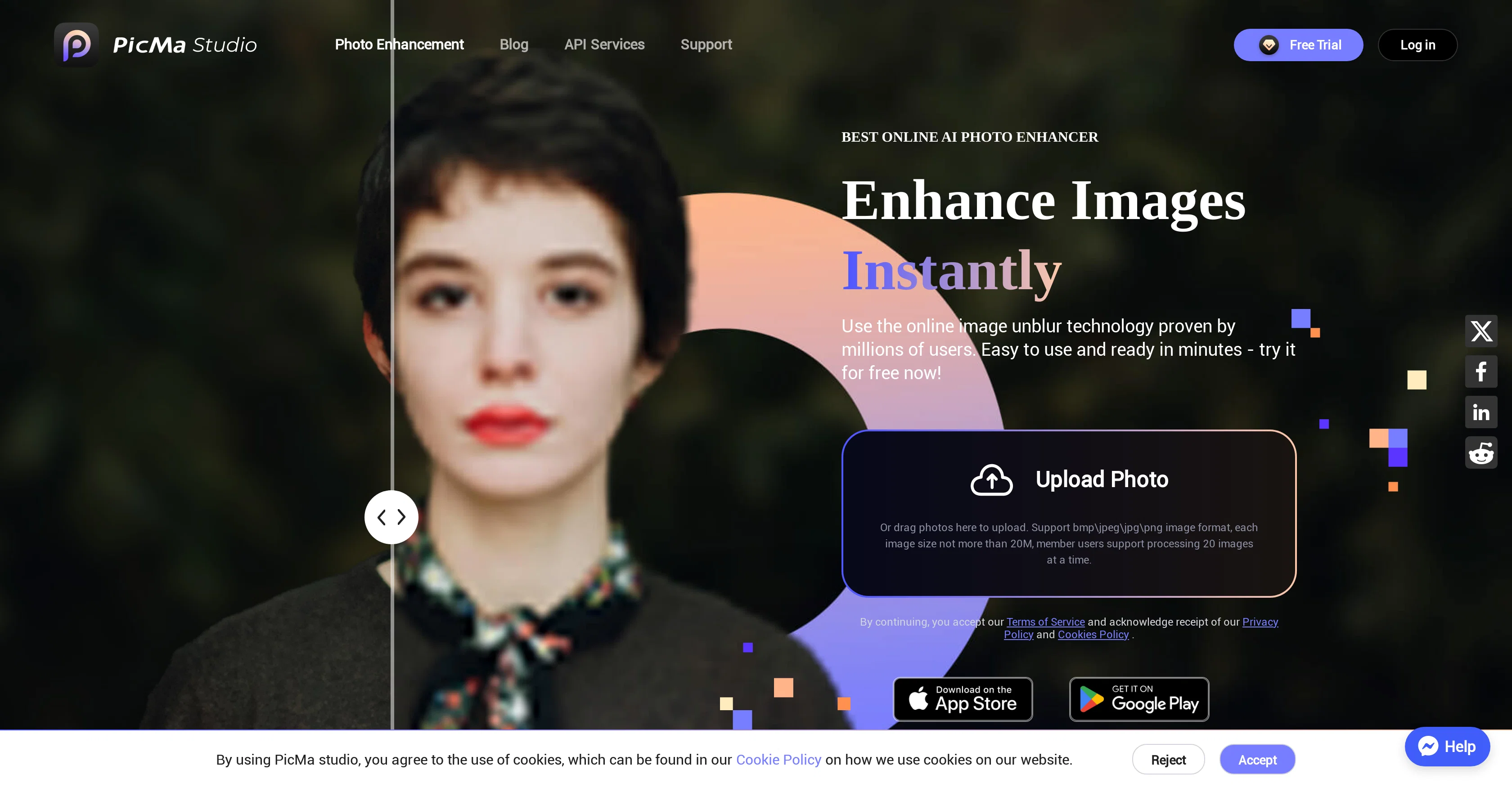
PicMa Photo Enhancer is a tool that utilizes AI to enhance the quality of photos. It is designed to improve image resolution and unblur photos. The tool also includes a feature to restore old, possibly damaged, images, providing a solution to preserve and rejuvenate precious memories.
PicMa offers the ability to colorize black and white photos, thus bringing a new life to classic and ancestral imagery. The application provides an easy-to-use interface that allows users to enjoy the enhancement process without any tedious procedures.
Besides having a free online tool, PicMa Photo Enhancer has its own dedicated applications for both iOS and Android devices, providing a more mobile and user-friendly experience.
Furthermore, it includes API services that enable developers to incorporate its functions into their own platforms. As part of its commitment to user convenience and data privacy, it includes ample support features and adheres to a strict privacy and cookie policy.
Additionally, PicMa works across multiple languages thus broadening its user base across different regions.
Access & connections
Where you can use PicMa Photo Enhancer.
Capabilities
What this tool accepts, produces, and is strongest at.
Input
- API
- Image
Output
- API
- Image
Pros & cons
Pros
- Enhances photo resolution
- Can unblur photos
- Restores old images
- Colorizes black and white photos
- User-friendly interface
- Dedicated iOS and Android apps
- API services for developers
- Comprehensive support features
Show 17 more
- Strict privacy and cookie policy
- Supports multiple languages
- Membership benefits
- One-click enhancement
- Supports bulk enhancement
- Removes photo noise
- Sharpens photos
- Can de-scratch photos
- Free trial available
- Adheres to terms of service
- Intuitive mobile experiences
- Interactive image processing
- Fast image processing
- Professional photo retouching
- Preview option available
- Web and app version
- Seamless integration features
Cons
- No batch processing
- Limited file formats supported
- Lacks advanced editing features
- Requires internet connection
- Size limit per image
- Limited old photo restoration
- No offline version
- Limited API functions
Show 2 more
- Only 20 images for members
- Subscription required for full features
Compare alternatives
Similar tools in the catalog — with a clear reason to open each one.

Deep Image ✓
Free TrialEnhance photos with advanced editing features.
Why look Typically cheaper
Full comparison
Upscayl ✓
Free TrialEnhance images with free, open-source AI upscaling.
Why look Typically cheaper
Full comparison
AI Upscaler ✓
FreemiumSmarter AI 4K Upscaler for Images & Videos
Why look Freemium alternative
Full comparison
SciFig ✓
FreemiumTurn text into publication-ready scientific figures.
Why look Freemium alternative
Full comparison
Kyukoma ✓
Free TrialTurn your stories into manga pages with AI.
Why look Typically cheaper
Full comparison
Neurohelper AI ✓
PaidEvery leading AI model. One workspace.
Why look Better for writing
Full comparisonReleases 1
FAQ 12
What is PicMa Photo Enhancer?
How does PicMa Photo Enhancer improve my photos?
Does PicMa Photo Enhancer have an app for iOS and Android?
Can PicMa Photo Enhancer restore old and damaged photos?
What is the function of the colorization feature in PicMa Photo Enhancer?
How user-friendly is PicMa Photo Enhancer?
Is there an API service for PicMa Photo Enhancer?
Does PicMa Photo Enhancer adhere to data privacy?
Is PicMa Photo Enhancer compatible with multiple languages?
How can I use PicMa Photo Enhancer's image unblur feature?
What image formats does PicMa Photo Enhancer support?
What is the file size limit for images uploaded on PicMa Photo Enhancer?
Related tools
Recommended

HeyPhoto ✓
FreemiumFree AI photo editor to change faces in clicks

NewProfilePic App ✓
FreemiumEnhance your photos with cutting-edge AI technology.

LearningStudioAI ✓
Free TrialAI-powered authoring tool for effortless online course creation.

Scisummary ✓
Free TrialCutting-edge scientific articles summarization.

Stratup.ai ✓
FreemiumInnovative idea generation for businesses.

Eightify
UnknownAI-powered YouTube video summarizer extracting key ideas for quick content assessment.