
NewProfilePic App ✓
Enhance your photos with cutting-edge AI technology.
Free + from $3.49
Verdict
A quick read before you dig into the full page.
- Best if
- Enhance your photos with cutting-edge AI technology
- Skip if
- Free version includes watermark
- Pick this when
- Multiple image filters
Considering Deep Image instead? Compare side by side
Overview
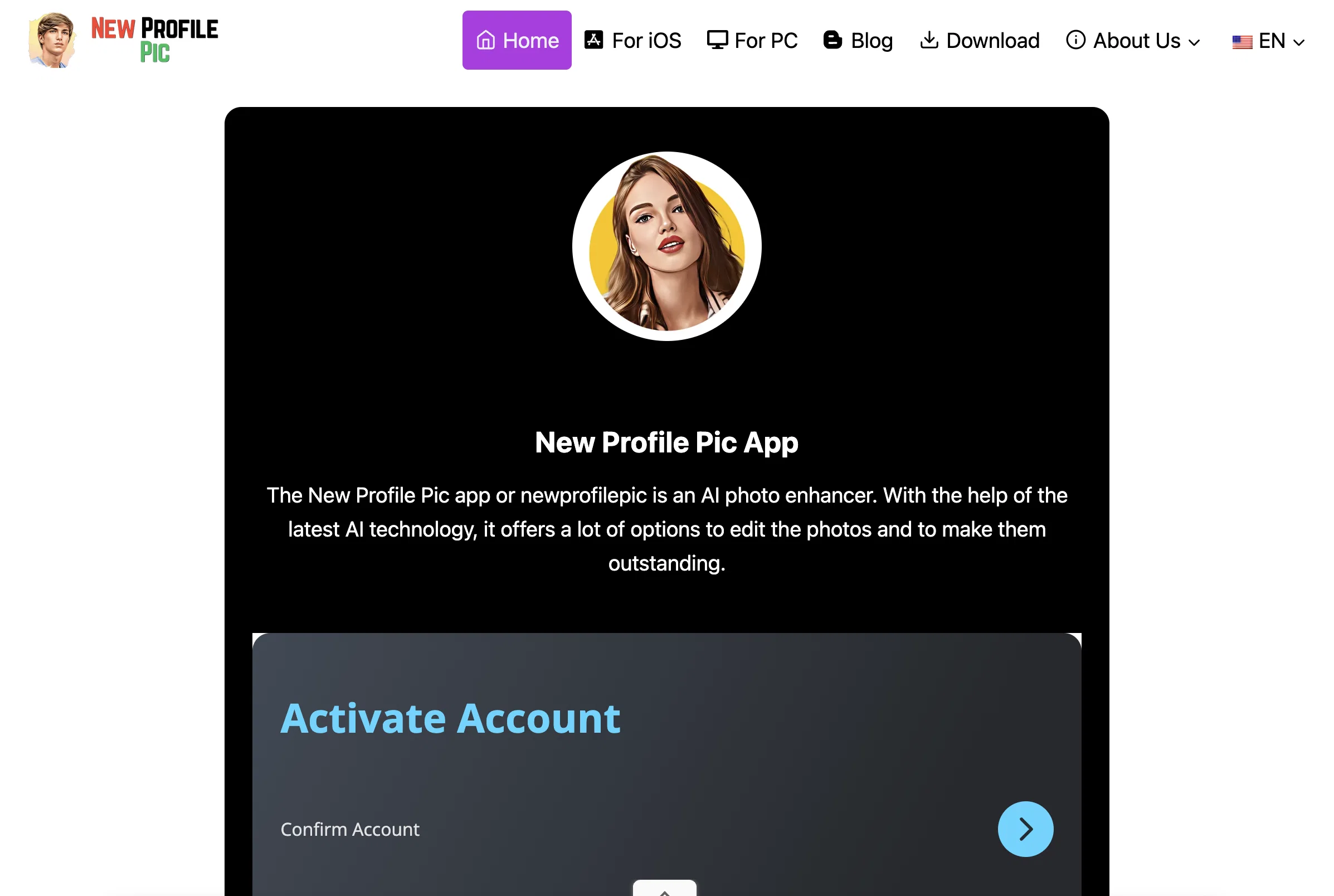
The NewProfilePic App is a tool that utilizes artificial intelligence to enhance and edit photos. With a range of options and features, users are able to modify their images, creating standout alterations for their profile pictures.
Customizable features include multiple filters, allowing for diverse transformations of each image, and a background editing function for atmospheric adjustments.
Furthermore, the application includes an inbuilt share feature that allows users to distribute their edited images directly through the app itself. In addition, there are features unlocked with a premium subscription, including enhanced editing capabilities and additional filters.
Continued updates ensure that the application regularly includes new capabilities, whilst eliminating bugs that may have occurred in previous versions.
This user-friendly tool is designed with simplicity in mind, enabling editing features at the touch of a button. The NewProfilePic app is a comprehensive, continuously evolving platform that utilizes AI technology to facilitate user-friendly photo editing.
Access & connections
Where you can use NewProfilePic App, and what it plugs into.
Platforms
Integrations
Capabilities
What this tool accepts, produces, and is strongest at.
Input
- Image
Output
- Image
Pros & cons
Pros
- Multiple image filters
- Background editing function
- Inbuilt image sharing
- Premium features available
- User-friendly design
- Continuous updates
- Bug fixes
- Enhanced editing with premium
Show 15 more
- Social media integration
- Available on Android and iOS
- Tutorial guides on YouTube
- Bulk editing in premium
- Cloud storage in premium
- 4K export resolution in premium
- No watermarks in premium
- Edit contrast, color in customization
- Realistic background changing
- 100+ filters in premium
- 50+ editing styles in premium
- Priority customer support in premium
- Option to save without sharing
- No unauthorized data use
- App data stored in UK
Cons
- Limited filters in free version
- Low export resolution
- Free version includes watermark
- No cloud storage in free version
- Limited bulk editing
- In-app purchases required for advanced features
- Limited background changing options
- Limited support in free version
Show 1 more
- Limited number of editing styles
Compare alternatives
Similar tools in the catalog — with a clear reason to open each one.

Deep Image ✓
Free TrialEnhance photos with advanced editing features.
Free + from $9/mo
Full comparison
Upscayl ✓
Free TrialEnhance images with free, open-source AI upscaling.
Why look More privacy-focused
Full comparison
AI Upscaler ✓
FreemiumSmarter AI 4K Upscaler for Images & Videos
Why look Typically cheaper
Full comparison
SciFig ✓
FreemiumTurn text into publication-ready scientific figures.
Free + from $12/mo
Full comparison

Neurohelper AI ✓
PaidEvery leading AI model. One workspace.
Why look Better for writing
Full comparisonReleases 1
FAQ 12
What is the NewProfilePic App?
How does the NewProfilePic App use AI technology?
What are the key features of the NewProfilePic App?
Can I share my edited images directly through the NewProfilePic App?
What extra features are available with a premium subscription on the NewProfilePic App?
How regular are the updates on the NewProfilePic App?
What is the user interface like on the NewProfilePic App?
What platforms is the NewProfilePic App available on?
Can I change the background of my images on the NewProfilePic App?
Are there multiple filters to use on the NewProfilePic App?
How can I download the NewProfilePic App?
What are the enhanced editing capabilities with a premium subscription?
Related tools
Recommended

ChatGPT ✓
FreemiumAsk anything, create anything, and move from idea to action.

Artguru ✓
FreemiumCreate unique AI avatars in trendy styles

Eightify
UnknownAI-powered YouTube video summarizer extracting key ideas for quick content assessment.

TurboScribe ✓
Freemium🎯 3 free transcripts every day. 🔥 Unlimited transcription starting at $10/mo.

Taplio ✓
FreemiumThe LinkedIn growth tool to turn content into pipeline

Suno ✓
FreemiumMake music at the speed of your ideas.