

Photo to Video AI.io ✓
Turn photos into cinematic videos instantly.
Trial; then from $24.9/mo
Verdict
A quick read before you dig into the full page.
- Best if
- Turn photos into cinematic videos instantly
- Skip if
- Limited video length
- Pick this when
- Animation of static images
Considering freebeat AI instead? Compare side by side
Overview
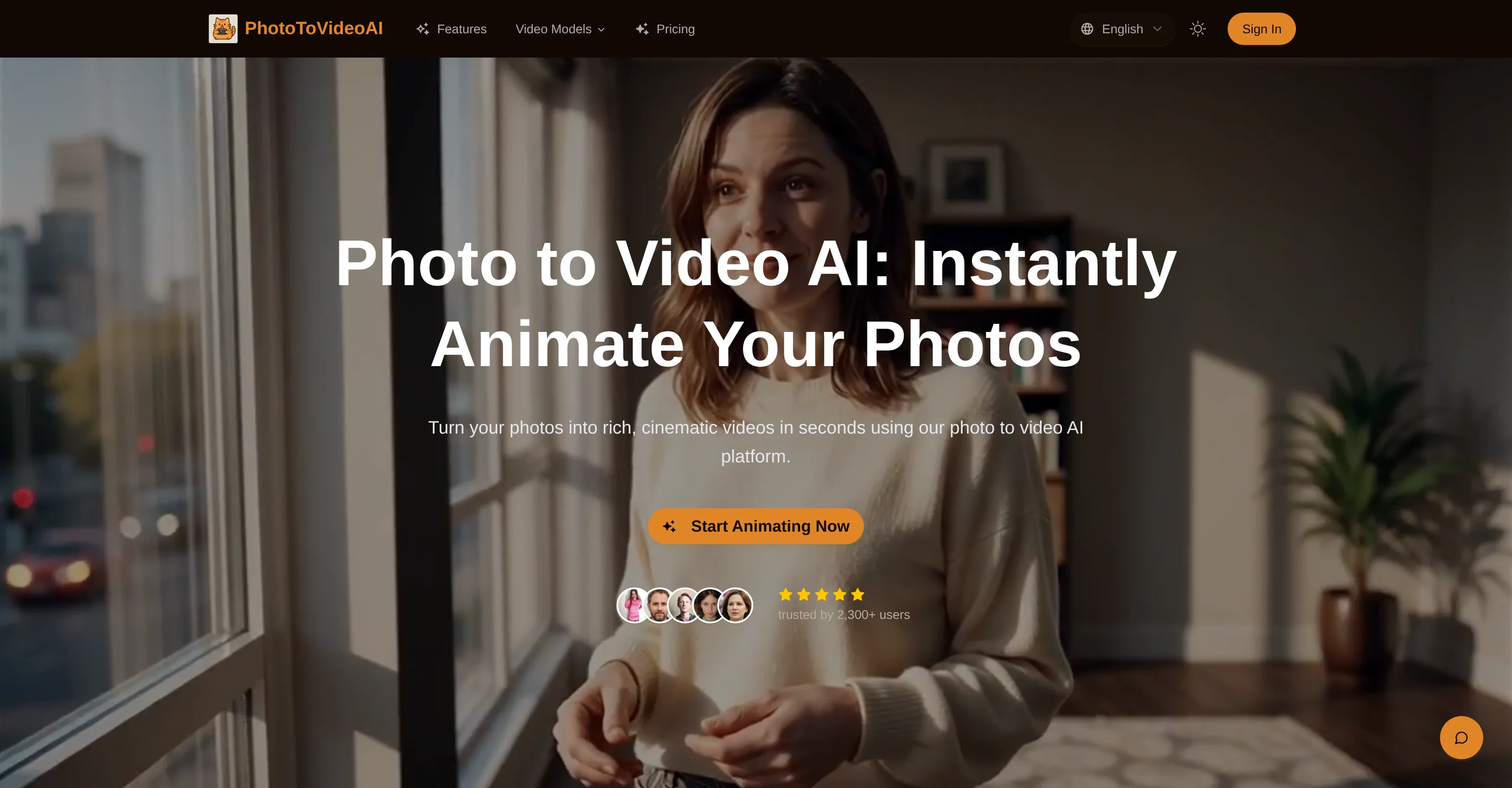
PhotoToVideoAI is a platform that facilitates animation of static images into visually enriched and lifelike video clips. This artificial intelligence-powered tool incorporates elements such as synchronized dialogue, ambient sounds, and dynamic movements to recreate photos into cinematic visuals.
Users can guide aesthetic, composition, or theme to the output by supplying reference images or style tags. Motion-modelling techniques ensure the continuity and naturalness of transitions.
Stills can be enhanced into compelling videos fit for advertising, education, and storytelling among other use-cases. Frequently integrated into creator pipelines, the platform provides an opportunity to boost engagement on social media or turn standard images into explainer videos and commercials.
Additionally, the tool enables the creation of native voiceover, ambient sounds, and effects. It supports the interpretation of detailed prompts with minimum iterations and flexibility in input options.
PhotoToVideoAI renders video previews within seconds, suitable for immediate creative prototyping, and ensures realistic lighting, camera motion, and texture fidelity.
Designed to scale or integrate into existing systems, it can be adapted to different individual or corporate needs.
Access & connections
Where you can use Photo to Video AI.io.
Platforms
Capabilities
What this tool accepts, produces, and is strongest at.
Input
- Image
- Text
Output
- Video
Supported features
- Ads
- Image Understanding
- Integrations
- Lip Sync
- Realism
- Social Media
- Sound Creation
- Styling
- TTS
- Video Generation
Pros & cons
Pros
- Animation of static images
- Synchronized dialogue incorporation
- Ambient sounds integration
- Dynamic movements creation
- User-guided aesthetic
- Composition and theme control
- Reference images or style tags input
- Continuity and naturalness via motion-modelling
Show 37 more
- Adaptable for advertising
- Useful for education and storytelling
- Integration into creator pipelines
- Boosts social media engagement
- Turns images into explainer videos
- Turns images into commercials
- Creates native voiceover
- Includes ambient sounds and effects
- Detailed prompts interpretation
- Video previews within seconds
- Ideal for creative prototyping
- Realistic lighting and texture fidelity
- Adaptable to different needs
- Supports system integration
- Flexible input options
- Supports scalable deployment
- Transforms photos into cinematic videos
- Synchronized audio in video clips
- Creates short video segments
- Image + Text input flexibility
- Fast video rendering and iteration
- High quality cinematic visuals
- Native Audio and Voice Synthesis
- Precise Prompt Adherence
- Commercial Usage License
- Supports Marketing & Advertising
- Social & Content Creation tools
- Education & e-Learning tools
- Fast processing for ideation
- Quality competitive with real filmmaking
- Multiple Pricing plans
- Trusted by 2,300+ users
- Cinematic Visual Quality
- Compatible with various input formats
- Supports commercial projects
- HD (1080p) output support
- Secure and private photo processing
Cons
- No API mentioned
- Possible lack of customizability
- Limited to static images
- No mention of compatability
- Potentially slow render time
- No 4K support mentioned
- Limited video length
- Unclear user interface
Show 2 more
- Geared mainly towards advertising content
- Unclear data privacy policy
Compare alternatives
Similar tools in the catalog — with a clear reason to open each one.

freebeat AI ✓
FreemiumTurn Music & Ideas into Viral Videos In One Click
Why look Typically cheaper
Full comparison
MagicLight ✓
FreemiumTransform text into captivating videos instantly.
Why look Typically cheaper
Full comparison



Seedance ✓
FreemiumMulti-shot video generation from text and image.
Why look Typically cheaper
Full comparisonReleases 1
FAQ 12
How does PhotoToVideoAI animate static images?
What features in PhotoToVideoAI cater to aesthetic customization?
How does PhotoToVideoAI ensure a natural transition in its animations?
How can PhotoToVideoAI be used for advertising and education?
Can PhotoToVideoAI enhance my social media content?
How does PhotoToVideoAI interpret detailed prompts?
How quickly does PhotoToVideoAI render video previews?
What aspects does PhotoToVideoAI consider in ensuring realistic videos?
Can PhotoToVideoAI be integrated into existing systems?
Does PhotoToVideoAI support native voiceover creation?
How are users able to guide the output of PhotoToVideoAI?
How flexible are input options in PhotoToVideoAI?
Related tools
Recommended
Askpot ✓
FreemiumEfficient analysis of products & services for competition.

Kling ✓
FreemiumCreate high-fidelity videos from text with lifelike motion and real-world physics

Image Editor Online ✓
FreeTransform images with AI prompts instantly online.

VidFlux - Image to Video AI ✓
PaidTransform any image into stunning videos.

AIVideoMaker - Free AI Video Maker ✓
FreemiumTransform static images into animated videos instantly.

Voice Cleaner AI ✓
FreemiumRemove background noise from audio instantly with AI.