

Free + from $6.99
Verdict
A quick read before you dig into the full page.
- Best if
- You are filmmakers and need: Creating short films and video content
- Skip if
- No description available
- Pick this when
- No description available
Considering freebeat AI instead? Compare side by side
Overview
- Lifelike large motions using 3D spatio-temporal attention modules
- Ability to generate videos up to 2 minutes long at 30 fps
- Physics simulations that conform to real-world laws
- Creative concept fusion translating imaginative prompts into visuals
- High-quality 1080p output with cinematic qualities
- Flexible aspect ratio support
- Image-to-video functionality to animate static images
- Video extension capability to lengthen existing videos
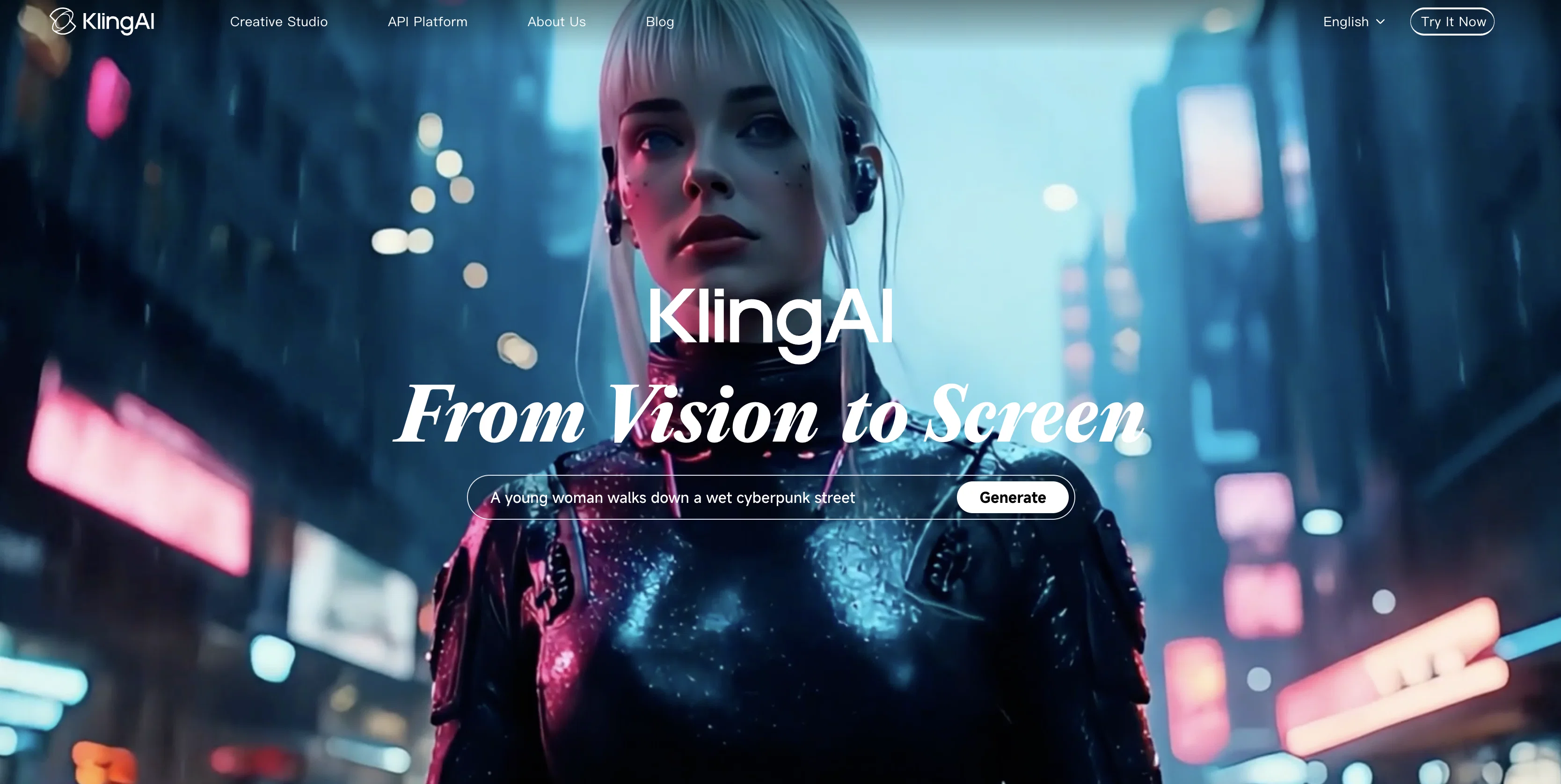
The tool can create a wide range of video content from nature scenes to fantastical concepts. It aims to empower users to efficiently produce high-quality, creative video content from text or image inputs. Kling showcases advanced AI video generation capabilities in terms of motion, duration, physics, and visual quality.
Best for
Short scenarios where Kling tends to shine.
-
Creating short films and video content
Best for Filmmakers
-
Generating marketing and advertising materials
Best for Digital artists
-
Developing AI-powered creative tools
Best for Advertisers
-
Producing AI unit dramas
Best for Content creators
Example outputs 4
Sample generations and before/after results for Kling.

Access & connections
Where you can use Kling.
Platforms
Capabilities
What this tool accepts, produces, and is strongest at.
Highlights
- SOTA
- API
Supported features
- Video Generation
- Realism
- Video Edit
- Styling
- API
- Viral baseball trend
- Lip Sync
Pros & cons
Pros
- No description available
- Unknown videos
- Kling system
Cons
- No description available
- Unknown video features
- Lacks documentation
- Details not transparent
- Feature set unclear
Compare alternatives
Similar tools in the catalog — with a clear reason to open each one.

freebeat AI ✓
FreemiumTurn Music & Ideas into Viral Videos In One Click
Why look Typically cheaper
Full comparison
MagicLight ✓
FreemiumTransform text into captivating videos instantly.
Free + from $8.4/mo
Full comparison


Seedance ✓
FreemiumMulti-shot video generation from text and image.
Why look Stronger for image work
Full comparisonPeople also view
Tools that often show up alongside Kling in collections and comparisons.

Veo ✓
PaidGenerate high-quality, cinematic videos with AI.

Grok ✓
FreemiumConversational AI for understanding the universe.

HeyGen ✓
FreemiumCreate AI spokesperson videos from text

Runway ✓
Free TrialAI-powered creative tools for content generation and editing

Pika Labs ✓
FreemiumTurn text into stunning videos effortlessly.

NotebookLM ✓
FreemiumAI-powered note-taking and research assistant

Ideogram ✓
FreemiumAI-powered creativity booster

Udio ✓
FreemiumCreate and share music with the world.
Prompts 4
Galaxy Motion Prompt · Noob Gupta
Bring a still galaxy photo to life with immersive, loopable motion. Perfect for cosmic visuals that glow, move, and captivate without changing a single detail.
Starting from a high-resolution image of a galaxy or deep space, create a seamless video that animates the stars with gentle twinkles, introduces faint motion within nebula clouds, and simulates a slow rotational drift of the galactic core. The motion should be subtle and cinema…
Loading full prompt…
Neon Glow Tattoo Effect Video Prompt · Stefan Angelo
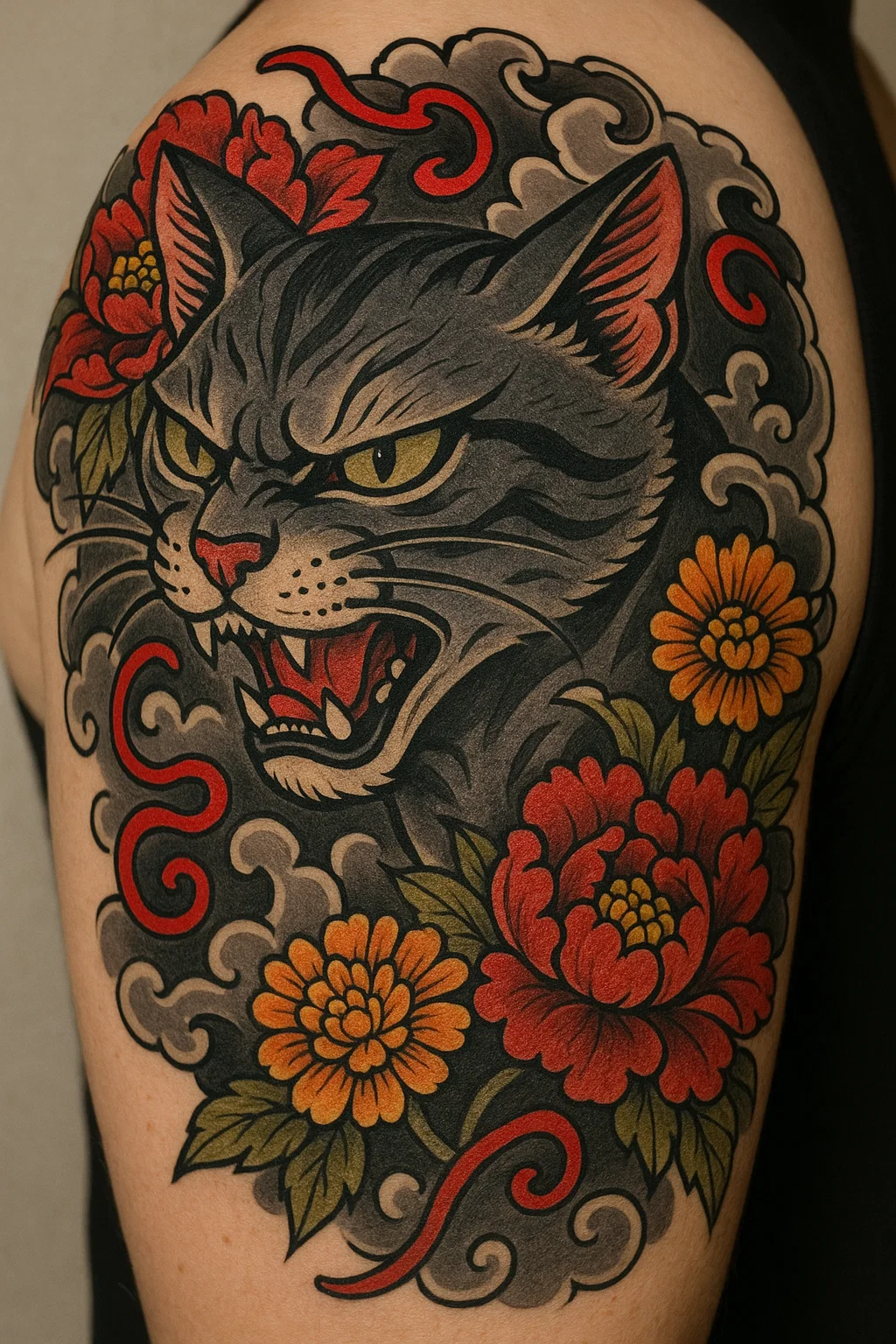
Light up your tattoo art like never before! This prompt turns your static design into an electrifying neon showcase, complete with glowing outlines and vibrant, boosted colors. Perfect for artists, shops, and social posts that need to grab attention, it keeps your original lines crisp while adding eye-catching light effects. Get ready to wow viewers with a smooth, luminous animation that makes your ink shine like a neon sign!
Take your original tattoo design image and transform it into a neon-inspired animated showcase. Apply a smooth, controlled glow effect that follows the exact outlines without changing or redrawing any details. Choose your neon glow color (for example, electric blue, hot pink, ne…
Loading full prompt…
Fashion Show Runway · Vishav Jason
A customizable text-to-video prompt designed to generate high-quality cinematic footage of a fashion show runway scene. The core concept stays fixed with models walking a polished catwalk under dramatic show lighting, surrounded by spotlights and an elegant, professional atmosphere. Users can control the number of models, camera style, angles, movement patterns, clothing details, lens choice, exposure settings, and lighting effects to achieve the perfect immersive look. This template helps create striking visuals that highlight fabric textures and design details with smooth, intentional camera work. Includes guidance for strong negative prompts to suppress artifacts, distortions, and other visual errors for polished, professional results.
Capture a cinematic fashion show runway scene featuring models walking the length of a polished catwalk under dramatic show lighting. The core theme remains fixed: a sleek runway stage lined with spotlights, an audience in shadow, and a professional atmosphere of style and glamo…
Loading full prompt…
The Lost Cavern Quest Prompt · Bernetta Sharma
A cinematic adventure prompt for AI video generation that brings to life the thrill of exploring an ancient jungle cave in search of hidden treasure. While the mysterious treasure-hunt theme stays constant, you control camera moves, angles, lighting, and decor details to craft your own epic quest. Perfect for creating immersive, richly detailed adventure scenes with dramatic cinematic style. Example (Fully Filled Version): “Cinematic adventure movie set in an ancient jungle cave where explorers uncover a hidden treasure chamber bathed in shafts of golden light. The core scene and theme remain fixed: moss-covered stone walls, intricate carvings, lush overgrowth, torchlight flickering on ancient relics, and dramatic natural sunbeams.Camera movement uses panning to left with Above perspectives, including 2 shots to reveal selected decor details like lavish. Fisheye for immersive, epic framing. Controlled exposure with adjustable light creating dramatic highlights and shadows.High-fantasy, immersive treasure-hunt aesthetic. Emphasis on wonder and mystery with richly detailed, realistic textures. High-quality cinematic framing with motion blur and depth of field.Negative prompts: artifacts, distortions, disfigured anatomy.” Component Slots for Easy Editing: [CAMERA_MOVEMENT] – Type of camera movement (e.g., steadycam, handheld, drone) [CAMERA_ANGLE] – Camera angle or perspective (e.g., wide-angle, low-angle) [PANNING_TRACKING] – Panning or tracking shot style (e.g., slow panning, smooth tracking) [DECOR_DETAILS] – Specific cave decor details to highlight (e.g., carvings, relics) [LENS_STYLE] – Lens type or cinematic style (e.g., anamorphic, wide-angle) [EXPOSURE] – Exposure style or settings (e.g., low-key, high-key, HDR) [LIGHTING_INTENSITY] – Intensity and quality of the lighting (e.g., warm torchlight, harsh sunbeams)
Cinematic adventure movie set in an ancient jungle cave where explorers uncover a hidden treasure chamber bathed in shafts of golden light. The core scene and theme remain fixed: moss-covered stone walls, intricate carvings, lush overgrowth, torchlight flickering on ancient reli…
Loading full prompt…
Releases 5
2.6 adds native audio generation - it creates video with synced voice, sound effects and ambience in one pass, while 2.5 is video-only and needs separate audio tools.
2.6 supports end-to-end audio-visual prompting, so you can control camera motion and scene timing together with sound in a single prompt, instead of only visual motion control in 2.5.
2.6 is designed for longer, more coherent clips (with better temporal consistency between frames and sounds), while 2.5 mainly focused on visual temporal coherence without audio.
2.6 generally offers cheaper or similar pricing per finished clip on platforms that host both, because you no longer have to pay for a separate TTS / SFX pipeline.
2.6 improves prompt adherence and semantic understanding around story beats and timing, where 2.5 upgrades were mostly about camera realism, physics and style consistency.
All-in-one workflow that unifies text-to-video, image-to-video, reference-to-video, and in-video editing in a single model series.
Better temporal consistency and character or scene coherence across shots, aimed at reducing flicker and identity drift.
More photorealistic, cinematic output quality compared to the prior generation.
Longer max generation length up to 15 seconds.
Native audio generation built in, supporting multiple languages, dialects, and accents.
3x Faster Generation - Creates videos 3 times faster than before, with real-time processing capabilities
30% Cheaper - Reduced from 35 to 25 credits per 5-second video ($0.35 for 5 seconds, $0.70 for 10 seconds)
Professional Camera Controls - Add cinematic movements like dolly shots, drone follows, tracking shots, and handheld effects
Better Physics - Improved real-world motion including gravity, collisions, sports movements, and liquid dynamics
Longer Prompts - Supports up to 2500 characters for complex instructions and multi-step scenes
Two Generation Modes - Create videos from text descriptions or animate still images
Multiple Formats - Outputs in various aspect ratios (16:9, 9:16, 1:1) and resolutions up to 1080p with 4K upscaling
Start & End Frame Control - Define exactly how your video begins and ends for perfect loops or specific narratives
Enhanced Quality - Film-grade clarity with fewer glitches, smoother movements, and better facial expressions
Enhanced Motion and Visual Fidelity: Kling 2.0 delivers smoother, more realistic character movements and improved visual quality, effectively reducing common issues like flickering and distortion in AI-generated videos.
Advanced Camera Control: The platform offers precise control over camera angles, including tilt, zoom, and dynamic perspectives such as drone shots and handheld filming, enhancing the cinematic quality of the generated videos.
Image-to-Video and Text-to-Video Capabilities: Kling 2.0 allows users to animate static images and convert detailed textual descriptions into vivid video sequences, capturing intricate scenes with high fidelity.
Multi-Element Editing Tools: The new Multi-Elements Editor enables users to add, remove, or replace specific elements within a video using text or image inputs, offering granular control over scene composition.
KOLORS 2.0 for Enhanced Image Generation: The updated KOLORS 2.0 model supports over 60 artistic styles and generates images that more accurately reflect complex prompts, with precise handling of elements, colors, and layouts.
Imported reviews 7
It did not work. Afetr signing up I received a message stating that the system was busy and new tasks can not be submitted.
This AI gave me a simple beautiful animation of a picture I created, and later when I tried to edit this same picture in Kling, it claimed it was theirs!
So I would say I was very happy with the video generation of my picture, I am very unimpressed how it claimed my art as theirs. For that, I took off 3 points because that’s just nonsense
Gave it a spin and it cooked. Short clips rendered fast and a few came out clean af. Some were meh, which is fair. You get nice variations without babysitting prompts. Wish the free credits went further (it's hard to judge upgrading) but when it lands, the results are crisp.
tried generating a short video but the waiting time was just too long
How do I get the English version?
KLing is a solid text-to-video generator that performs well in turning text and images into videos. The functionality is top-notch, offering a smooth and intuitive experience. While it’s not perfect and there’s still room for improvement in the AI for video creation, KLing consistently updates its features, which shows they are dedicated to refining the platform. It’s a good choice for anyone looking to create videos quickly, but there’s still some progress to be made before it can be considered exceptional.
Doesn't work, won't let you log in.
FAQ 12
What is Kling?
How does Kling work?
What are the key features of Kling?
What type of AI is Kling?
Is there any user guide for Kling?
Where can I find videos tutorials about Kling?
Are there any known issues with Kling?
Does Kling require any specific hardware or software to run?
Can Kling be integrated with other tools?
How does Kling differ from other AI tools?
How can I get support for Kling?
What type of users benefit most from Kling?
Related tools
Recommended
Veo ✓
PaidGenerate high-quality, cinematic videos with AI.

Suno ✓
FreemiumMake music at the speed of your ideas.

ElevenLabs ✓
FreemiumCreate lifelike AI voices for compelling storytelling.
Runway ✓
Free TrialAI-powered creative tools for content generation and editing
NotebookLM ✓
FreemiumAI-powered note-taking and research assistant
Grok ✓
FreemiumConversational AI for understanding the universe.