

Microsoft Designer ✓
Create stunning designs instantly with AI.
Free + from $9.99/mo
Verdict
A quick read before you dig into the full page.
- Best if
- You are social media managers and need: Creating social media posts
- Skip if
- Limited to graphic design
- Pick this when
- Professional-grade design output
Considering Photo AI instead? Compare side by side
Overview
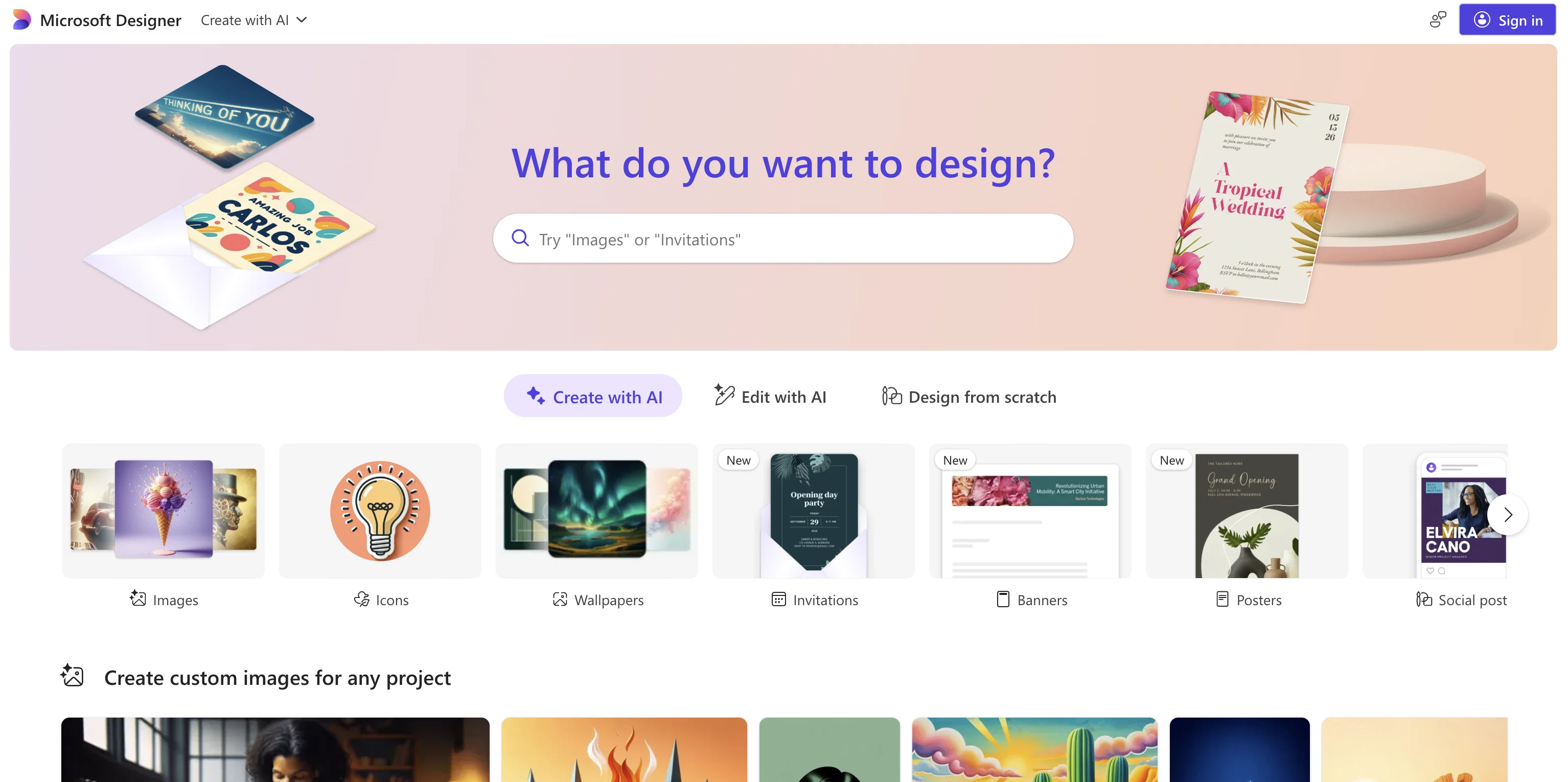
Microsoft Designer is a user-friendly graphic design application. Among its core functionalities is its ability to aid users in creating high quality and professional-grade designs for a variety of contexts and platforms.
Notably, it can be utilized for crafting engaging social media posts, distinctive invitations, digital postcards, and a broad range of customizable graphics.
The tool is designed to take initial user ideas and help in transforming them into unique and personalized visual content. However, to facilitate the comprehensive functionality of this application, it is required to enable JavaScript.
Its intuitive interface and versatile capabilities make Microsoft Designer a valuable tool for users looking to produce aesthetically pleasing and professional graphics, irrespective of their application - personal or business-related.
This tool indeed serves as an essential piece of software in the realm of digital design, encouraging creativity while ensuring the accessibility of professional-grade design tools.
Best for
Short scenarios where Microsoft Designer tends to shine.
-
Creating social media posts
Best for Social media managers
-
Designing invitations
Best for Small business owners
-
Generating digital postcards
Best for Marketing professionals
-
Producing graphics for various digital needs
Best for Event planners
Example outputs 2
Sample generations and before/after results for Microsoft Designer.

Access & connections
Where you can use Microsoft Designer, and what it plugs into.
Platforms
Integrations
Capabilities
What this tool accepts, produces, and is strongest at.
Input
- Text
Output
- Image
Supported features
- Image Generation
Pros & cons
Pros
- Professional-grade design output
- User-friendly interface
- Versatile design capabilities
- Can create social media posts
- Aids in invitation design
- Useful for digital postcard creation
- Customizable graphics
- Helps transform user ideas
Show 7 more
- Aesthetic and professional graphics
- Useful in business context
- Can be used personal purpose
- Encourages creativity
- Professional-grade design tools
- JavaScript-driven functionalities
- Microsoft product reliability
Cons
- Requires JavaScript
- No API mentioned
- Lack of cross-platform support
- No version control
- No collaborative features mentioned
- Not open-source
- Limited to graphic design
- No information on offline usage
Show 2 more
- No mobile version mentioned
- No mention of multi-language support
Compare alternatives
Similar tools in the catalog — with a clear reason to open each one.

Stockimg AI ✓
PaidGenerated images and text for design ease.
Why look Stronger for image work
Full comparison

Midjourney ✓
PaidExpand human imagination through AI-powered visuals.
Why look Typically cheaper
Full comparison
People also view
Tools that often show up alongside Microsoft Designer in collections and comparisons.

Runway ✓
Free TrialAI-powered creative tools for content generation and editing

Perplexity ✓
FreemiumAI-powered answers to any question, instantly.

Otter.ai ✓
FreemiumAI Meeting Assistant for real-time transcription and notes

Gemini ✓
FreemiumGemini: Google's most capable AI model yet

Elicit ✓
Free TrialAI-powered research assistant for literature reviews and analysis.

Claude ✓
FreemiumBuilding reliable, interpretable AI systems
Stockimg AI ✓
PaidGenerated images and text for design ease.

Photo AI ✓
PaidCreate beautiful AI photos and videos of real people
Prompts 2
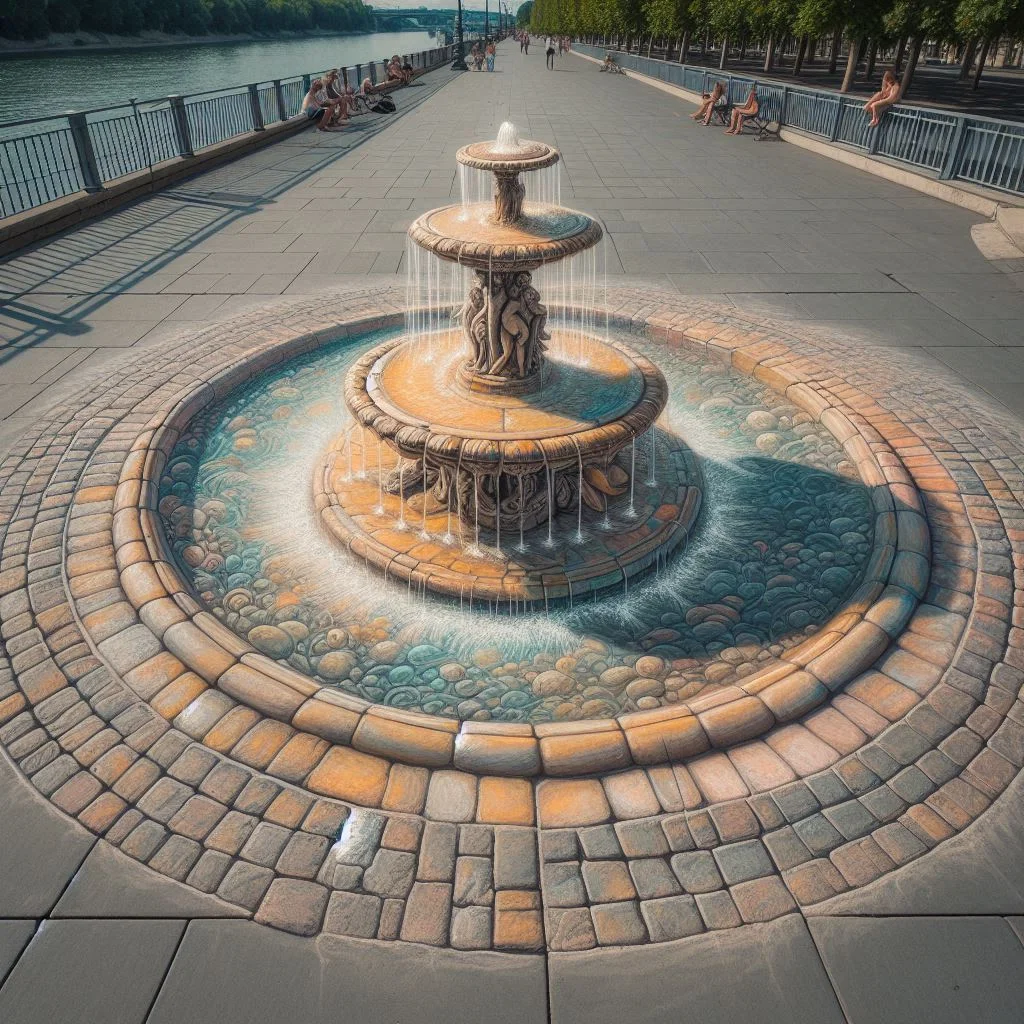
Custom Anamorphic Sidewalk Chalk Illusion · SONIA LONAPPAN
A compact prompt for generating a photoreal sidewalk chalk drawing that resolves from one marked viewing spot. You choose the subject; all forms, highlights, and shadows are rendered as chalk and pastel on pavement. The environment is background only. It enforces a single vanishing point, strokes that follow cracks and seams, soft daylight, and simple camera guidance (35–50 mm, slight downward view). Includes a subtle scale cue and dust/smudges to sell realism.
Anamorphic sidewalk chalk illusion, photoreal, resolves from one marked viewing spot. Primary subject: the chalk drawing on the pavement. Focus detail on chalk textures, edges, dust, and contact shadow. Environment supports the illusion. Scene: riverside promenade, metal railing…
Loading full prompt…
High-Magnification Macro Prompt (Editable Template) · tamara khan
Customizable structure for photoreal deep-macro flower (or subject) shots. Replace each placeholder to control output precisely: adjective — subject’s quality or mood magnification — life-size ratio micro_details — microscopic features to emphasize technique — capture/stacking/optics approach depth of field — desired focus thickness lighting — illumination conditions motion_cue — implied motion or stillness location — scene context negatives — elements to exclude or suppress
Prompt structure: High-magnification macro, photorealistic close-up of a {adjective} {flower} at {magnification} life size, showing {micro_details}; {technique}; {Depth-of-field}; {lighting}; {motion_cue}; {location}. {negatives} Prompt used for the image : High-magnification ma…
Loading full prompt…
Releases 1
In the news
Launch coverage and community mentions for Microsoft Designer.
Imported reviews 3
quick to pick up, slick results. turned my prompts into clean logo drafts n poster layouts fast; pixel-art style worked after a couple tweaks. wish it had true vector export and tighter font control, but for fast art ideas it’s great. 5/5
microsoft designer feels solid under the hood—snappy flow, tidy renders. the hitch is typography: letterforms get warped or sink into the scene and a simple typeface swap can scramble the layout. as a logo springboard, though, it delivers bold silhouettes, sensible color pairings and a few free presets to riff on
this one’s really good, great for any design you’re working on. big fan of how flexible it is. loved it
FAQ 12
What is Microsoft Designer?
What are the main features of Microsoft Designer?
Can Microsoft Designer be used for designing social media posts?
Is JavaScript required to use Microsoft Designer?
What types of designs can I create using Microsoft Designer?
Is Microsoft Designer user-friendly for beginners?
Can I use Microsoft Designer for professional graphic design?
Is it possible to create digital postcards with Microsoft Designer?
How does Microsoft Designer aid in transforming initial user ideas into visual content?
Can Microsoft Designer be used for business applications?
Do I need any design experience to use Microsoft Designer?
What makes Microsoft Designer different from other design tools?
Related tools
Recommended

Ideogram ✓
FreemiumAI-powered creativity booster
Runway ✓
Free TrialAI-powered creative tools for content generation and editing

Playground AI ✓
FreemiumCreate art and visuals with AI, for free

Kittl ✓
FreemiumCreate stunning designs effortlessly.

ArtBot ✓
FreeCreate AI images with Stable Diffusion for free

Stable Diffusion ✓
FreemiumUnleash humanity's potential with generative AI
More from this creator

Speech Studio ✓
UnknownCreate stunning AI voices in minutes

Bing Create ✓
FreeCreate stunning images with AI-powered search.

Jarvis/HuggingGPT ✓
FreeBridging LLMs with the ML community

Windows Copilot ✓
FreeUnleash AI-powered productivity on Windows 11

LIDA ✓
FreeGenerate visualizations from data using AI

Microsoft Security Copilot ✓
PaidBoost defense speed with AI-powered insights