

Lets Enhance AI Image to Video ✓
Turn any photo into realistic video.
Free + from $9/mo
Verdict
A quick read before you dig into the full page.
- Best if
- Turn any photo into realistic video
- Skip if
- 5-second video limit
- Pick this when
- Transforms any photo to video
Considering MojoMake - AI Image to Video Generator instead? Compare side by side
Overview
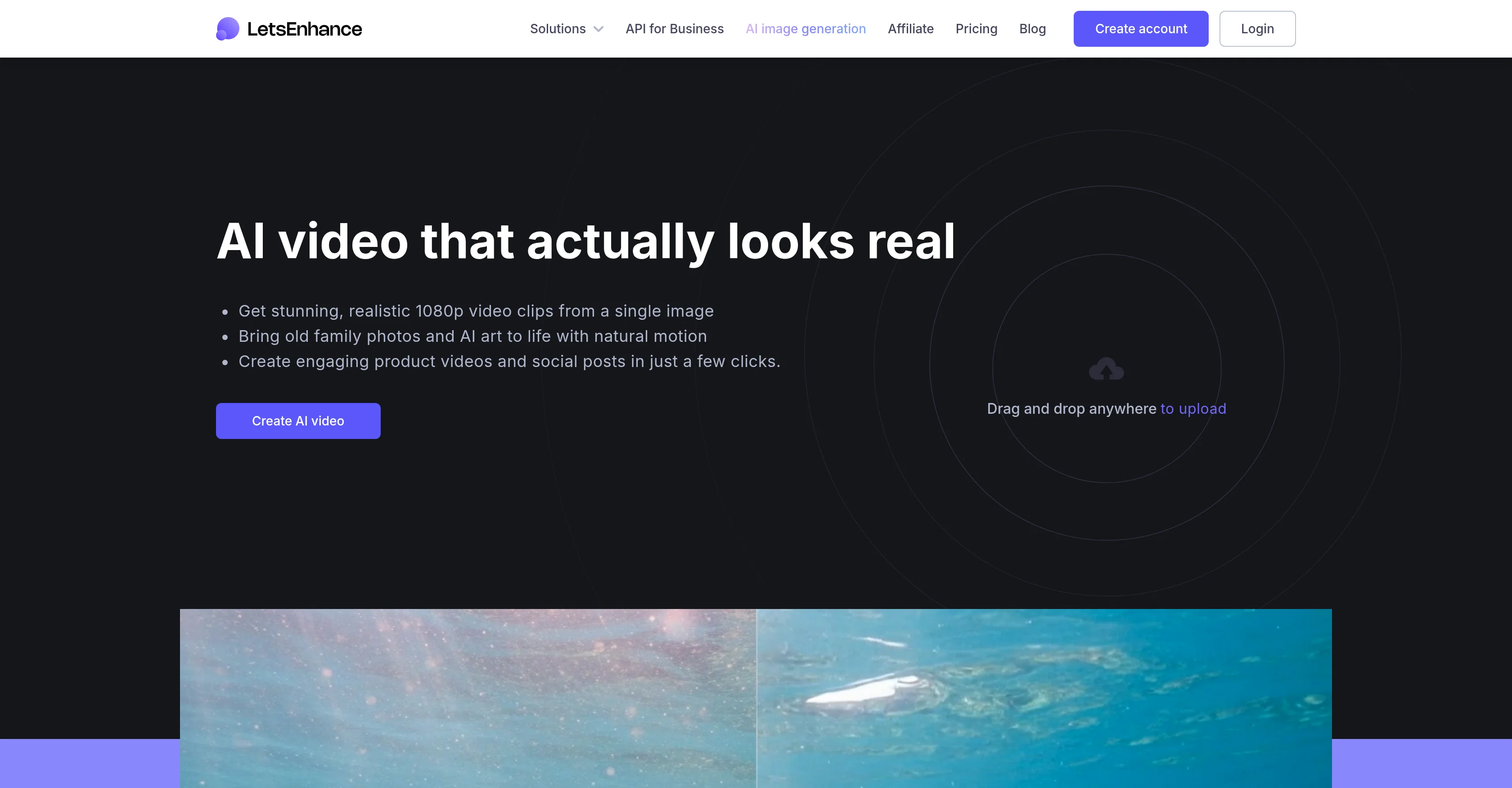
The AI Image to Video Generator is an artificial intelligence-based tool that facilitates the conversion of static images into dynamic videos. It possesses the impressive capability of transforming any photo - whether it's an age-old family portrait, AI-generated art, or a product shot - into a realistic, high-quality 1080p video.
This AI-based animator allows users to bring static images to life by adding lifelike motion to them in merely a few clicks. It delivers convincing results, making the resulting videos appear striking and authentic.
The tool also offers functionality for photo restoration, which when combined with its video generation capabilities, let users revitalize faded or damaged old photographs and transform them into 'living memories'.
AI-generated art can be animated to draw more attention, subtly accentuating the visual components without distracting from the original image. Furthermore, static product images can be metamorphosed into dynamic, professional showcases, making it useful for eCommerce stores, social media ads, and product pages.
The tool is user-friendly and produces videos with a cinematic charm, ready to be shared across different platforms, or incorporated on a website. Users can also leverage the tool's API to automate video creation and deliver high-quality video content at scale.
Access & connections
Where you can use Lets Enhance AI Image to Video.
Platforms
Capabilities
What this tool accepts, produces, and is strongest at.
Input
- API
- Image
Output
- Video
- API
Highlights
- API
Supported features
- Video Generation
- Image Understanding
- Realism
- Styling
- API
Pros & cons
Pros
- Transforms any photo to video
- High-quality 1080p video output
- Impressive animation capabilities
- Convincing, authentic results
- Photo restoration functionality
- Optimal for eCommerce use
- Revitalizes old damaged photos
- User-friendly interface
Show 27 more
- Cinematic video production
- Content creation at scale
- API for automated video creation
- Dynamic product showcases
- Social media-ready outputs
- Ideal for social media ads
- Steps to create simple
- Perfect for heritage connection
- Improves presentation images
- Sharpens low-quality shots
- Animation boosts product appeal
- No professional video shoot required
- Facilitates motion preservation of memories
- Supports text to image animation
- Creates captivating social-ready clips
- Employs natural motion
- Editable animation styles or presets
- Facilitates century-old family portraits animations
- High-quality image to start
- 5-second cinematic clip
- 1080p MP4 video download
- 1-click result with preset
- Videos for website incorporation
- Generate at scale with API
- Creates trust with HD images
- Details enhancer for images
- Helps enhancing personal photos
Cons
- Limited to 1080p output
- 5-second video limit
- Doesn't remove image watermark
- No free trial for videos
- Requires high-quality input image
- Video creation via API only
- No mention of batch processing
- No explicit selection of motion type
Show 2 more
- No custom duration for video
- Only focuses on 'cinematic' animations
Compare alternatives
Similar tools in the catalog — with a clear reason to open each one.

MojoMake - AI Image to Video Generator ✓
FreemiumUse every top AI model and 100+ effects in one account.
Free + from $9/mo
Full comparison
VidFlux - Photo to Video Generator ✓
PaidTransform photos into cinematic videos with AI.
Why look Typically cheaper
Full comparison
Grok Imagine ✓
FreemiumUnleash Your Creativity with Grok Imagine
Free + from $30/mo
Full comparison
VidFlux - Image to Video AI ✓
PaidTransform any image into stunning videos.
from $9/mo
Full comparison
MindVideo ✓
FreemiumCreate stunning videos from text or images.
Free + from $7.9/mo
Full comparison
Releases 1
FAQ 12
What is Lets Enhance AI Image to Video Generator?
How does Lets Enhance AI Image to Video work?
Can Lets Enhance really turn any photo into a 1080p video?
How do I use Lets Enhance to animate a static photo?
What is the quality of videos produced by LetsEnhance?
Can I restore old photos using LetsEnhance?
Can I animate AI-generated art using Lets Enhance?
How is LetsEnhance useful for eCommerce stores and social media ads?
How user-friendly is the LetsEnhance interface?
How can I share or use the videos generated by Lets Enhance?
Can I automate video creation with Lets Enhance API?
Does Lets Enhance maintain the originality of an image while transforming it into a video?
Related tools
Recommended

remio: Your Personal ChatGPT ✓
FreemiumGet Tailored Answer with Your Personal ChatGPT

Deepdreamgenerator AI Videos ✓
FreemiumCreate stunning AI-generated videos from text prompts or images.

ChatGPT ✓
FreemiumAsk anything, create anything, and move from idea to action.

Midjourney ✓
PaidExpand human imagination through AI-powered visuals.

Suno ✓
FreemiumMake music at the speed of your ideas.

ElevenLabs ✓
FreemiumCreate lifelike AI voices for compelling storytelling.