

Image to video 2026 Rank: #1249
Image2Video.art ✓
Turn any photo into a cinematic video instantly.
Verdict
A quick read before you dig into the full page.
- Best if
- Turn any photo into a cinematic video instantly
- Skip if
- Possible watermark in free version
- Pick this when
- High-performance video generation
Considering MojoMake - AI Image to Video Generator instead? Compare side by side
Overview
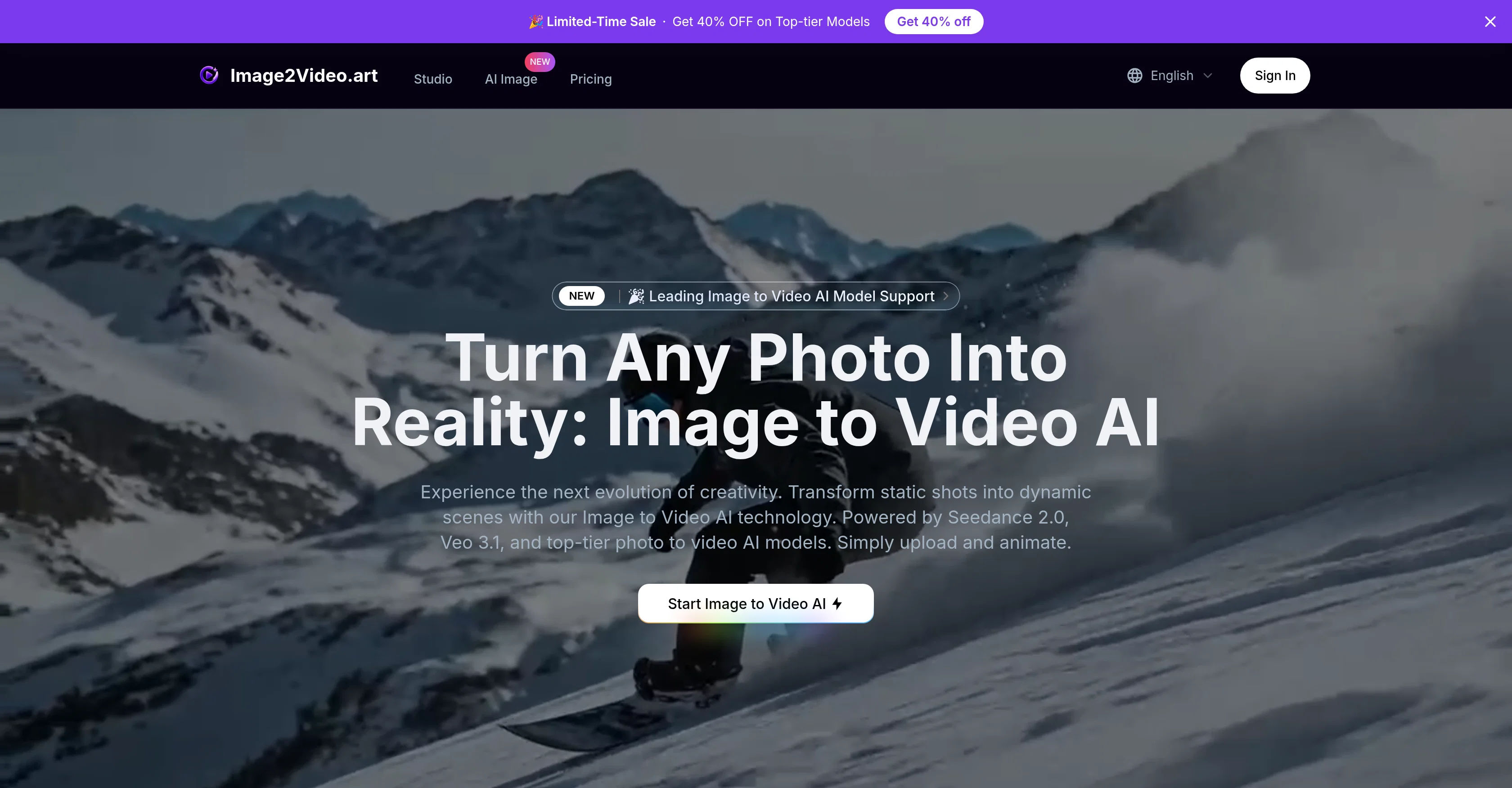
Image to Video AI Generator is a high-performance tool designed to convert static images into dynamic video content. Leveraging advanced AI technologies like Seedance 2.0 and Veo 3.1, this tool allows creators to bring still images to life in the form of video scenes.
Apart from transforming single photographs, it supports the generation of multi-shot scenes and animations, complete with frame-synced sound and physically accurate movements.
The tool incorporates the capability to understand and analyze 3D space, gravity, and object interactions, thereby adding a touch of realism to the generated footage.
Users can select an AI model based on their requirements, upload the images, and allow the system to handle the rest. The solution also comes with audio syncing, motion control, and resolution preserving features and delivers generated videos quickly through a global CDN.
The tools uphold privacy standards, with user's images and videos remaining private and not used for AI training. Continuous updates ensure users have access to the latest advancements in AI-based image to video conversion.
Video generation use-cases range from commercial advertising and cinematic storytelling, to education and fashion.
Access & connections
Where you can use Image2Video.art.
Platforms
Capabilities
What this tool accepts, produces, and is strongest at.
Input
- Image
Output
- Video
Supported features
- Video Generation
- Image Edit
- Image Understanding
- Sound Creation
- Realism
- Styling
- Visual Creation
Pros & cons
Pros
- High-performance video generation
- Generates multi-shot scenes
- Supports frame-synced sound
- Preserves high-resolution
- Understands 3D space
- Analyzes gravity, object interaction
- Global CDN for delivery
- Privacy focused
Show 35 more
- Continuous updates
- For commercial, education, fashion
- Conversion handled by system
- Motion control feature
- Transforms single photographs
- Physically accurate movements
- Can create animations
- Fast video delivery
- Compliant with privacy standards
- User images not used for training
- Flexible model selection
- Change aspect ratio
- High fidelity model choices
- Faces, objects kept identical
- Multi-subject physics
- Understands 3D space
- Instant conversion
- No complex editing software
- Seamless switch between models
- Global CDN for fast delivery
- Automates animation process
- Synchronized audio and motion
- Preserves original image details
- Fast video generation
- Accurate audio sync
- Commercial rights included
- Supports various video use cases
- Different quality and resolution options
- Only pay when use
- Reframes video to target aspect ratio
- Conversion maintains subject consistency
- Performs complex scenic animation
- Extraction of single image into multiple shots
- Multi-subject physics understanding
- Animation from single static vector
Cons
- Requires quality uploads
- Limited to 3 images
- Credits based system
- Results depend on selected model
- Possible watermark in free version
- No offline use
- Limited to photography focused inputs
Compare alternatives
Similar tools in the catalog — with a clear reason to open each one.

MojoMake - AI Image to Video Generator ✓
FreemiumUse every top AI model and 100+ effects in one account.
Why look Typically cheaper
Full comparison
VidFlux - Photo to Video Generator ✓
PaidTransform photos into cinematic videos with AI.
Why look Typically cheaper
Full comparison
Grok Imagine ✓
FreemiumUnleash Your Creativity with Grok Imagine
Why look Offers a public API
Full comparison
VidFlux - Image to Video AI ✓
PaidTransform any image into stunning videos.
Why look Typically cheaper
Full comparison
MindVideo ✓
FreemiumCreate stunning videos from text or images.
Why look Typically cheaper
Full comparison
Releases 1
FAQ 12
What is Image to Video AI Generator?
How does Image to Video AI Generator convert photographs into video scenes?
What is the role of Seedance 2.0 and Veo 3.1 technologies in Image to Video AI Generator?
How does Image to Video AI Generator support the generation of multi-shot scenes and animations?
How does Image to Video AI Generator analyze 3D space, gravity, and object interactions?
How can users select an AI model in Image to Video AI Generator?
How does Image to Video AI Generator preserve the resolution of images during conversion?
What is the process of video delivery through a global CDN in Image to Video AI Generator?
How does Image to Video AI Generator ensure user privacy?
How does Image to Video AI Generator provide continuous updates for users?
What are some of the most common use-cases for Image to Video AI Generator?
How is audio synced with the transformations in Image to Video AI Generator?
Related tools
Recommended

GenFlik ✓
FreemiumTurn product descriptions into viral video ads instantly.

TheFluxTrain ✓
FreemiumCreate AI ads, infographics, and films with agents or reusable workflows

Kinovi - AI Video Generator ✓
Free TrialAI video generator powered by Seedance 2.0

Riffkit ✓
Free TrialTurn a viral TikTok into your own video

Vdoo AI | Image Editor ✓
Free TrialEdit photos with AI, free, fast, no watermark.

dojob ✓
FreemiumThe job search agent that works for you.