

Videos vv1.1.0 2026 Rank: #122
Kinovi - AI Video Generator ✓
AI video generator powered by Seedance 2.0
Verdict
A quick read before you dig into the full page.
- Best if
- You are marketing professionals and need: Create AI talking videos for marketing
- Skip if
- Editing limited to instructions
- Pick this when
- Custom interface
Considering freebeat AI instead? Compare side by side
Overview
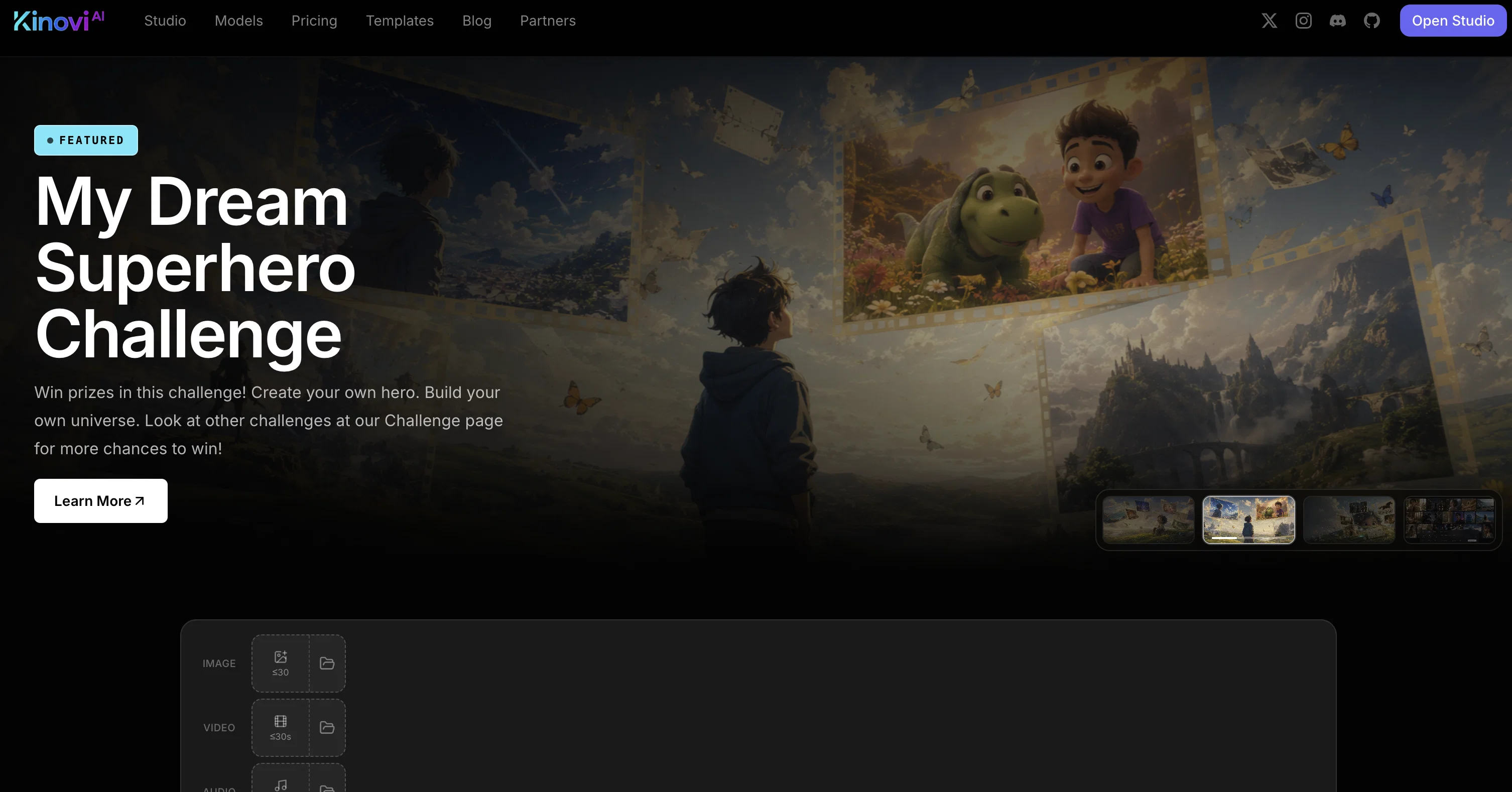
Kinovi is an AI-powered video and image creation tool, specifically designed to enable custom interface for video generation. The tool is powered by Seedance 2.0 technology and aims to democratize video creation.
Kinovi allows users to upload references including images, videos, and audio clips, assign roles to these references, specify how to utilize them, and generate a polished video clip.
It supports language prompts to describe actions, camera and intent, offering a creative way to direct video content creation. It accepts up to 9 images, 3 videos and 3 audio clips.
The created video clips can be between 4 to 15 seconds long and can be extended or edited with new instructions for a tailored creation process. Kinovi provides a versatile platform, enabling content creators to bring their vision to life, using AI.
The tool is free to start with, and various plans are available to scale up based on user needs. However, it strictly prohibits the creation of NSFW and sexually explicit content.
It is ideal for both individual creators and large production houses intent on reimagining their content creation process with the help of AI.
Best for
Short scenarios where Kinovi - AI Video Generator tends to shine.
-
Create AI talking videos for marketing
Best for Marketing professionals
-
Generate social media video content
Best for Content creators
-
Produce promotional and ad videos
Best for Social media managers
-
Visualize stories and creative ideas
Best for Indie filmmakers
-
Create videos for commercial projects
Best for Advertising specialists
Example outputs 1
Sample generations and before/after results for Kinovi - AI Video Generator.
Access & connections
Where you can use Kinovi - AI Video Generator.
Platforms
Capabilities
What this tool accepts, produces, and is strongest at.
Input
- API
- Image
- Text
- Video
- Audio
Output
- Video
- API
Highlights
- SOTA
- API
Supported features
- Video Generation
- Image Generation
- Image Understanding
- API
- Automation
- Sound Creation
- Visual Creation
Pros & cons
Pros
- Custom interface
- Seedance 2.0 technology
- Well-polished video generation
- Supports multiple media uploads
- Supports language prompts
- Creative video direction
- Supports mixed inputs
- Customised video length
Show 37 more
- Edit and extend capabilities
- Free to start
- Scaling plans available
- Versatile for all creators
- Great for large productions
- Prohibits explicit content
- 4-15s video generation
- Supports up to 9 images
- Supports up to 3 videos
- Supports up to 3 audio
- Accepts text to video
- Image to video feature
- Direct video creation
- <5s video Generation
- 4k resolution support
- API access
- No watermark
- Character consistency across shots
- Fast video generation
- Commercial usage permitted
- Supports real human references
- Supports MP3
- Supports multiple @file roles
- Limited offers available
- 200 free credits
- 22, 000 credits pack
- Real-time generation tracking
- Unlimited folder capabilities
- Supports natural language
- Prompt description features
- Audio generation
- Customisable duration
- Action and intent description
- Flexible input modes
- Concurrent generations
- Startup friendly
- Good for vloggers and bloggers
Cons
- Limits on uploads
- Only short videos
- Prohibits NSFW content
- Requires paid plans for scale
- Specific technology (Seedance 2.0)
- No 4K resolution in basic
- Editing limited to instructions
- No automatic audio generation
Show 1 more
- Artificial character consistency
Compare alternatives
Similar tools in the catalog — with a clear reason to open each one.

freebeat AI ✓
FreemiumTurn Music & Ideas into Viral Videos In One Click
Why look Typically cheaper
Full comparison
MagicLight ✓
FreemiumTransform text into captivating videos instantly.
Why look Typically cheaper
Full comparison
Seedance ✓
FreemiumMulti-shot video generation from text and image.
Why look Stronger for image work
Full comparisonPeople also view
Tools that often show up alongside Kinovi - AI Video Generator in collections and comparisons.
Seedance ✓
FreemiumMulti-shot video generation from text and image.
MagicLight ✓
FreemiumTransform text into captivating videos instantly.

Kaiber Superstudio ✓
Free TrialAI Video Generation

HeyGen ✓
FreemiumCreate AI spokesperson videos from text
freebeat AI ✓
FreemiumTurn Music & Ideas into Viral Videos In One Click

D-ID ✓
FreemiumCreate AI-generated videos with ease

ResearchMonkey AI | YouTube Summarizer ✓
Free TrialSave Hours of Research in Seconds with 40+ AI Tools

OutlierKit ✓
PaidEnter one channel, see the entire niche.
Releases 2
Seedance 2.5 Preview is available on Kinovi.
- Create AI videos up to 30 seconds from text or multimodal references—including images, video clips, and audio.
- Keep products, characters, style, and camera direction more consistent across longer, reference-driven scenes.
- Turn creative briefs into product videos, social ads, e-commerce demos, and cinematic concepts with text-to-video, image-to-video, multimodal reference, and first/last-frame workflows.
- Use Seedance 2.5 Preview in Kinovi Studio or via our production API, with 480p and 720p output options.
FAQ 12
What is Kinovi?
How does Kinovi use Seedance 2.0 technology?
What types of reference files can I upload in Kinovi?
Is there a limit to the number of references I can upload in Kinovi?
How does Kinovi utilize language prompts?
What is the maximum and minimum length of the video clips that Kinovi can generate?
Can I edit or extend the length of the video after the initial creation on Kinovi?
How does Kinovi help in content creation with AI?
What's the cost to use Kinovi?
What type of content is prohibited on Kinovi?
Is Kinovi suitable for individual creators and large production houses?
How can Kinovi help in reimagining content creation process with AI?
Related tools
Recommended

ChatGPT ✓
FreemiumAsk anything, create anything, and move from idea to action.

Whacka ✓
Free TrialTurn ideas into real apps from your phone.

remio: Your Personal ChatGPT ✓
FreemiumGet Tailored Answer with Your Personal ChatGPT

X-Pilot AI ✓
FreemiumTurn Documents into Accurate Video Course Series

AirMusic ✓
Free TrialAI music generator and music video creator in one platform.

Nano Banana ✓
FreemiumAI-powered image editing, faster than ever with Nano Banana.