
Draw Things: AI Generation ✓
Assisted image generation application for Apple devices.
Verdict
A quick read before you dig into the full page.
- Best if
- You are individuals seeking AI companionship and need: Emotional Support: Finding a comforting companion to talk to anytime, anywhere
- Skip if
- Limited to device's processing capability
- Pick this when
- User friendly interface
Considering Photo AI instead? Compare side by side
Overview
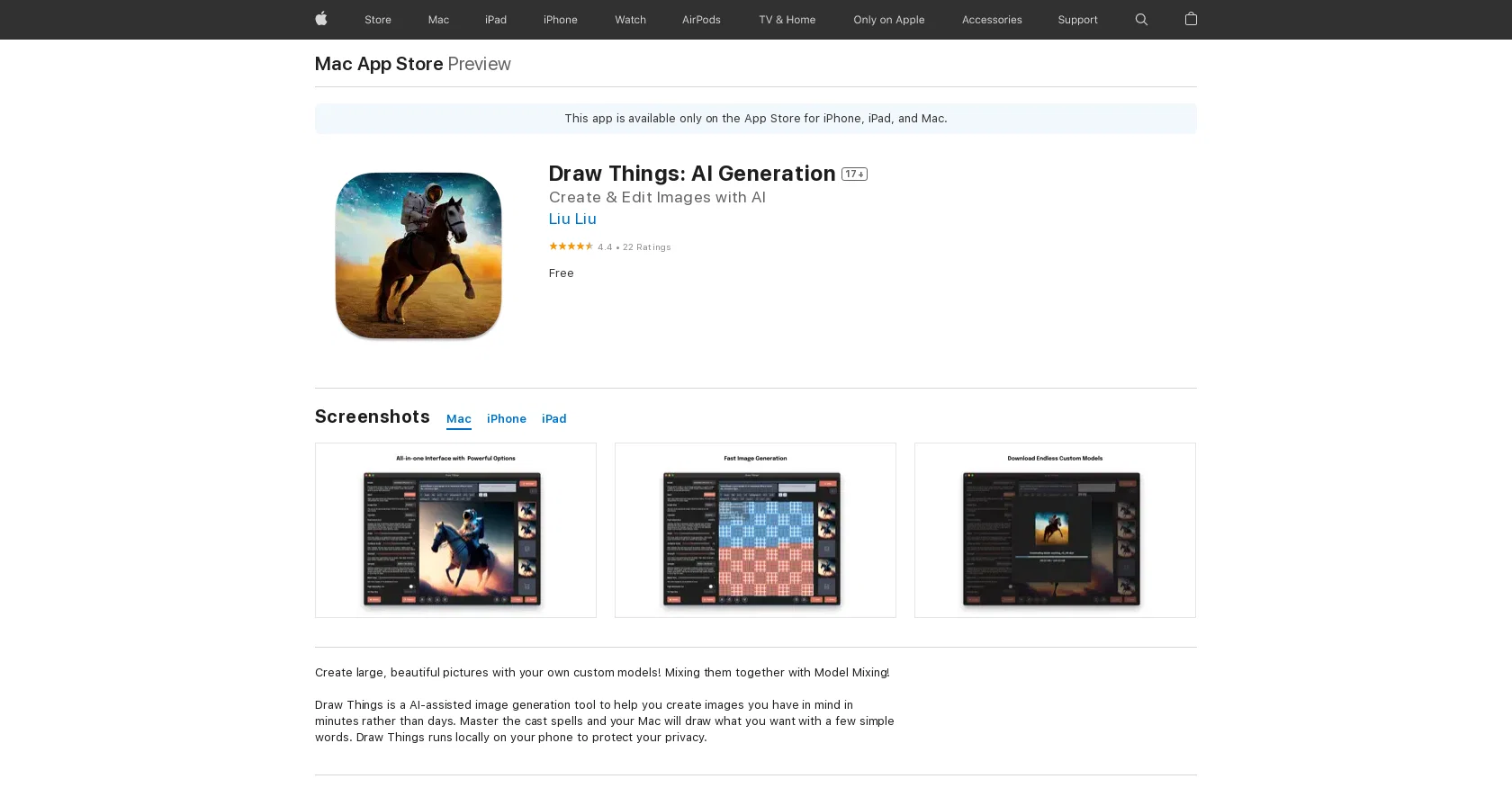
Draw Things: AI Generation is a user friendly AI-assisted image generation tool for iOS and Mac OS X 12.4 or later. Users can easily create and edit images with AI.
It is a locally run application, so all data is stored and processed on the device, protecting user privacy.The app has a clean and intuitive interface which guides users through the creation process.
There is a variety of different styles to choose from, from abstract and surreal to more realistic and lifelike. Users also have a high level of control, being able to adjust various parameters such as color, shape and composition to get the desired results.Draw Things: AI Generation also allows users to save and export images in a wide range of formats, making it easy to share creations on social media or use them in other projects.
For more advanced users, the app also supports Model Mixing, allowing users to mix different models together.Overall, Draw Things: AI Generation is a powerful and user friendly AI-assisted image generation tool that provides users with a wide range of features and options to create unique and beautiful images.
Best for
Short scenarios where Draw Things: AI Generation tends to shine.
-
Emotional Support: Finding a comforting companion to talk to anytime, anywhere.
Best for Individuals seeking AI companionship
-
Creative Storytelling: Exploring fantasy worlds and complex roleplay scenarios.
Best for Users interested in AI roleplay
-
Social Simulation: Practicing conversations and building confidence in a safe space.
Best for People looking for a private and judgment-free conversational AI
Example outputs 1
Sample generations and before/after results for Draw Things: AI Generation.
Access & connections
Where you can use Draw Things: AI Generation, and what it plugs into.
Platforms
Integrations
Capabilities
What this tool accepts, produces, and is strongest at.
Input
- Text
Output
- Image
Pros & cons
Pros
- User friendly interface
- Locally run application
- Data privacy protection
- Variety of styles available
- High user control
- Adjustable parameters (color, shape, composition)
- Supports Model Mixing
- Wide export format range
Show 39 more
- Apple device compatibility
- Supports iOS and Mac OS
- Highly rated (4.4/5)
- Frequent updates
- Clean and intuitive interface
- Realistic and abstract style options
- Locally stores data
- Advanced features for expert users
- Easy sharing on social media
- Compatibility with iPhone, iPad, iPod, macOS
- No internet connection required
- Available on App Store
- Does not collect user data
- Supports large image creations
- Supports custom models
- Supports batch size > 1 on iPad
- Visible cloud emoji for downloadable models
- Supports loading models from Downloads folder
- Supports Instruct Pix2Pix model
- Support popup history view on macOS
- Includes DPM++ SDE Karras sampler
- Included Remacri upscaler
- Better visual error cues when importing models
- Support 'Select from Files ...' option
- Support 'Save to Files ...' option
- Positive user reviews
- Free to download and use
- Smooth, functional and intuitive design
- Infrequent/Mild Mature/Suggestive Themes
- Infrequent/Mild Realistic Violence
- Infrequent/Mild Profanity or Crude Humor
- Infrequent/Mild Horror/Fear Themes
- Infrequent/Mild Cartoon or Fantasy Violence
- Creates unique and visually stunning images
- Comes with developer support
- Privacy Policy available
- Allows Offline use
- Supports multiple languages (English)
- Requires iOS 15.4 or later and a device with the A12 Bionic chip or later
Cons
- Only for Apple devices
- Needs iOS or Mac OS 12.4
- Requires A12 Bionic chip or later
- May experience sandboxing issues
- Lacks internet-based features
- No model loading from cloud
- No multi-platform support
- No real-time collaboration features
Show 2 more
- Limited to device's processing capability
- lacks background generation feature
Compare alternatives
Similar tools in the catalog — with a clear reason to open each one.

Stockimg AI ✓
PaidGenerated images and text for design ease.
Why look Stronger for image work
Full comparisonPeople also view
Tools that often show up alongside Draw Things: AI Generation in collections and comparisons.
Stockimg AI ✓
PaidGenerated images and text for design ease.

Photo AI ✓
PaidCreate beautiful AI photos and videos of real people

Midjourney ✓
PaidExpand human imagination through AI-powered visuals.

CreativePixel ✓
FreemiumOut-create Your Competition in Minutes

BestPhotoAI ✓
FreemiumCreate amazing AI photos instantly

Nathan Tailors AI Suit Generator ✓
FreeDescribe your dream suit. We draw it, then build it.

LineArt ✓
Free TrialTurn one photo into a whole coloring book.

Line Drawing Converter ✓
Free TrialConvert photos into clean line drawings online.
Releases 1
Imported reviews 1
This app is awesome. So much appreciation for the developer and community and all the hard work they put in.
FAQ 12
What is Draw Things: AI Generation?
How can I create images with Draw Things: AI Generation?
Can Draw Things: AI Generation work on all Apple devices?
Does Draw Things: AI Generation ensure user privacy?
What styles does Draw Things: AI Generation offer?
How much control do users have with Draw Things: AI Generation?
What formats can Draw Things: AI Generation export images to?
Does the app support Model Mixing?
From where can I download Draw Things: AI Generation?
How user-friendly is Draw Things: AI Generation?
Does Draw Things: AI Generation have good customer ratings?
Can I share my creations directly to social media with Draw Things: AI Generation?
Related tools
Recommended
AIimages ✓
FreeFree AI image generator: Write text, get images on your PC.

Magicly - AI Art & Photo ✓
FreeAn app for generating unique artwork and editing photos.

Diffusion Bee ✓
FreeGenerate AI art on your computer for free.
Stable UI ✓
FreeCreate and modify images with AI, free and limitless.

Draw Things: AI-assisted Image Generation ✓
FreemiumCreate AI-generated images on your device in minutes

Amazing AI ✓
FreeGenerate images from text using AI